- 対象年齢+4
- カテゴリグラフィック/デザイン
- 開発元PAUL VITALE
- 言語ポルトガル語ほか10言語
- サイズ26.7 MB
App Storeの公式ページにリンクしています
Download.orgはArtistView2のファイルを一切ホストしていません。ボタンを押すと、PAUL VITALEが公開しているApp Storeのアプリページが開きます。ページの最終確認:2026/11/12。
スクリーンショット

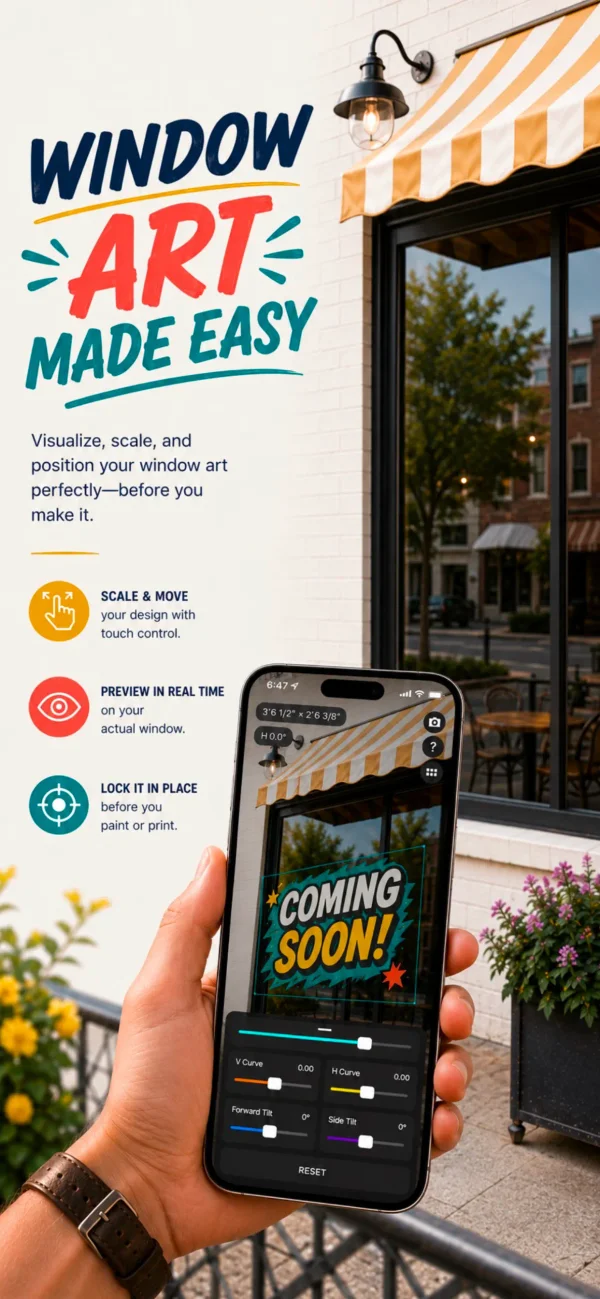
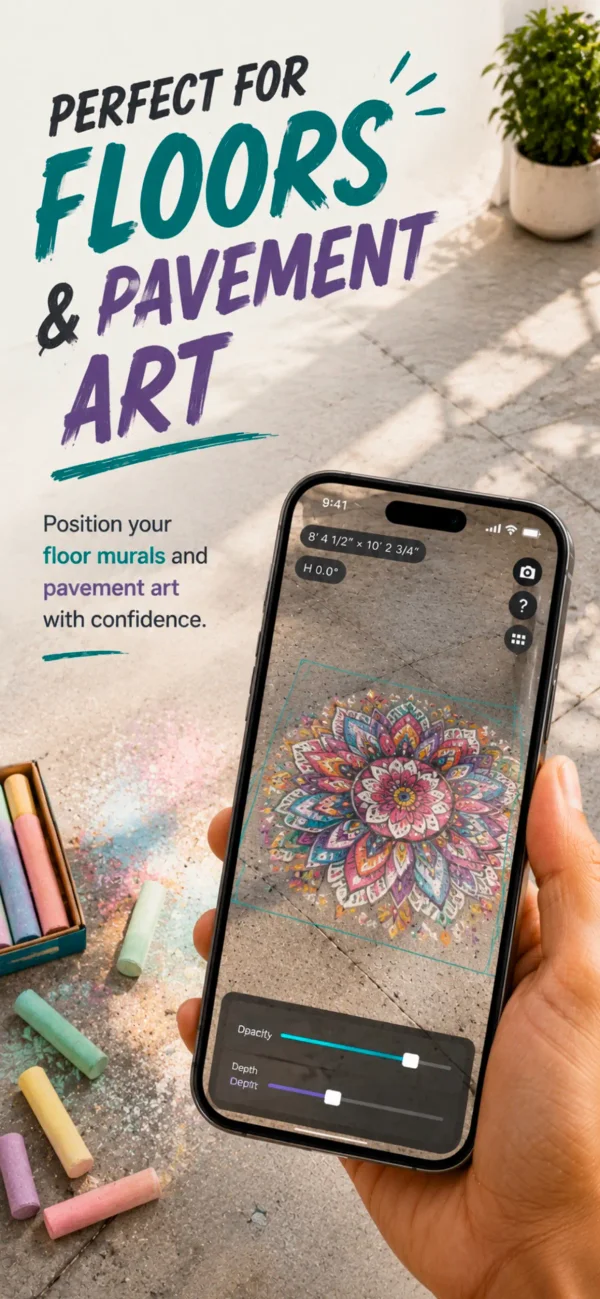
概要
開発元はこのテキストをお使いの言語で提供していません。
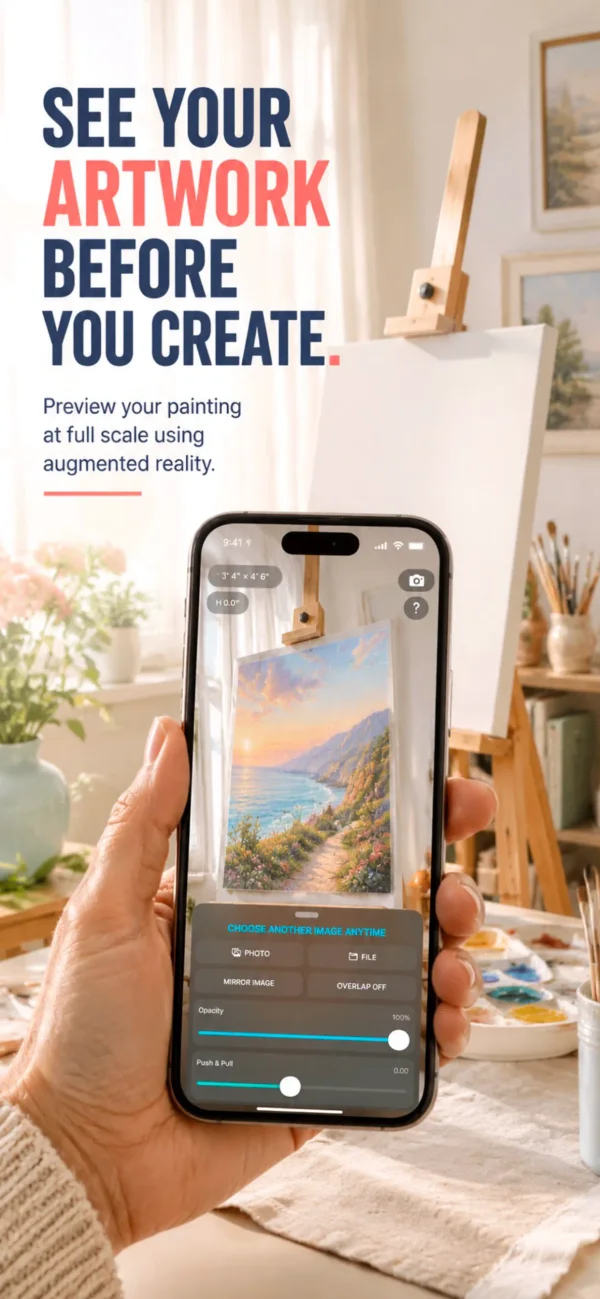
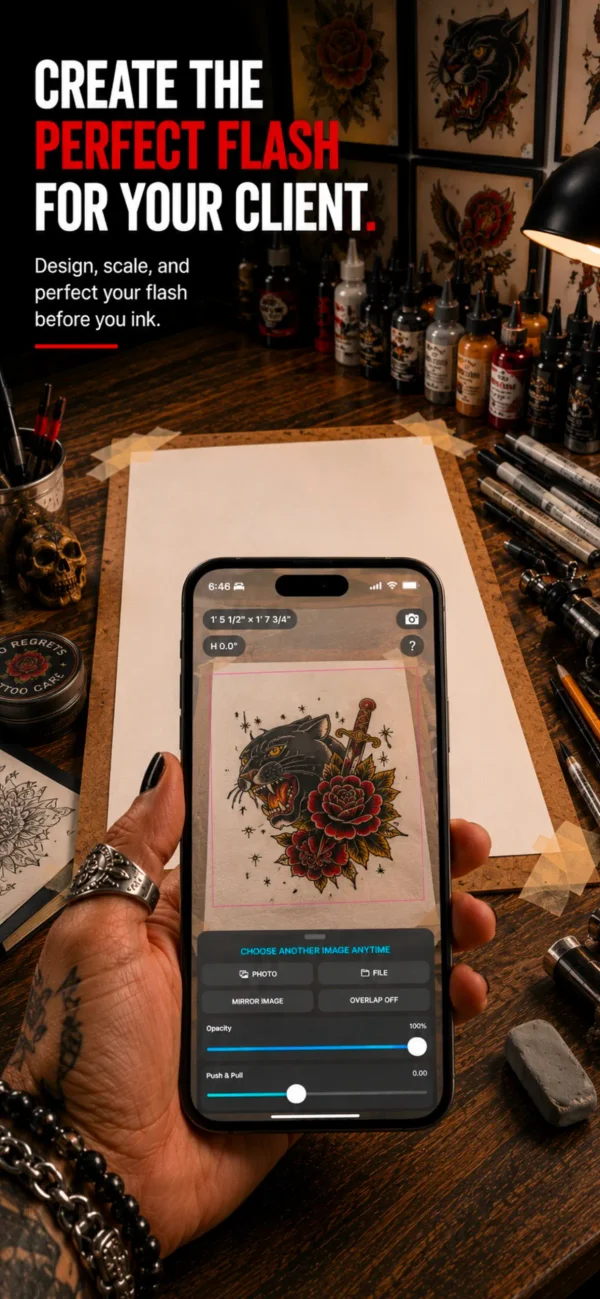
ArtistView2 lets artists preview artwork in real space before creating it. Place sketches, paintings, tattoo flash, illustrations, signs, window artwork, and more onto real world surfaces using augmented reality on iPhone and iPad.
Designed for artists, illustrators, tattoo artists, sign painters, muralists, and creators of all kinds, ArtistView2 helps visualize artwork directly on walls, floors, windows, mirrors, canvas, paper, easels, columns, and curved surfaces with accurate placement and scaling tools.
Import artwork from your photo library or files and instantly preview designs in your environment. Whether you are planning a painting, testing tattoo flash, laying out a window design, or experimenting with artwork placement, ArtistView2 helps you see ideas before committing to the final piece.
FEATURES
Real Time AR Placement
Place artwork directly into your environment using augmented reality. Move around the artwork naturally and preview designs from different angles and distances.
Works on Multiple Surfaces
Preview artwork on walls, floors, windows, mirrors, easels, canvas, paper, columns, curved surfaces, and more.
Curved Surface Support
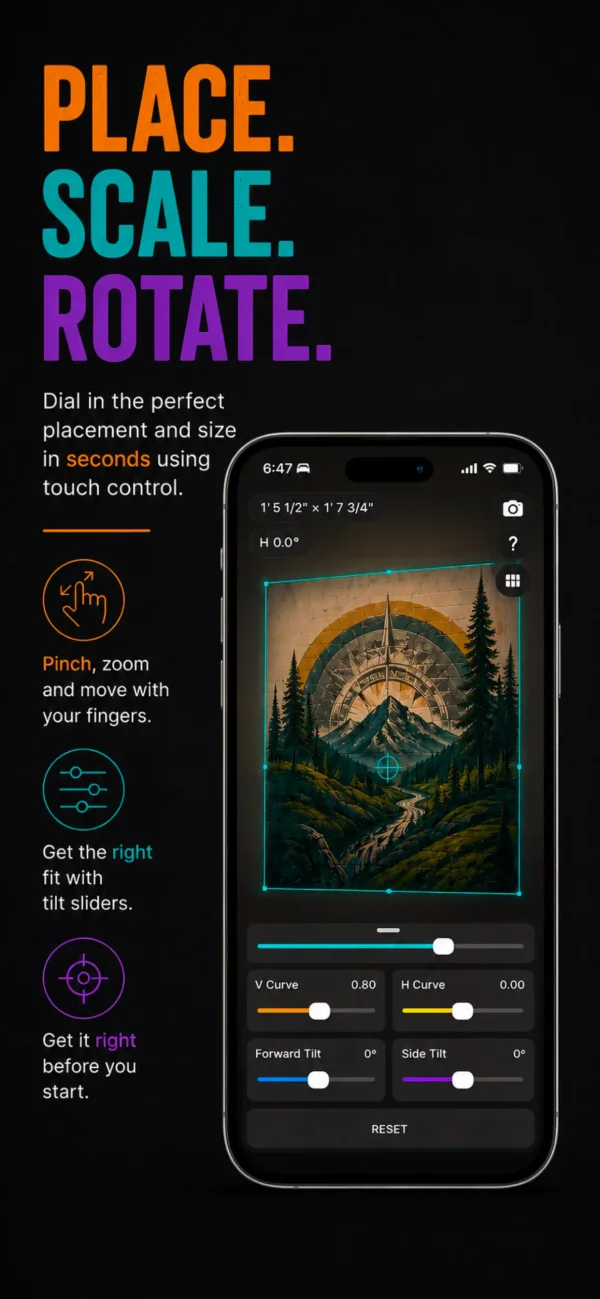
Wrap artwork around curved surfaces like columns and rounded walls for more accurate previews.
Import Your Own Artwork
Use artwork from your photo library or import files directly into the app.
Mirror Image Mode
Quickly flip artwork horizontally for transfers, tracing, and layout adjustments.
Opacity Controls
Adjust artwork transparency to line up designs and compare placement against real surfaces.
Scaling and Positioning
Resize and reposition artwork in real space with intuitive controls designed for artists.
Overlap Mode
Toggle overlap settings to better visualize how artwork interacts with the surrounding environment.
Designed for Creative Workflows
ArtistView2 is useful for tattoo flash planning, sign painting, canvas layout, illustration previews, mural concepts, storefront artwork, and creative experimentation.
Built for Artists
ArtistView2 was created by a working artist with real world experience in painting, murals, layout, and design visualization.
SUPPORTED DEVICES
ArtistView2 works on compatible iPhone and iPad devices that support ARKit.
SUBSCRIPTION
ArtistView2 includes a free trial followed by an auto renewing subscription. Subscription pricing may vary by region. Payment is charged to your Apple ID account after confirmation of purchase. Subscriptions automatically renew unless canceled at least 24 hours before the end of the current period. You can manage and cancel subscriptions in your App Store account settings.
Privacy Policy
https://www.apple.com/legal/privacy/
Terms of Use
https://www.apple.com/legal/internet-services/itunes/dev/stdeula/
アプリのプライバシー
このアプリのデータの取り扱いについて、PAUL VITALEがApp Storeで申告している内容です。
-
データの収集なし
開発元はこのアプリからデータを収集しません。
プライバシーの取り扱いは、ご利用の機能やお客様の年齢などに応じて異なる場合があります。
情報
- 販売元
- PAUL VITALE
- カテゴリ
- グラフィック/デザイン
- バージョン
- 1.0
- 更新日
- 2026/6/29
- リリース
- 2026/6/29
- サイズ
- 26.7 MB
- 必要条件
- iOS 18.6以降
- 対象年齢
- +4
- 価格
- 無料
- アプリ内課金
- あり
- 言語
- ポルトガル語, ドイツ語, 簡体字中国語, 韓国語, スペイン語, フランス語, ヒンディー語, 英語, イタリア語, 日本語, ロシア語
- 著作権
- © Paul Vitale
こちらもおすすめ
-
 MawuARtview: Art in Your Spaceグラフィック/デザイン
-
 FindaCanグラフィック/デザイン
-
 壁画トレース: Ctrl V Art Gridかんたん壁画ペイント!
-
 Palettia - Photo Color Pick画像から色を抽出
-
 Color Picker from photos: 色抽出パレット・カラーコード・配色・色見本-RGB,Hex
-
 AR Trafaret: Drawing & Sketchグラフィック/デザイン
-
 ARお絵かきプロジェクター: 写し絵 & トレース半透明画像をなぞり書き!簡単トレース&ペイント
-
 GLB: 3D Model Generatorグラフィック/デザイン
-
 絵を描くアプリ AR写し絵 模写トレース:DrawLensイラスト&お絵描き デッサン 線画なぞり書きプロジェクター
-
 ArtSync: AR Drawing Projectorグラフィック/デザイン