- Age rating+4
- CategoryGraphics & Design
- DeveloperPAUL VITALE
- LanguagesPortuguese+ 10 more
- Size26.7 MB
Links to the official App Store page
Download.org hosts no file of ArtistView2. The button opens its official App Store page, published by PAUL VITALE. Listing last checked on Nov 12, 2026.
Screenshots

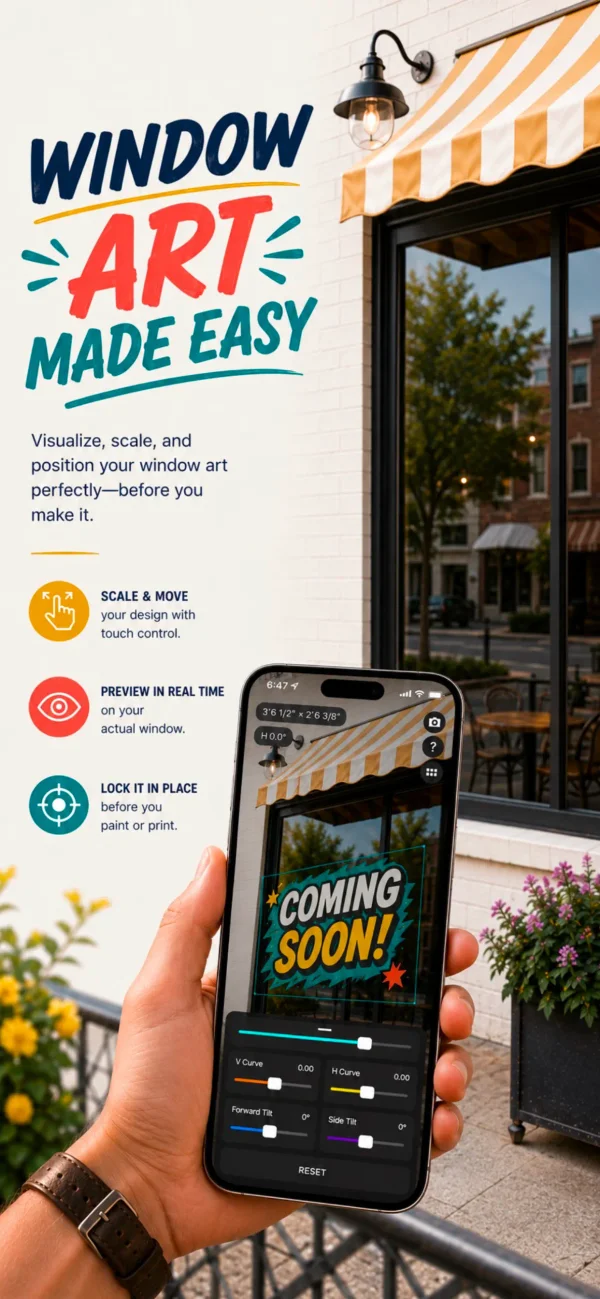
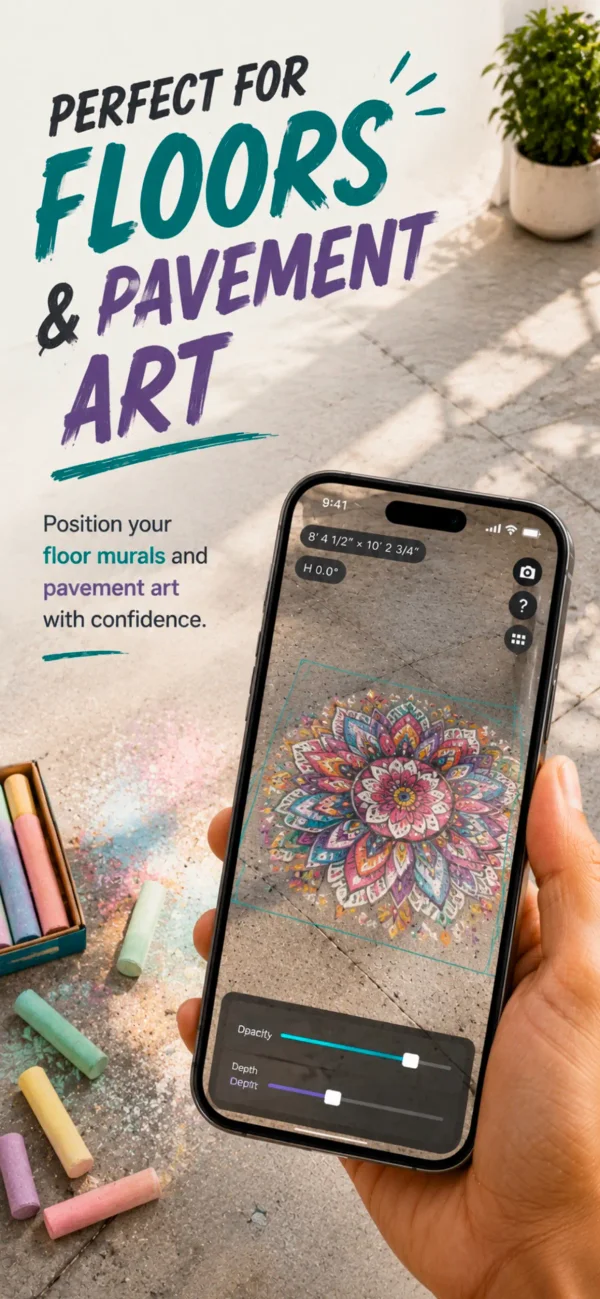
About
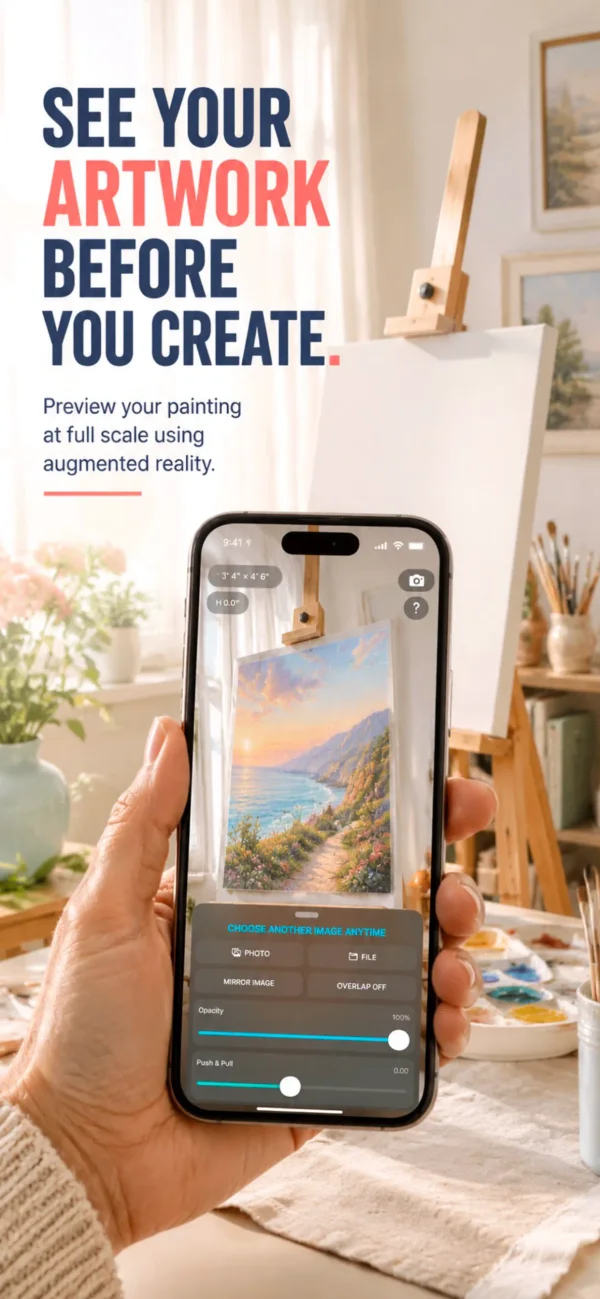
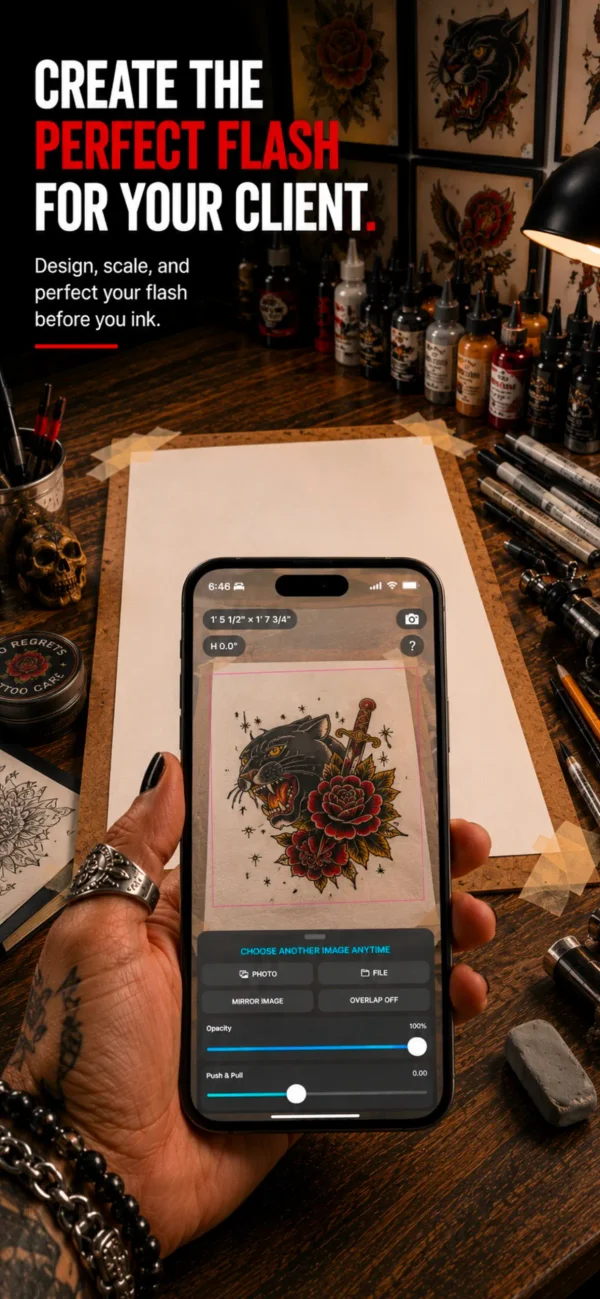
ArtistView2 lets artists preview artwork in real space before creating it. Place sketches, paintings, tattoo flash, illustrations, signs, window artwork, and more onto real world surfaces using augmented reality on iPhone and iPad.
Designed for artists, illustrators, tattoo artists, sign painters, muralists, and creators of all kinds, ArtistView2 helps visualize artwork directly on walls, floors, windows, mirrors, canvas, paper, easels, columns, and curved surfaces with accurate placement and scaling tools.
Import artwork from your photo library or files and instantly preview designs in your environment. Whether you are planning a painting, testing tattoo flash, laying out a window design, or experimenting with artwork placement, ArtistView2 helps you see ideas before committing to the final piece.
FEATURES
Real Time AR Placement
Place artwork directly into your environment using augmented reality. Move around the artwork naturally and preview designs from different angles and distances.
Works on Multiple Surfaces
Preview artwork on walls, floors, windows, mirrors, easels, canvas, paper, columns, curved surfaces, and more.
Curved Surface Support
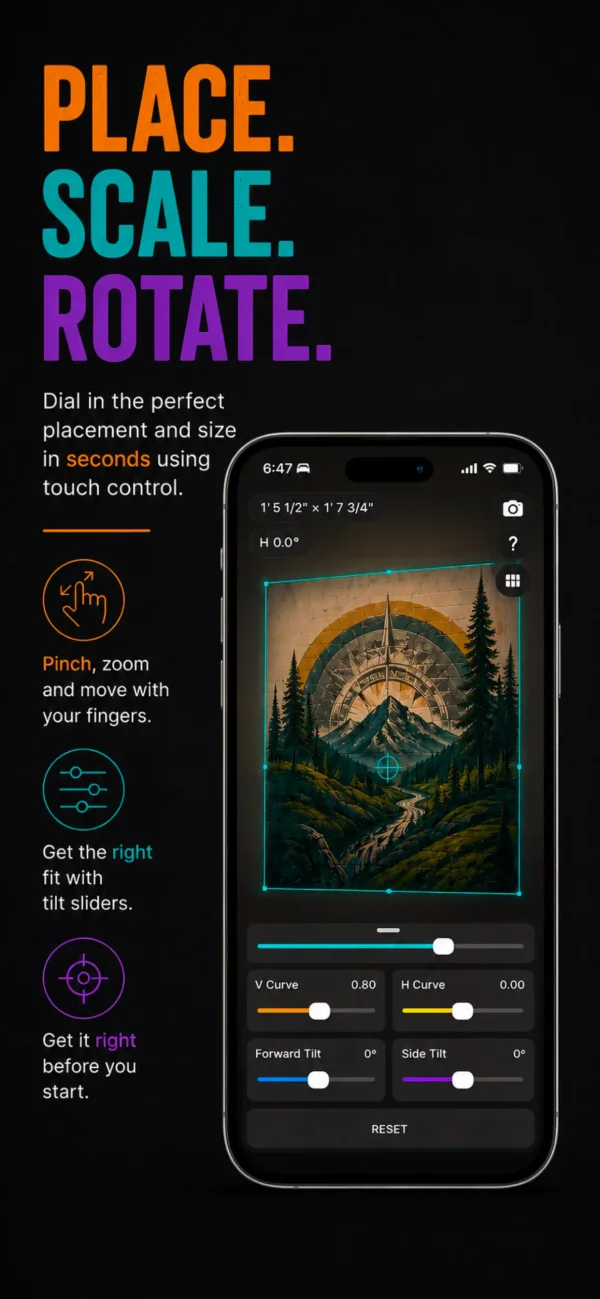
Wrap artwork around curved surfaces like columns and rounded walls for more accurate previews.
Import Your Own Artwork
Use artwork from your photo library or import files directly into the app.
Mirror Image Mode
Quickly flip artwork horizontally for transfers, tracing, and layout adjustments.
Opacity Controls
Adjust artwork transparency to line up designs and compare placement against real surfaces.
Scaling and Positioning
Resize and reposition artwork in real space with intuitive controls designed for artists.
Overlap Mode
Toggle overlap settings to better visualize how artwork interacts with the surrounding environment.
Designed for Creative Workflows
ArtistView2 is useful for tattoo flash planning, sign painting, canvas layout, illustration previews, mural concepts, storefront artwork, and creative experimentation.
Built for Artists
ArtistView2 was created by a working artist with real world experience in painting, murals, layout, and design visualization.
SUPPORTED DEVICES
ArtistView2 works on compatible iPhone and iPad devices that support ARKit.
SUBSCRIPTION
ArtistView2 includes a free trial followed by an auto renewing subscription. Subscription pricing may vary by region. Payment is charged to your Apple ID account after confirmation of purchase. Subscriptions automatically renew unless canceled at least 24 hours before the end of the current period. You can manage and cancel subscriptions in your App Store account settings.
Privacy Policy
https://www.apple.com/legal/privacy/
Terms of Use
https://www.apple.com/legal/internet-services/itunes/dev/stdeula/
App privacy
What PAUL VITALE declares on the App Store about how this app handles data.
-
Data not collected
The developer does not collect any data from this app.
Privacy practices may vary, for example with the features you use or your age.
Information
- Seller
- PAUL VITALE
- Category
- Graphics & Design
- Version
- 1.0
- Updated
- Jun 29, 2026
- Released
- Jun 29, 2026
- Size
- 26.7 MB
- Requires
- iOS 18.6 or later
- Age rating
- +4
- In-app purchases
- Yes
- Languages
- Portuguese, German, Simplified Chinese, Korean, Spanish, French, Hindi, English, Italian, Japanese, Russian
- Copyright
- © Paul Vitale
You might also like
-
 MawuARtview: Art in Your SpaceSee art on your wall
-
 FindaCanFind can colors from images
-
 Mural Trace - Ctrl V Art GridDraw and paint murals easily
-
 Palettia - Photo Color PickExtract Colors from Any Image
-
 Colour Picker from PhotosPalette Identifier: RGB,Hex
-
 AR Trafaret: Drawing & SketchAR Stencil for Drawing
-
 AR Drawing Projector: Draw ArtTrace to Sketch Paint on Paper
-
 GLB: 3D Model GeneratorText & Image to 3D Assets
-
 Trace Drawing & Projector - ARTracing,Draw & Learn Anime Art
-
 ArtSync: AR Drawing ProjectorTrace Photos on Paper & Canvas