- 対象年齢4+
- カテゴリ教育
- 開発元Maker Portal LLC
- 言語英語
- サイズ4.1 MB
App Storeの公式ページにリンクしています
Download.orgはBLExARのファイルを一切ホストしていません。ボタンを押すと、Maker Portal LLCが公開しているApp Storeのアプリページが開きます。ページの最終確認:2026/11/12。
スクリーンショット

概要
開発元はこのテキストをお使いの言語で提供していません。
BLExAR turns your iPhone or iPad into a pocket bench instrument for Arduino-class boards over Bluetooth Low Energy. Connect to a board with an HM-10 style UART module (CC2541, AT-09, JDY-08, SH-M08), an nRF52840 MakerBLE board or a Seeed XIAO ESP32-C6, then switch pins, stream sensor values, plot and record them, all without writing an app of your own.
BLExAR 3.0 is a complete rewrite that keeps working with the sketches and tutorials written for earlier versions: the same commands, the same pins and the same CSV files.
CONTROL
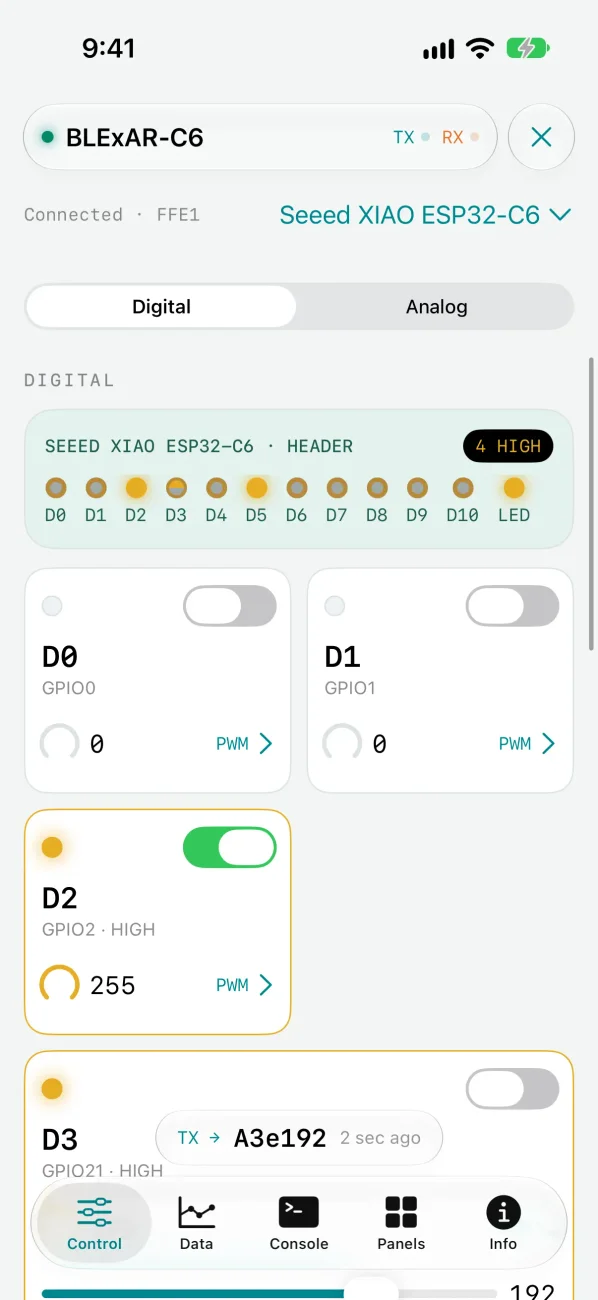
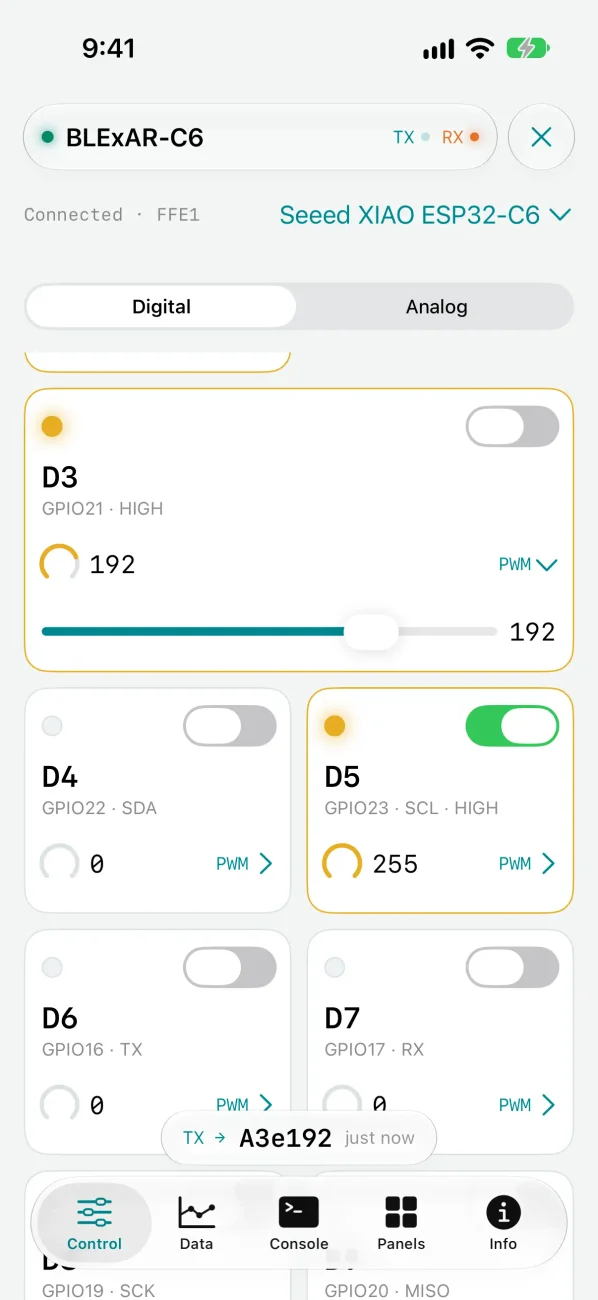
• Switch digital pins and set PWM from pin tiles laid out like your board's header
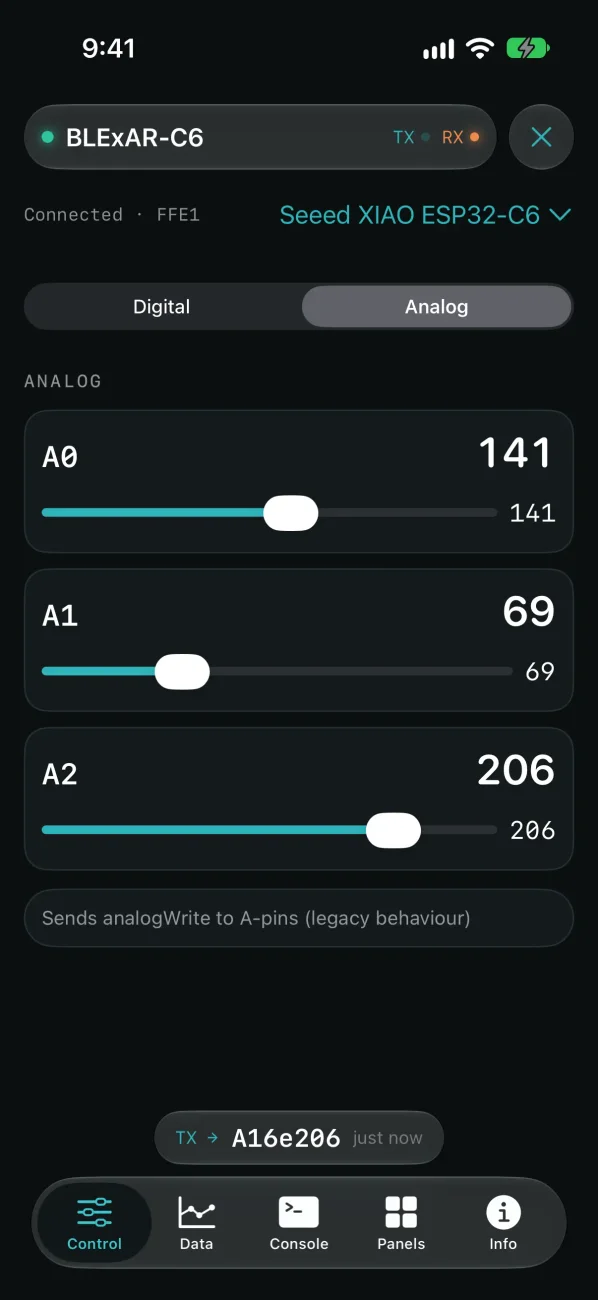
• Analog sliders for the A-pins
• Board profiles for Arduino Uno, Arduino Nano, MakerBLE (nRF52840), Seeed XIAO ESP32-C6 and the classic 2.7 layout
• TX/RX activity lights show every message to and from the board
DATA
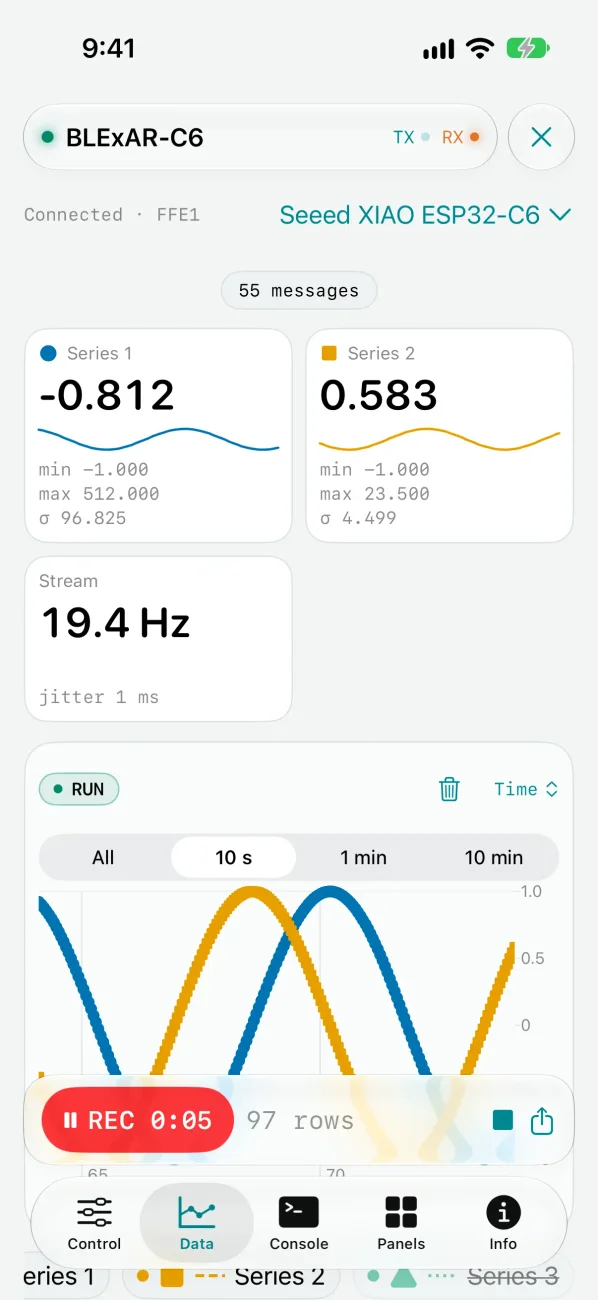
• Live chart of the comma-separated values your board sends, with Run/Hold and 10 s, 1 min and 10 min windows
• Readout cards with min, max and standard deviation for each series, plus the incoming stream rate
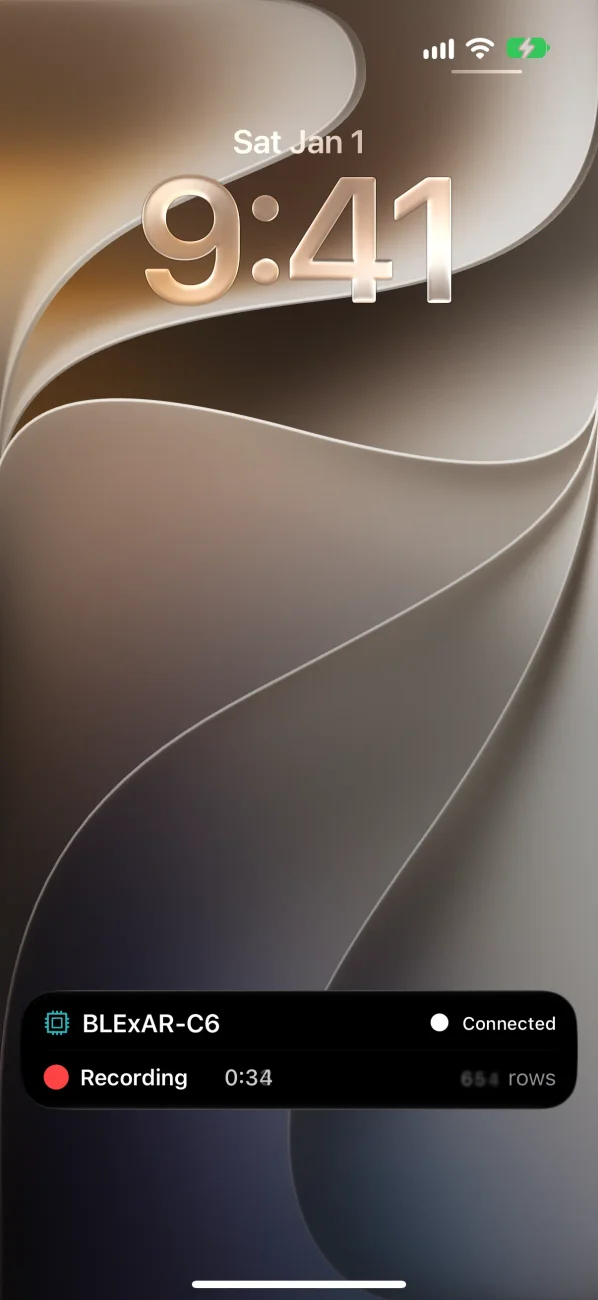
• Record sessions to CSV, optionally with your location on each row, and keep recording in the background
• Browse, reopen and share recorded sessions; they also appear in the Files app
CONSOLE
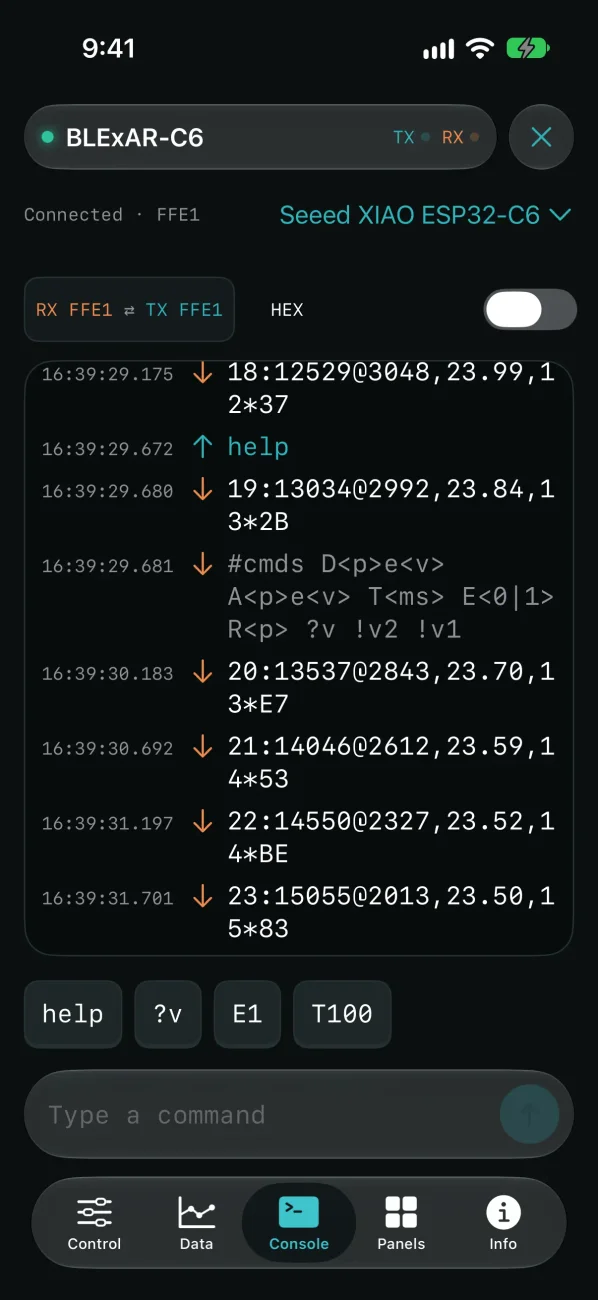
• Serial terminal to send and receive text, with a hex view and quick command keys
PANELS
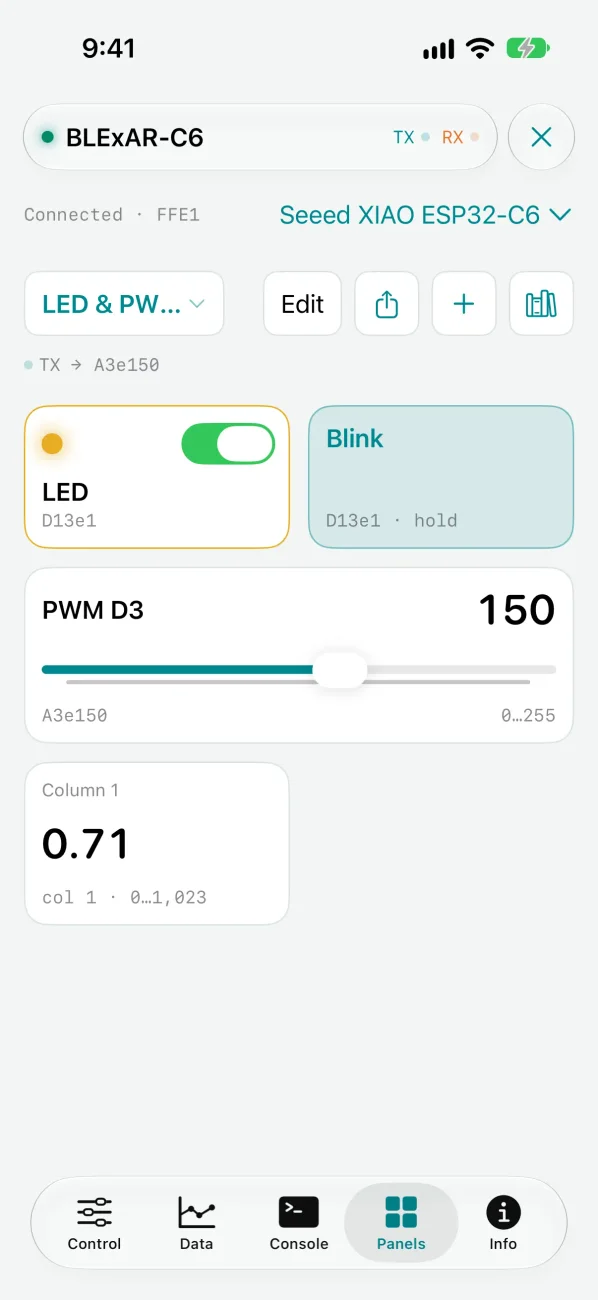
• Build your own control dashboards with buttons, toggles, sliders, a joystick and gauges bound to your board's commands and data columns
• Share panels with others as files
ALWAYS AT HAND
• Live Activity on the Lock Screen and in the Dynamic Island while connected or recording
• Control Center controls to toggle a pin without opening the app
• Scan list puts UART-ready boards first, ordered by signal strength
• Automatic reconnect after a dropped link
• Light and dark appearance and Dynamic Type
BLExAR is made for makers, students, teachers and engineers. Tutorials and example sketches are at makersportal.com.
新機能
バージョン 3.0 · 2026/10/10
BLExAR 3.0 is a complete rewrite for iOS 17 and later.
• Workbench design: a bench-instrument look with pin LEDs, TX/RX activity lights, light and dark appearance and Dynamic Type
• Panels: build your own dashboards with buttons, toggles, sliders, a joystick and gauges, and share them as files
• Faster live plotting with Run/Hold, time windows and min, max and σ readouts for each series
• Recording to CSV with optional location, background recording, and a Sessions library that also appears in the Files app
• Live Activity and Dynamic Island while connected or recording, plus Control Center controls for pins
• Board profiles for Arduino Uno, Nano, MakerBLE (nRF52840) and Seeed XIAO ESP32-C6
• Scan list puts UART-ready boards first, ordered by signal strength
• Automatic reconnect after a dropped link
• Fully compatible with your existing sketches, commands and CSV files from BLExAR 2.7
アプリのプライバシー
このアプリのデータの取り扱いについて、Maker Portal LLCがApp Storeで申告している内容です。
-
データの収集なし
開発元はこのアプリからデータを収集しません。
プライバシーの取り扱いは、ご利用の機能やお客様の年齢などに応じて異なる場合があります。
情報
- 販売元
- Maker Portal LLC
- カテゴリ
- 教育
- バージョン
- 3.0
- 更新日
- 2026/10/10
- リリース
- 2018/10/24
- サイズ
- 4.1 MB
- 必要条件
- iOS 17.0以降
- 対象年齢
- 4+
- 価格
- ¥800
- 言語
- 英語
- 著作権
- © 2026 Maker Portal LLC