- 対象年齢4+
- カテゴリ仕事効率化
- 開発元Loft Labs Interactive Inc
- 言語英語
- サイズ24.5 MB
App Storeの公式ページにリンクしています
Download.orgはCamera for OBS Studioのファイルを一切ホストしていません。ボタンを押すと、Loft Labs Interactive Incが公開しているApp Storeのアプリページが開きます。ページの最終確認:2026/11/22。
スクリーンショット

概要
開発元はこのテキストをお使いの言語で提供していません。
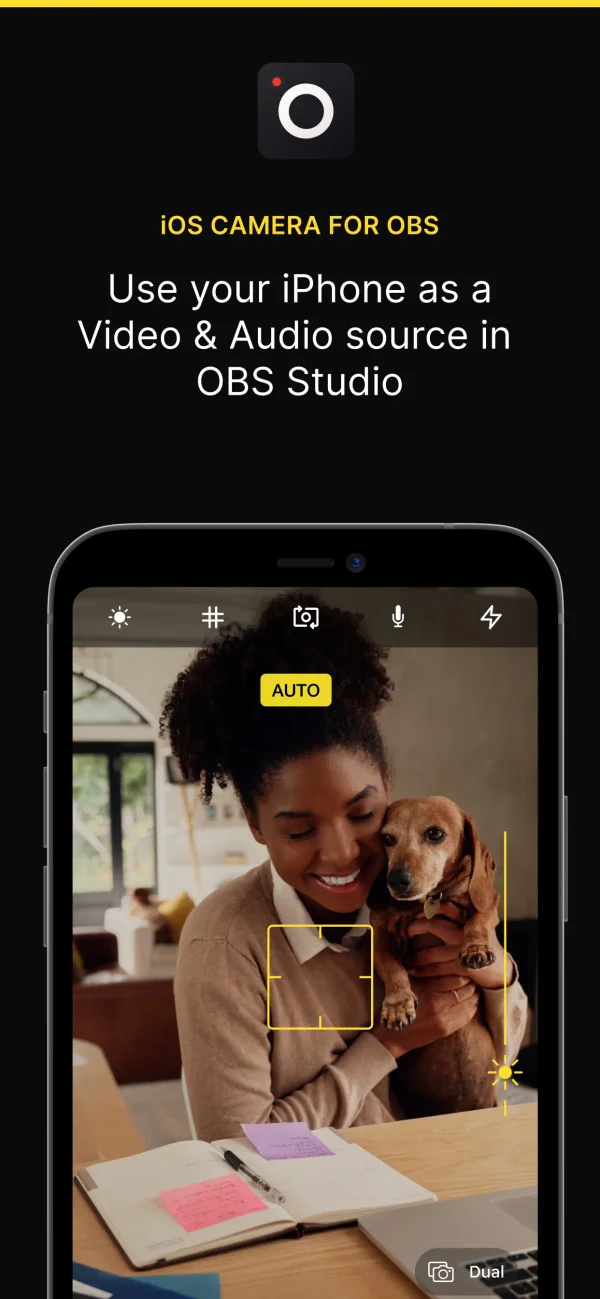
If you've ever wanted to use your iPhone camera as a video & audio input to stream using OBS Studio, we've got you covered. We've tried all the apps that let you do it over WiFi, but they're not fast enough, so we also allow you to use a wired USB connection.
The original one.
QUALITY VIDEO
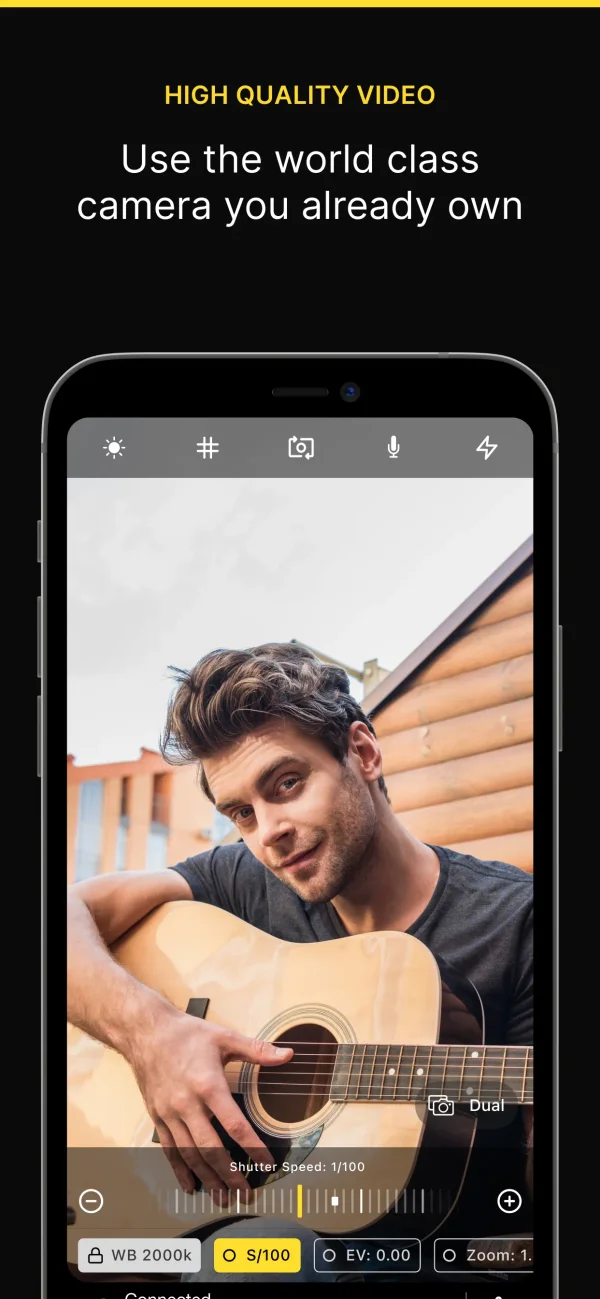
Your iPhone/iPad camera's are good, really good. In fact, there’s no comparison between the highly recommended streaming webcam, the Logitech C922 HD Pro and the iPhone 6 Camera. Stream Landscape or Portrait video.
AUDIO
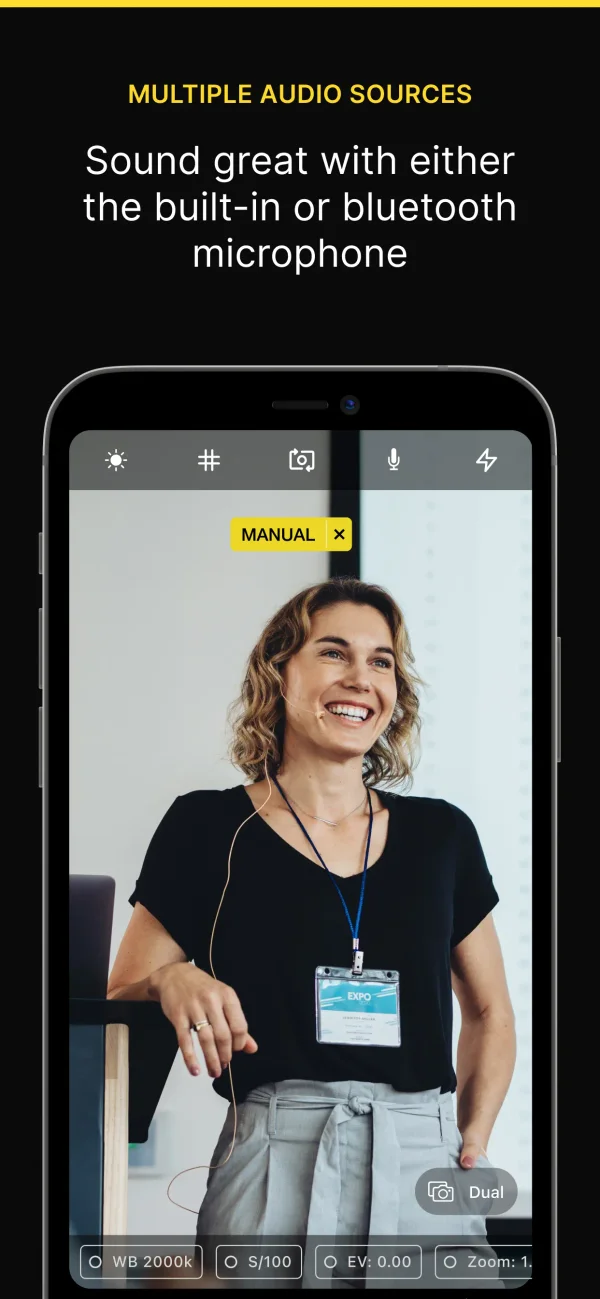
If you don't have a separate mic for your streaming setup, you can now use the microphone on your iOS device to stream audio & video.
FRONT CAMERA
Stream a selfie with the front camera support. Switch anytime during the stream with the familiar camera switch button.
TAP TO FOCUS, PINCH TO ZOOM
Controls just like you're used to from the Camera app.
MANUAL CONTROLS
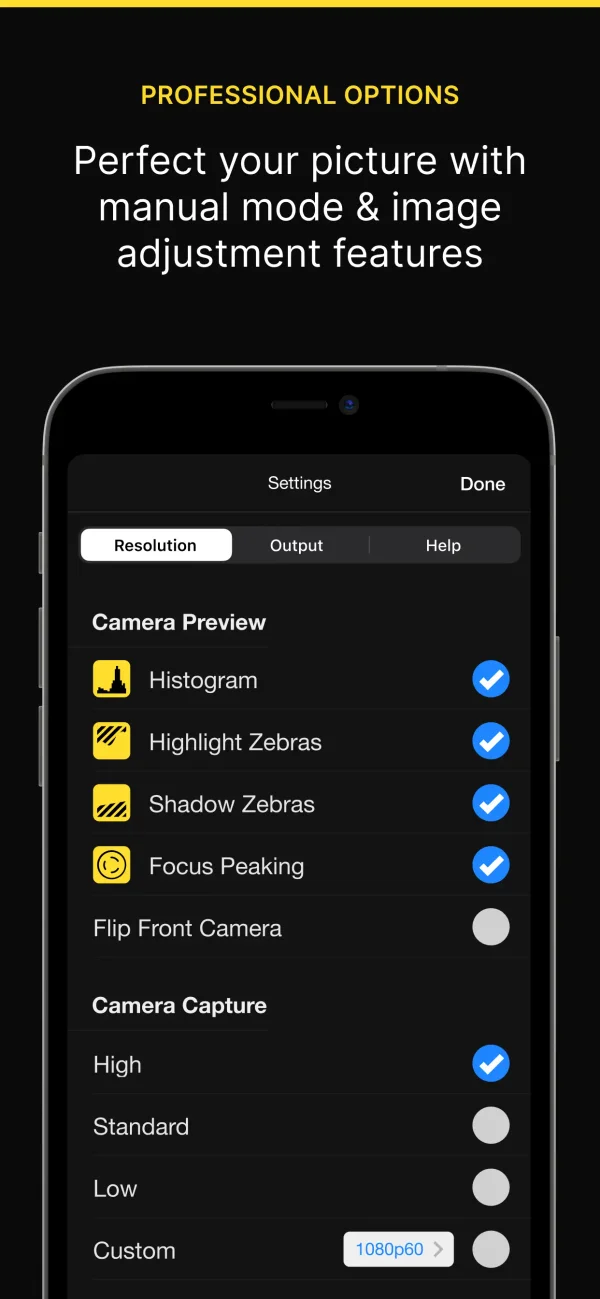
Take control of the focus, exposure, white balance as you would on a manual DSLR camera.
LOW LATENCY
Stream video over a wired USB connection. This avoids the issue of delay over wifi, as many other solutions suffer from. This is just as fast as a USB webcam!
USB & WIFI
Choose the connection type. If you want low latency, use USB, if you'd like portability then use WiFi. WiFi is done using the NewTek™ NDI® protocol, so you can use Camera for OBS Studio with any NewTek™ NDI® compatible receiver.
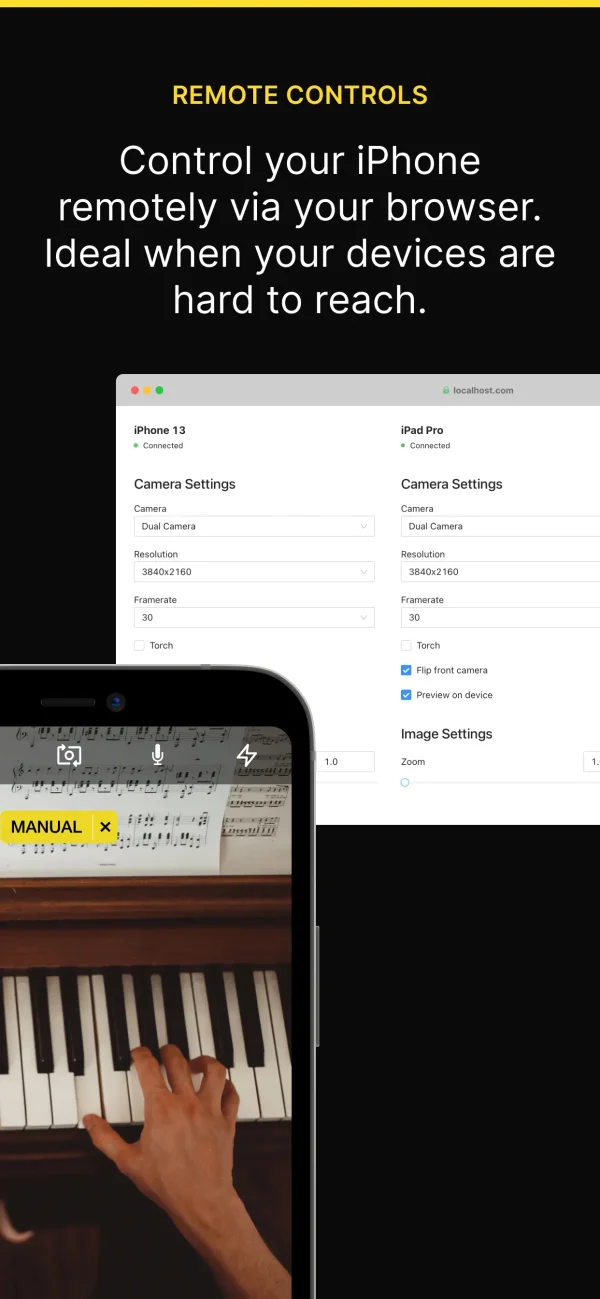
REMOTE CONTROL
Control the app from your web browser on your computer. No need to have access to the device anymore to line up that shot perfectly.
MULTIPLE DEVICES
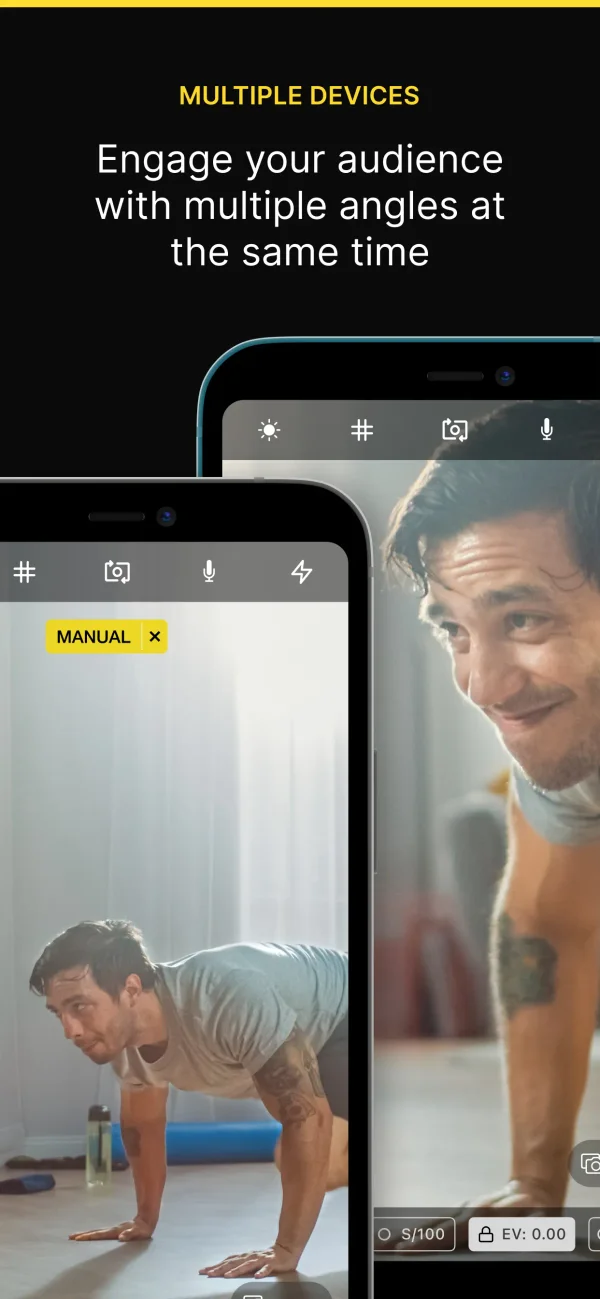
If you're lucky enough to own multiple iOS devices, use them together and produce a multi-camera stream.
MAC AND PC
Supports OBS Studio running on macOS and Windows.
You will need to install the OBS Studio iOS Camera Plugin from our website, or use an NDI compatible receiver to use this app.
For the best possible experience make sure your device is listed on our website https://obs.camera/docs/faqs/#what-ios-hardware-do-i-need
MORE
Subscriptions will be charged to your iTunes account at confirmation of purchase. Your subscription will automatically renew unless automatic renewal is turned off at least 24 hours before the end of the current period. Your account will be charged for renewal within 24 hours prior to the end of the current period. You can manage your subscriptions and automatic renewal status in Account Settings after purchase. Any unused portion of the free trial period will be forfeited when you purchase a subscription. Price may vary by location.
Terms & Conditions/EULA: https://obs.camera/docs/terms-and-conditions/
Privacy Policy: https://obs.camera/docs/privacy-policy/
新機能
バージョン 3.6.4 · 2026/9/15
...continuing the trope - this update contains more bug fixes and performance improvements.
アプリのプライバシー
このアプリのデータの取り扱いについて、Loft Labs Interactive IncがApp Storeで申告している内容です。
-
ユーザーに関連付けられないデータ
収集される場合がありますが、ユーザーの識別情報には関連付けられません。
- 購入
- ID
- 使用状況データ
プライバシーの取り扱いは、ご利用の機能やお客様の年齢などに応じて異なる場合があります。
情報
- 販売元
- Loft Labs Interactive Inc
- カテゴリ
- 仕事効率化
- バージョン
- 3.6.4
- 更新日
- 2026/9/15
- リリース
- 2018/3/15
- サイズ
- 24.5 MB
- 必要条件
- iOS 16.0以降
- 対象年齢
- 4+
- 価格
- 無料
- アプリ内課金
- あり
- 言語
- 英語
- 著作権
- © Loft Labs Interactive Inc.