- 対象年齢9+
- カテゴリビジネス
- 開発元Labhuben Kachhadiya
- 言語英語
- サイズ17.2 MB
App Storeの公式ページにリンクしています
Download.orgはCamera Scanner - PDF Scan OCRのファイルを一切ホストしていません。ボタンを押すと、Labhuben Kachhadiyaが公開しているApp Storeのアプリページが開きます。ページの最終確認:2026/11/20。
スクリーンショット

概要
開発元はこのテキストをお使いの言語で提供していません。
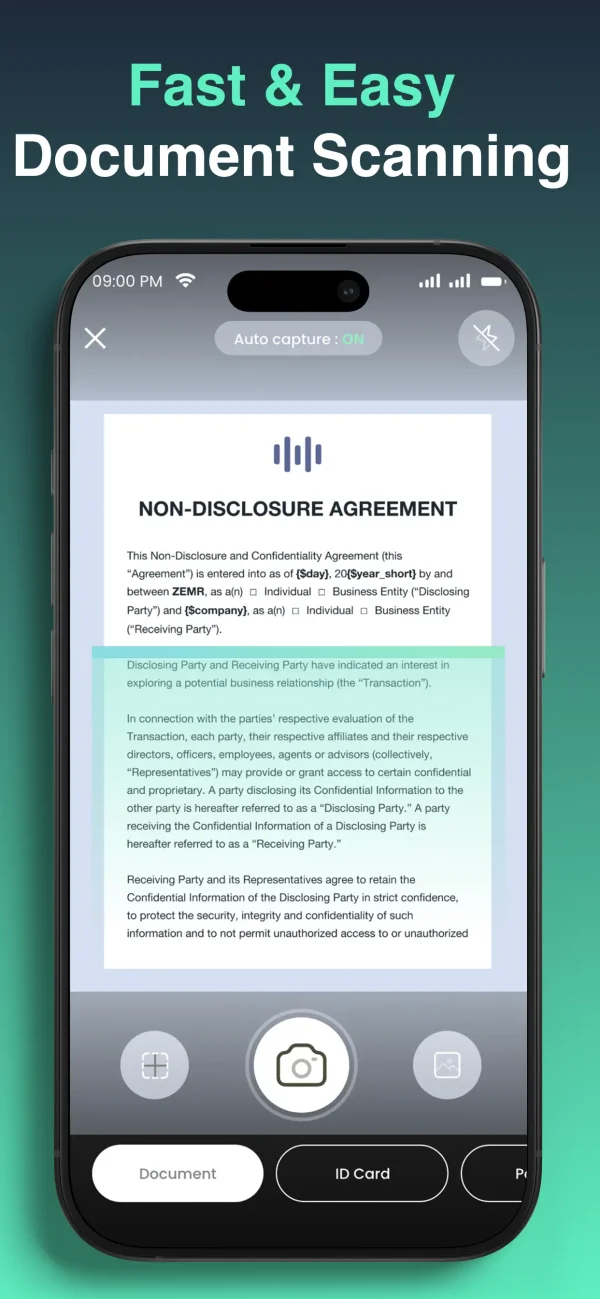
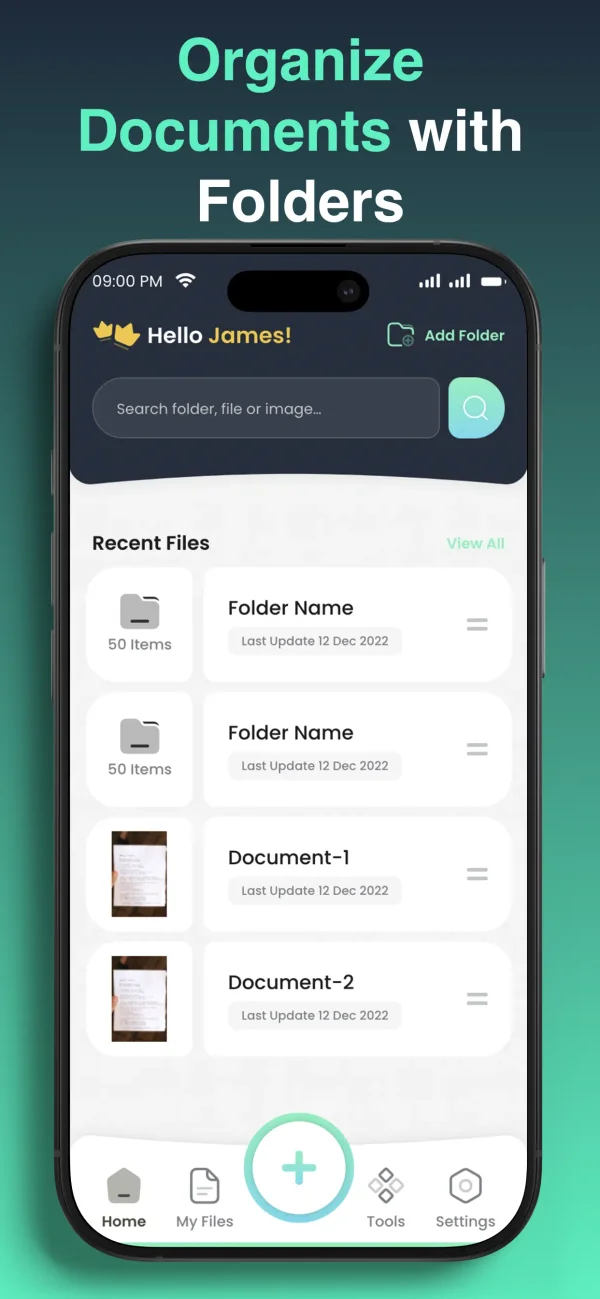
Camera scanner scan docs into clear image/PDF to email, fax, print or save to cloud.
Cam scanner app is a choice of professional users all over the world.
Doc scanner app makes easy to scan document and pictures and save them where you'd like. Mobile scanner easy scan & share PDF.
Fast Scanner free App is a free cam scanner app that scan office documents screenshots & smart image doc management and uses for a business contract.
Pdf scanner is a high-resolution scan, reader & an image editor is available.
**** Enjoy scanning anytime ****
Use your phone camera to scan documents and receipts, notes, visiting cars, business cards, invoices, certificates, esign, page, etc. Any time and anywhere can scan, save and archive and upload file in the cloud drive.
**** Phone Camera Scanner ****
Capture document by phone, remove the extra background, generate high-resolution JPEG &PNG and PDF files.
**** Optimization Scan Quality ****
Use camera for capture pdf document by phone, remove extra space background, auto-detect the edge, generate heigh resolution PDF File and JPEG. Smart cropping and auto-detection enhancing make text and PDF, esign, graphics look clear and sharps.
**** E-Signature ****
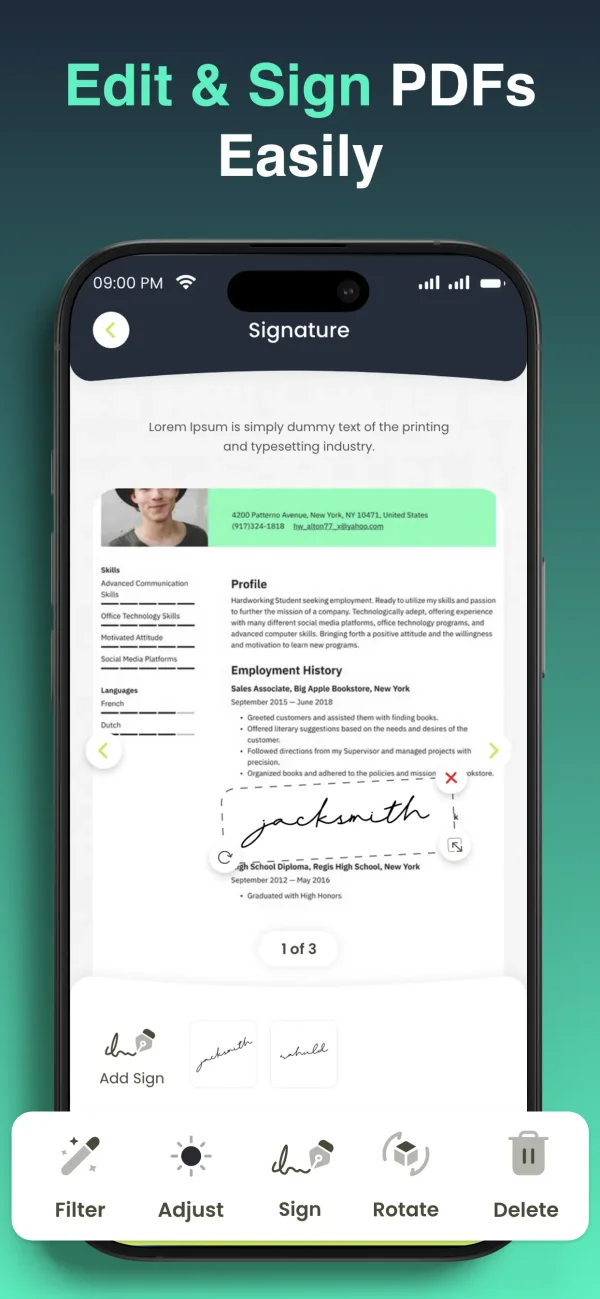
Upload and sign a doc to use the E-signature pad on your phone and sign the contract to your business party. Sign contracts and share with your third party or counter party.
**** Optimize Images and Text ****
Doc Scanner is a free app that fast scans with automatic color detection & adjustment, background removal&bleed through, text enhance, color drop, image rotation, Multiple scan Destination & Duplexing Scanning.
Pdf converter scanning amazing solid text recognization, elegant of an image, and simple sharing options.
Pdf scanner crops your scans accurately and crops your busy background while correcting PDF makeup features.
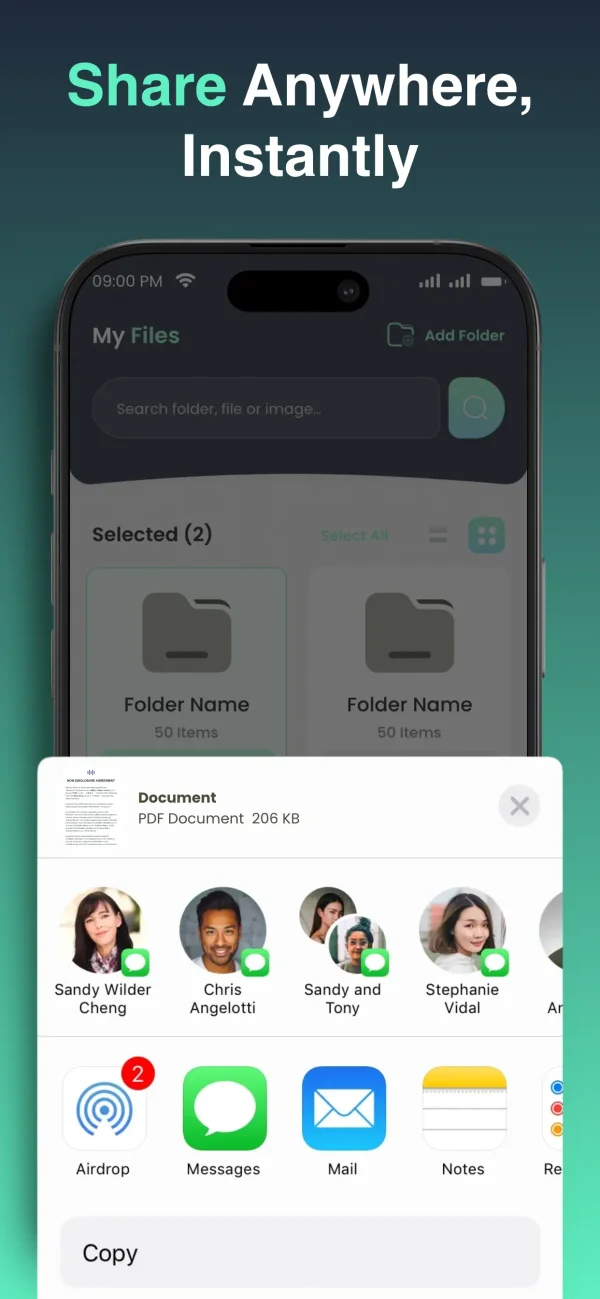
Easy to share pdf documents in PDF or JPEG format with other social media, email attachment or sending doc link to you colleagues.
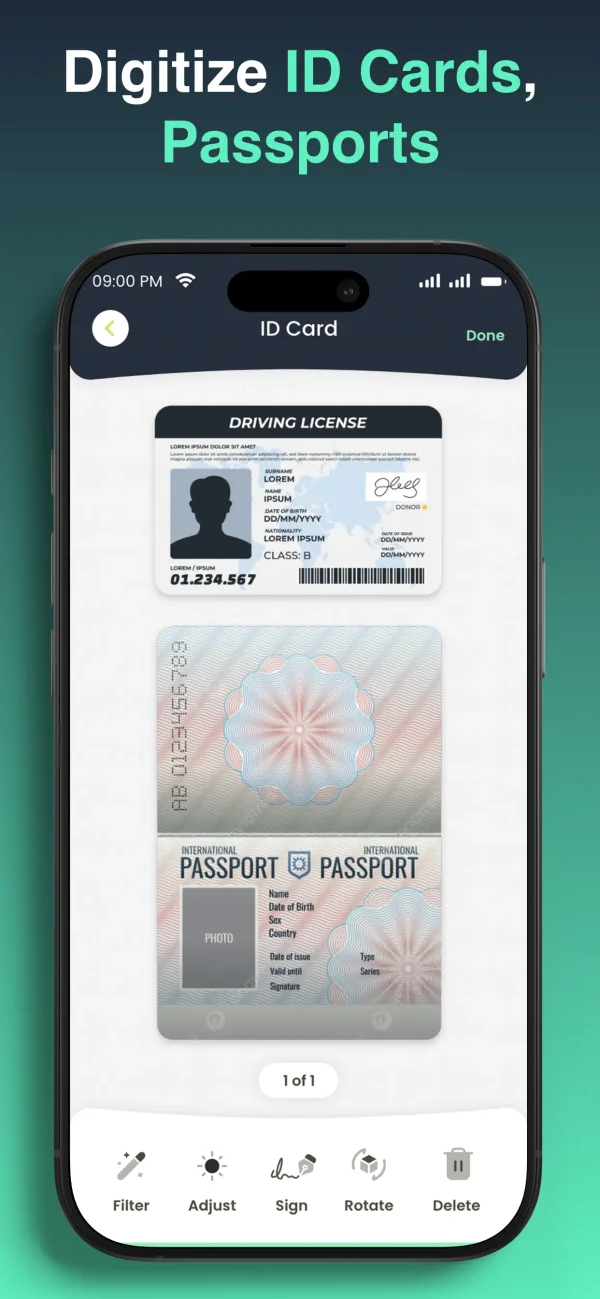
Scan document , Id cars, Phone-sized Photo Id, and Qr Code.
Automatically scan the document with your camera.
Auto-detection edge coping and optimization scan quality.
Scan Qr code and share a link and open the link on the browser.
Auto-detects and recognization of the business card, name, photo, contact info, OneNote.
E-signature to sign a contract or other business documents and share.
Security of documents like passcodes and password protection is very important PDF and documents
Sharing a document on iCloud, google drive, dropbox, etc.
Apple Subscription Terms:
– Payment will be charged to your iTunes account upon confirmation of purchase.
– Subscriptions automatically renew unless auto-renew is turned off at least 24 hours before the end of the current period.
– Your account will be charged for renewal within 24 hours prior to the end of the current period, and the cost of the renewal will be identified.
– You can manage your subscriptions and turn off auto-renewal by going to your Account Settings after purchase.
We encourage you to review our Privacy Policy and Terms & Conditions before using the app:
• Privacy Policy: https://hashcloudinfotech.com/privacy-policy/
• Terms & Conditions: https://hashcloudinfotech.com/term-and-condition/
Any Issue or Suggestion for an app, Welcome to mail.
If you have any other idea for adding any other features to our app then please give your precious feedback to us and please rate us.
Thank you for downloading our app.
新機能
バージョン 3.1.7 · 2026/11/17
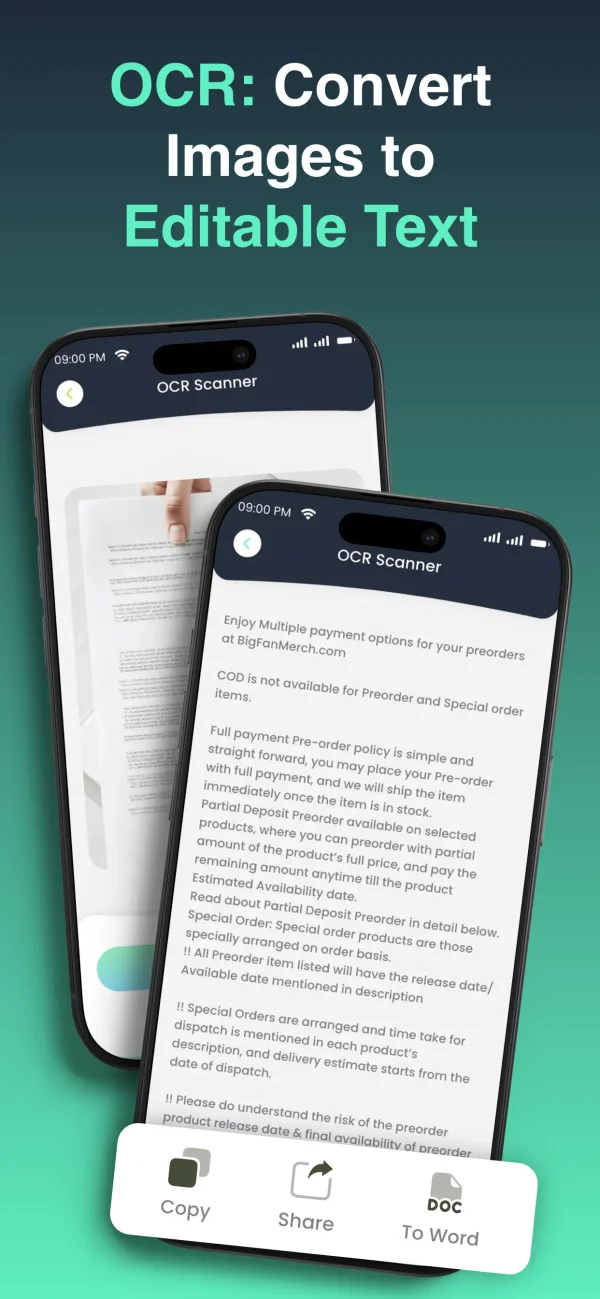
• Smarter Text Recognition (OCR): turn photos with several pages into one clean, editable document. Each page is read separately, and you can see the progress as it works.
• Edit recognized text: fix or update any text right in the app before saving.
• Translate documents: translate recognized text into other languages on your device, with no account needed.
• Share as Word, PDF or Text: export recognized text as a .docx, PDF or plain text file.
• New quick-scan button: tap + in the tab bar to start a scan, import from Photos or open a PDF.
• Ready for iPhone Duo: layouts adapt when you fold, unfold or rotate your device.
• Fresh new look: updated screens, menus and popups across the app.
• Performance improvements and bug fixes.
Enjoying Camera Scanner? A quick review helps us a lot!
アプリのプライバシー
このアプリのデータの取り扱いについて、Labhuben KachhadiyaがApp Storeで申告している内容です。
-
ユーザーのトラッキングに使用されるデータ
他社のアプリやウェブサイトを横断してユーザーをトラッキングする目的で使用される場合があります。
- 使用状況データ
-
ユーザーに関連付けられないデータ
収集される場合がありますが、ユーザーの識別情報には関連付けられません。
- 使用状況データ
プライバシーの取り扱いは、ご利用の機能やお客様の年齢などに応じて異なる場合があります。
情報
- 販売元
- Labhuben Kachhadiya
- カテゴリ
- ビジネス
- バージョン
- 3.1.7
- 更新日
- 2026/11/17
- リリース
- 2022/6/20
- サイズ
- 17.2 MB
- 必要条件
- iOS 16.6以降
- 対象年齢
- 9+
- 価格
- 無料
- アプリ内課金
- あり
- 言語
- 英語
- 著作権
- © www.webmigrates.com
こちらもおすすめ
-
 Camera Scanner・PDFスキャナー , OCR写真をPDFに変換・文字認識・スキャンアプリ,Sign
-
 Photo Scanner - PDF and doc仕事効率化
-
 Cam Scan - PDF Scanner & OCR仕事効率化
-
 CamScanner+PDF Document Scanner and OCR
-
 Camera Scanner - PDFビジネス
-
 PDF Scanner: 書類スキャン 、 フォトスキャンドキュメント スキャン: Scan, 編集, 写真スキャン
-
 Scan Now: PDF Document Scannerビジネス
-
 Scanner App: Scan PDF Document仕事効率化
-
 PDF Maker - Convert to PDF仕事効率化
-
 Scanner – スキャン PDF 文書編集, 署名, 変換 PDF