- 対象年齢4+
- カテゴリビジネス
- 開発元Position Mobile Ltd SEZC
- 言語英語ほか7言語
- サイズ81.6 MB
App Storeの公式ページにリンクしています
Download.orgはCamera Scanner - PDFのファイルを一切ホストしていません。ボタンを押すと、Position Mobile Ltd SEZCが公開しているApp Storeのアプリページが開きます。ページの最終確認:2026/11/20。
スクリーンショット

概要
開発元はこのテキストをお使いの言語で提供していません。
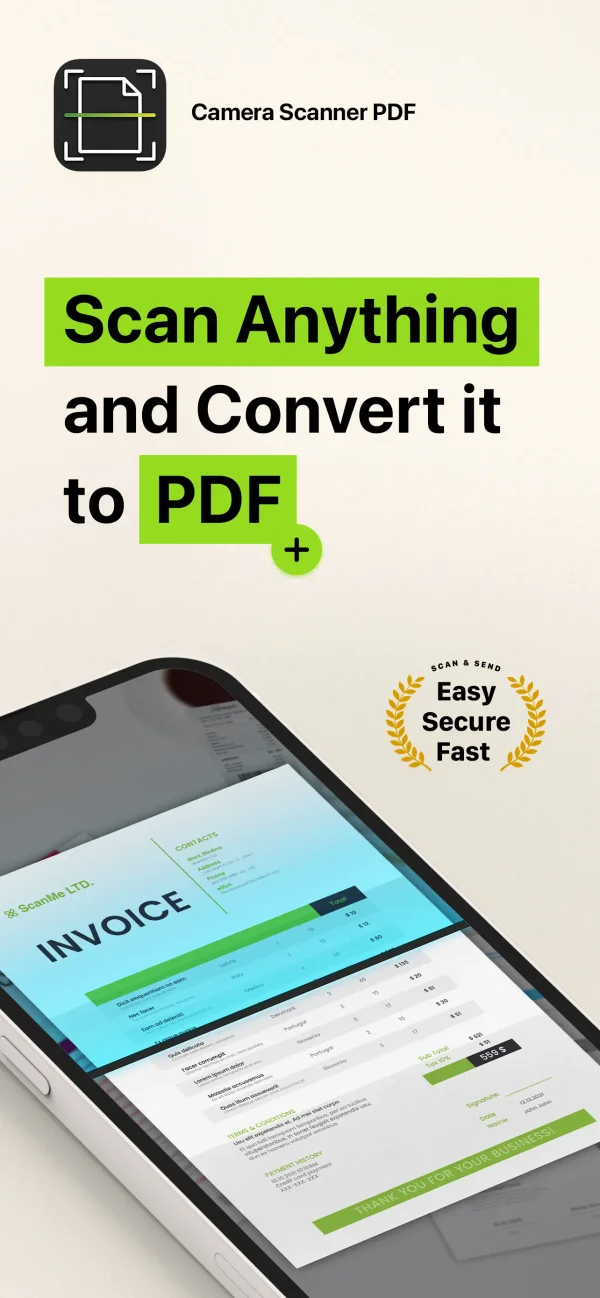
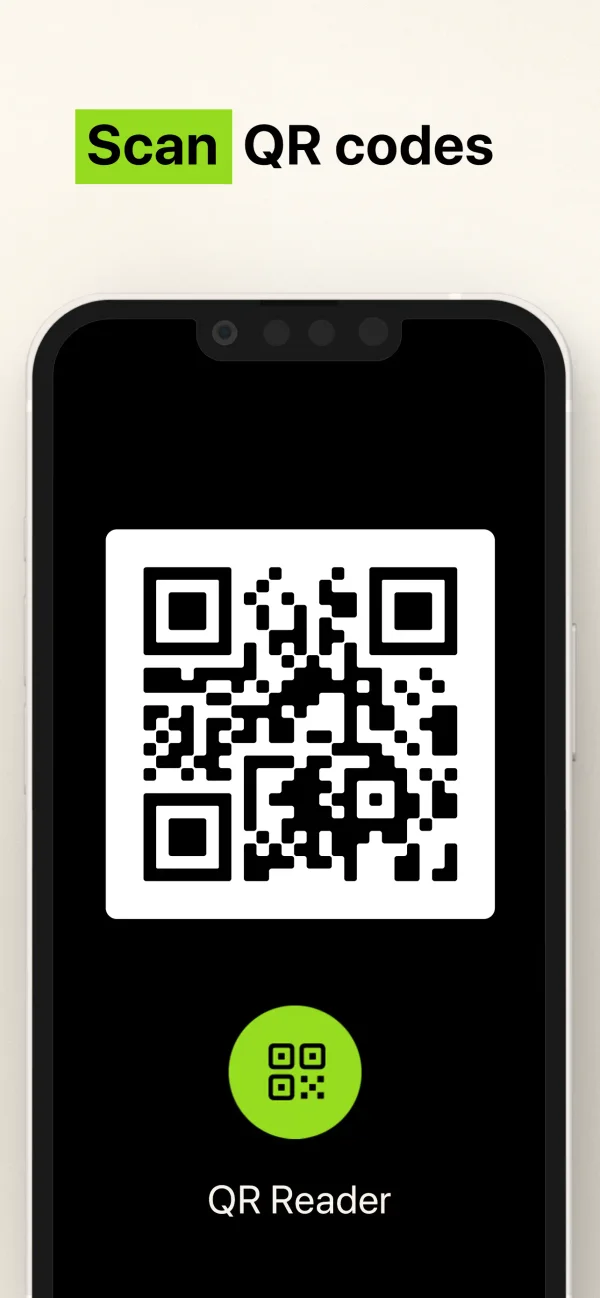
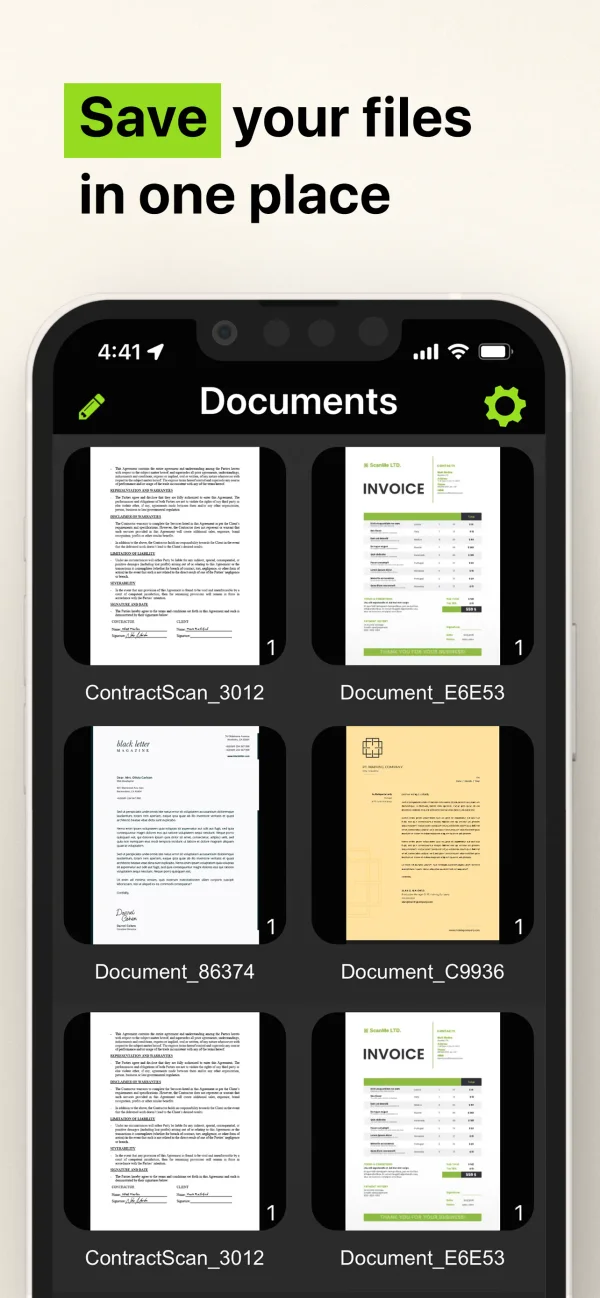
The Camera Scanner - PDF app offers you the most accurate PDF scanning capabilities using our powerful text editing (OCR) engine. With enhanced Optical Character Recognition software, you can now edit and sign documents much easier. Your device will become your essential portable document scanner. Manage an endless number of files and folders with just a few taps and keep all your documents securely in one place. You can even share your favorite documents with others easily and immediately or sign them.
Use your phone to scan any hand written, printed or graphic material such as:
- Contracts
- Business Cards
- Expenses
- School or university documents
- Books
- Notes
- IDs (Driver's License, Passports, Personal Identification, etc)
- Tax Forms & Tax Documents
PDF Document Scanner with OCR app is easier than ever to use and with a pixel perfect design. Simply follow these easy steps:
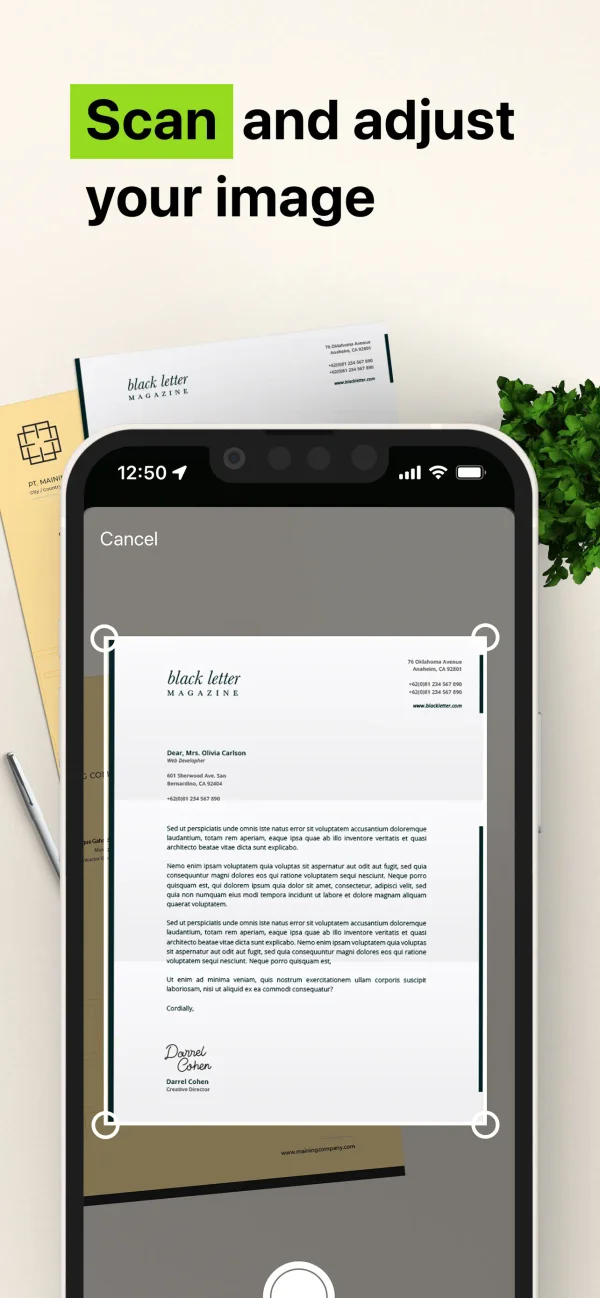
- SCAN documents from your camera, photos or even from your clipboard
- EDIT your documents in order to fit your needs (crop, blur and use many other filters)
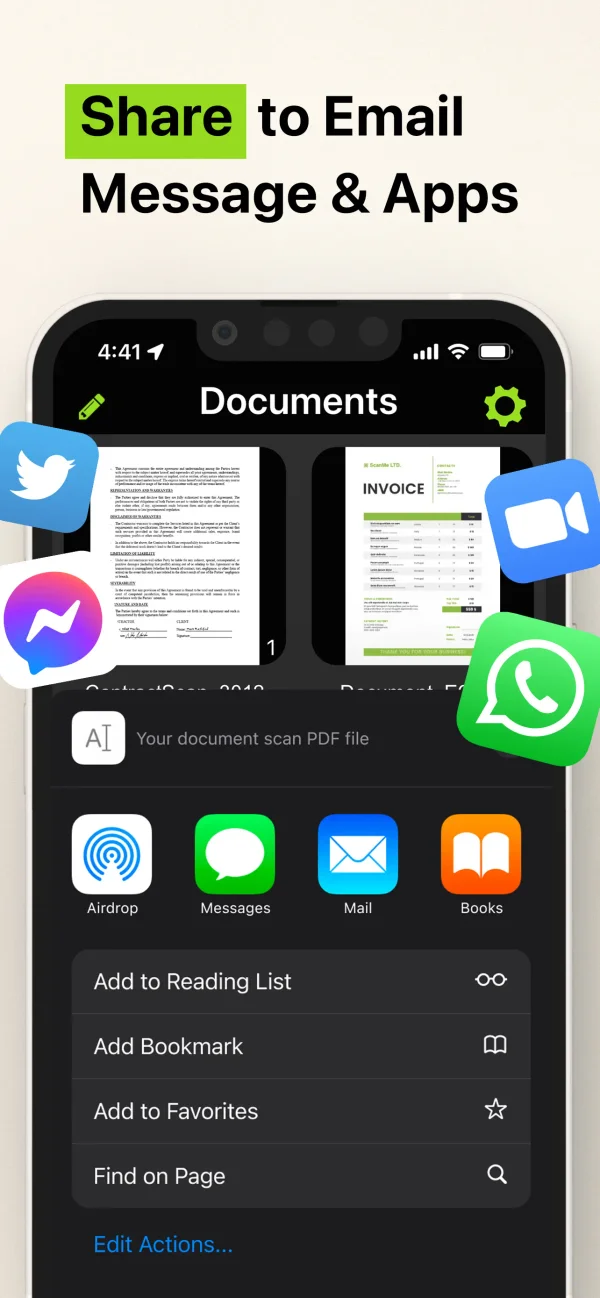
- PRINT or SHARE your PDF files with anyone via email, message or any other platform that you use
- COPY TEXT from your digital scans
- STORE securely all your documents on your device with no additional cloud storage cost involved
- SIGN your docs in a secure environment
This app is your best ally for scanning purposes!
--------------------------------------
PDF Document Scanner with OCR Premium Subscription
--------------------------------------
Upgrade to the Premium version in order to:
- Share your files with no limits
- Use our powerful character recognition engine (OCR) to copy and edit text from your scanned files
- Enjoy an ad-free experience
Document Scanner – PDF, OCR app has different subscription plans.
Subscription payments are charged to your iTunes account at confirmation of purchase. Subscription automatically renews unless auto-renew is turned off at least 24 hours before the end of the current subscription period or trial. Subscriptions starting with a trial automatically renew for the indicated price after the trial period ends. Any unused portion of a free trial period, if offered, will be forfeited when you purchase a premium subscription during the trial period.
Subscriptions may be managed by you and auto-renewal may be turned off by going to your Account Settings after purchase ("Settings" -> "iTunes & App Store" -> "Apple ID" and select "Subscriptions")
* Link to Terms of Use: http://iosdocumentscanner.com/pp.html#terms-of-service
* Link to Privacy Policy: http://iosdocumentscanner.com/pp.html#privacy-policy
新機能
バージョン 15.5 · 2024/12/3
Usual bug fixing and improvements.
アプリのプライバシー
このアプリのデータの取り扱いについて、Position Mobile Ltd SEZCがApp Storeで申告している内容です。
-
ユーザーに関連付けられないデータ
収集される場合がありますが、ユーザーの識別情報には関連付けられません。
- ユーザーコンテンツ
- 使用状況データ
- 診断
プライバシーの取り扱いは、ご利用の機能やお客様の年齢などに応じて異なる場合があります。
情報
- 販売元
- Position Mobile Ltd SEZC
- カテゴリ
- ビジネス
- バージョン
- 15.5
- 更新日
- 2024/12/3
- リリース
- 2020/8/12
- サイズ
- 81.6 MB
- 必要条件
- iOS 15.0以降
- 対象年齢
- 4+
- 価格
- 無料
- アプリ内課金
- あり
- 言語
- 英語, フランス語, ドイツ語, イタリア語, ポルトガル語, ルーマニア語, スペイン語, 繁体字中国語
- 著作権
- © Copyright (c) 2020 - Position Mobile - All Rights Reserved
こちらもおすすめ
-
 PDF Scanner to scan Documentsビジネス
-
 Scanner Vault: PDF & OCR Scanビジネス
-
 Scanner App: Docs Scan & Signビジネス
-
 Camera Scanner - PDF Scan OCRビジネス
-
 One Scan: PDFスキャナー・書類スキャン・OCRAI文字認識・署名・名刺・領収書・写真・レシート・編集・変換
-
 Camera Scanner・PDFスキャナー , OCR写真をPDFに変換・文字認識・スキャンアプリ,Sign
-
 Cam Scan - PDF Scanner & OCR仕事効率化
-
 Faster Scan - Fast PDF Scannerビジネス
-
 PDF Document Scanner App °ビジネス