- 対象年齢4+
- カテゴリ写真/ビデオ
- 開発元BroSister
- 言語英語
- サイズ24.3 MB
App Storeの公式ページにリンクしています
Download.orgはChroma key backgroundのファイルを一切ホストしていません。ボタンを押すと、BroSisterが公開しているApp Storeのアプリページが開きます。ページの最終確認:2026/11/12。
スクリーンショット
概要
開発元はこのテキストをお使いの言語で提供していません。
ChromaKey Screen – Your Pocket Studio
The perfect green screen for video compositing.
An essential tool for green screen backgrounds, studio lighting, tracking markers, and background removal.
Turn your smartphone or tablet into a professional green screen and soft light—anytime, anywhere.
ChromaKey Screen delivers clean, vibrant, and perfectly even color screens optimized for chroma keying and background removal, without any extra equipment.
Create a professional filming setup instantly, whether you’re at home, outdoors, or on the go.
[Key Features]
1. Perfect Chroma Key Colors
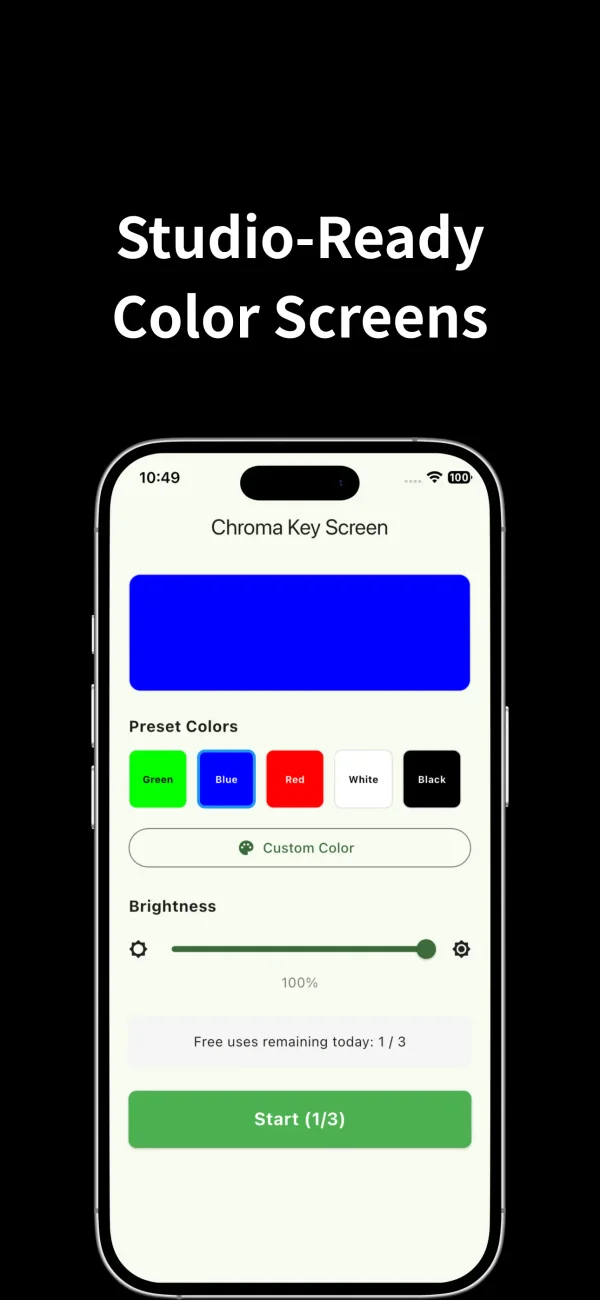
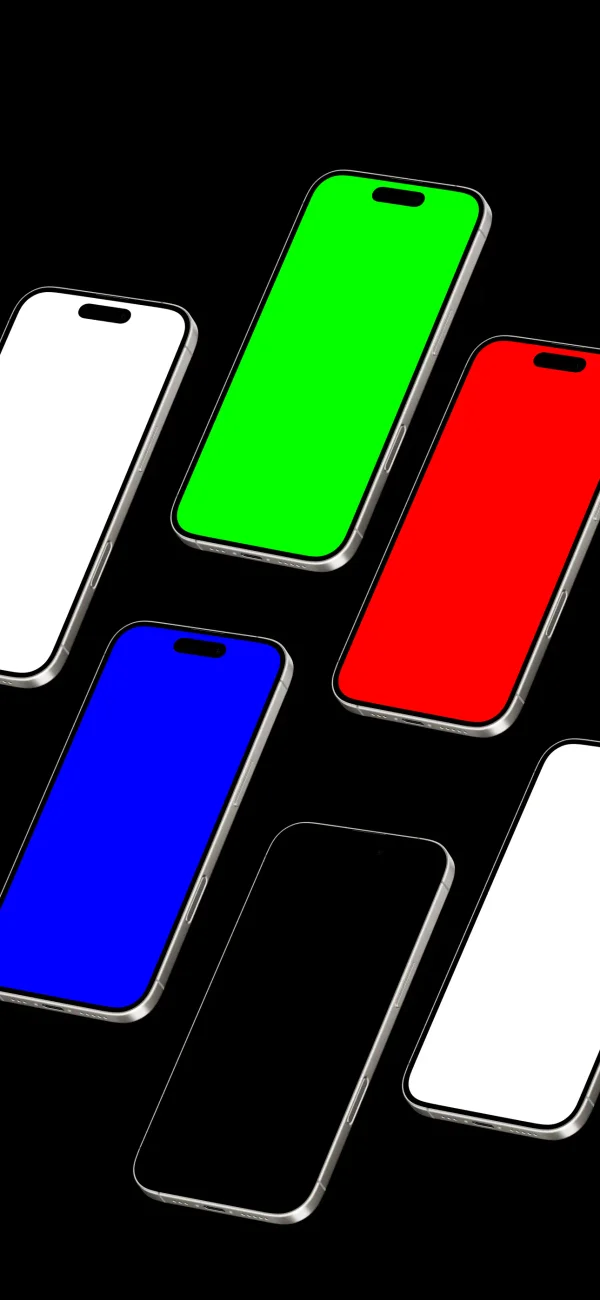
- Green & Blue Screens : Industry-standard colors optimized for video compositing and chroma key effects.
- Multiple Background Colors : Red, magenta, white, black, and more—choose the right color for any shooting scenario.
- Custom Color Picker : Fine-tune and create your own background color with precise control.
2. Studio Lighting Mode (Soft Light)
- Maximize screen brightness to use your device as a softbox or reflector.
- Ideal for selfies, talking-head videos, and product shots.
- Adjustable color temperature for warm or cool lighting effects.
3. Tracking Markers
- Display motion tracking markers (crosshairs) for professional VFX work.
- Helps stabilize compositing even with camera movement.
4. Touch Lock & Fullscreen Mode
- Lock the screen to prevent accidental touches during recording.
- Hides the status bar for a true edge-to-edge fullscreen color display.
Who Is This App For?
YouTube & TikTok Creators
- Create chroma key intros using your phone or tablet screen.
- Film props, figures, or hands without needing a green fabric.
Video Editing & VFX Beginners
- Practice chroma keying in Premiere Pro, After Effects, or DaVinci Resolve.
- Quickly get a solid-color background when filming outdoors or on the move.
Photographers & Product Reviewers
- Use as a clean background board for small products and accessories.
- Add extra light in low-light environments.
Online Meetings & Live Streaming
- Use the white screen as a soft face light for Zoom or video calls.
How to Use
1. Choose a Color
2. Launch the app and select green, blue, white, or any preset color.
3. Use the color picker to create a custom background if needed.
4. Adjust Brightness & Options
5. Swipe up or down to control screen brightness.
6. Enable tracking markers from the options menu if required.
7. Start Shooting
8. Place your device behind the subject as a background or light source.
9. Record with another camera and apply a chroma key effect (e.g., Ultra Key) in your editing software.
Why Choose ChromaKey Screen?
- Optimized Colors : Uses standard RGB values for clean and accurate keying.
- Battery Efficient : Lightweight design with minimal heat and power usage.
- Simple & Intuitive : No complicated setup—tap once and start filming.
- Completely Free : No watermarks, no feature locks, no subscriptions.
Download ChromaKey Screen now
and upgrade your videos to a professional level—anytime, anywhere.
アプリのプライバシー
このアプリのデータの取り扱いについて、BroSisterがApp Storeで申告している内容です。
-
ユーザーのトラッキングに使用されるデータ
他社のアプリやウェブサイトを横断してユーザーをトラッキングする目的で使用される場合があります。
- ID
- 使用状況データ
-
ユーザーに関連付けられたデータ
収集され、ユーザーの識別情報に関連付けられる場合があります。
- ID
- 使用状況データ
-
ユーザーに関連付けられないデータ
収集される場合がありますが、ユーザーの識別情報には関連付けられません。
- 診断
プライバシーの取り扱いは、ご利用の機能やお客様の年齢などに応じて異なる場合があります。
情報
- 販売元
- BroSister
- カテゴリ
- 写真/ビデオ
- バージョン
- 1.0
- 更新日
- 2026/2/25
- リリース
- 2026/2/25
- サイズ
- 24.3 MB
- 必要条件
- iOS 13.0以降
- 対象年齢
- 4+
- 価格
- 無料
- 言語
- 英語
- 著作権
- © BroSister
こちらもおすすめ
-
 Chroma Grid写真/ビデオ
-
 Eraser & Background Remover写真/ビデオ
-
 Reflara: 縦横同時撮影カメラ縦動画も横動画も1回で・LUT・4K
-
 Background Remover Video Photo人物・被写体の背景を削除して透明出力、動画・静止画背景透過
-
 SoftFillLightスマホ画面を撮影用ライトに変える専門的な補光アプリ。
-
 AI証明写真プロ: Zenith Studioプロ品質のビジネス写真
-
 GreenCam: グリーンスクリーン動画背景をリアルタイムで変更・合成
-
 Screen ForgeVFX用スクリーン撮影
-
 AnimatedPics - Image Animation写真/ビデオ
-
 Eclat: シネマ風RAWフィルムカメラ映画のようなルック。いつでも編集