Chroma key background
Chroma key screen
iPhone, iPad, iPod touch için tasarlandı
Ücretsiz
- Yaş sınırı4+
- KategoriFotoğraf ve Video
- GeliştiriciBroSister
- Dillerİngilizce
- Boyut24,3 MB
Resmi App Store sayfasına bağlanır
Download.org, Chroma key background için hiçbir dosya barındırmaz. Düğme, uygulamanın App Store üzerindeki sayfasını açar; uygulamayı orada BroSister yayınlar. Sayfanın son kontrolü: 12.11.2026.
Ekran görüntüleri
Hakkında
Geliştirici bu metni dilinizde sunmamış.
ChromaKey Screen – Your Pocket Studio
The perfect green screen for video compositing.
An essential tool for green screen backgrounds, studio lighting, tracking markers, and background removal.
Turn your smartphone or tablet into a professional green screen and soft light—anytime, anywhere.
ChromaKey Screen delivers clean, vibrant, and perfectly even color screens optimized for chroma keying and background removal, without any extra equipment.
Create a professional filming setup instantly, whether you’re at home, outdoors, or on the go.
[Key Features]
1. Perfect Chroma Key Colors
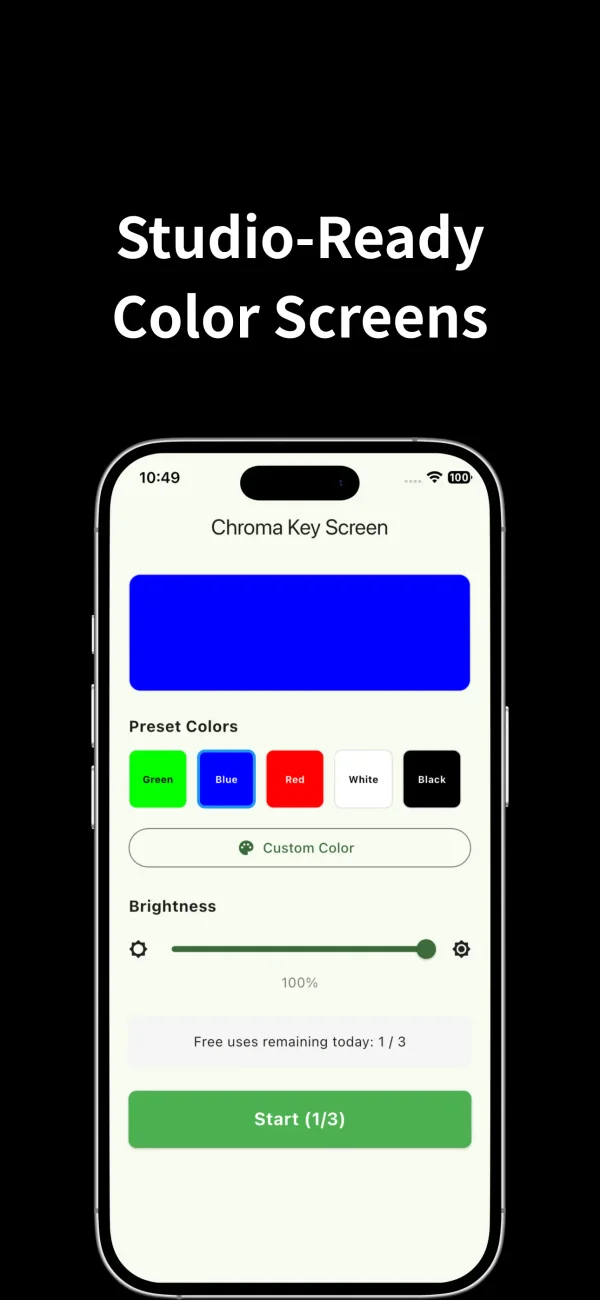
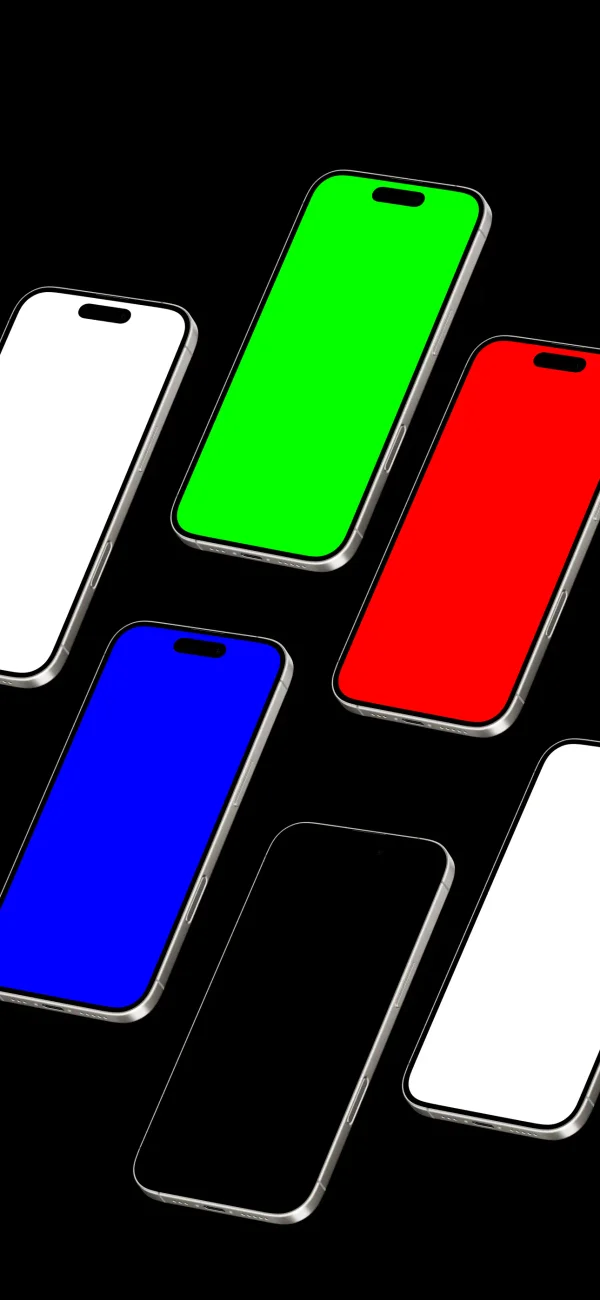
- Green & Blue Screens : Industry-standard colors optimized for video compositing and chroma key effects.
- Multiple Background Colors : Red, magenta, white, black, and more—choose the right color for any shooting scenario.
- Custom Color Picker : Fine-tune and create your own background color with precise control.
2. Studio Lighting Mode (Soft Light)
- Maximize screen brightness to use your device as a softbox or reflector.
- Ideal for selfies, talking-head videos, and product shots.
- Adjustable color temperature for warm or cool lighting effects.
3. Tracking Markers
- Display motion tracking markers (crosshairs) for professional VFX work.
- Helps stabilize compositing even with camera movement.
4. Touch Lock & Fullscreen Mode
- Lock the screen to prevent accidental touches during recording.
- Hides the status bar for a true edge-to-edge fullscreen color display.
Who Is This App For?
YouTube & TikTok Creators
- Create chroma key intros using your phone or tablet screen.
- Film props, figures, or hands without needing a green fabric.
Video Editing & VFX Beginners
- Practice chroma keying in Premiere Pro, After Effects, or DaVinci Resolve.
- Quickly get a solid-color background when filming outdoors or on the move.
Photographers & Product Reviewers
- Use as a clean background board for small products and accessories.
- Add extra light in low-light environments.
Online Meetings & Live Streaming
- Use the white screen as a soft face light for Zoom or video calls.
How to Use
1. Choose a Color
2. Launch the app and select green, blue, white, or any preset color.
3. Use the color picker to create a custom background if needed.
4. Adjust Brightness & Options
5. Swipe up or down to control screen brightness.
6. Enable tracking markers from the options menu if required.
7. Start Shooting
8. Place your device behind the subject as a background or light source.
9. Record with another camera and apply a chroma key effect (e.g., Ultra Key) in your editing software.
Why Choose ChromaKey Screen?
- Optimized Colors : Uses standard RGB values for clean and accurate keying.
- Battery Efficient : Lightweight design with minimal heat and power usage.
- Simple & Intuitive : No complicated setup—tap once and start filming.
- Completely Free : No watermarks, no feature locks, no subscriptions.
Download ChromaKey Screen now
and upgrade your videos to a professional level—anytime, anywhere.
Uygulama gizliliği
Bu uygulamanın verileri nasıl işlediği hakkında BroSister tarafından App Store üzerinde yapılan beyan.
-
Sizi izlemek için kullanılan veriler
Başka şirketlere ait uygulamalarda ve web sitelerinde sizi izlemek için kullanılabilir.
- Tanımlayıcılar
- Kullanım verileri
-
Sizinle ilişkilendirilen veriler
Toplanabilir ve kimliğinizle ilişkilendirilebilir.
- Tanımlayıcılar
- Kullanım verileri
-
Sizinle ilişkilendirilmeyen veriler
Toplanabilir ancak kimliğinizle ilişkilendirilmez.
- Tanılama
Gizlilik uygulamaları, örneğin kullandığınız özelliklere veya yaşınıza göre değişiklik gösterebilir.
Bilgiler
- Satıcı
- BroSister
- Kategori
- Fotoğraf ve Video
- Sürüm
- 1.0
- Güncellendi
- 25.02.2026
- Yayın tarihi
- 25.02.2026
- Boyut
- 24,3 MB
- Gereksinim
- iOS 13.0 veya sonrası
- Yaş sınırı
- 4+
- Fiyat
- Ücretsiz
- Diller
- İngilizce
- Telif hakkı
- © BroSister
Bunları da beğenebilirsiniz
-
 Chroma GridFotoğraf ve Video
-
 Eraser & Background RemoverFotoğraf ve Video
-
 Reflara: Dikey Yatay VideoÇift Format, Sinematik Kamera
-
 Background Remover Video PhotoFotoğraf ve Video
-
 SoftFillLightFotoğraf ve Video
-
 AI Headshot Pro: Zenith StudioFotoğraf ve Video
-
 GreenCam: Green Screen VideoYeşil Ekran Arka Plan Değiştir
-
 Screen ForgeFotoğraf ve Video
-
 AnimatedPics - Image AnimationFotoğraf ve Video
-
 Eclat: Cinematic RAW CameraFotoğraf ve Video