- 対象年齢4+
- カテゴリ開発ツール
- 開発元HurryApp LTD
- 言語英語ほか16言語
- サイズ126.5 MB
App Storeの公式ページにリンクしています
Download.orgはCode Editorのファイルを一切ホストしていません。ボタンを押すと、HurryApp LTDが公開しているApp Storeのアプリページが開きます。ページの最終確認:2026/11/23。
スクリーンショット
概要
開発元はこのテキストをお使いの言語で提供していません。
Write code, run Python and preview web pages on iPhone and iPad. Code Editor brings your scripts, websites, JSON and text files into one project workspace.
EDIT CODE AND TEXT
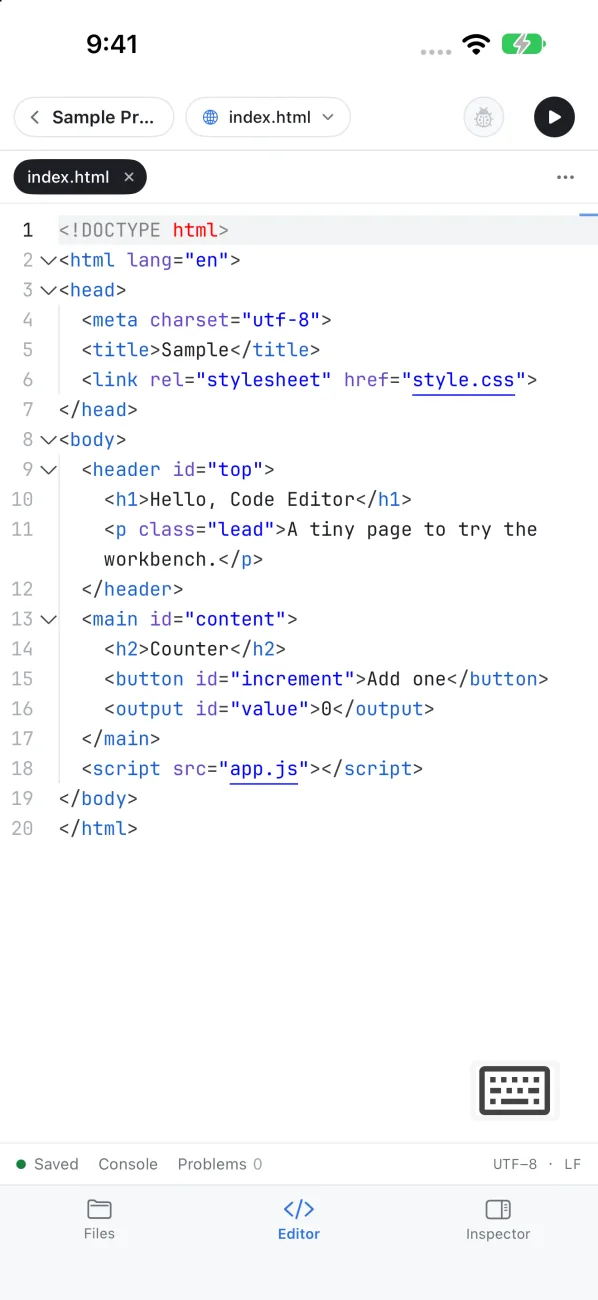
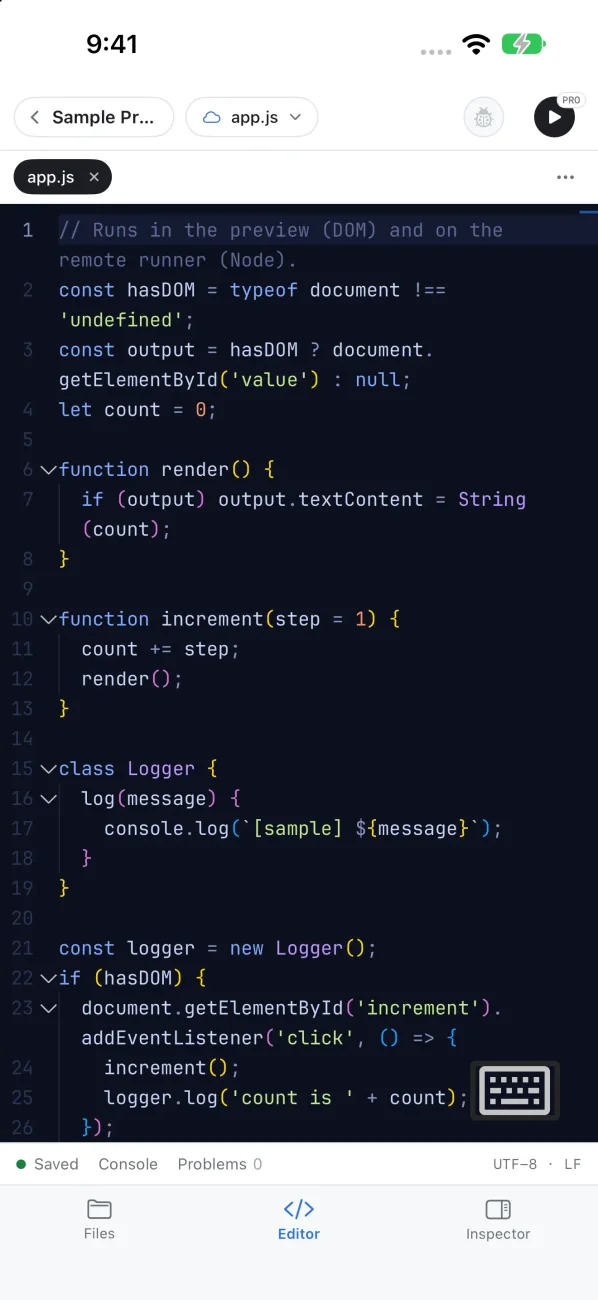
Work with Python, Markdown, JavaScript, TypeScript, HTML, CSS, JSON, PHP, XML and other text formats. Use syntax highlighting, code completion suggestions, find and replace, themes and adjustable fonts. Keep multiple files open and compare code in a split editor.
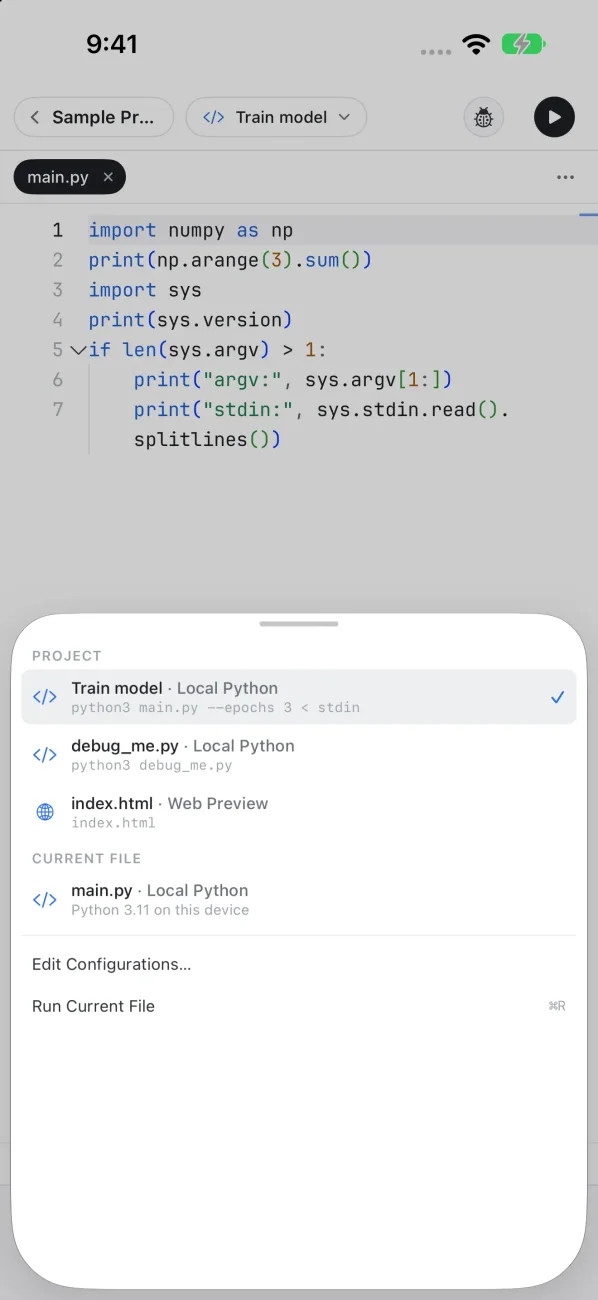
RUN PYTHON LOCALLY
Python is built into the app. Run scripts on your device and work with included libraries such as NumPy, pandas and matplotlib. Use the built-in debugger while developing your Python projects.
CREATE AND PREVIEW WEB PAGES
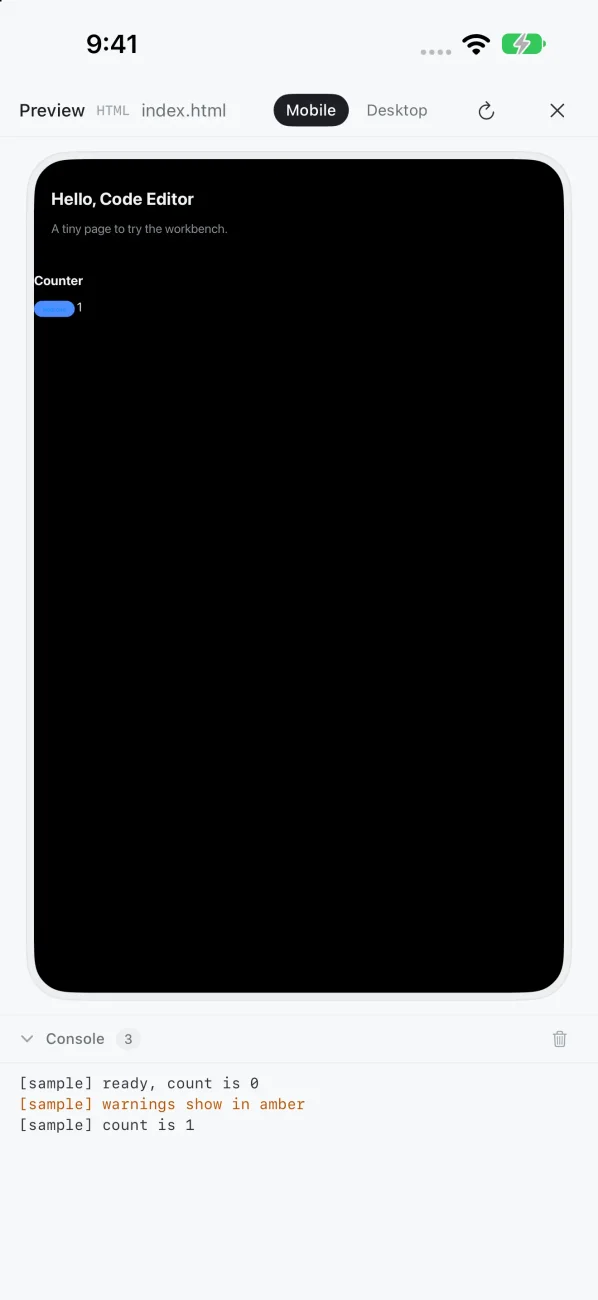
Write HTML, CSS and JavaScript and open the result in the web preview. Keep your page, styles and scripts together in a project so you can edit and test them in one workspace.
READ JSON AND PLAIN TEXT
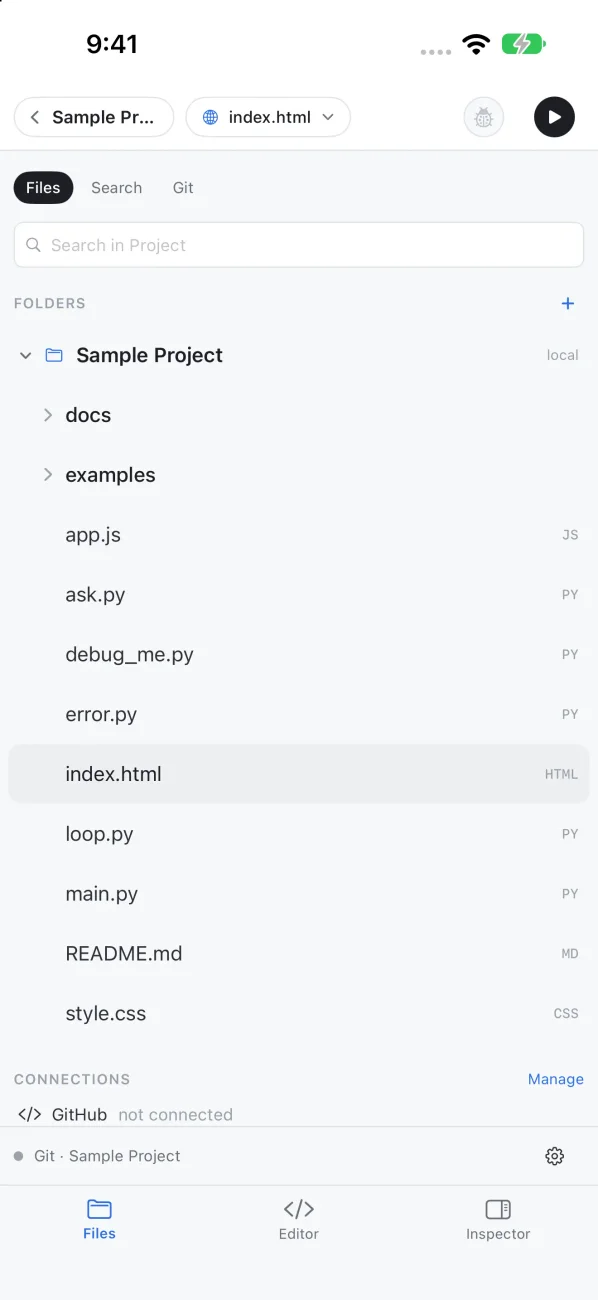
Open and edit JSON, XML, configuration and plain text files with syntax highlighting where supported. Work directly with file contents and organise related files into folders and projects.
WORK WITH CONNECTED FILES
Access projects through GitHub, SFTP, WebDAV and S3 connections. Use the project browser and search tools to move between files.
SIRI AND SHORTCUTS
Use Siri or the Shortcuts app to open New File, Projects and Settings in Code Editor on the device you are using. New File opens the normal file-creation flow so you can choose its name and location.
WIDGETS FOR PROJECTS AND ACTIONS
Add a Small or Medium widget to your Home Screen. Reopen a recent iCloud project or jump into the app to create a file or browse projects. Small shows one recent iCloud project; Medium shows up to three.
CHOOSE PROJECTS FOR ICLOUD
Create a new iCloud project or copy an existing project with local folders to iCloud Drive. Access those projects and their files in Code Editor on iPhone, iPad and Mac signed in to the same iCloud account. Only projects you explicitly create or copy to iCloud are stored there; other local and connected projects stay where they are. iCloud Drive must be enabled, and synchronisation depends on network availability.
FREE FEATURES AND PRO
The editor, themes, folders and projects, connections, embedded Python, web preview, debugger and split editor are free. A Pro subscription unlocks code execution on the remote runner. Remote execution requires an internet connection; it is separate from the built-in Python runtime and web preview.
Privacy Policy: https://www.iubenda.com/privacy-policy/81015424
Terms of Service: https://www.apple.com/legal/internet-services/itunes/dev/stdeula
新機能
バージョン 27.0.2 · 2026/11/22
Bug fixes.
アプリのプライバシー
このアプリのデータの取り扱いについて、HurryApp LTDがApp Storeで申告している内容です。
-
データの収集なし
開発元はこのアプリからデータを収集しません。
プライバシーの取り扱いは、ご利用の機能やお客様の年齢などに応じて異なる場合があります。
情報
- 販売元
- HurryApp LTD
- カテゴリ
- 開発ツール
- バージョン
- 27.0.2
- 更新日
- 2026/11/22
- リリース
- 2023/3/1
- サイズ
- 126.5 MB
- 必要条件
- iOS 18.0以降
- 対象年齢
- 4+
- 価格
- 無料
- アプリ内課金
- あり
- 言語
- 英語, デンマーク語, オランダ語, フィンランド語, フランス語, ドイツ語, ギリシャ語, イタリア語, 日本語, 韓国語, ノルウェー語 (ブークモール), ポーランド語 ほか5言語
- 著作権
- © RF 2023
こちらもおすすめ
-
 CodeMaster - Mobile Coding IDEコードエディタ & SSH/SFTP
-
 NeoServer SSH Client TerminalMosh SFTP Docker Server PuTTY
-
 ServerCat - SSH Terminalサーバー監視・シェル・自動化
-
 La Terminal:Mosh & SSH クライアントSFTP、ファイル + AI リモートエージェント
-
 Python IDE と Jupyter – Junoコードエディタ・ノートブック・AI
-
 Spider ProxyHTTP(S) Catcher,Rewrite
-
 Stream HTTP Sniffer開発ツール
-
 Hodor - HTTP(s) Packet SnifferFlutter通信キャプチャとAPIテスト
-
 SQLPro Studio: SQL Database開発ツール
-
 Wi Fi アナライザー & WiFi速度テスト ネット回線インターネット・メーター&スキャナー