- 対象年齢4+
- カテゴリユーティリティ
- 開発元j5create
- 言語英語ほか15言語
- サイズ54.3 MB
App Storeの公式ページにリンクしています
Download.orgはCrossLink - Wirelessのファイルを一切ホストしていません。ボタンを押すと、j5createが公開しているApp Storeのアプリページが開きます。ページの最終確認:2026/11/12。
スクリーンショット
概要
開発元はこのテキストをお使いの言語で提供していません。
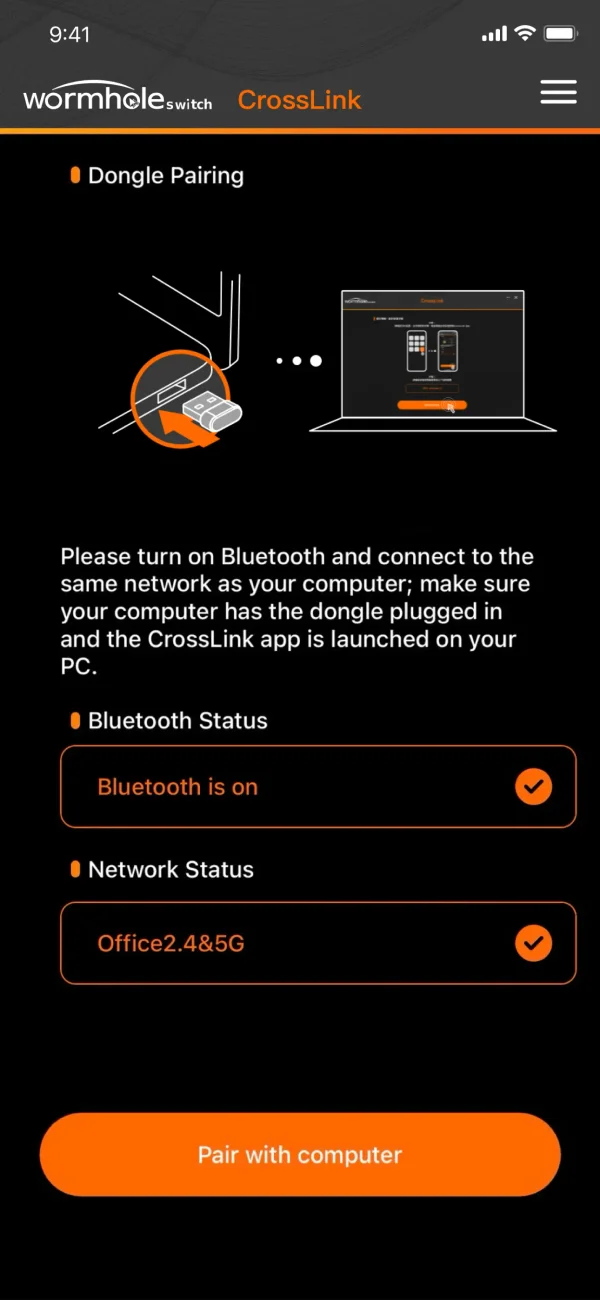
This companion application is designed to be used with j5create WormholeSwitch USB-C Dock Wireless Charger.
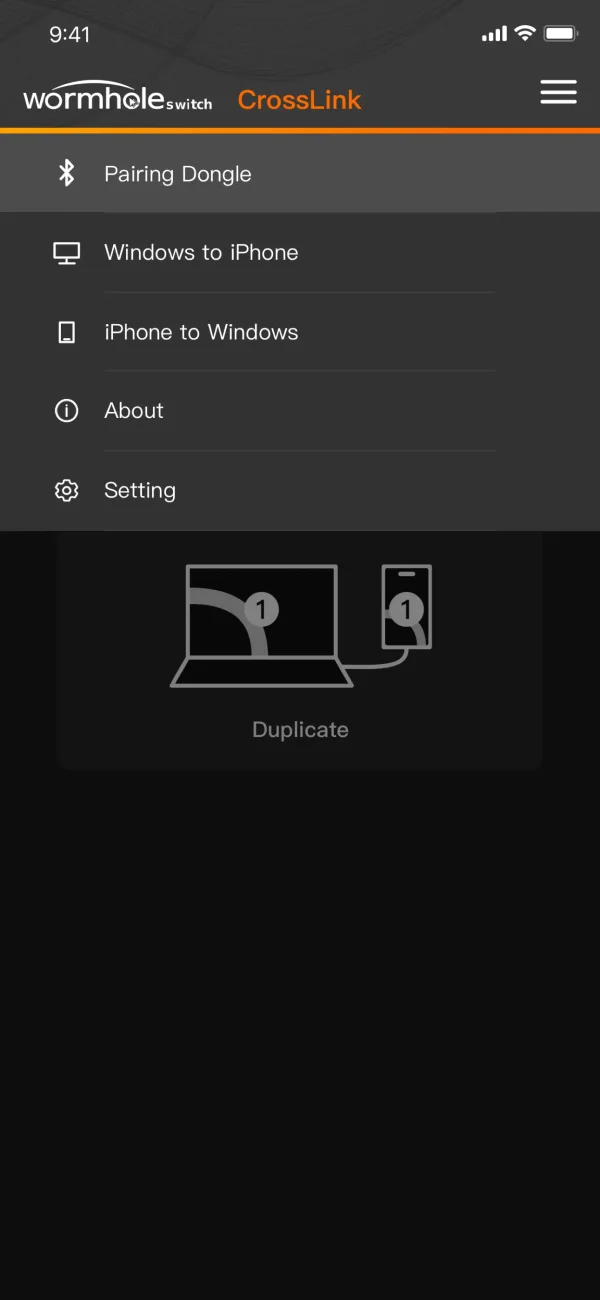
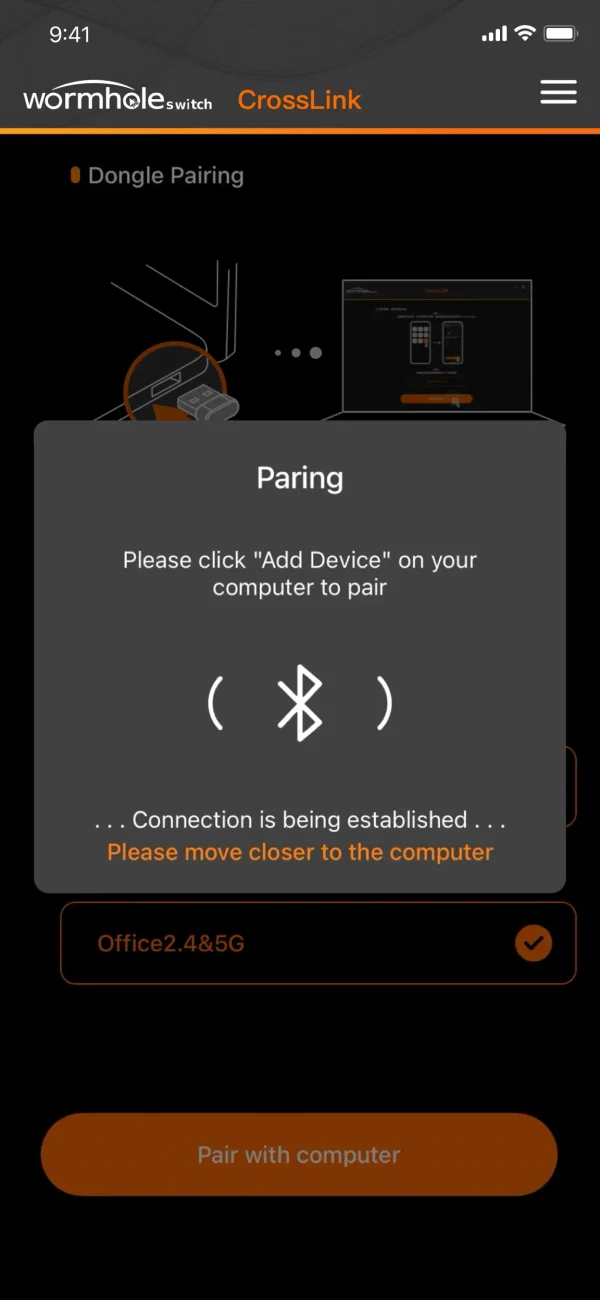
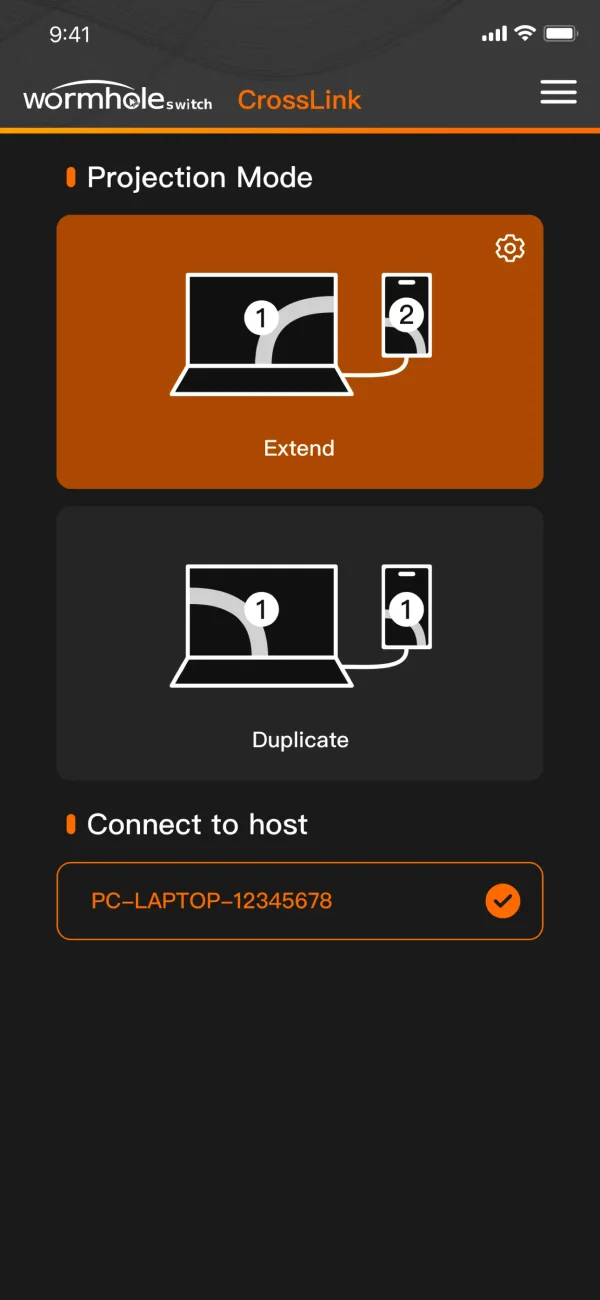
The j5create WormholeSwitch USB-C Dock Wireless Charger is a USB Dock with host-to-host wireless connectivity feature. In addition to its hub, holder and wireless charging functions, the included Bluetooth dongle also provides pairing identification to help Windows PC and iPad/iPhone connect wirelessly via local Wi-Fi or hotspot connection. After the connection is successful, you can use this APP to mirror the Windows PC main screen and view and operate it directly on iPad/iPhone. Gesture events or stylus trajectories and pen pressure on iPad/iPhone can also be reflected in Windows, just like having an extra touch screen in Windows. In addition to this mirror mode, this APP also provides the function of generating a virtual second screen in Windows, and this second screen can be projected to iPad/iPhone for viewing and operation.
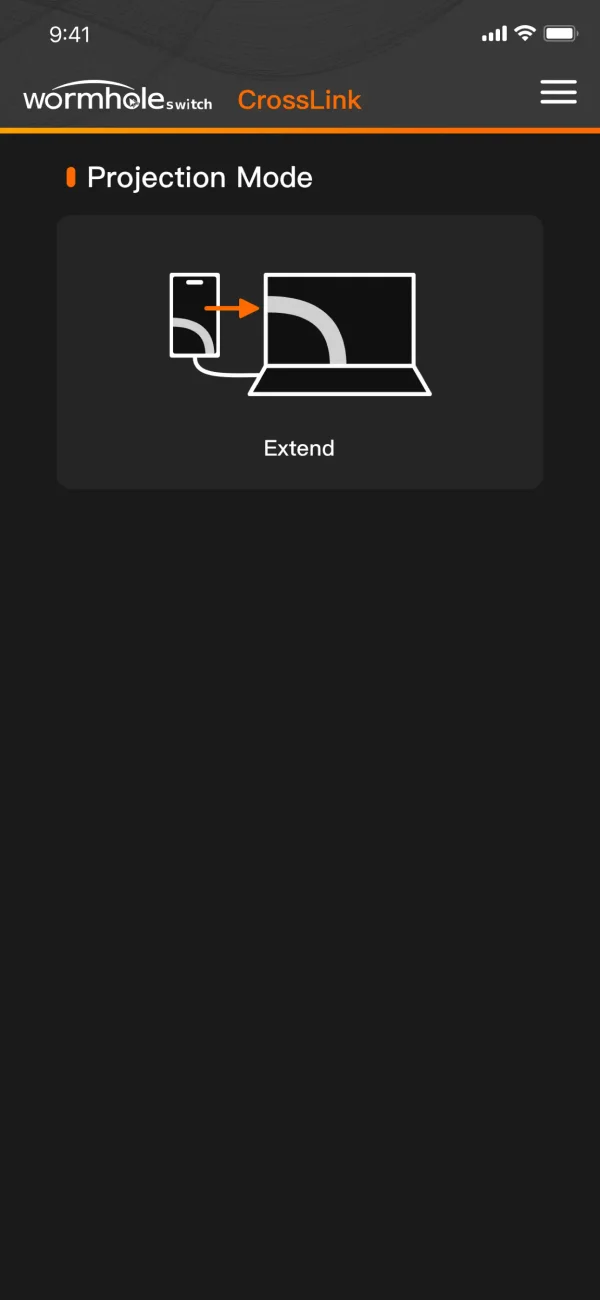
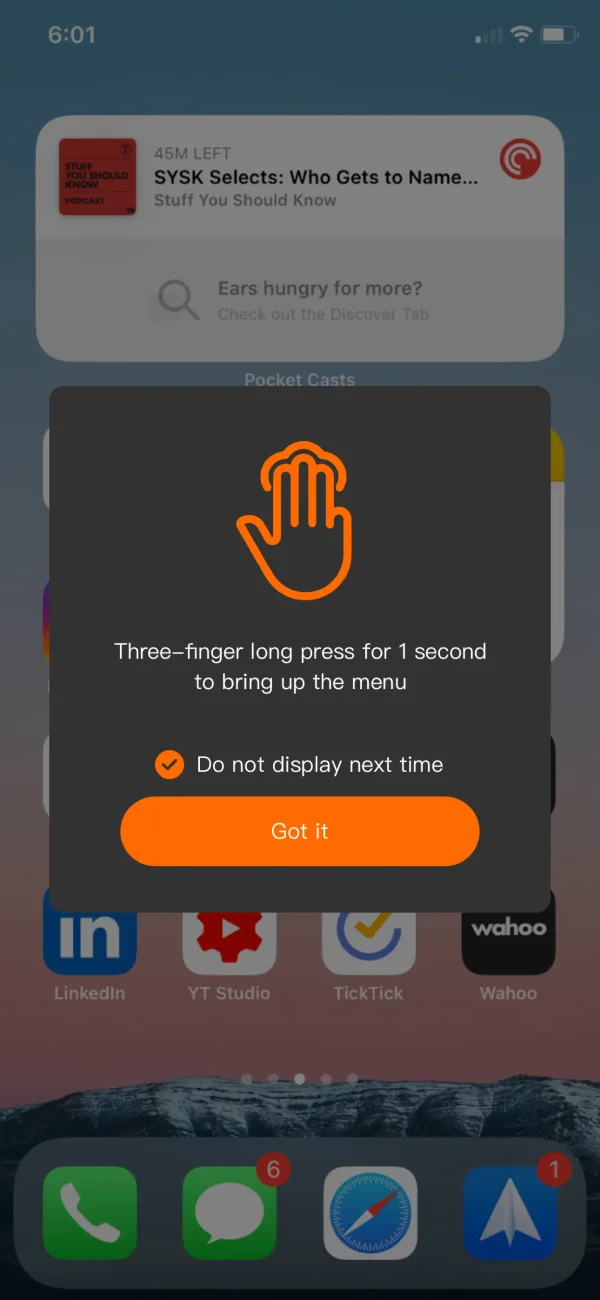
Conversely, we can also project the content of iPad/iPhone to Windows PC through this wireless connection. This function is just like AirPlay. You can see iPad/iPhone screen content and operations directly on the Windows PC screen. In addition, through the Bluetooth dongle, users can switch the keyboard and mouse from Windows to iPad/iPhone, allowing users to use the mouse connected to Windows to control iPad/iPhone while watching the projected content, or Use the keyboard connected to Windows to input text directly on iPad/iPhone.
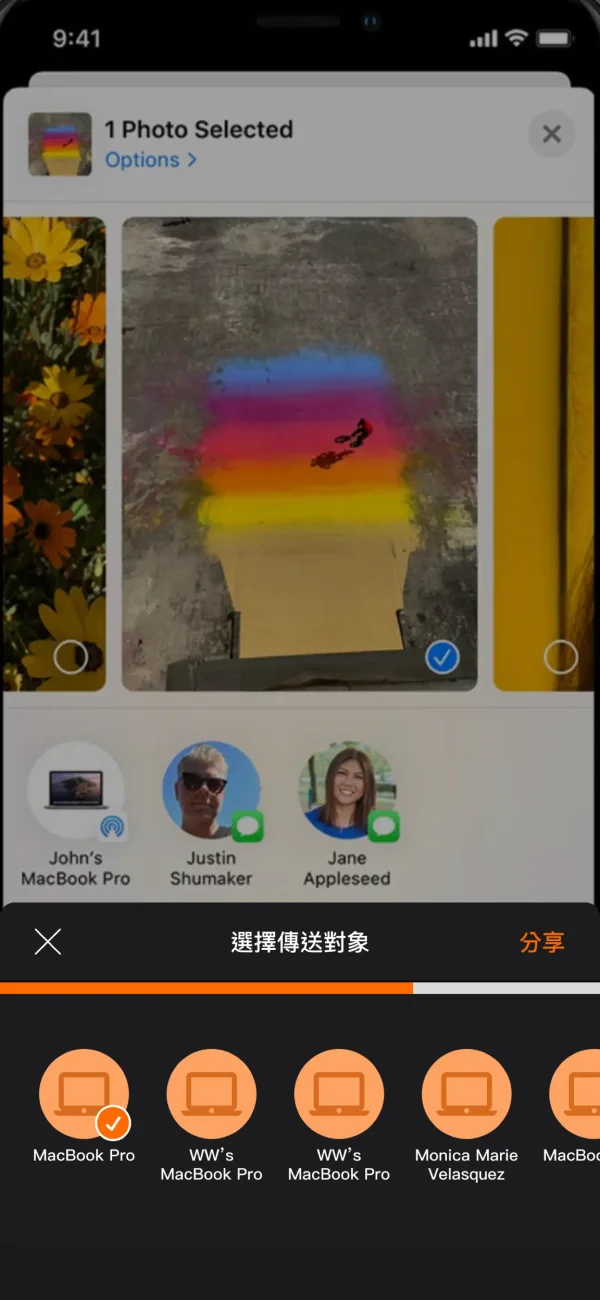
In addition to video screen projection and duplication, the app also supports an AirDrop-like feature that allows you to easily share media content such as videos, photos, or files to the "Downloads" location on your Windows PC. You can also share files to your iPad/iPhone by right-clicking the file in Windows Explorer and selecting the Share menu function, just like using AirDrop on a Mac. In addition, we also provide a file selector located in the main panel to directly select the file to be transferred.
新機能
バージョン 1.0.46 · 2026/8/28
Change iPad vertical screen layout.
アプリのプライバシー
このアプリのデータの取り扱いについて、j5createがApp Storeで申告している内容です。
-
データの収集なし
開発元はこのアプリからデータを収集しません。
プライバシーの取り扱いは、ご利用の機能やお客様の年齢などに応じて異なる場合があります。
情報
- 販売元
- Magic Control Technology Corporation
- カテゴリ
- ユーティリティ
- バージョン
- 1.0.46
- 更新日
- 2026/8/28
- リリース
- 2025/9/1
- サイズ
- 54.3 MB
- 必要条件
- iOS 11.0以降
- 対象年齢
- 4+
- 価格
- 無料
- 言語
- 英語, デンマーク語, オランダ語, フィンランド語, フランス語, ドイツ語, ハンガリー語, イタリア語, 日本語, 韓国語, ノルウェー語 (ブークモール), ポルトガル語 ほか4言語
- 著作権
- © 2025 j5create - Kennesaw, GA