- Classificação etária4+
- CategoriaUtilidades
- Desenvolvedorj5create
- IdiomasInglêse mais 15
- Tamanho54,3 MB
Leva à página oficial na App Store
O Download.org não hospeda nenhum arquivo de CrossLink - Wireless. O botão abre a página do app na App Store, onde j5create o publica. Página verificada pela última vez em 12/11/2026.
Capturas de tela
Sobre
O desenvolvedor não forneceu este texto no seu idioma.
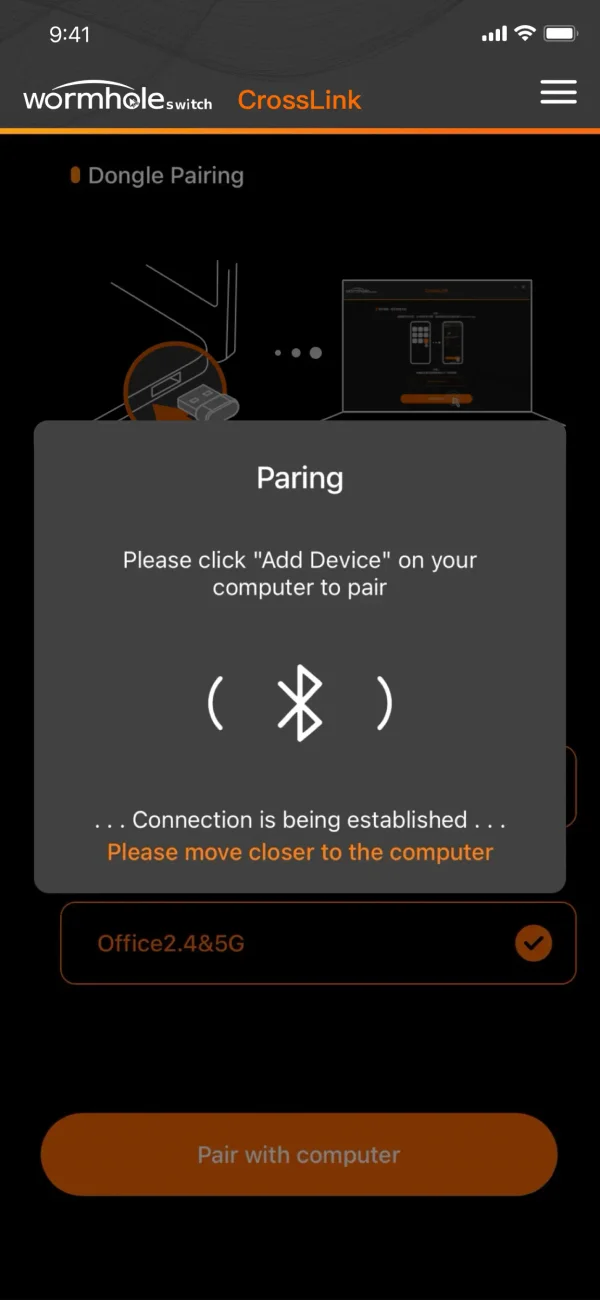
This companion application is designed to be used with j5create WormholeSwitch USB-C Dock Wireless Charger.
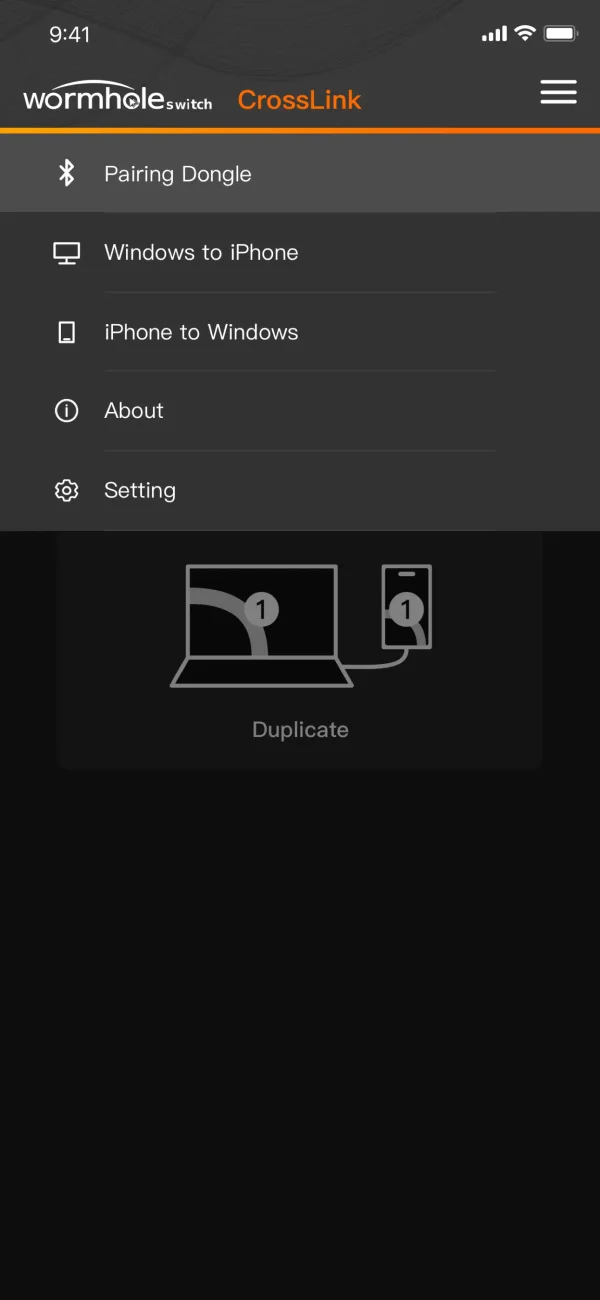
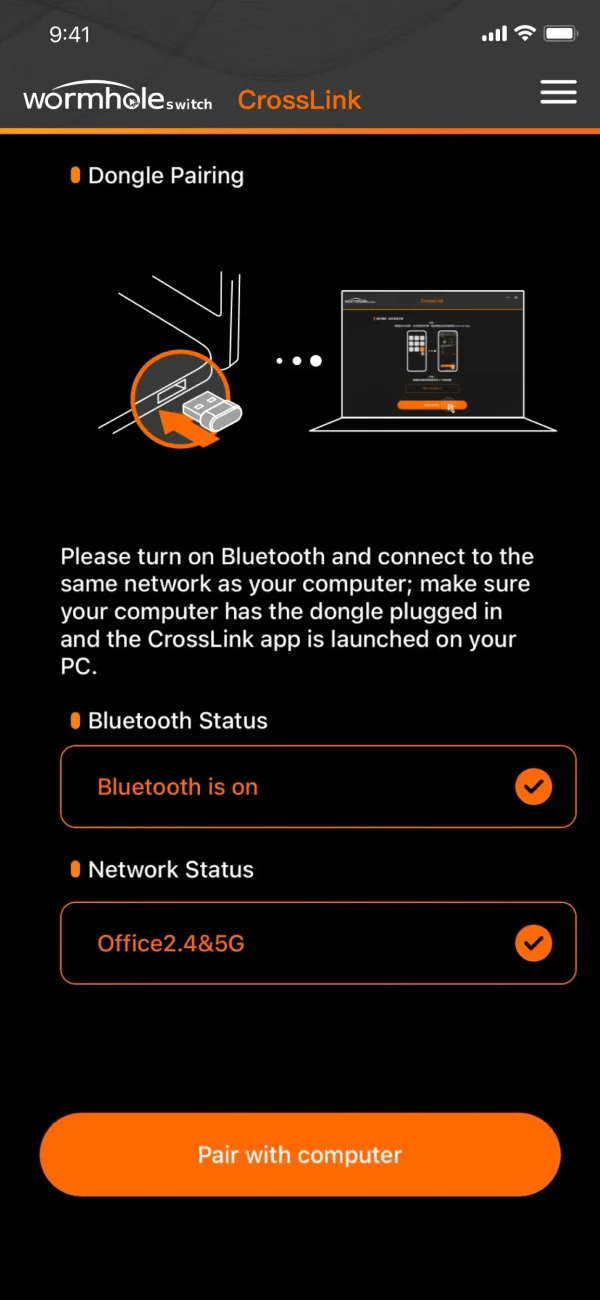
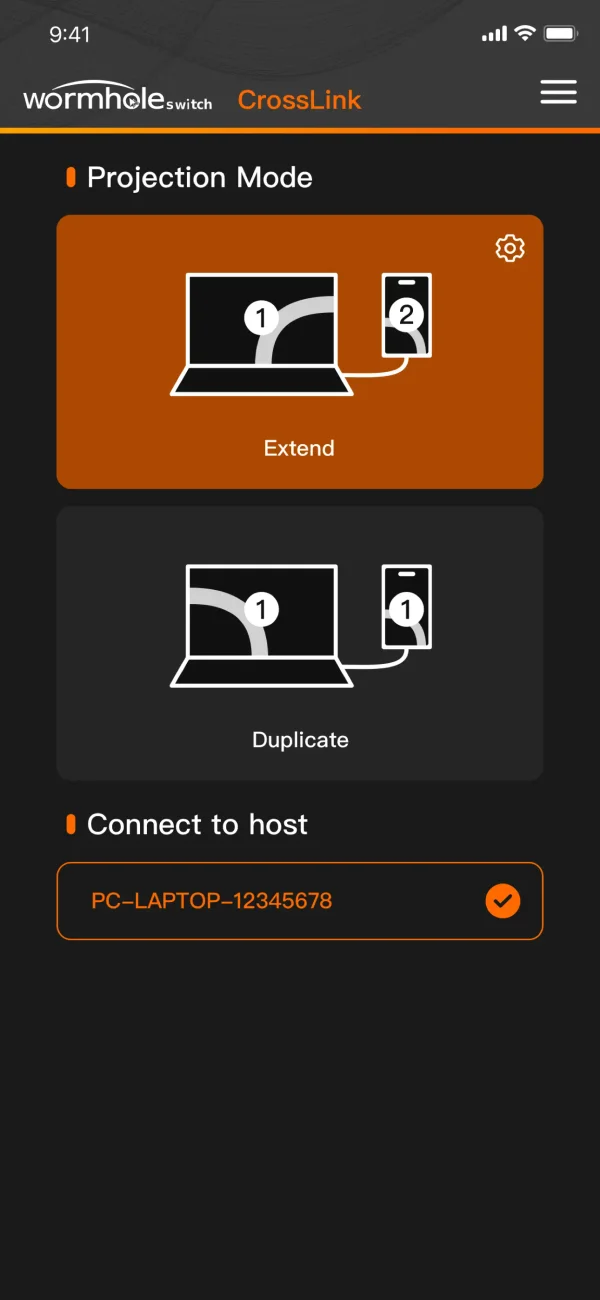
The j5create WormholeSwitch USB-C Dock Wireless Charger is a USB Dock with host-to-host wireless connectivity feature. In addition to its hub, holder and wireless charging functions, the included Bluetooth dongle also provides pairing identification to help Windows PC and iPad/iPhone connect wirelessly via local Wi-Fi or hotspot connection. After the connection is successful, you can use this APP to mirror the Windows PC main screen and view and operate it directly on iPad/iPhone. Gesture events or stylus trajectories and pen pressure on iPad/iPhone can also be reflected in Windows, just like having an extra touch screen in Windows. In addition to this mirror mode, this APP also provides the function of generating a virtual second screen in Windows, and this second screen can be projected to iPad/iPhone for viewing and operation.
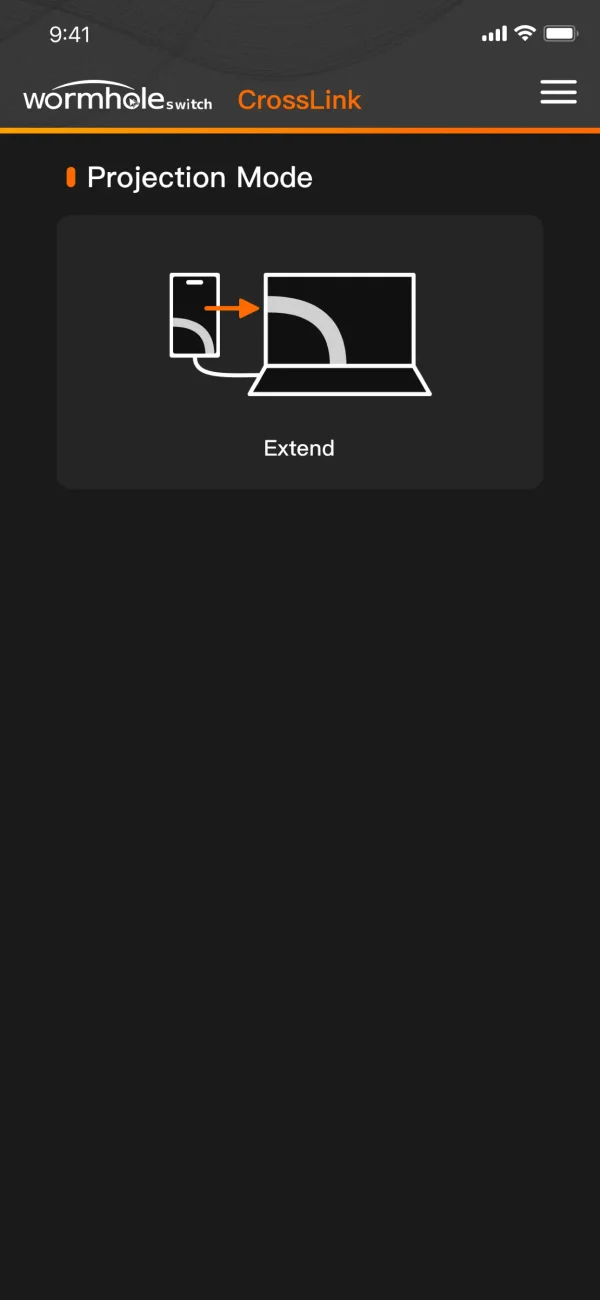
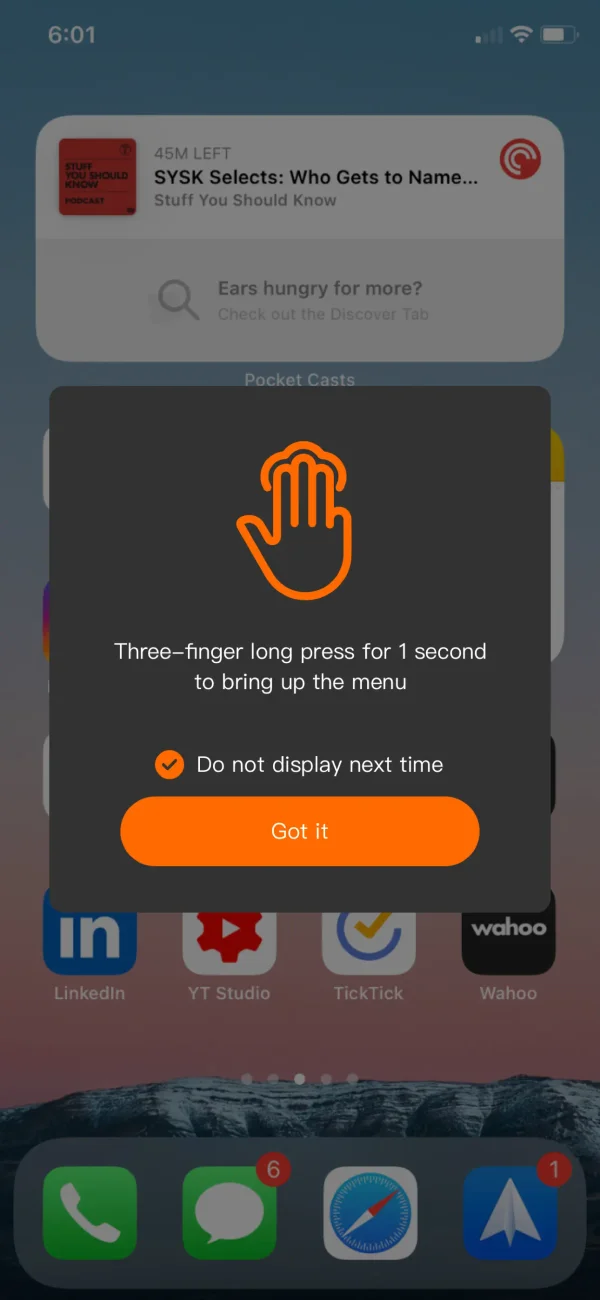
Conversely, we can also project the content of iPad/iPhone to Windows PC through this wireless connection. This function is just like AirPlay. You can see iPad/iPhone screen content and operations directly on the Windows PC screen. In addition, through the Bluetooth dongle, users can switch the keyboard and mouse from Windows to iPad/iPhone, allowing users to use the mouse connected to Windows to control iPad/iPhone while watching the projected content, or Use the keyboard connected to Windows to input text directly on iPad/iPhone.
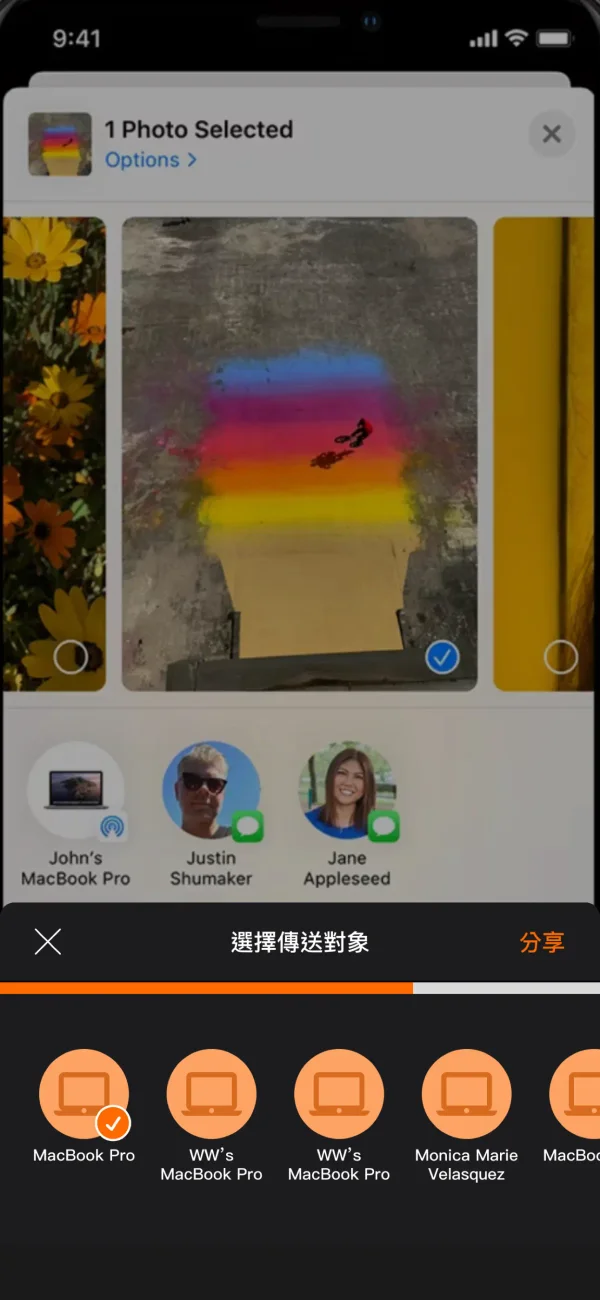
In addition to video screen projection and duplication, the app also supports an AirDrop-like feature that allows you to easily share media content such as videos, photos, or files to the "Downloads" location on your Windows PC. You can also share files to your iPad/iPhone by right-clicking the file in Windows Explorer and selecting the Share menu function, just like using AirDrop on a Mac. In addition, we also provide a file selector located in the main panel to directly select the file to be transferred.
Novidades
Versão 1.0.46 · 28/08/2026
Change iPad vertical screen layout.
Privacidade do app
O que j5create declara na App Store sobre como este app lida com os dados.
-
Dados não coletados
O desenvolvedor não coleta nenhum dado deste app.
As práticas de privacidade podem variar, por exemplo, com base nos recursos que você usa ou na sua idade.
Informações
- Vendedor
- Magic Control Technology Corporation
- Categoria
- Utilidades
- Versão
- 1.0.46
- Atualizado
- 28/08/2026
- Lançamento
- 01/09/2025
- Tamanho
- 54,3 MB
- Requer
- iOS 11.0 ou posterior
- Classificação etária
- 4+
- Preço
- Grátis
- Idiomas
- Inglês, Dinamarquês, Holandês, Finlandês, Francês, Alemão, Húngaro, Italiano, Japonês, Coreano, Norueguês (bokmål), Português e mais 4
- Copyright
- © 2025 j5create - Kennesaw, GA