- Độ tuổi4+
- Danh mụcTiện Ích
- Nhà phát triểnj5create
- Ngôn ngữTiếng Anh+ 15 ngôn ngữ khác
- Kích thước54,3 MB
Liên kết đến trang App Store chính thức
Download.org không lưu trữ tệp nào của CrossLink - Wireless. Nút này mở trang ứng dụng trên App Store, nơi j5create phát hành ứng dụng. Trang được kiểm tra lần cuối: 12/11/2026.
Ảnh chụp màn hình
Giới thiệu
Nhà phát triển chưa cung cấp nội dung này bằng ngôn ngữ của bạn.
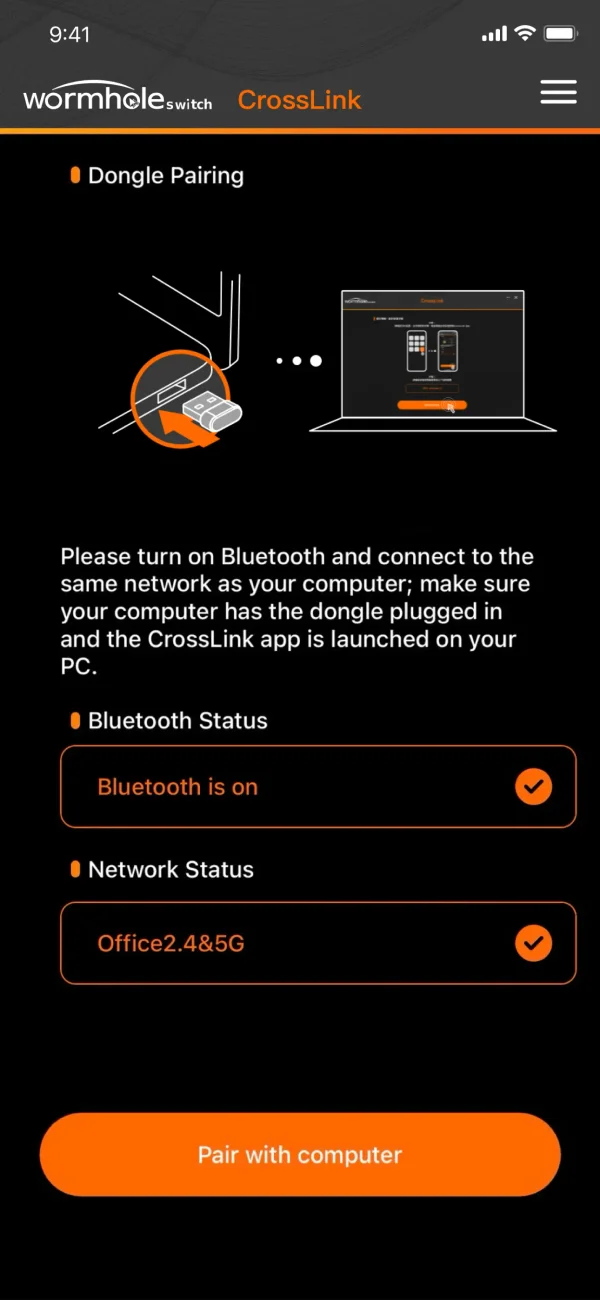
This companion application is designed to be used with j5create WormholeSwitch USB-C Dock Wireless Charger.
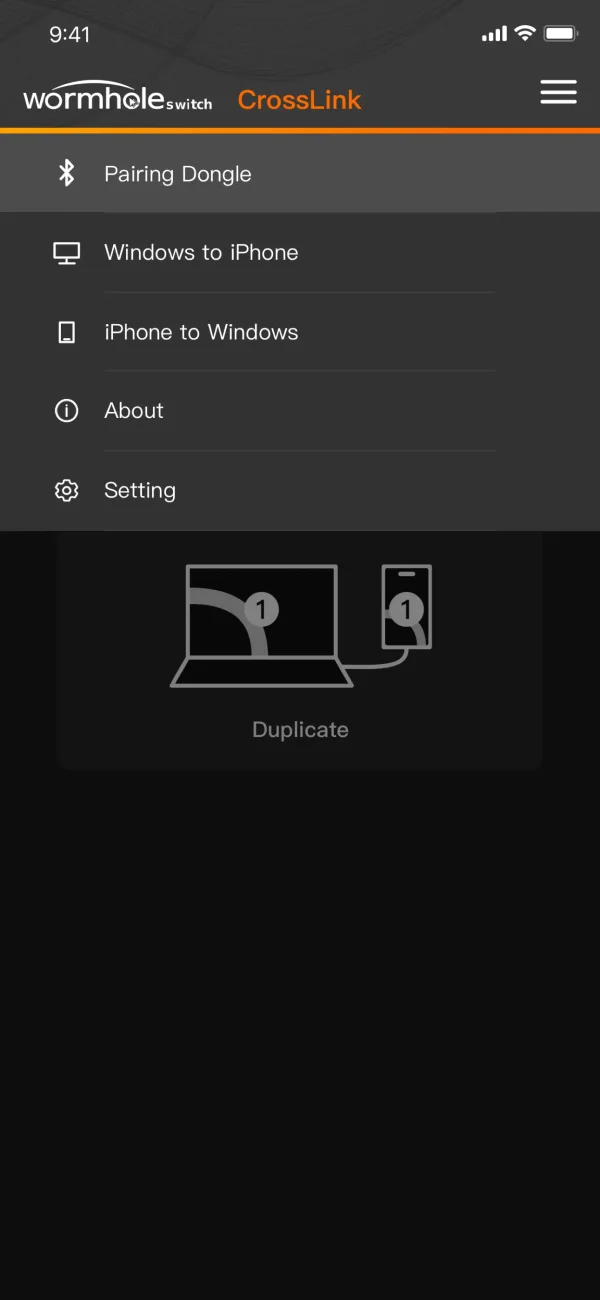
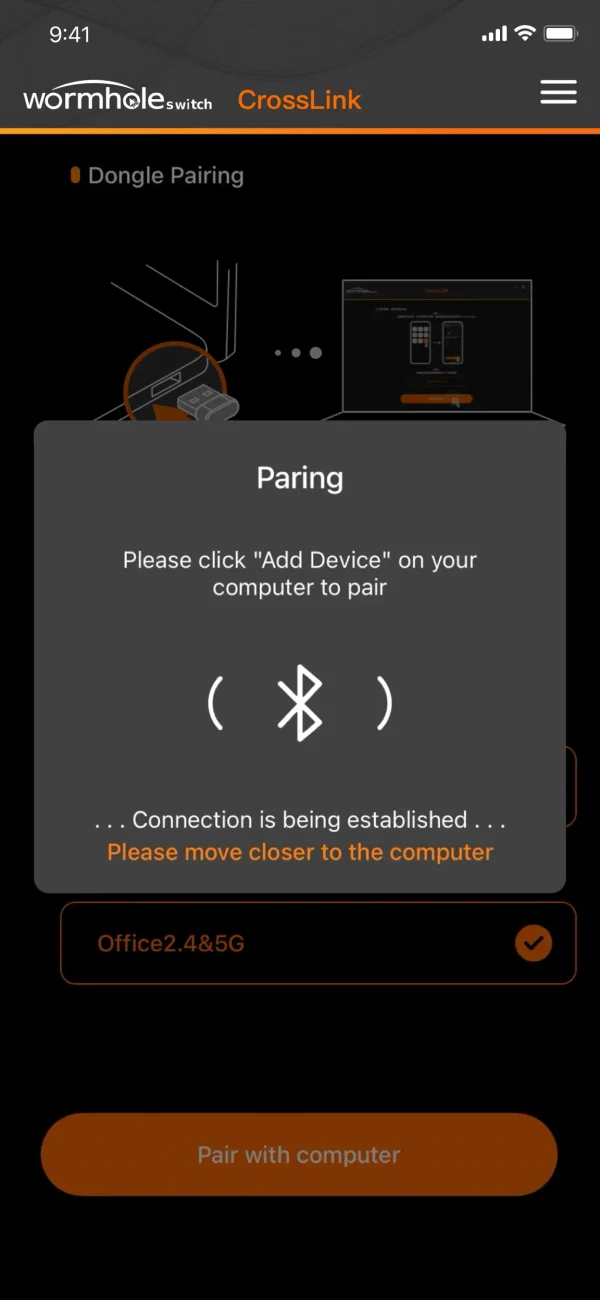
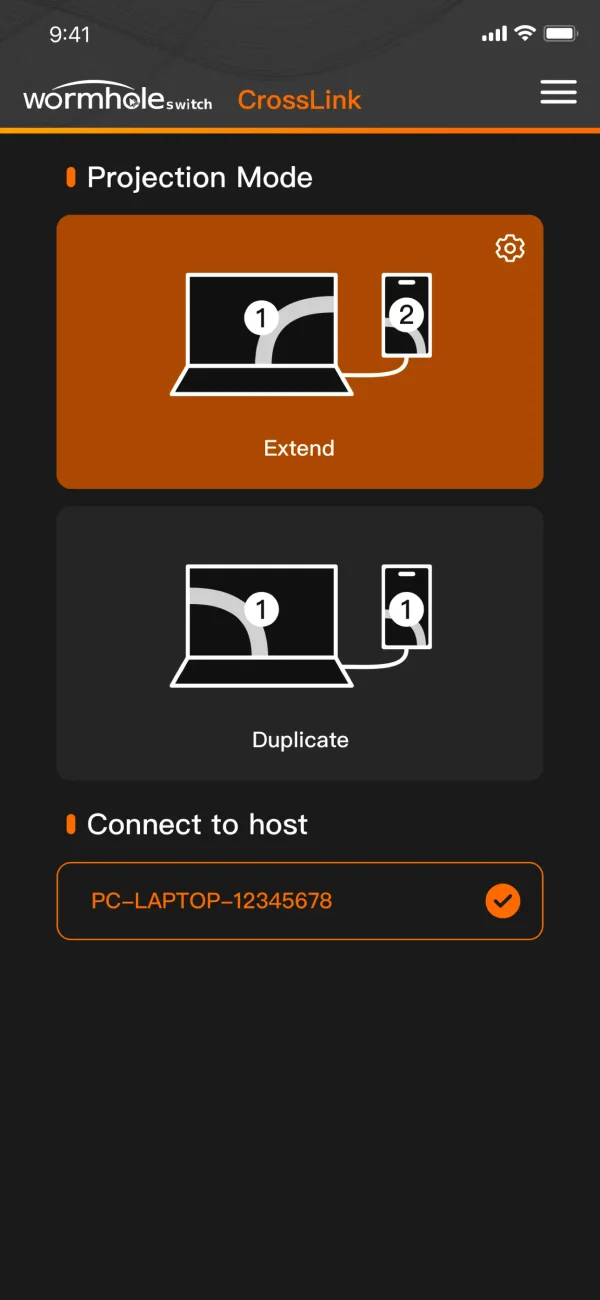
The j5create WormholeSwitch USB-C Dock Wireless Charger is a USB Dock with host-to-host wireless connectivity feature. In addition to its hub, holder and wireless charging functions, the included Bluetooth dongle also provides pairing identification to help Windows PC and iPad/iPhone connect wirelessly via local Wi-Fi or hotspot connection. After the connection is successful, you can use this APP to mirror the Windows PC main screen and view and operate it directly on iPad/iPhone. Gesture events or stylus trajectories and pen pressure on iPad/iPhone can also be reflected in Windows, just like having an extra touch screen in Windows. In addition to this mirror mode, this APP also provides the function of generating a virtual second screen in Windows, and this second screen can be projected to iPad/iPhone for viewing and operation.
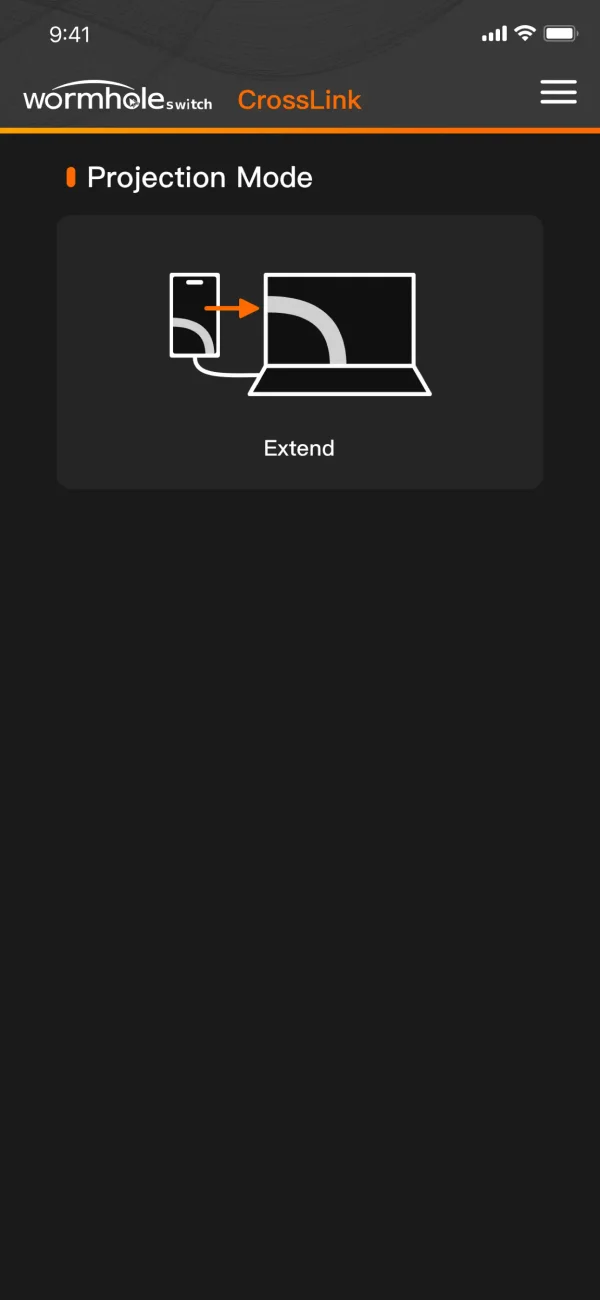
Conversely, we can also project the content of iPad/iPhone to Windows PC through this wireless connection. This function is just like AirPlay. You can see iPad/iPhone screen content and operations directly on the Windows PC screen. In addition, through the Bluetooth dongle, users can switch the keyboard and mouse from Windows to iPad/iPhone, allowing users to use the mouse connected to Windows to control iPad/iPhone while watching the projected content, or Use the keyboard connected to Windows to input text directly on iPad/iPhone.
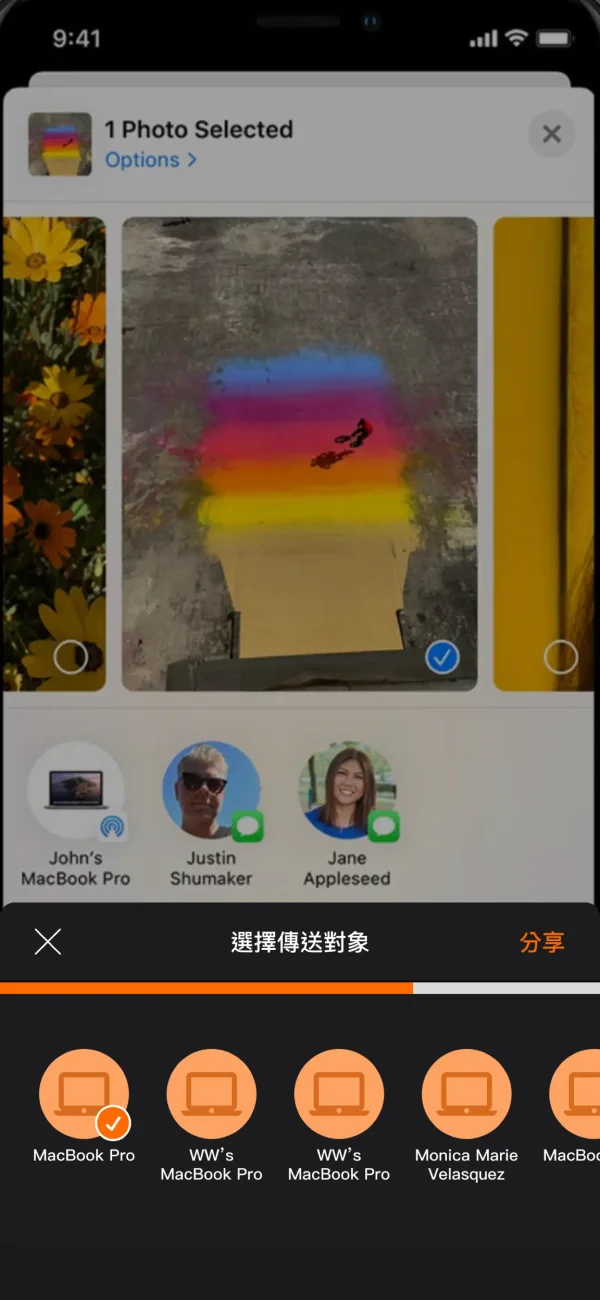
In addition to video screen projection and duplication, the app also supports an AirDrop-like feature that allows you to easily share media content such as videos, photos, or files to the "Downloads" location on your Windows PC. You can also share files to your iPad/iPhone by right-clicking the file in Windows Explorer and selecting the Share menu function, just like using AirDrop on a Mac. In addition, we also provide a file selector located in the main panel to directly select the file to be transferred.
Có gì mới
Phiên bản 1.0.46 · 28/08/2026
Change iPad vertical screen layout.
Quyền riêng tư của ứng dụng
Những gì j5create khai báo trên App Store về cách ứng dụng này xử lý dữ liệu.
-
Dữ liệu không được thu thập
Nhà phát triển không thu thập bất kỳ dữ liệu nào từ ứng dụng này.
Phương thức đảm bảo quyền riêng tư có thể khác nhau, chẳng hạn như tuỳ theo các tính năng bạn sử dụng hoặc độ tuổi của bạn.
Thông tin
- Người bán
- Magic Control Technology Corporation
- Danh mục
- Tiện Ích
- Phiên bản
- 1.0.46
- Cập nhật
- 28/08/2026
- Phát hành
- 01/09/2025
- Kích thước
- 54,3 MB
- Yêu cầu
- iOS 11.0 trở lên
- Độ tuổi
- 4+
- Giá
- Miễn phí
- Ngôn ngữ
- Tiếng Anh, Tiếng Đan Mạch, Tiếng Hà Lan, Tiếng Phần Lan, Tiếng Pháp, Tiếng Đức, Tiếng Hungary, Tiếng Ý, Tiếng Nhật, Tiếng Hàn, Tiếng Bokmål Na Uy, Tiếng Bồ Đào Nha + 4 ngôn ngữ khác
- Bản quyền
- © 2025 j5create - Kennesaw, GA