- 対象年齢4+
- カテゴリユーティリティ
- 開発元Yohaan Ardeni
- 言語英語
- サイズ5.9 MB
App Storeの公式ページにリンクしています
Download.orgはCursorCalcのファイルを一切ホストしていません。ボタンを押すと、Yohaan Ardeniが公開しているApp Storeのアプリページが開きます。ページの最終確認:2026/11/12。
スクリーンショット

概要
開発元はこのテキストをお使いの言語で提供していません。
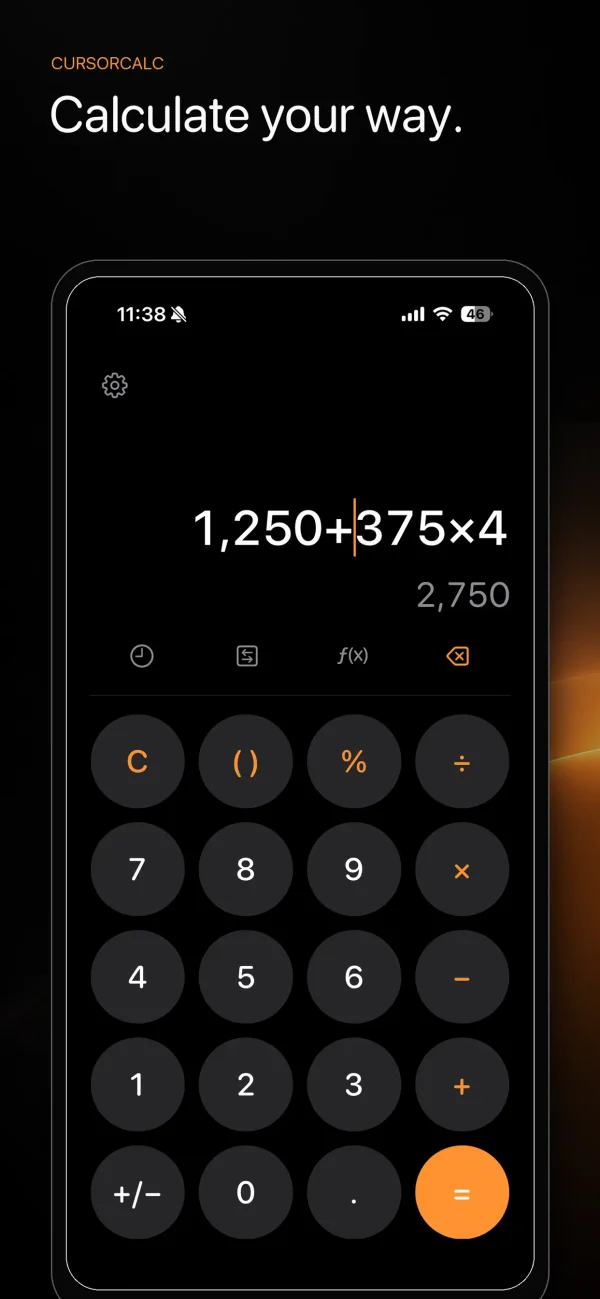
CursorCalc is a thoughtfully designed calculator that puts you in control of the entire expression. Tap exactly where a change belongs to move the cursor there, then insert numbers, operators, scientific functions, or pasted values without rebuilding your calculation from the beginning.
SEE RESULTS AS YOU TYPE
Live previews update whenever your expression is valid, helping you catch mistakes and understand the result before pressing equals. Smart input rules prevent malformed expressions while keeping calculations quick and natural.
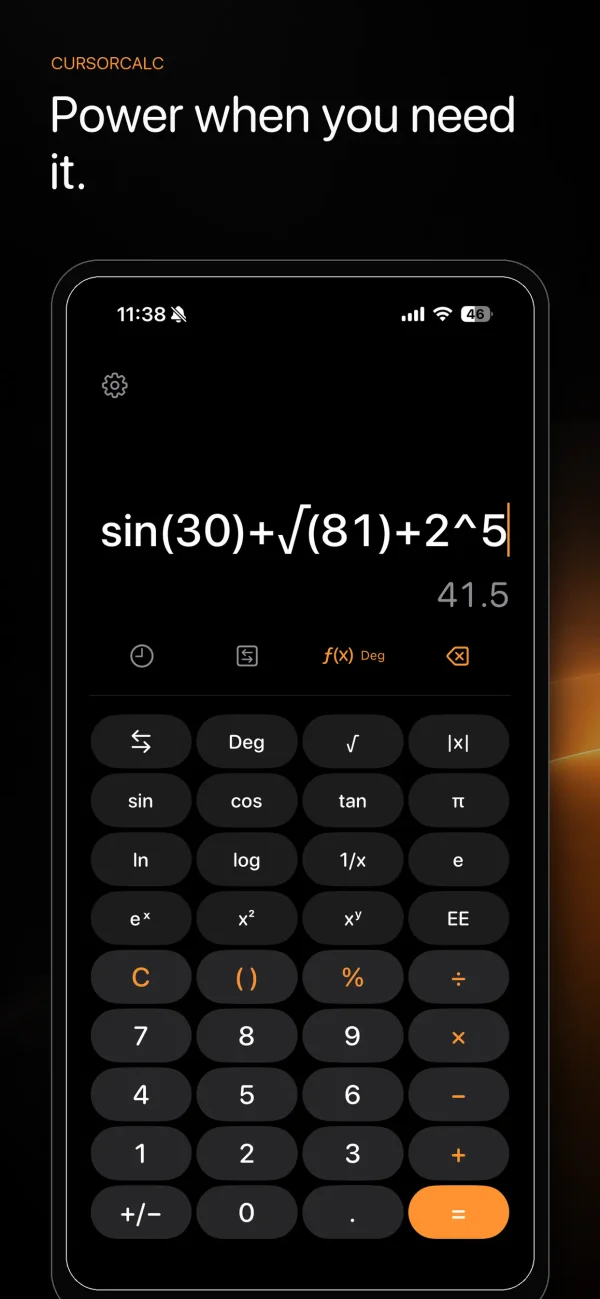
STANDARD AND SCIENTIFIC
Handle everyday arithmetic or open scientific mode for trigonometry, logarithms, exponents, roots, factorials, constants, inverse functions, degree and radian modes, and more.
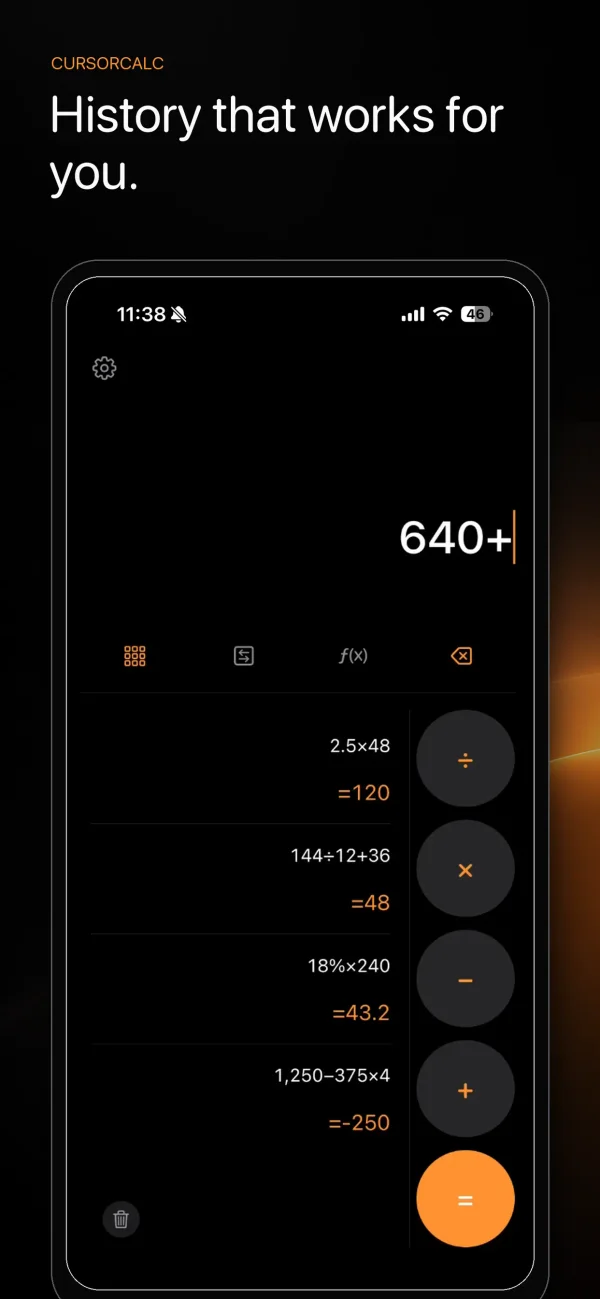
HISTORY THAT WORKS WITH YOU
Your history is more than a list. Tap any previous expression or answer and it is inserted directly at the current cursor position. Reuse a subtotal, revise an earlier formula, or build on a past result without copying it manually or starting over.
Your history stays stored locally on your device and can be cleared whenever you choose.
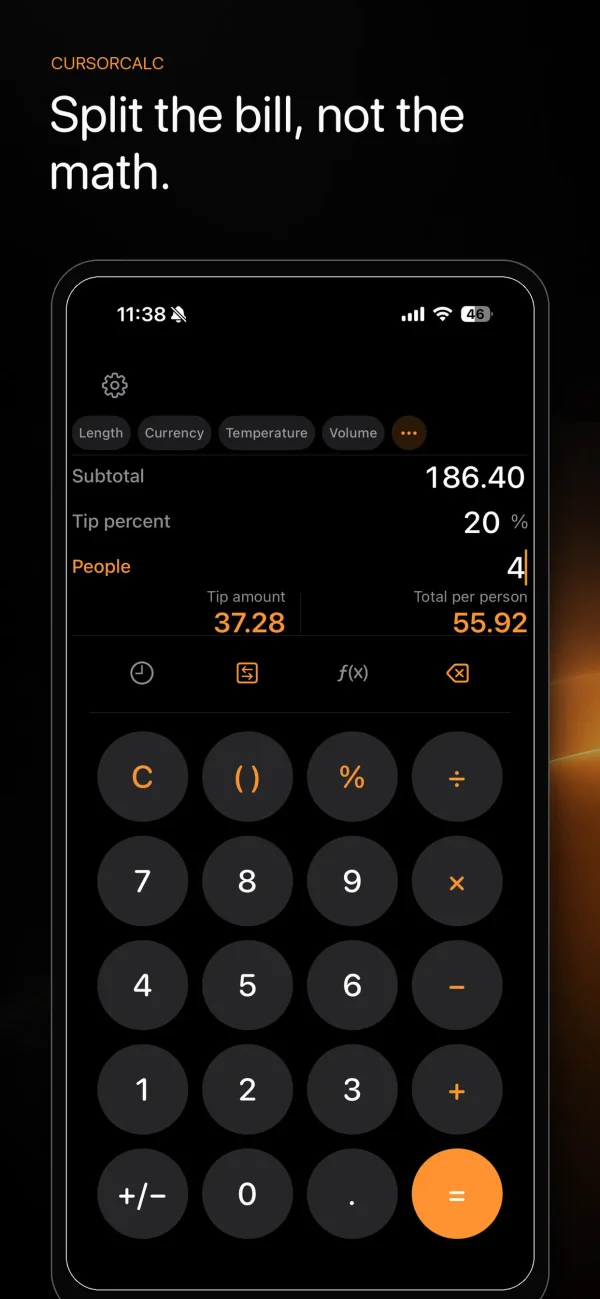
POWERFUL UNIT CONVERSION
Convert length, area, temperature, volume, speed, time, mass, data, currency, and more. Enter complete expressions instead of individual numbers, search large unit lists, customize your favorite conversion categories, or calculate tips and split totals between multiple people.
DESIGNED FOR FOCUS
• Precise, keyboard-free cursor editing
• Tap-to-insert calculation history
• Long-press copy and paste
• Automatic number grouping
• Two decimal-notation styles
• Portrait and landscape layouts
• Multiple button shapes and accent colors
• Light, dark, and system appearances
• Optional haptic feedback
• VoiceOver-friendly controls
• Custom themes and app icons
PRIVATE BY DESIGN
CursorCalc has no advertising, analytics, accounts, or cross-app tracking. Calculations and history remain on your device. Currency mode downloads reference exchange rates without sending your entered amounts or expressions.
All calculator and conversion functionality is free, with no ads or subscriptions. Optional tips support continued development, while the one-time Supporter purchase unlocks additional cosmetic themes and app icons.
Calculate your way with CursorCalc.
新機能
バージョン 1.0.1 · 2026/10/18
Improved calculation precision and rounding, especially when reusing results in continued calculations. This update also includes interface refinements, reliability improvements, and general bug fixes.
アプリのプライバシー
このアプリのデータの取り扱いについて、Yohaan ArdeniがApp Storeで申告している内容です。
-
ユーザーに関連付けられないデータ
収集される場合がありますが、ユーザーの識別情報には関連付けられません。
- ユーザーコンテンツ
- ID
- 診断
プライバシーの取り扱いは、ご利用の機能やお客様の年齢などに応じて異なる場合があります。
情報
- 販売元
- Yohaan Ardeni
- カテゴリ
- ユーティリティ
- バージョン
- 1.0.1
- 更新日
- 2026/10/18
- リリース
- 2026/10/14
- サイズ
- 5.9 MB
- 必要条件
- iOS 17.0以降
- 対象年齢
- 4+
- 価格
- 無料
- アプリ内課金
- あり
- 言語
- 英語
- 著作権
- © 2026 Yohaan Ardeni