CursorCalc
Scientific Math & Converter
Được thiết kế cho iPhone
Miễn phí · Mua hàng trong ứng dụng
- Độ tuổi4+
- Danh mụcTiện Ích
- Nhà phát triểnYohaan Ardeni
- Ngôn ngữTiếng Anh
- Kích thước5,9 MB
Liên kết đến trang App Store chính thức
Download.org không lưu trữ tệp nào của CursorCalc. Nút này mở trang ứng dụng trên App Store, nơi Yohaan Ardeni phát hành ứng dụng. Trang được kiểm tra lần cuối: 12/11/2026.
Ảnh chụp màn hình

Giới thiệu
Nhà phát triển chưa cung cấp nội dung này bằng ngôn ngữ của bạn.
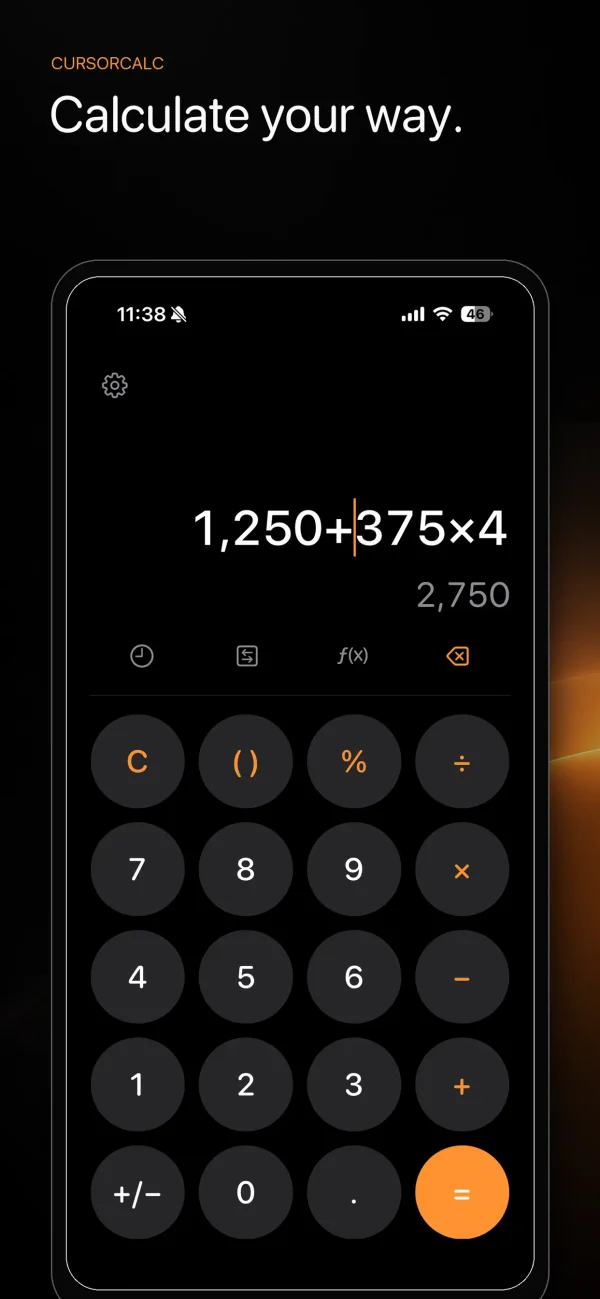
CursorCalc is a thoughtfully designed calculator that puts you in control of the entire expression. Tap exactly where a change belongs to move the cursor there, then insert numbers, operators, scientific functions, or pasted values without rebuilding your calculation from the beginning.
SEE RESULTS AS YOU TYPE
Live previews update whenever your expression is valid, helping you catch mistakes and understand the result before pressing equals. Smart input rules prevent malformed expressions while keeping calculations quick and natural.
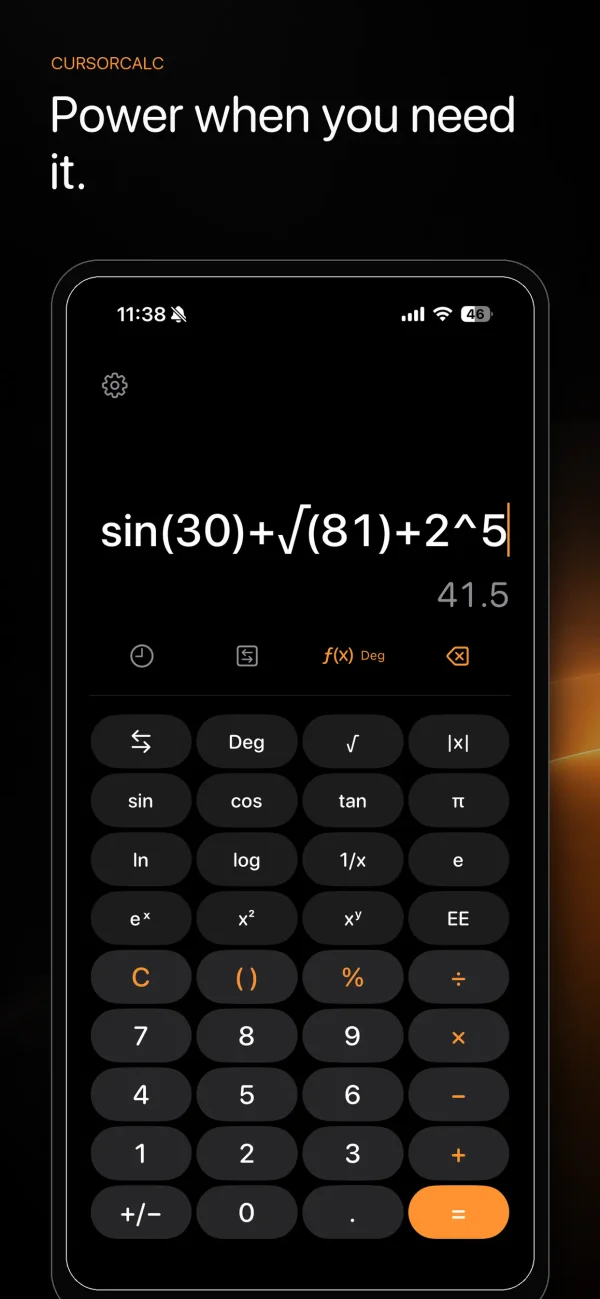
STANDARD AND SCIENTIFIC
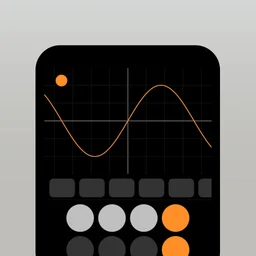
Handle everyday arithmetic or open scientific mode for trigonometry, logarithms, exponents, roots, factorials, constants, inverse functions, degree and radian modes, and more.
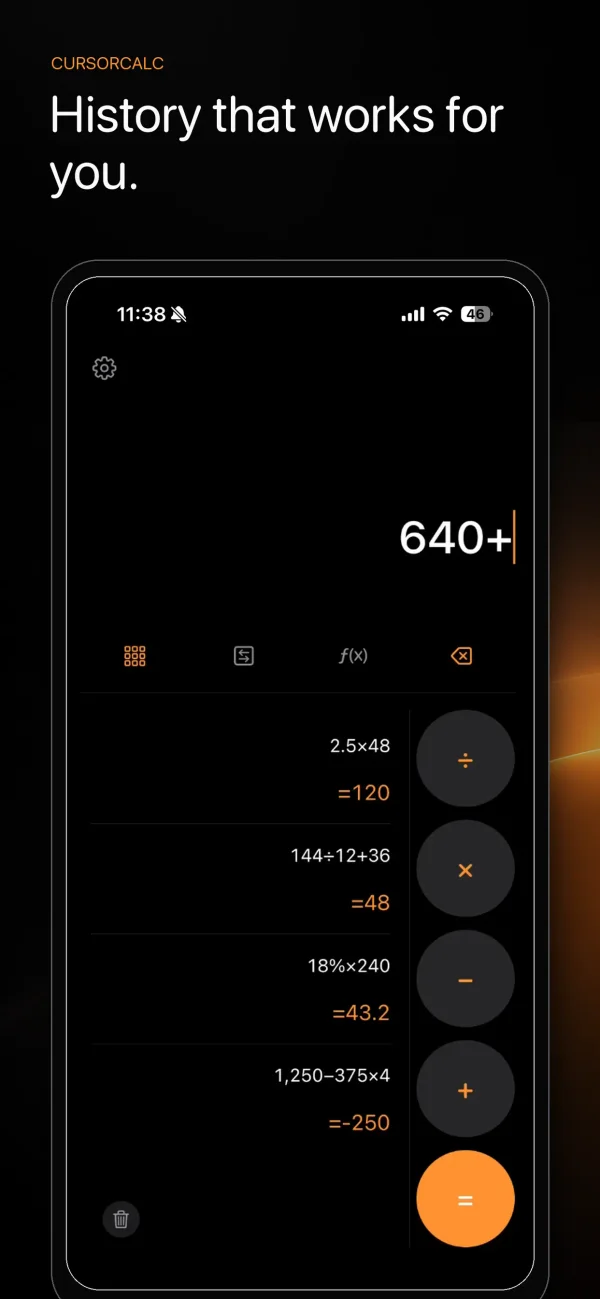
HISTORY THAT WORKS WITH YOU
Your history is more than a list. Tap any previous expression or answer and it is inserted directly at the current cursor position. Reuse a subtotal, revise an earlier formula, or build on a past result without copying it manually or starting over.
Your history stays stored locally on your device and can be cleared whenever you choose.
POWERFUL UNIT CONVERSION
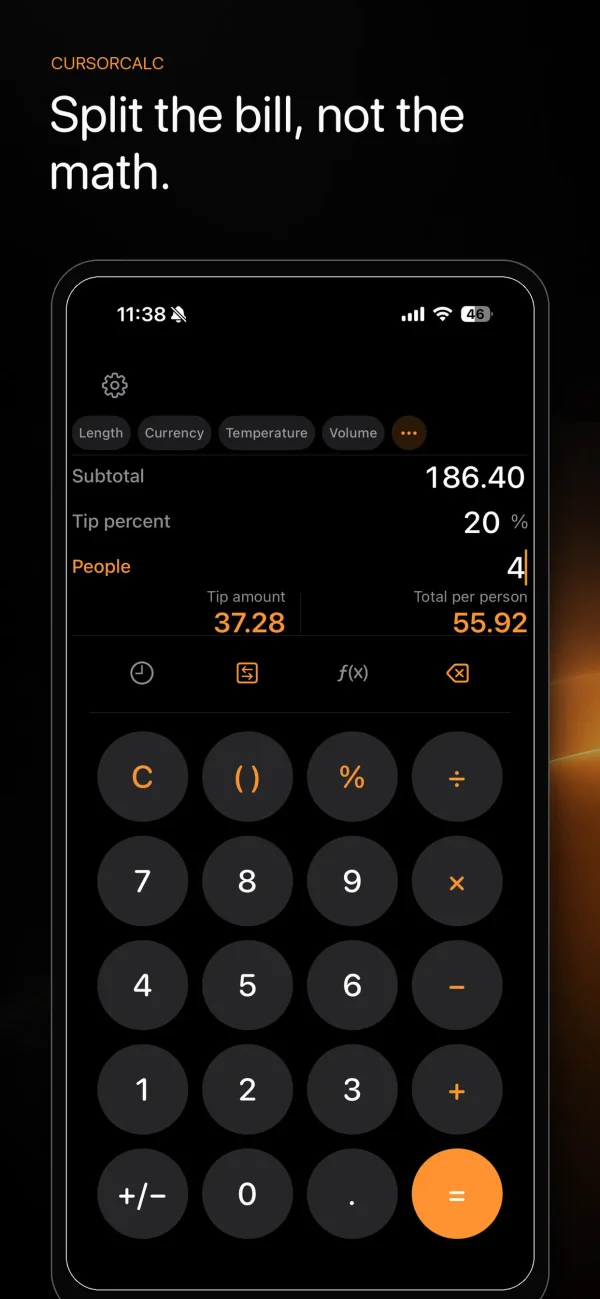
Convert length, area, temperature, volume, speed, time, mass, data, currency, and more. Enter complete expressions instead of individual numbers, search large unit lists, customize your favorite conversion categories, or calculate tips and split totals between multiple people.
DESIGNED FOR FOCUS
• Precise, keyboard-free cursor editing
• Tap-to-insert calculation history
• Long-press copy and paste
• Automatic number grouping
• Two decimal-notation styles
• Portrait and landscape layouts
• Multiple button shapes and accent colors
• Light, dark, and system appearances
• Optional haptic feedback
• VoiceOver-friendly controls
• Custom themes and app icons
PRIVATE BY DESIGN
CursorCalc has no advertising, analytics, accounts, or cross-app tracking. Calculations and history remain on your device. Currency mode downloads reference exchange rates without sending your entered amounts or expressions.
All calculator and conversion functionality is free, with no ads or subscriptions. Optional tips support continued development, while the one-time Supporter purchase unlocks additional cosmetic themes and app icons.
Calculate your way with CursorCalc.
Có gì mới
Phiên bản 1.0.1 · 18/10/2026
Improved calculation precision and rounding, especially when reusing results in continued calculations. This update also includes interface refinements, reliability improvements, and general bug fixes.
Quyền riêng tư của ứng dụng
Những gì Yohaan Ardeni khai báo trên App Store về cách ứng dụng này xử lý dữ liệu.
-
Dữ liệu không liên kết với bạn
Có thể được thu thập nhưng không liên kết với danh tính của bạn.
- Nội dung của người dùng
- Mã định danh
- Chẩn đoán
Phương thức đảm bảo quyền riêng tư có thể khác nhau, chẳng hạn như tuỳ theo các tính năng bạn sử dụng hoặc độ tuổi của bạn.
Thông tin
- Người bán
- Yohaan Ardeni
- Danh mục
- Tiện Ích
- Phiên bản
- 1.0.1
- Cập nhật
- 18/10/2026
- Phát hành
- 14/10/2026
- Kích thước
- 5,9 MB
- Yêu cầu
- iOS 17.0 trở lên
- Độ tuổi
- 4+
- Giá
- Miễn phí
- Mua hàng trong ứng dụng
- Có
- Ngôn ngữ
- Tiếng Anh
- Bản quyền
- © 2026 Yohaan Ardeni