Wireless Presenter
Control slides with your phone
iPhone, iPad, iPod touch向けに設計
無料 · アプリ内課金
- 対象年齢4+
- カテゴリ仕事効率化
- 開発元Wajih JBARA
- 言語英語
- サイズ39.5 MB
App Storeの公式ページにリンクしています
Download.orgはWireless Presenterのファイルを一切ホストしていません。ボタンを押すと、Wajih JBARAが公開しているApp Storeのアプリページが開きます。ページの最終確認:2026/11/17。
スクリーンショット

概要
開発元はこのテキストをお使いの言語で提供していません。
**Wireless Presenter turns your phone into a simple and powerful presentation remote for your PC.**
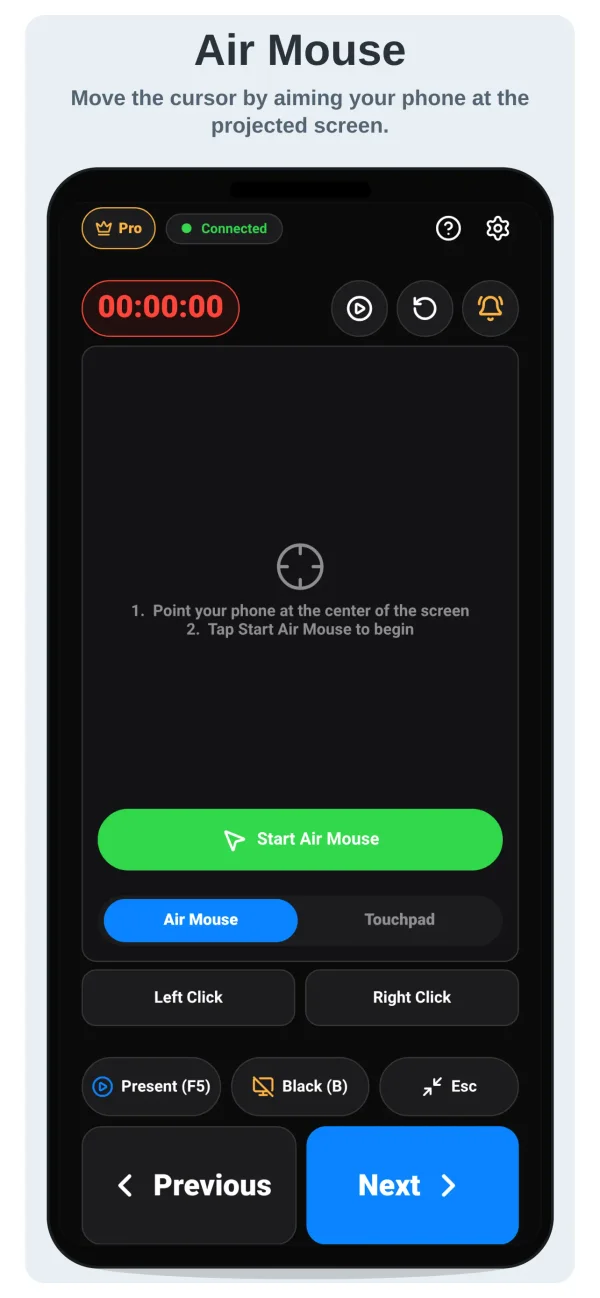
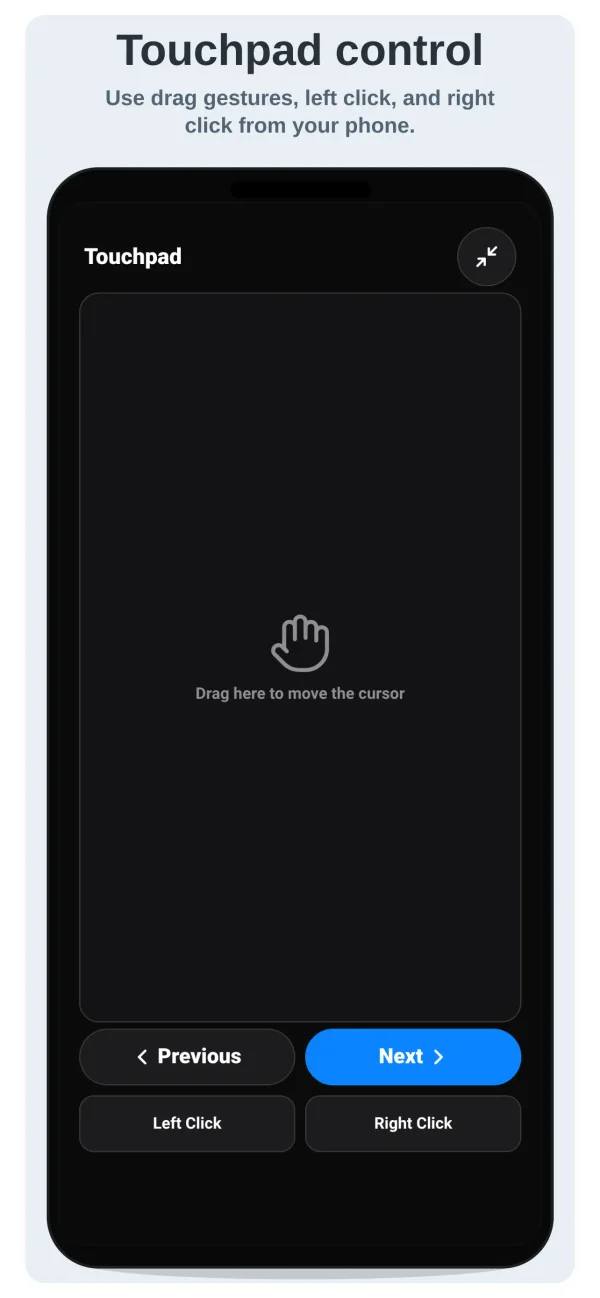
Control your slides, move the cursor with Touchpad mode, control the mouse with **Gyroscopic Mouse** mode, and highlight key points with a virtual laser pointer.
The app is ideal for PowerPoint presentations (online or local), PDF slideshows, conferences, classrooms, meetings, training sessions, and live demonstrations.
### How it works
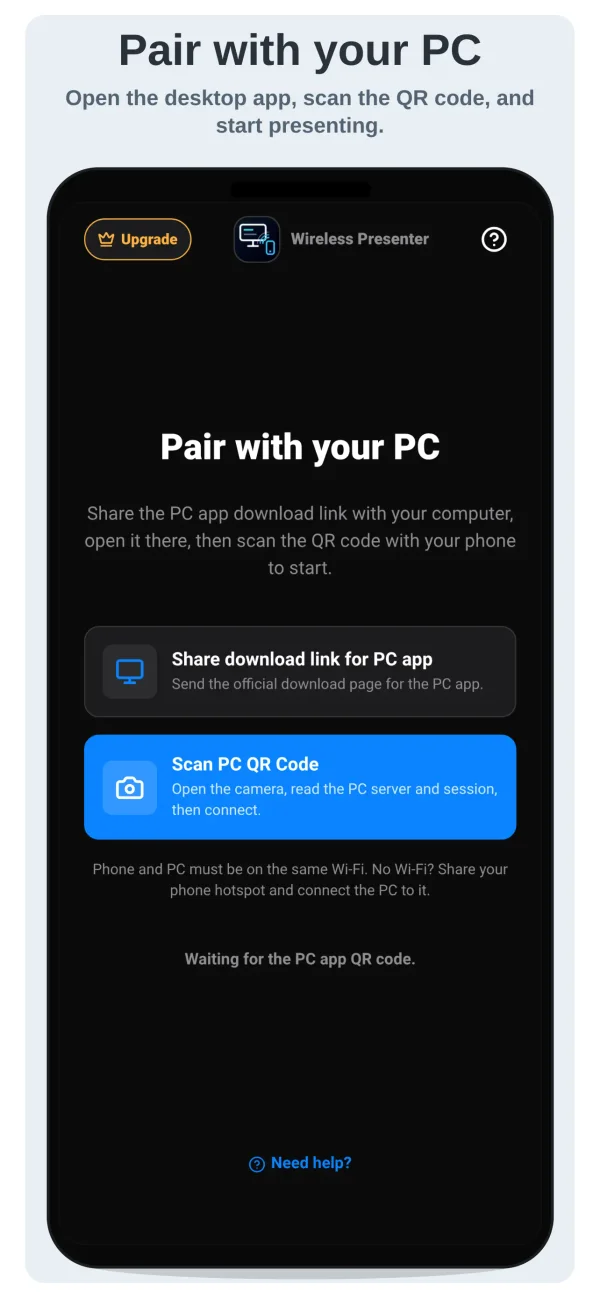
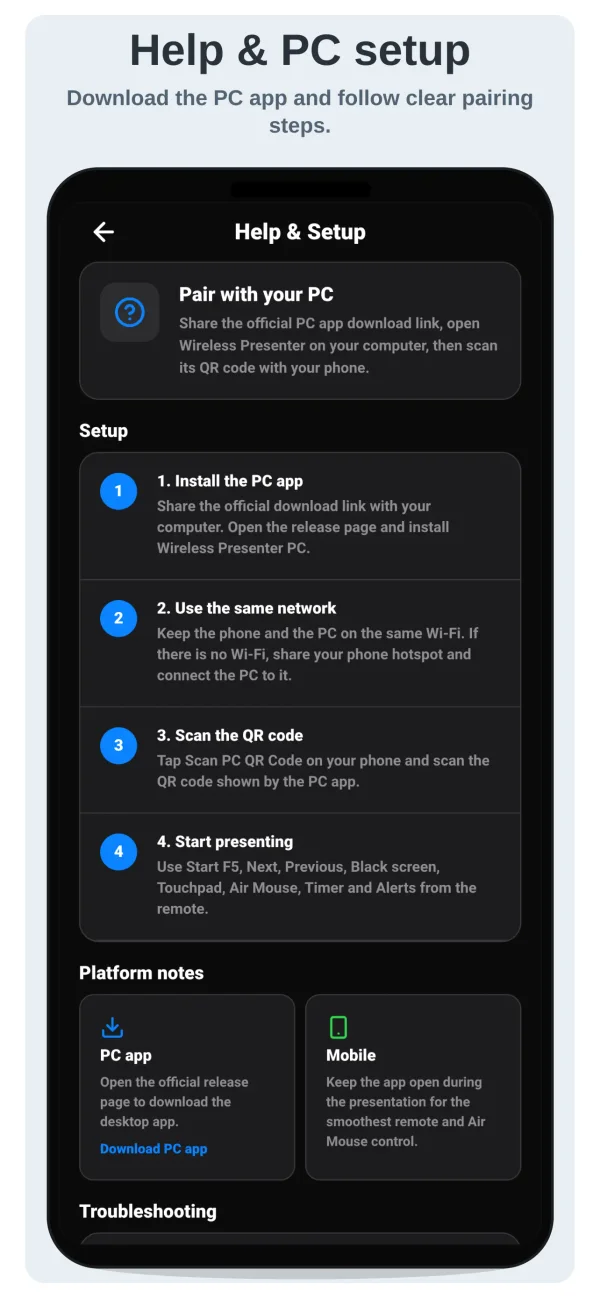
1. Install the Wireless Presenter PC app for the OS you have. It works in macos/windows/linux (download link available in the mobile app).
2. Open the mobile app.
3. Scan the QR code displayed on your computer.
4. Start presenting.
Your phone and PC simply need to be connected to the same Wi-Fi network.
**No Wi-Fi available?**
Use your phone’s mobile hotspot and connect your PC to it.
### Main Features
• Fast QR code pairing with the PC app
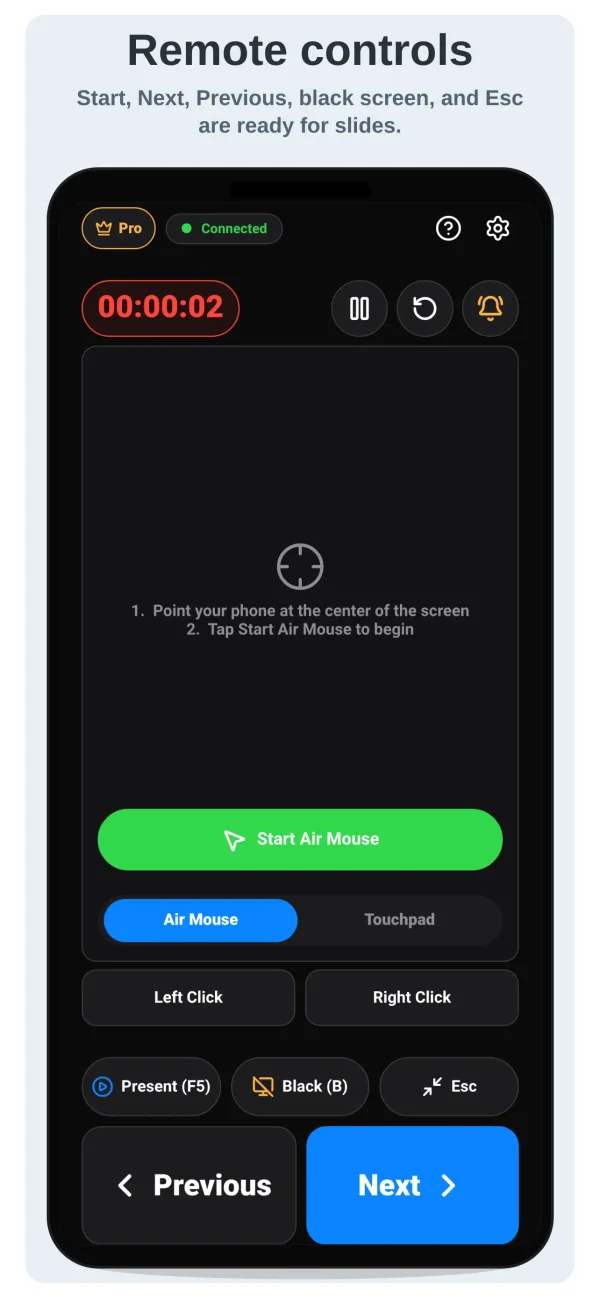
• Presentation controls: start slideshow, next slide, previous slide, black screen, and exit slideshow
• Touchpad mode for cursor control
• Gyroscopic Mouse mode using your phone’s motion sensors
• Virtual laser pointer during presentations (Pro feature)
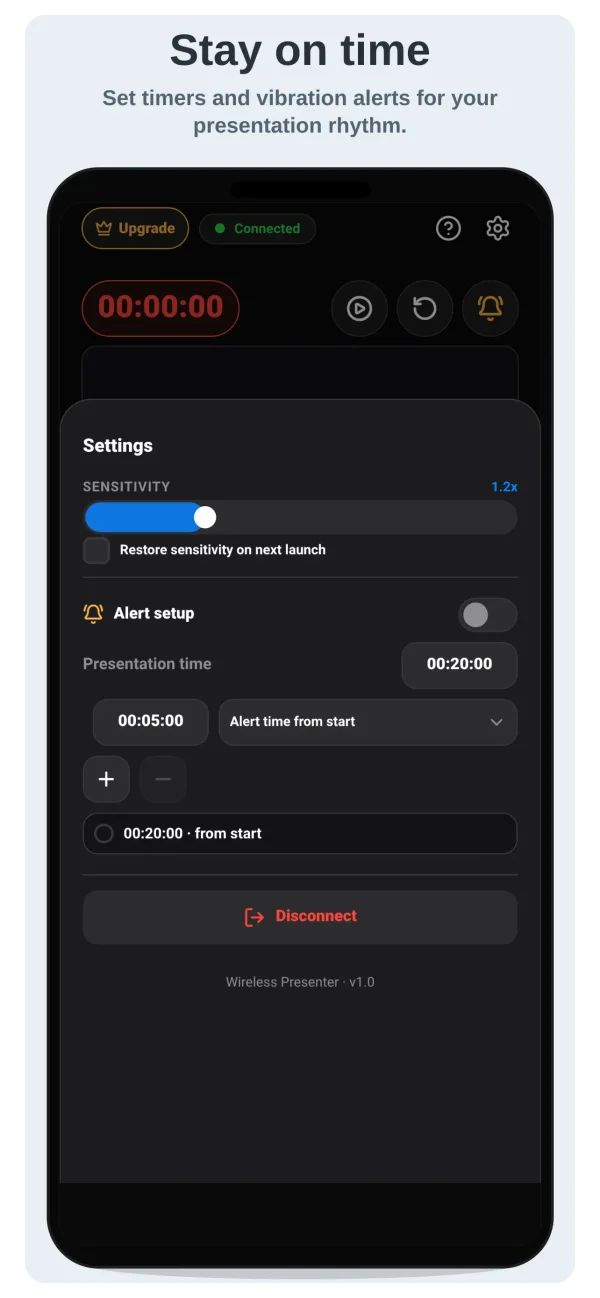
• Built-in presentation timer
• Vibration timer alerts (Pro feature)
• Multiple Pro options to fit different needs
• Remove ads with Pro Lifetime
• Try Pro for 15 minutes by watching a rewarded video
### Pro Options
**Pro Lifetime** is a one-time purchase with no subscription.
The **3-Day Pass** is optional and useful for short events, classes, meetings, or occasional presentations.
You can also try Pro features for **15 minutes** after watching a rewarded video.
### Who is it for?
Wireless Presenter is designed for teachers, students, trainers, speakers, presenters, and anyone who wants to control a presentation remotely without standing next to their computer.
**The mobile app requires the Wireless Presenter PC app. The download link for the PC app is available directly within the mobile app.**
新機能
バージョン 1.0.1 · 2026/7/26
Add Developer Website (URL marketing)
アプリのプライバシー
このアプリのデータの取り扱いについて、Wajih JBARAがApp Storeで申告している内容です。
-
ユーザーのトラッキングに使用されるデータ
他社のアプリやウェブサイトを横断してユーザーをトラッキングする目的で使用される場合があります。
- ID
- 使用状況データ
-
ユーザーに関連付けられたデータ
収集され、ユーザーの識別情報に関連付けられる場合があります。
- 購入
- ID
- 使用状況データ
-
ユーザーに関連付けられないデータ
収集される場合がありますが、ユーザーの識別情報には関連付けられません。
- ID
- 診断
プライバシーの取り扱いは、ご利用の機能やお客様の年齢などに応じて異なる場合があります。
情報
- 販売元
- Wajih JBARA
- カテゴリ
- 仕事効率化
- バージョン
- 1.0.1
- 更新日
- 2026/7/26
- リリース
- 2026/7/25
- サイズ
- 39.5 MB
- 必要条件
- iOS 15.1以降
- 対象年齢
- 4+
- 価格
- 無料
- アプリ内課金
- あり
- 言語
- 英語
- 著作権
- © 2026 EasyLifeDev