
- 対象年齢4+
- カテゴリ仕事効率化
- 開発元Nomin Park
- サイズ25.2 MB
App Storeの公式ページにリンクしています
Download.orgはDKST Markdown Browserのファイルを一切ホストしていません。ボタンを押すと、Nomin Parkが公開しているApp Storeのアプリページが開きます。ページの最終確認:2026/11/12。
スクリーンショット
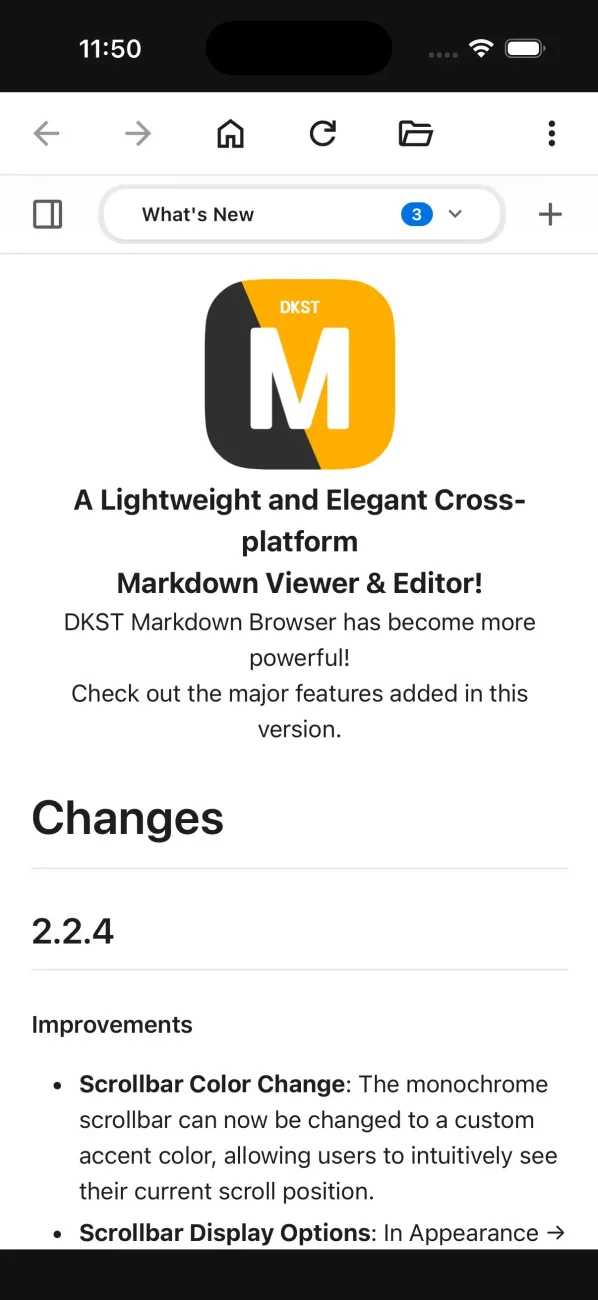
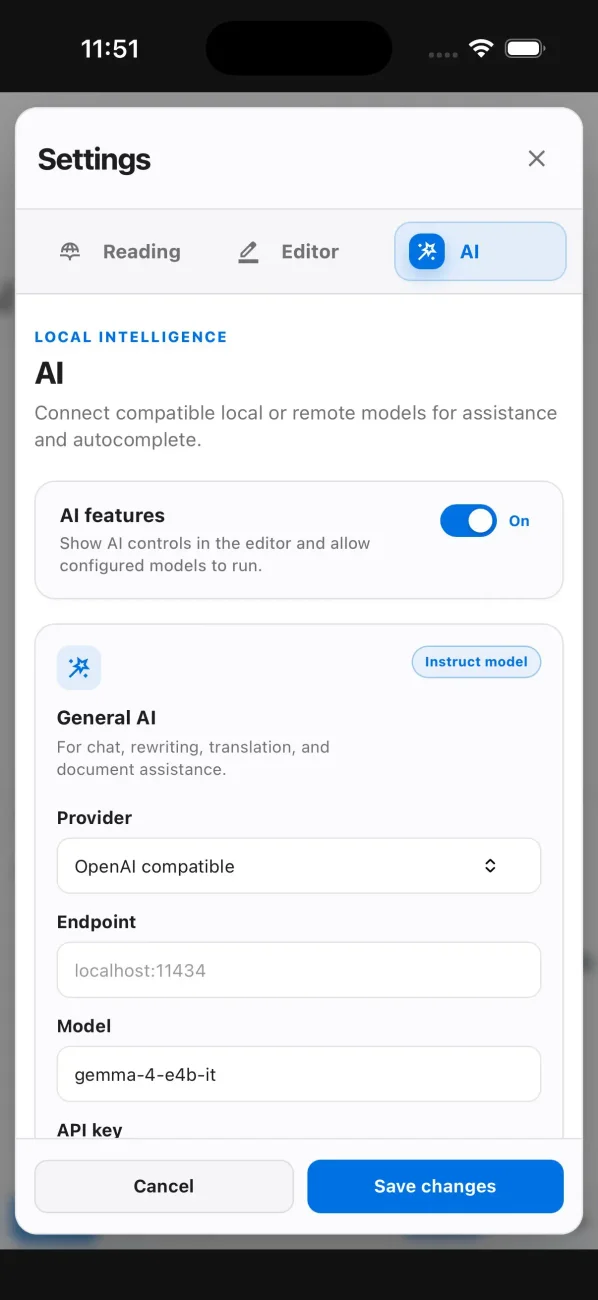
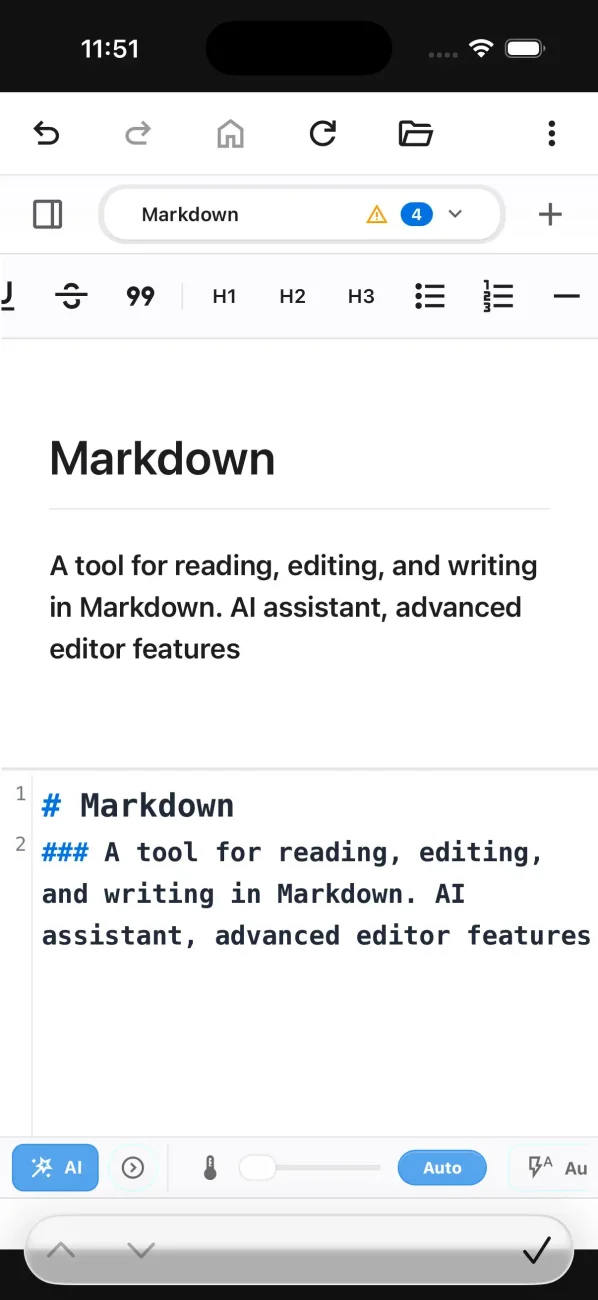

概要
開発元はこのテキストをお使いの言語で提供していません。
Elevate your Markdown workflow with DKST Markdown Browser AI — the all-in-one workspace designed for reading, editing, and refining your Markdown documents with intelligent AI assistance.
Whether you are managing complex documentation, drafting notes, or browsing through large Markdown archives, DKST Markdown Browser provides a fast, distraction-free environment paired with powerful local AI capabilities to enhance your writing and productivity.
■ Smart Markdown Viewer & Browser
Effortlessly navigate, search, and preview your Markdown files with high-fidelity rendering, clean typography, and fast page loading.
■ Advanced Editing Tools
A distraction-free, responsive Markdown editor featuring full syntax support, seamless text manipulation, and intuitive shortcut integration.
■ Built-in AI Assistant & Proofreading (Local LLM Support)
Enhance your writing with on-device AI integration. Polish grammar, fix typos, rewrite phrasing, summarize lengthy notes, and analyze context—all while keeping your data private and secure.
■ Intuitive Document Navigation
Quickly explore large directories, track headers, and jump across sections using structured outline navigation.
■ Privacy-First & Local-Ready
Designed to work smoothly with local LLM gateways and offline workflows. Your notes and documents remain entirely under your control.
[Why Choose DKST Markdown Browser?]
■ Developer & Writer Friendly: Tailored for coders, technical writers, researchers, and note-takers.
■ Lightweight & Blazing Fast: Zero bloat, responsive UI, and optimized for performance.
■ Privacy Focused: Leverage local AI models without sending sensitive text to external servers.
*To use an AI assistant, you must use an available Local LLM server.
A tool for reading, editing, and writing in Markdown. AI assistant, advanced editor features
新機能
バージョン 3.0.8 · 2026/9/1
[Common]
■ Text Selection in Editor: Fixed an issue where text appeared double-selected.
■ Remember Window Size and Position: Remembers the last window size and position. You can disable this feature in Settings.
[Android, iPadOS/iOS]
■ Mobile Save Button Behavior Change: In mobile environments, pressing the save button in the editor no longer exits edit mode.
[iPadOS/iOS]
■ Recalculate Scrollbar Length: Fixed an issue where the scrollbar length calculated in the previous tab continued to be displayed even after switching tabs.
アプリのプライバシー
このアプリのデータの取り扱いについて、Nomin ParkがApp Storeで申告している内容です。
-
データの収集なし
開発元はこのアプリからデータを収集しません。
プライバシーの取り扱いは、ご利用の機能やお客様の年齢などに応じて異なる場合があります。
情報
- 販売元
- Nomin Park
- カテゴリ
- 仕事効率化
- バージョン
- 3.0.8
- 更新日
- 2026/9/1
- リリース
- 2026/8/17
- サイズ
- 25.2 MB
- 必要条件
- iOS 15.0以降
- 対象年齢
- 4+
- 価格
- 無料
- 著作権
- © DINKI'ssTyle
こちらもおすすめ
-
 mdisco - Markdown DiscoveryMarkdown メモとリアルタイム協業
-
 Daily Markdown仕事効率化
-
 Noteline - Markdown Notes仕事効率化
-
 PureOpen — Markdown Editor仕事効率化
-
 QuickMark: Markdown Editor仕事効率化
-
 NexReader: Markdown Reader仕事効率化
-
 Markdownビューアとエディタmdリーダー。pdfに変換。
-
 AreaViz - AIチャットボット・アシスタントGPT・Claude・Geminiを1つのアプリで
-
 PureWrite: ライティングスタジオハリウッド形式の脚本とMarkdown執筆
-
 DocSumLing -Summarise web page仕事効率化