QuickMark: Markdown Editor
Preview, Export & Publish
iPhone, iPad, Mac向けに設計
無料 · アプリ内課金
- 対象年齢4+
- カテゴリ仕事効率化
- 開発元Doan Nguyen
- 言語英語
- サイズ11.9 MB
App Storeの公式ページにリンクしています
Download.orgはQuickMark: Markdown Editorのファイルを一切ホストしていません。ボタンを押すと、Doan Nguyenが公開しているApp Storeのアプリページが開きます。ページの最終確認:2026/11/12。
スクリーンショット
概要
開発元はこのテキストをお使いの言語で提供していません。
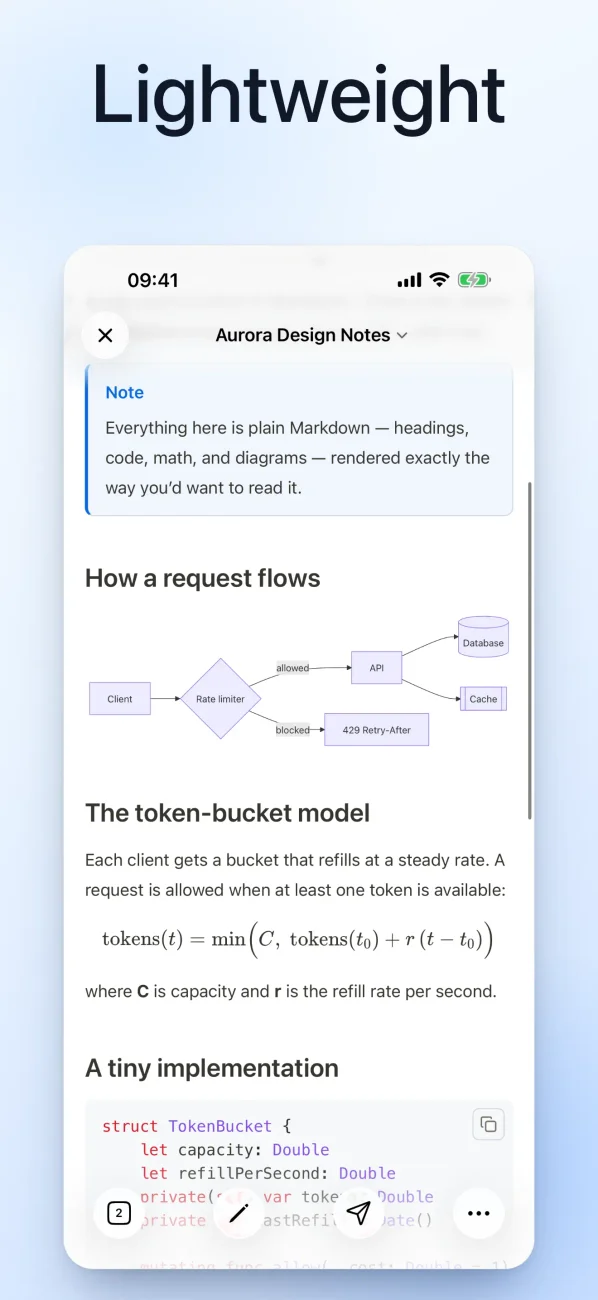
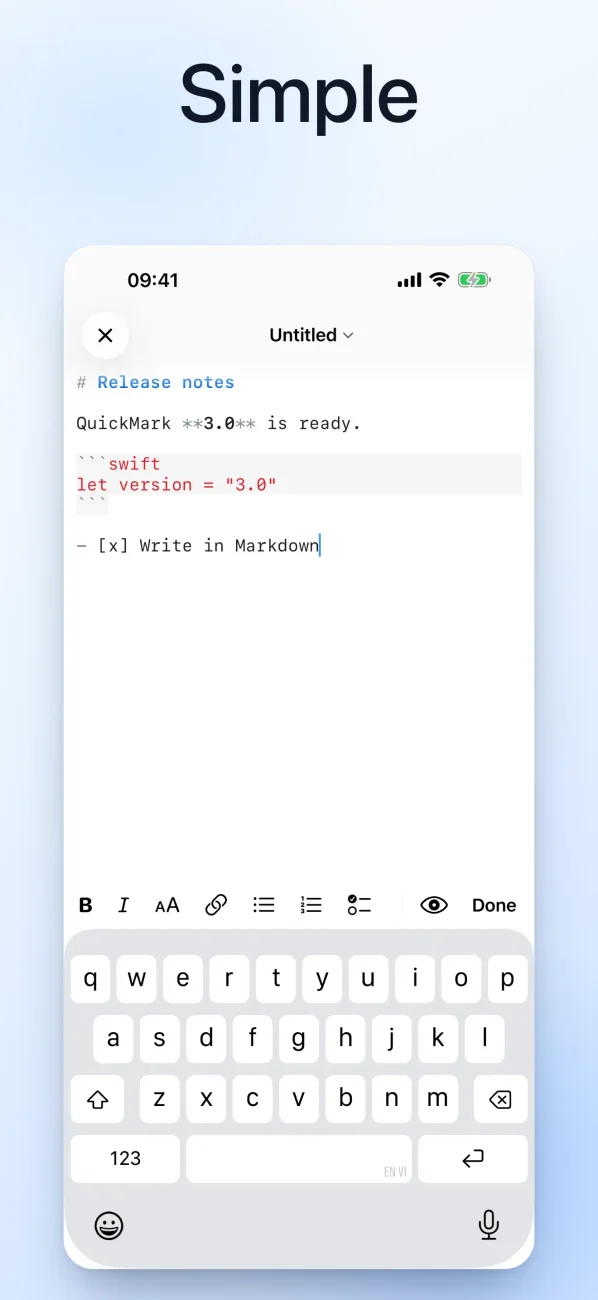
A lightweight Markdown app that opens fast and stays out of your way. Tap any .md file to read it rendered, with code, math and diagrams exactly right. Edit it, publish it as a web link, or export it when you need to.
EVERYTHING BELOW IS FREE
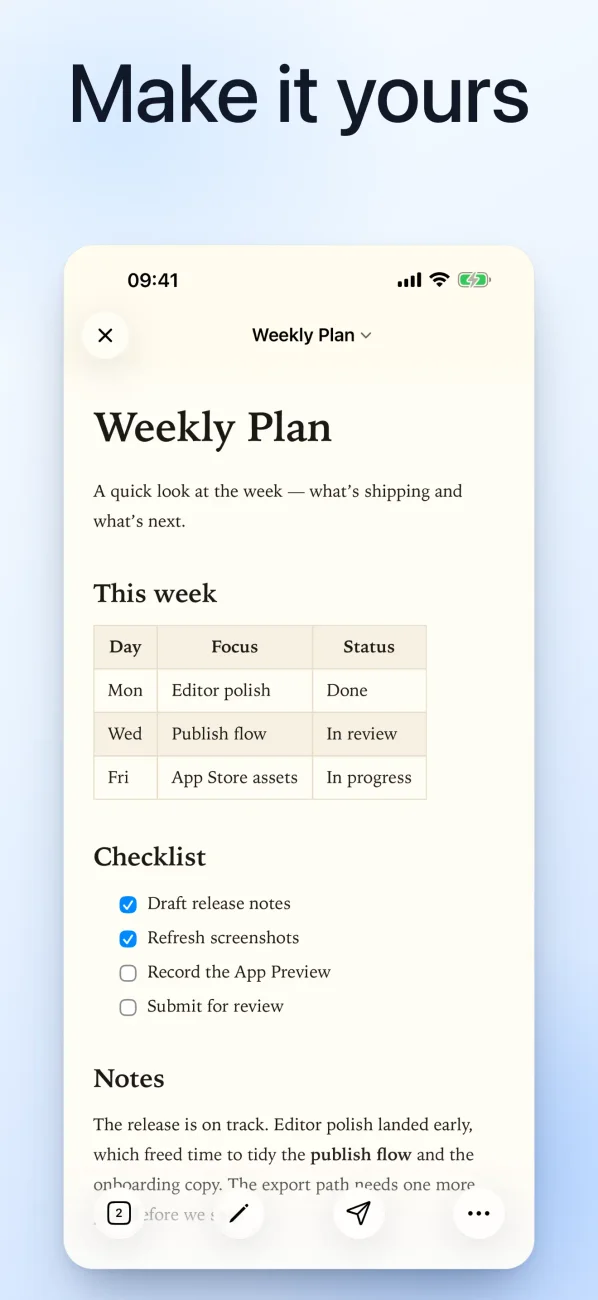
- Beautiful live rendering - Mermaid diagrams and KaTeX math appear inline as you type, no plugins, no setup
- Write and preview with one tap; on iPad, work side by side with synced split view
- 36 code themes plus 6 reading themes: Light, Dark, Notion, Essay, Terminal and more
- Syntax highlighting for 30+ languages, find-in-page, one-tap copy on code blocks
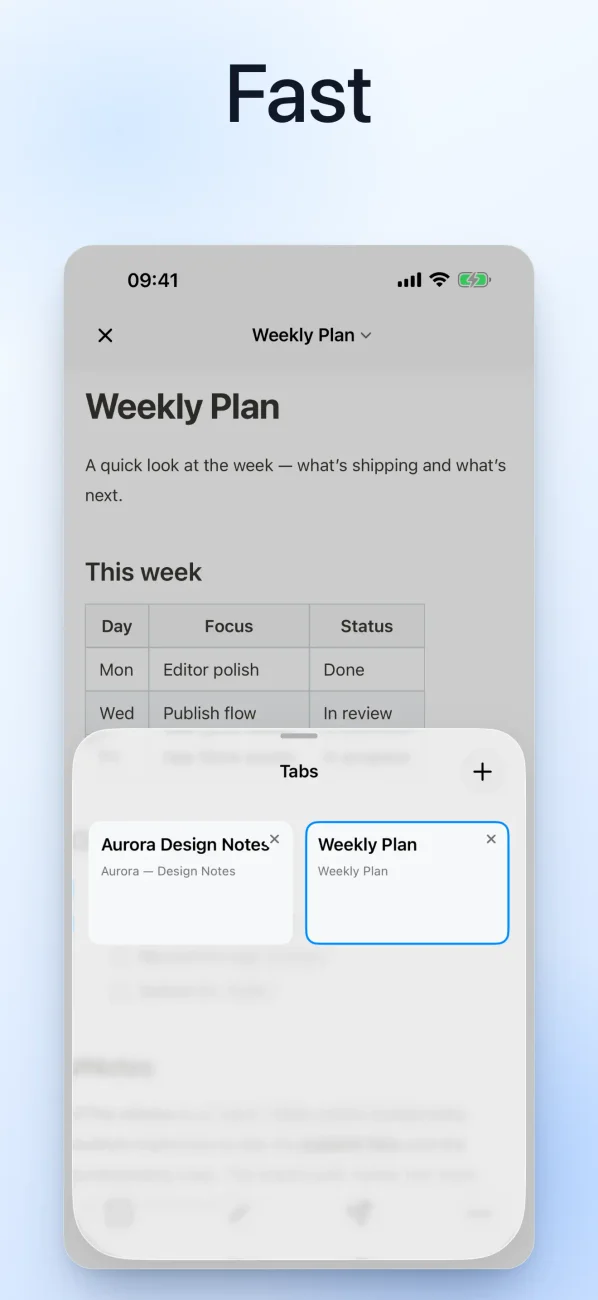
- Tabs are free and unlimited - keep every note open and switch in a tap
QUICKMARK PRO - ONE-TIME, NOT A SUBSCRIPTION
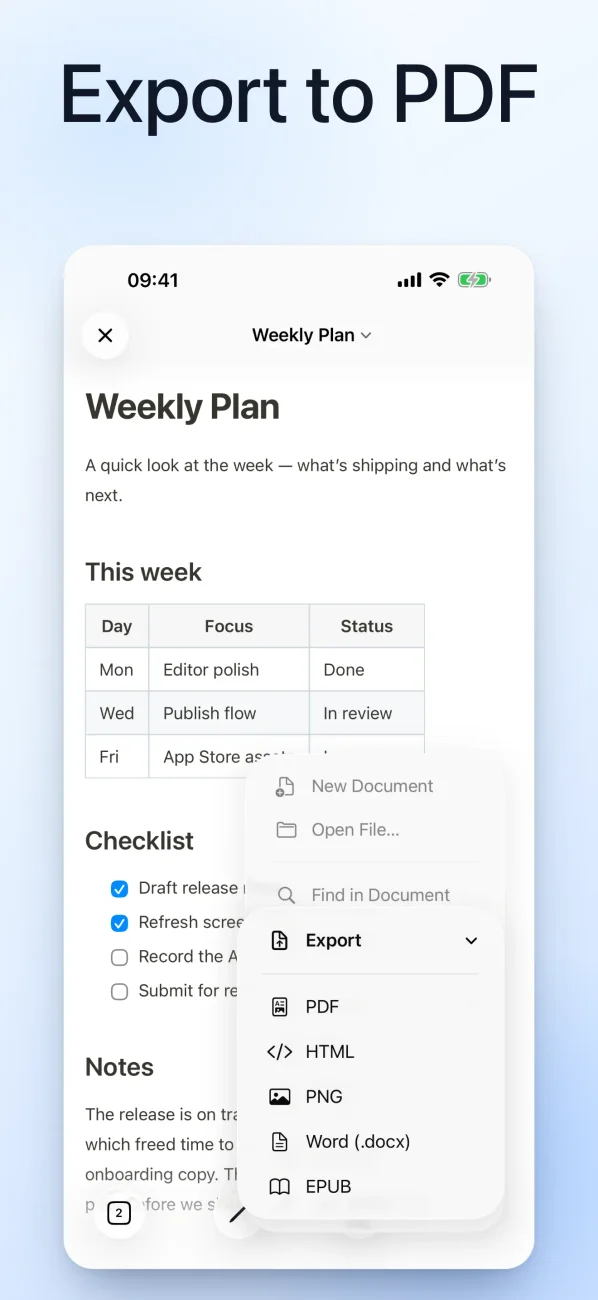
- Export your document to PDF, HTML, DOCX, EPUB, PNG, or Rich Text (free: 10 exports a month per device)
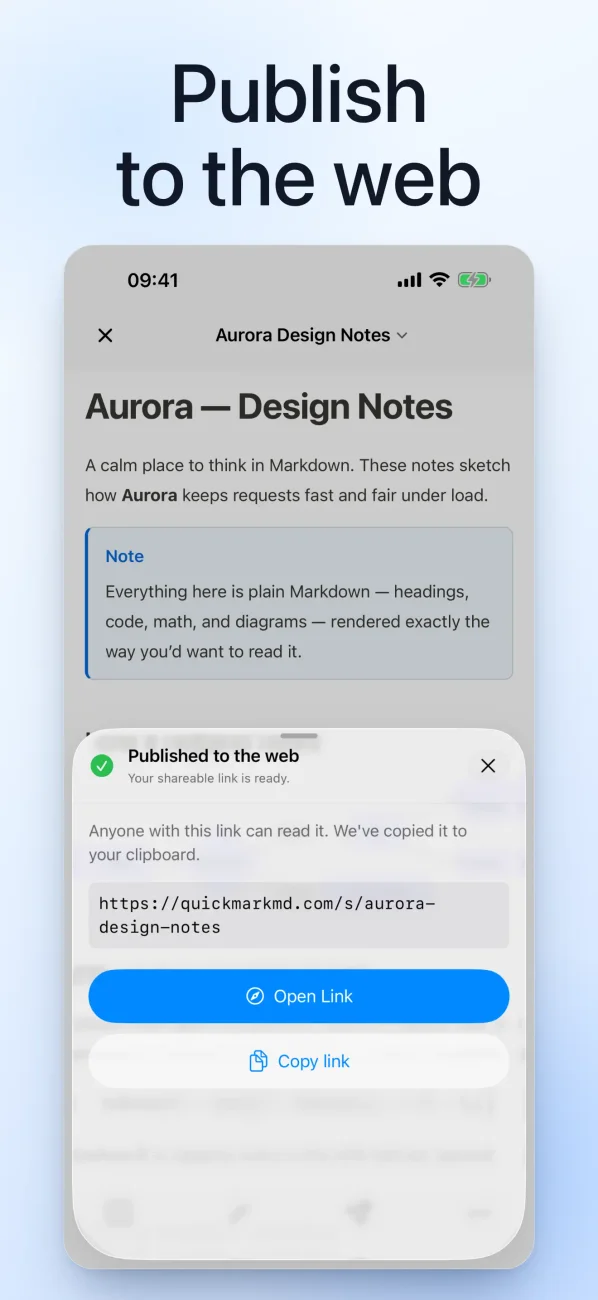
- Publish to Web - turn any document into a clean shareable link at quickmarkmd.com (free: up to 3 live pages, links expire 30 days after publishing)
- Pro removes every limit: unlimited exports, unlimited pages, links that never expire
One one-time purchase of $9.99 unlocks Pro on all your Apple devices - Mac, iPhone and iPad. No subscription, ever.
PRIVACY YOU CAN TRUST
Your documents stay on your device. Reading and editing never upload a thing. Anonymous crash reports help us fix bugs - never your content. Nothing leaves your device unless you choose to publish it.
PERFECT FOR
- Writing notes, READMEs, and technical docs on the go
- Reading Markdown with code, math, and diagrams that look right
- Sharing a document as a clean web link in one tap
- Exporting polished PDFs and more from your phone or iPad
REQUIREMENTS
iOS and iPadOS 17 or later.
新機能
バージョン 3.3.21 · 2026/10/6
Favorites. Star the documents you keep coming back to and they are listed under Favorites, next to Recent. Long-press a recent file to add it, or open the … menu in a document and choose Favorites, where you can also jump to your other favorites without leaving the page. You can rename a favorite, and each one shows where it lives. A file that can't be found stays in the list until you remove it.
アプリのプライバシー
このアプリのデータの取り扱いについて、Doan NguyenがApp Storeで申告している内容です。
-
ユーザーに関連付けられたデータ
収集され、ユーザーの識別情報に関連付けられる場合があります。
- 連絡先情報
- ユーザーコンテンツ
- ID
-
ユーザーに関連付けられないデータ
収集される場合がありますが、ユーザーの識別情報には関連付けられません。
- 使用状況データ
- 診断
プライバシーの取り扱いは、ご利用の機能やお客様の年齢などに応じて異なる場合があります。
情報
- 販売元
- Doan Nguyen
- カテゴリ
- 仕事効率化
- バージョン
- 3.3.21
- 更新日
- 2026/10/6
- リリース
- 2026/5/7
- サイズ
- 11.9 MB
- 必要条件
- iOS 17.0以降
- 対象年齢
- 4+
- 価格
- 無料
- アプリ内課金
- あり
- 言語
- 英語
- 著作権
- © 2026 Doan Nguyen
こちらもおすすめ
-
 ScrollArc – AI MarkdownリーダーAI文書もGit文書も、続きから
-
 HipMark - Markdown Editor仕事効率化
-
 Igneous: Markdown Notes仕事効率化
-
 RC MarkdownMarkdownを読む・変換・共有
-
 Markdownビューアとエディタmdリーダー。pdfに変換。
-
 PureOpen — Markdown Editor仕事効率化
-
 Text Editor仕事効率化
-
 Markdown エディター: メモ & PDF執筆・リアルタイム表示・PDF化
-
 Inkiostro: マークダウン テキストエディタビジュアル編集、メモ、PDF書き出し
-
 Cinch – Reminders & TasksReminders, made beautiful.