- 対象年齢4+
- カテゴリ仕事効率化
- 開発元ANTONIO PADALINO
- 言語英語ほか5言語
- サイズ7.4 MB
App Storeの公式ページにリンクしています
Download.orgはDocOne Expressのファイルを一切ホストしていません。ボタンを押すと、ANTONIO PADALINOが公開しているApp Storeのアプリページが開きます。ページの最終確認:2026/11/15。
スクリーンショット
概要
開発元はこのテキストをお使いの言語で提供していません。
SCAN. SAVE. DONE.
DocOne Express turns your iPhone into a simple, efficient document scanner.
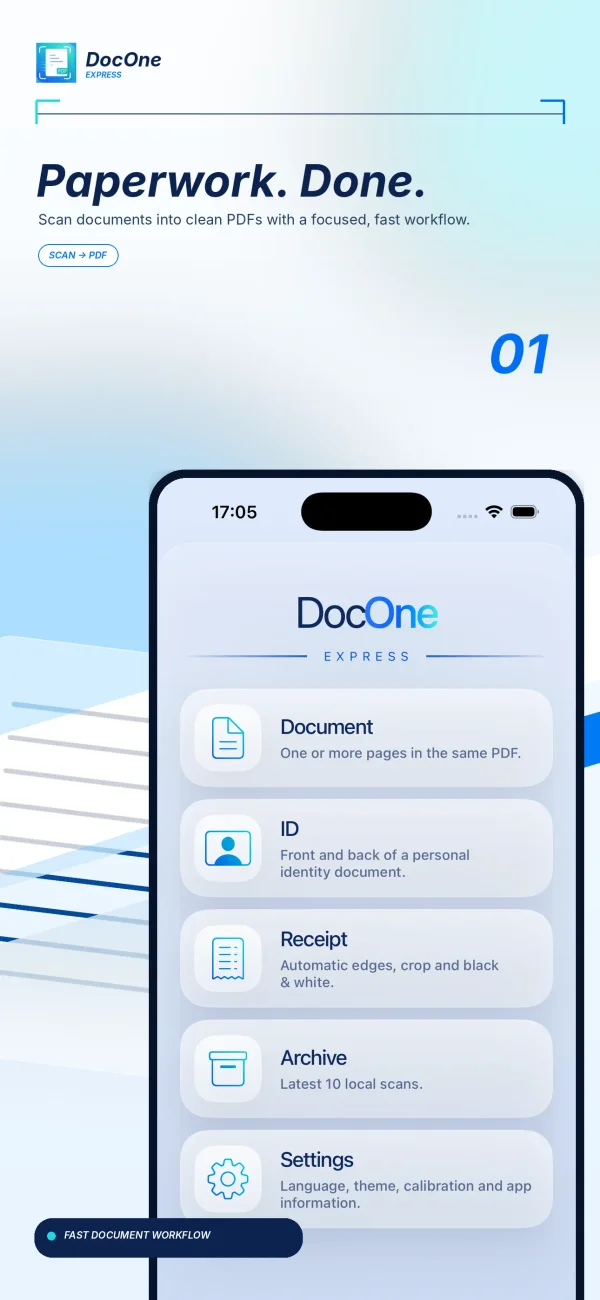
Scan documents, receipts and ID cards, correct cropping and perspective, and create multipage PDFs ready to save or share.
EVERYTHING YOU NEED
• Scan documents and paper pages
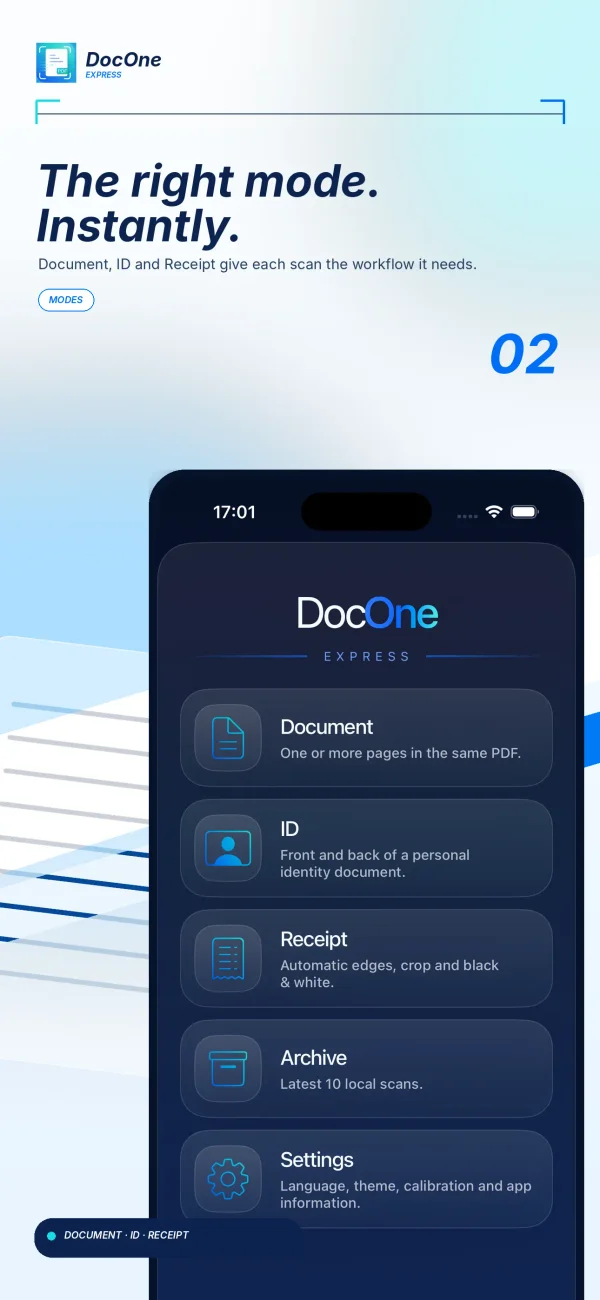
• Dedicated modes for receipts and ID cards
• Document edge detection
• Crop and perspective correction
• Filters to improve readability
• Multipage PDFs
• Page reordering
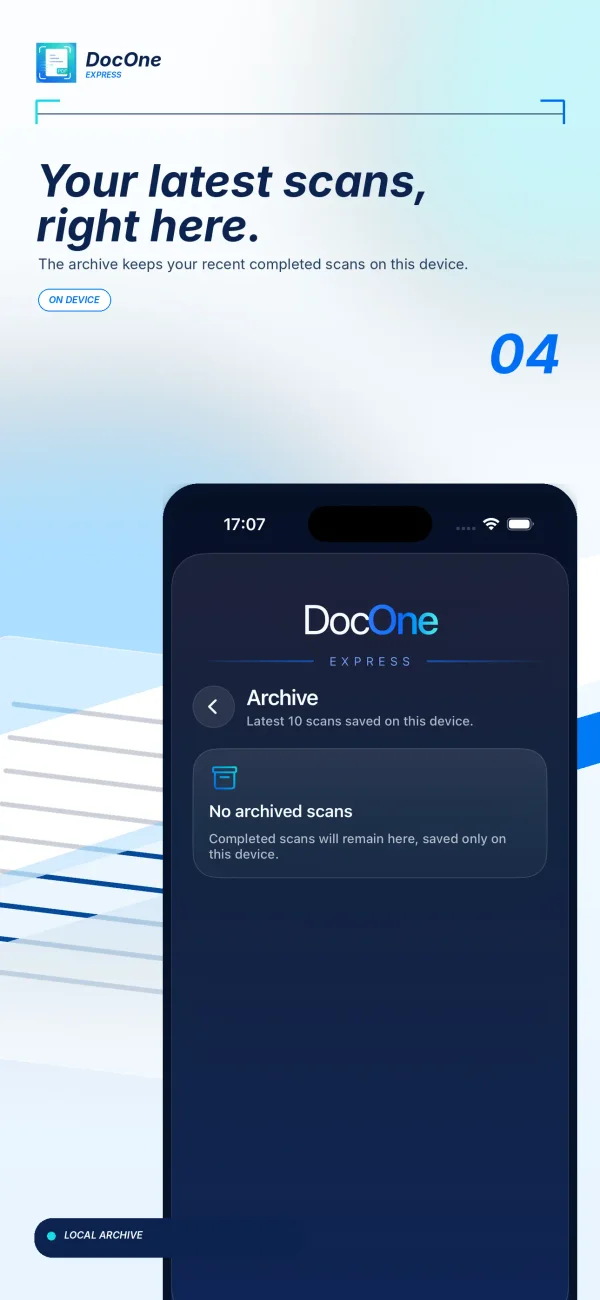
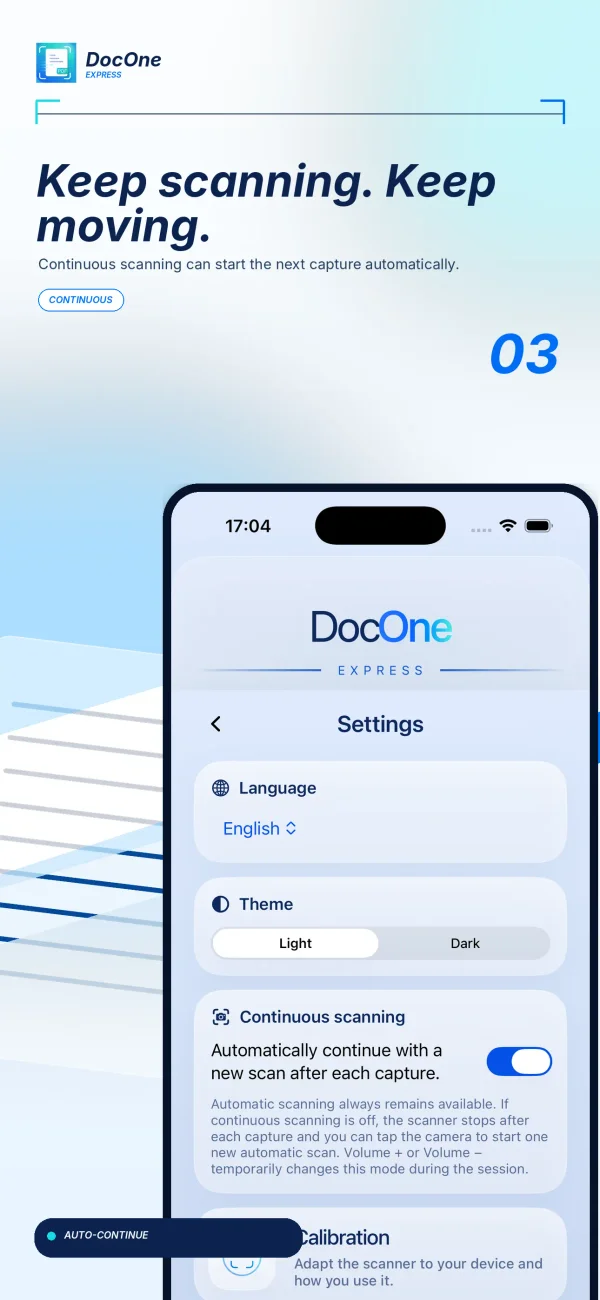
• Local storage on your device
• PDF export and sharing
YOUR DOCUMENTS STAY ON YOUR IPHONE
No account is required, and you don't need to rely on a cloud service for your document archive. Your documents can be stored directly on your device.
NO SUBSCRIPTION
DocOne Express is a tool, not another service you have to pay for every month.
Buy the app and use it whenever you need it.
SIMPLE BY DESIGN
DocOne Express is designed to do one thing well: quickly turn what's in front of you into a clean, organized PDF that's ready to use.
No cluttered interfaces.
No unnecessary steps.
Open. Scan. Save. Done.
新機能
バージョン 1.3.0 · 2026/11/1
PDFOne integration: you can now start a scan from PDFOne and import the scanned document directly as a PDF.
More reliable transfers: improved communication between the two apps, with import confirmation and the ability to retry interrupted transfers.
Consistent scan options: Document, ID and Receipt modes are also available when starting a scan from PDFOne.
Improved document cropping: new checks of all four edges of the photo help identify the document boundaries more accurately.
Better handling of angled documents: improved corner detection and additional checks help limit unwanted distortion.
Less unwanted background: a new check helps remove dark background strips below documents when they can be clearly identified.
Portrait-only interface: the app stays in portrait orientation on iPhone, even when you rotate your device.
Optimized camera guidance: unnecessary visual updates have been reduced while framing documents.
Improved accessibility: return-gesture animations now also respect the system's Reduce Motion setting.
アプリのプライバシー
このアプリのデータの取り扱いについて、ANTONIO PADALINOがApp Storeで申告している内容です。
-
データの収集なし
開発元はこのアプリからデータを収集しません。
プライバシーの取り扱いは、ご利用の機能やお客様の年齢などに応じて異なる場合があります。
情報
- 販売元
- ANTONIO PADALINO
- カテゴリ
- 仕事効率化
- バージョン
- 1.3.0
- 更新日
- 2026/11/1
- リリース
- 2026/8/17
- サイズ
- 7.4 MB
- 必要条件
- iOS 17.0以降
- 対象年齢
- 4+
- 価格
- ¥1,500
- 言語
- 英語, フランス語, ドイツ語, イタリア語, スペイン語, 繁体字中国語
- 著作権
- © 2026 Antonio Padalino