- 対象年齢4+
- カテゴリ仕事効率化
- 開発元Soe Htut
- 言語英語
- サイズ7.6 MB
App Storeの公式ページにリンクしています
Download.orgはSnapDoc: PDF Scanner & Editorのファイルを一切ホストしていません。ボタンを押すと、Soe Htutが公開しているApp Storeのアプリページが開きます。ページの最終確認:2026/11/10。
スクリーンショット
概要
開発元はこのテキストをお使いの言語で提供していません。
SnapDoc is your all-in-one document scanner and PDF editor for iPhone and iPad.
Scan documents, receipts, IDs, notes, and whiteboards in seconds. Automatically detect edges, correct perspective, enhance image quality, then edit, annotate, sign, organize, and share your PDFs — all with a fast, private, on-device experience.
SCAN WITH EASE
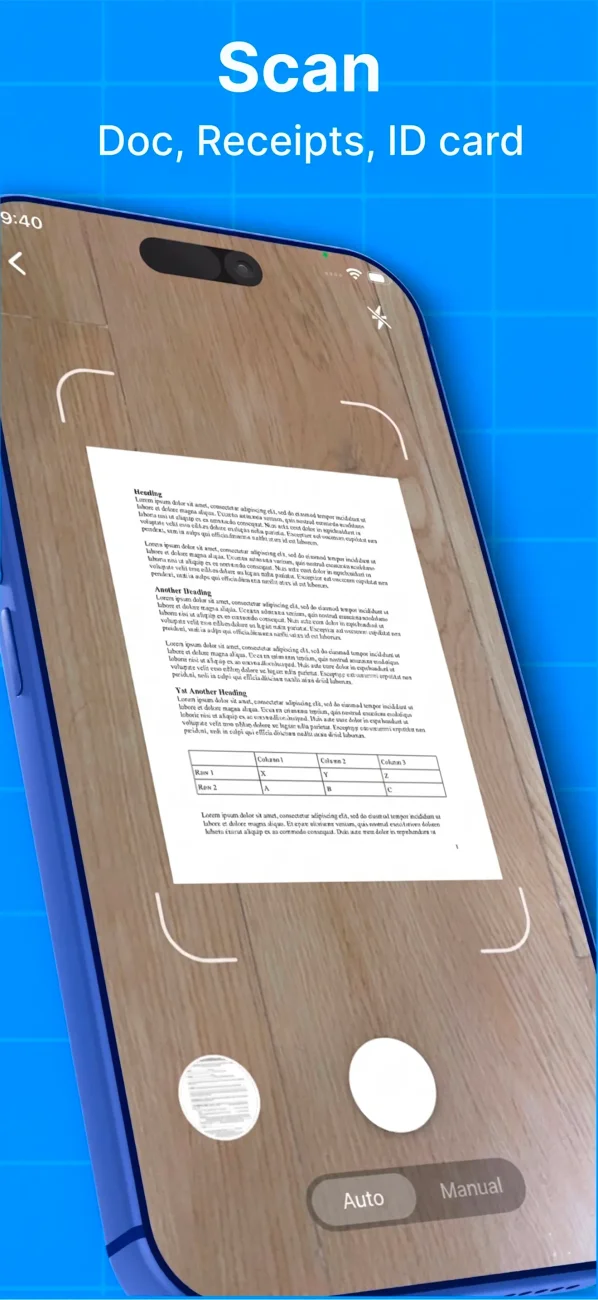
• Automatic edge detection with a live scanning overlay
• Auto-capture when your document is steady, or capture manually
• Perspective correction for clean, straightened pages
• Scan documents, receipts, IDs, notes, and whiteboards
ENHANCE YOUR SCANS
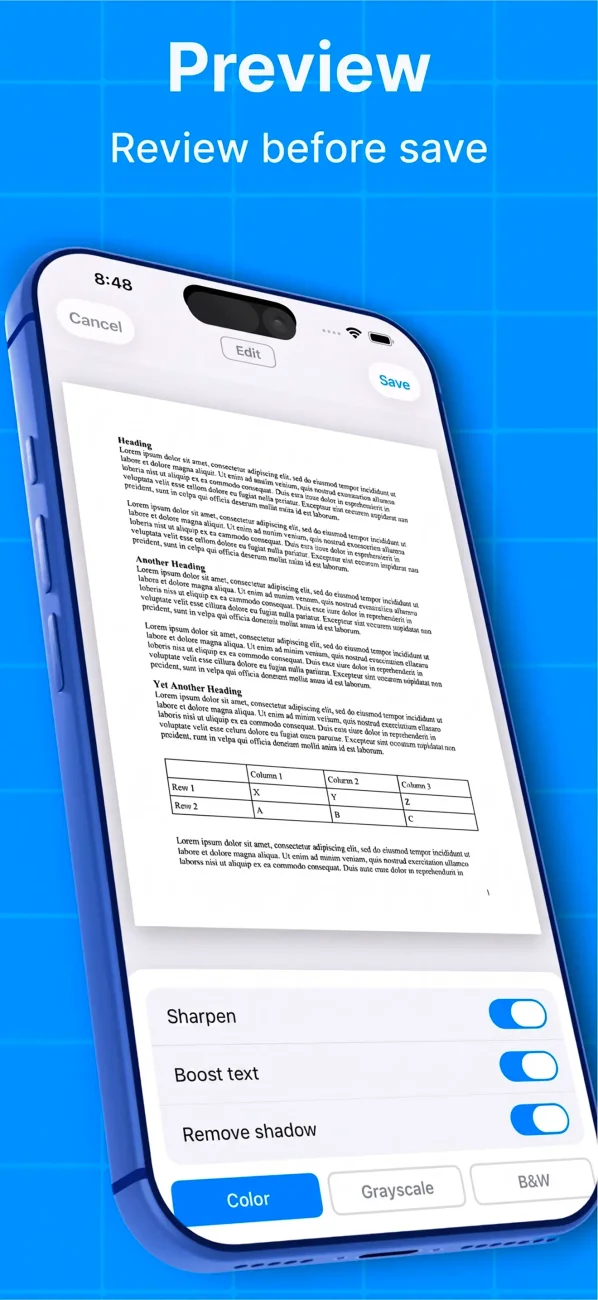
• Boost text for sharper, more readable documents
• Remove shadows and uneven lighting
• Sharpen, Grayscale, and Black & White filters
• Turn photos and scans into clean PDFs
EDIT & ANNOTATE PDFs
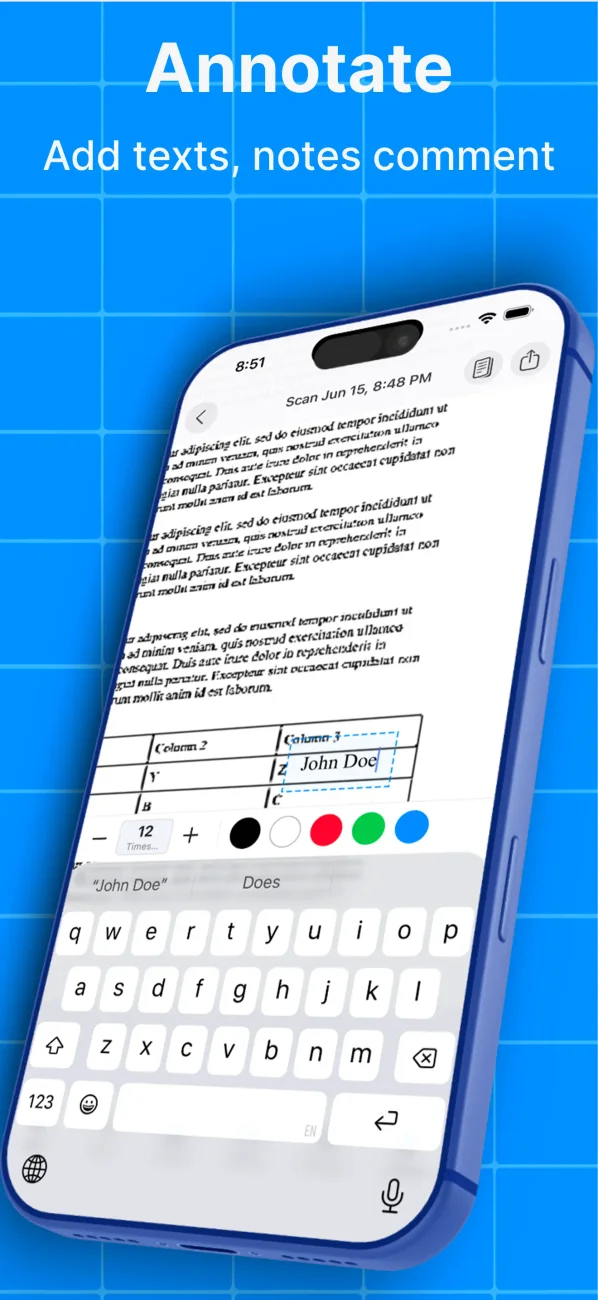
• Add text and images to your PDFs
• Draw naturally with Pen
• Add stamps for quick annotations
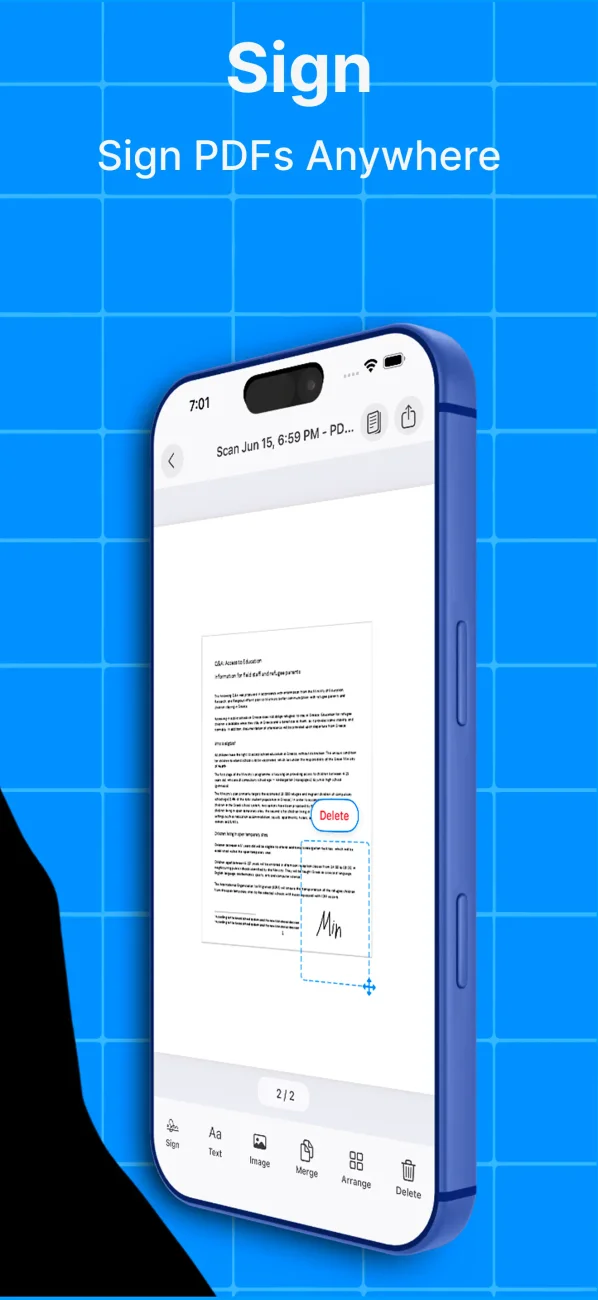
• Sign documents with your signature
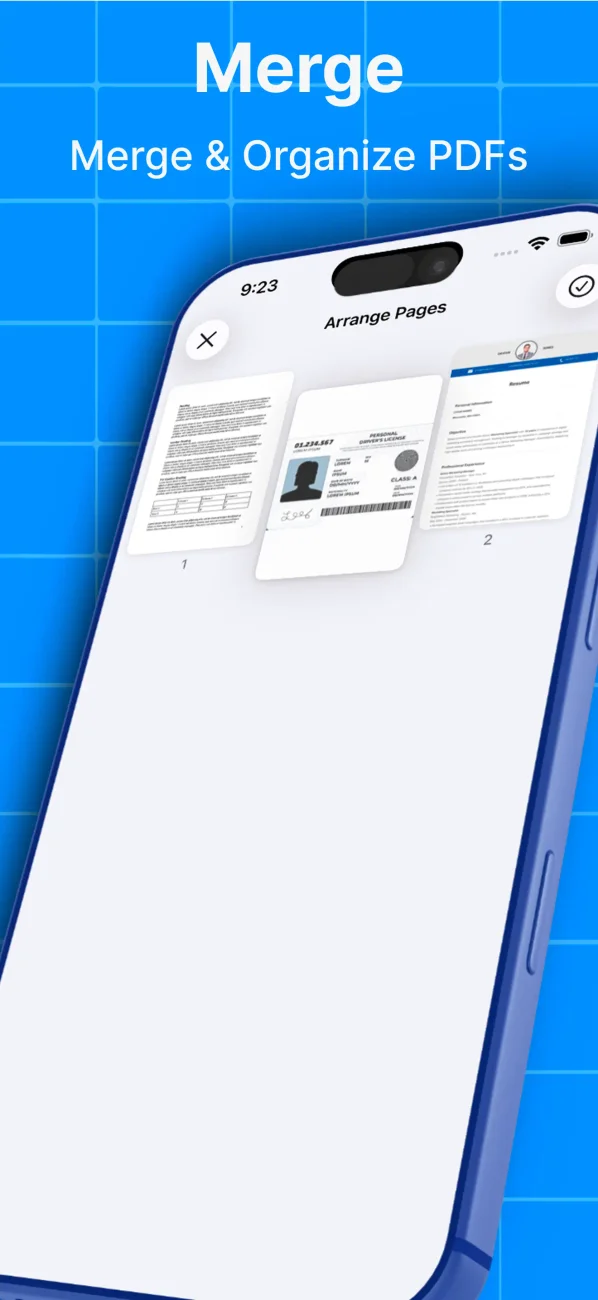
• Reorder, rotate, and delete pages
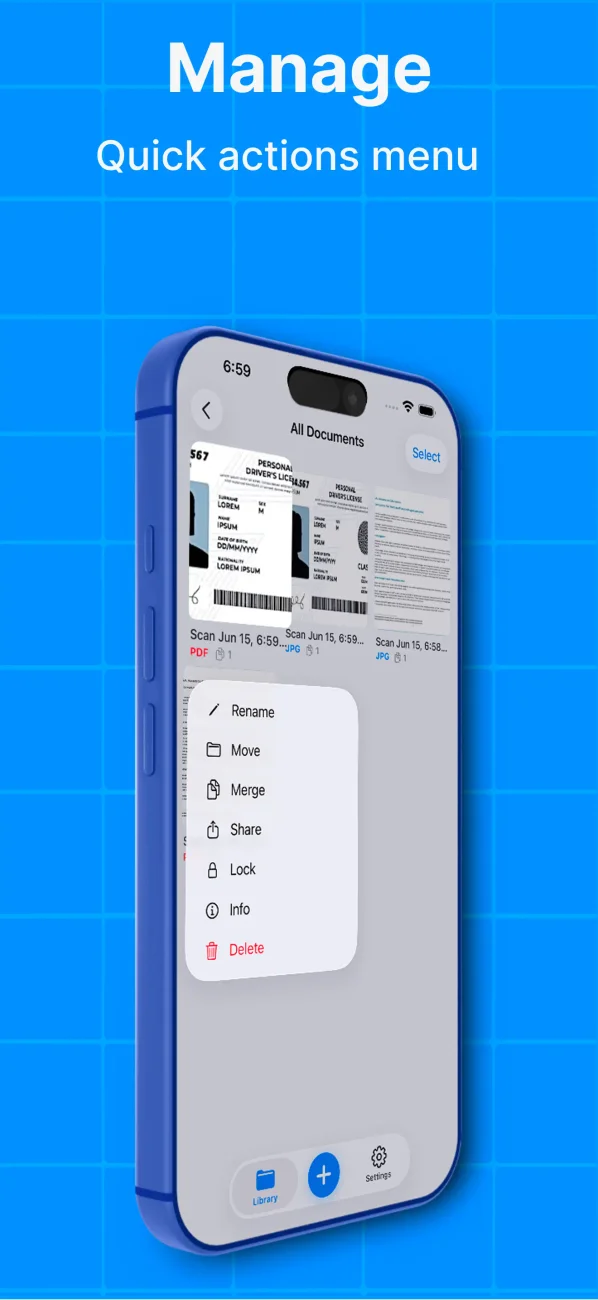
• Merge multiple PDFs into one
PROTECT YOUR DOCUMENTS
• Password-protect PDF documents
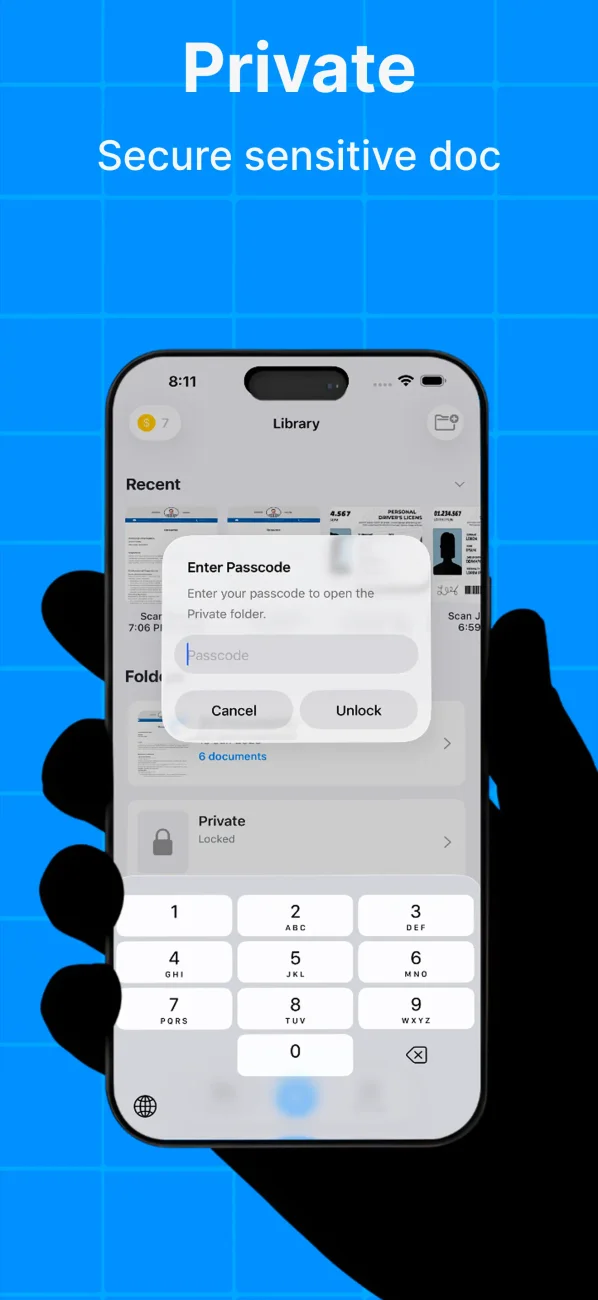
• Keep sensitive files in a Private Folder
• Protect your Private Folder with a passcode and Face ID
READ PDFs YOUR WAY
• Full-screen reading mode for a distraction-free experience
• Adjust your reading view for a comfortable experience
• Easily navigate through multi-page documents
STAY ORGANIZED
• Organize documents into folders
• Keep important files in one place
• Protect sensitive documents with a private folder, passcode, and Face ID
SHARE & EXPORT
• Export high-quality, selectable PDFs
• Save documents to Files
• Share via Mail, Messages, AirDrop, and other apps
PRIVATE BY DESIGN
Your scans and documents are processed on your device and are never uploaded to our servers.
Scan. Edit. Annotate. Sign. Read.
SnapDoc gives you everything you need to work with documents on iPhone and iPad.
新機能
バージョン 1.6 · 2026/8/26
• Added iPad support
• Optimized the PDF editing experience for iPad
• Improved document reading and annotation
• Password-protected PDFs and share
• Performance and stability improvements
アプリのプライバシー
このアプリのデータの取り扱いについて、Soe HtutがApp Storeで申告している内容です。
-
ユーザーのトラッキングに使用されるデータ
他社のアプリやウェブサイトを横断してユーザーをトラッキングする目的で使用される場合があります。
- ID
- 使用状況データ
-
ユーザーに関連付けられたデータ
収集され、ユーザーの識別情報に関連付けられる場合があります。
- ID
- 使用状況データ
-
ユーザーに関連付けられないデータ
収集される場合がありますが、ユーザーの識別情報には関連付けられません。
- 診断
プライバシーの取り扱いは、ご利用の機能やお客様の年齢などに応じて異なる場合があります。
情報
- 販売元
- Soe Htut
- カテゴリ
- 仕事効率化
- バージョン
- 1.6
- 更新日
- 2026/8/26
- リリース
- 2026/6/22
- サイズ
- 7.6 MB
- 必要条件
- iOS 16.6以降
- 対象年齢
- 4+
- 価格
- 無料
- 言語
- 英語
- 著作権
- © 2026 Soe Htut
こちらもおすすめ
-
 Snapdoc Scanner仕事効率化
-
 Toolverse - スキャン・写真編集文字認識・PDF・美顔・不要物消去
-
 Scanmint: PDF Document Scanner仕事効率化
-
 PDF Scanner - Scan & OCR仕事効率化
-
 ScanNest: PDF Scanner & OCR仕事効率化
-
 Snap Doc Pro: PDF Scanner仕事効率化
-
 SnapDoc PDF - AI Scanner仕事効率化
-
 Doc Scanner : scan to pdf仕事効率化
-
 ScannerBest - PDFスキャナー書類スキャン・PDF書き出し
-
 SnapDocs - ドキュメントスキャナドキュメントをキャプチャして保存する