- 対象年齢4+
- カテゴリビジネス
- 開発元Arima Jain
- 言語英語
- サイズ13.8 MB
App Storeの公式ページにリンクしています
Download.orgはDocument Scanner: PDF GOのファイルを一切ホストしていません。ボタンを押すと、Arima Jainが公開しているApp Storeのアプリページが開きます。ページの最終確認:2026/11/15。
スクリーンショット

概要
開発元はこのテキストをお使いの言語で提供していません。
PDF GO – Scan & Sign PDF Docs
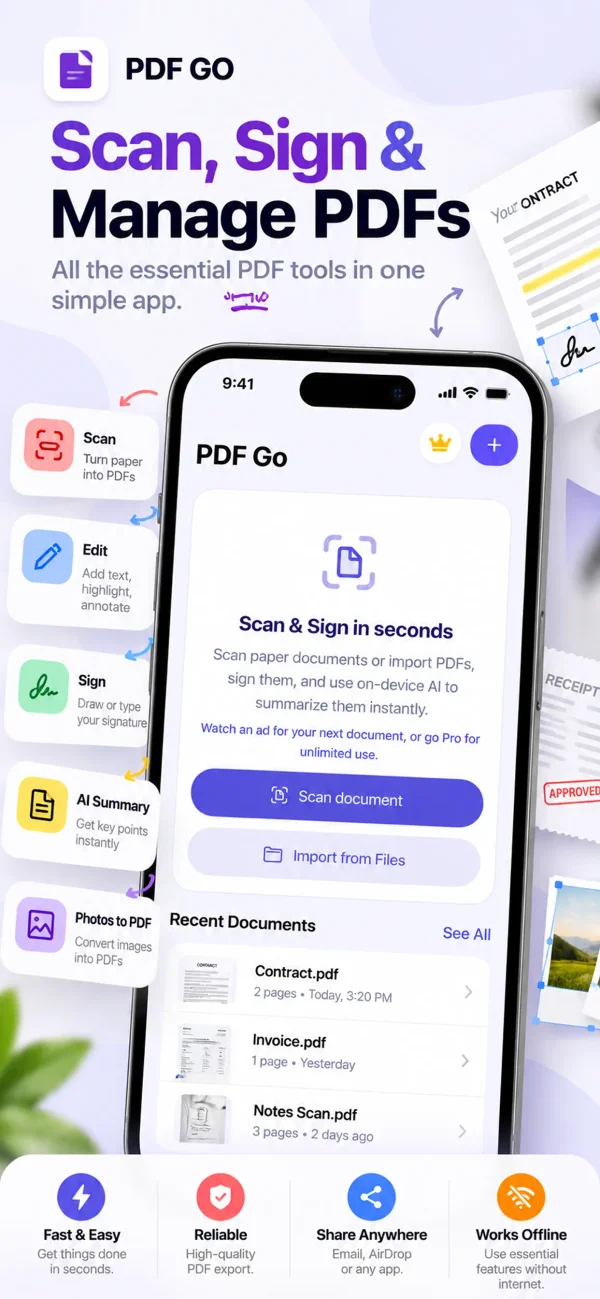
Scan documents, edit PDFs, sign files, and manage all your paperwork in one powerful app.
Turn your iPhone into a portable document scanner and create high-quality PDF files in seconds. Whether you’re scanning receipts, contracts, notes, invoices, IDs, or forms, PDF GO makes it easy to digitize, edit, sign, summarize, and share documents from anywhere.
Perfect for students, professionals, freelancers, business owners, and anyone who works with PDFs.
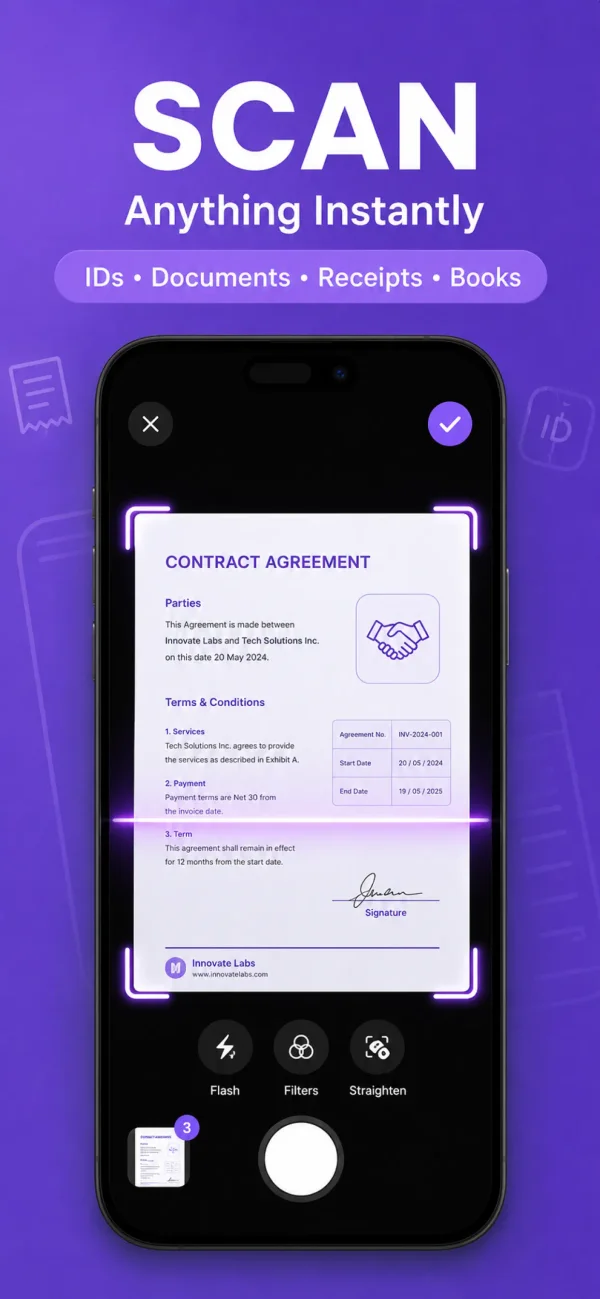
Scan Documents
Capture crystal-clear PDF scans with your camera.
• Scan documents instantly
• Auto-detect document edges
• Smart crop and perspective correction
• Enhance scan quality automatically
• Save scans as high-quality PDFs
• Scan receipts, invoices, notes, IDs, books, and contracts
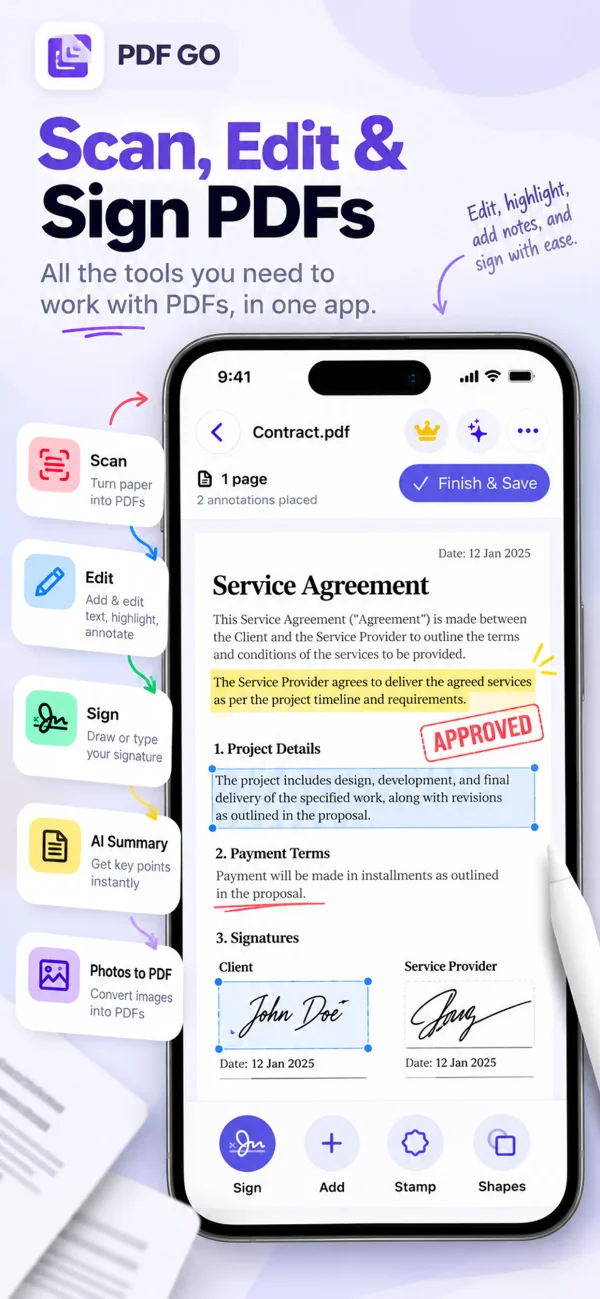
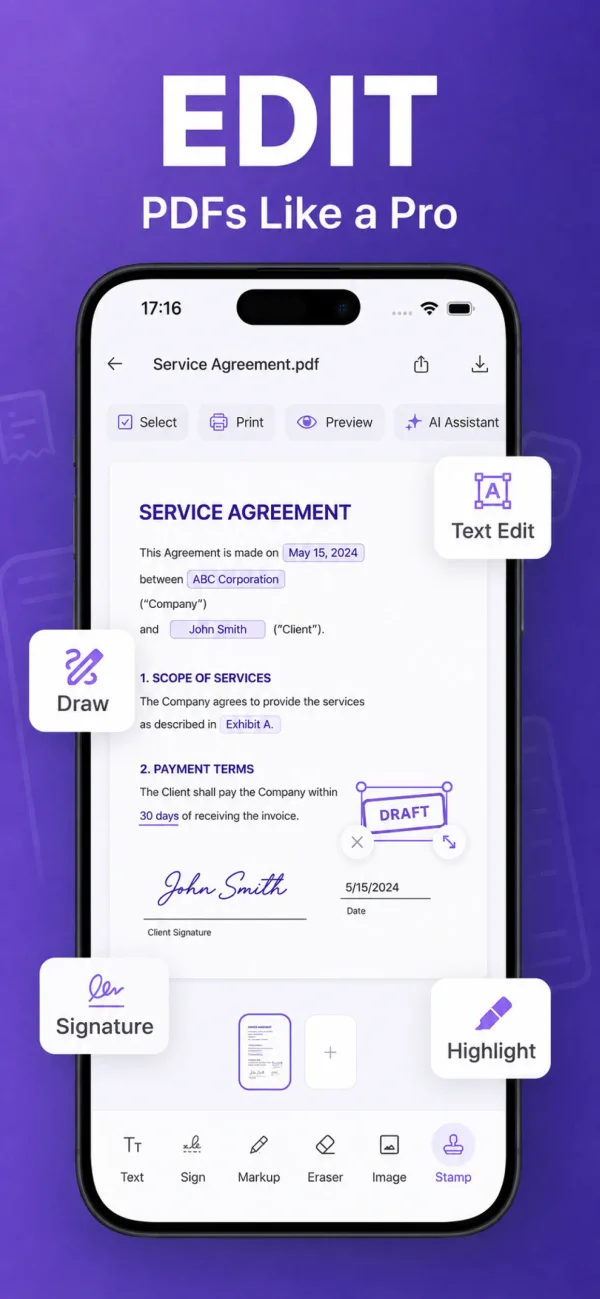
Edit PDF Documents
Modify your PDF files whenever you need.
• Add and edit text
• Highlight important information
• Annotate and mark up documents
• Fill out PDF forms
• Organize pages with ease
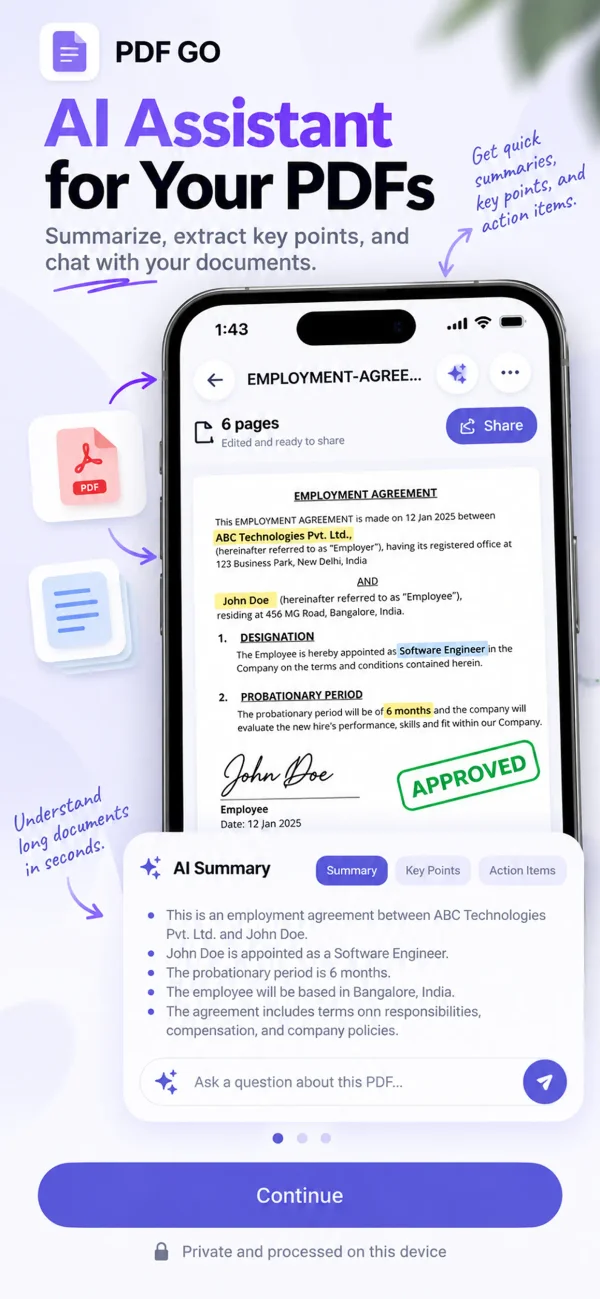
AI PDF Assistant
Save time with intelligent document analysis.
• AI-powered PDF summaries
• Extract key points instantly
• Generate meeting notes from PDFs
• Find important action items
• Understand long documents in seconds
• Perfect for reports, contracts, research papers, and study notes
Sign PDF Documents
Sign documents in seconds with a professional e-signature experience.
• Draw your signature with your finger
• Create elegant typed signatures
• Place signatures anywhere in a PDF
• Resize and reposition signatures
• Sign contracts, agreements, and forms
Convert Images to PDF
Create PDFs from your photos in just a few taps.
• Convert photos to PDF
• Combine multiple images into one PDF
• Create shareable documents instantly
More Powerful PDF Tools
• Rearrange document pages
• Share PDFs instantly
• Export high-quality PDF files
Why Choose PDF GO?
• Fast document scanner
• Powerful PDF editor
• AI document summaries
• AI key notes & highlights
• Easy electronic signatures
• Clean and intuitive interface
• Works offline for core PDF features
• High-quality PDF export
• Quick document sharing
• Simple, reliable, and efficient
Download PDF GO today and make scanning, editing, signing, and understanding PDFs easier than ever.
Privacy Policy:https://digitalhole.github.io/DHPrivacy.html
Terms of Use:https://www.apple.com/legal/internet-services/itunes/dev/stdeula/
新機能
バージョン 1.2 · 2026/10/2
• iOS 27 Ready
• Performance improvement
• Improved User Experience
アプリのプライバシー
このアプリのデータの取り扱いについて、Arima JainがApp Storeで申告している内容です。
-
ユーザーのトラッキングに使用されるデータ
他社のアプリやウェブサイトを横断してユーザーをトラッキングする目的で使用される場合があります。
- 使用状況データ
-
ユーザーに関連付けられないデータ
収集される場合がありますが、ユーザーの識別情報には関連付けられません。
- 使用状況データ
プライバシーの取り扱いは、ご利用の機能やお客様の年齢などに応じて異なる場合があります。
情報
- 販売元
- Arima Jain
- カテゴリ
- ビジネス
- バージョン
- 1.2
- 更新日
- 2026/10/2
- リリース
- 2026/7/2
- サイズ
- 13.8 MB
- 必要条件
- iOS 17.0以降
- 対象年齢
- 4+
- 価格
- 無料
- アプリ内課金
- あり
- 言語
- 英語
- 著作権
- © Arima Jain
こちらもおすすめ
-
 Recapio - 音声・動画を文字起こし会議をデバイスで文字起こし
-
 Vocal Notes - Speech to Text仕事効率化
-
 Klippy - Clipboard Manager仕事効率化
-
 PST Viewer for Outlook仕事効率化
-
 Copy History: Clipboard仕事効率化
-
 Clipo - Clipboard & Keyboard仕事効率化
-
 Compound Interest & Withdrawalファイナンス
-
 Hourfall: スクリーンタイムアプリ使用時間&集中タイマー
-
 Scanvite仕事効率化
-
 Auditext – Audio and Text仕事効率化