Document Scanner: PDF GO
AI Scanner App, Scan PDF, Docs
Designed for iPhone, iPad
Free · In-app purchases
- Age rating4+
- CategoryBusiness
- DeveloperArima Jain
- LanguagesEnglish
- Size13.8 MB
Links to the official App Store page
Download.org hosts no file of Document Scanner: PDF GO. The button opens its official App Store page, published by Arima Jain. Listing last checked on Nov 15, 2026.
Screenshots

About
PDF GO – Scan & Sign PDF Docs
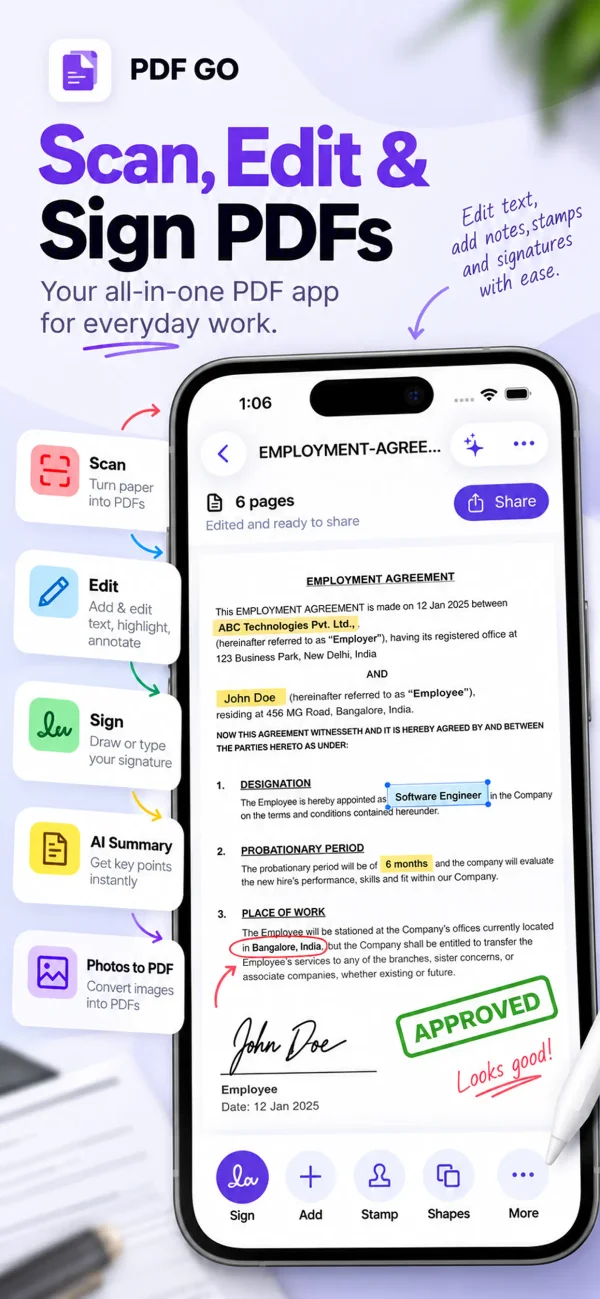
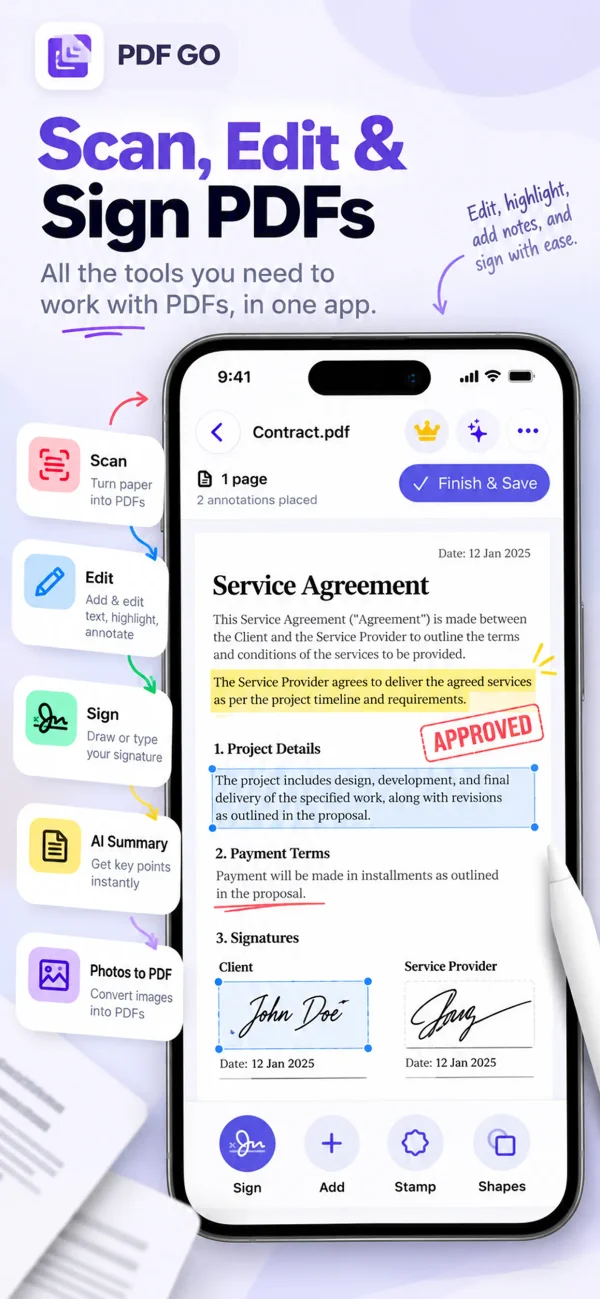
Scan documents, edit PDFs, sign files, and manage all your paperwork in one powerful app.
Turn your iPhone into a portable document scanner and create high-quality PDF files in seconds. Whether you’re scanning receipts, contracts, notes, invoices, IDs, or forms, PDF GO makes it easy to digitize, edit, sign, summarize, and share documents from anywhere.
Perfect for students, professionals, freelancers, business owners, and anyone who works with PDFs.
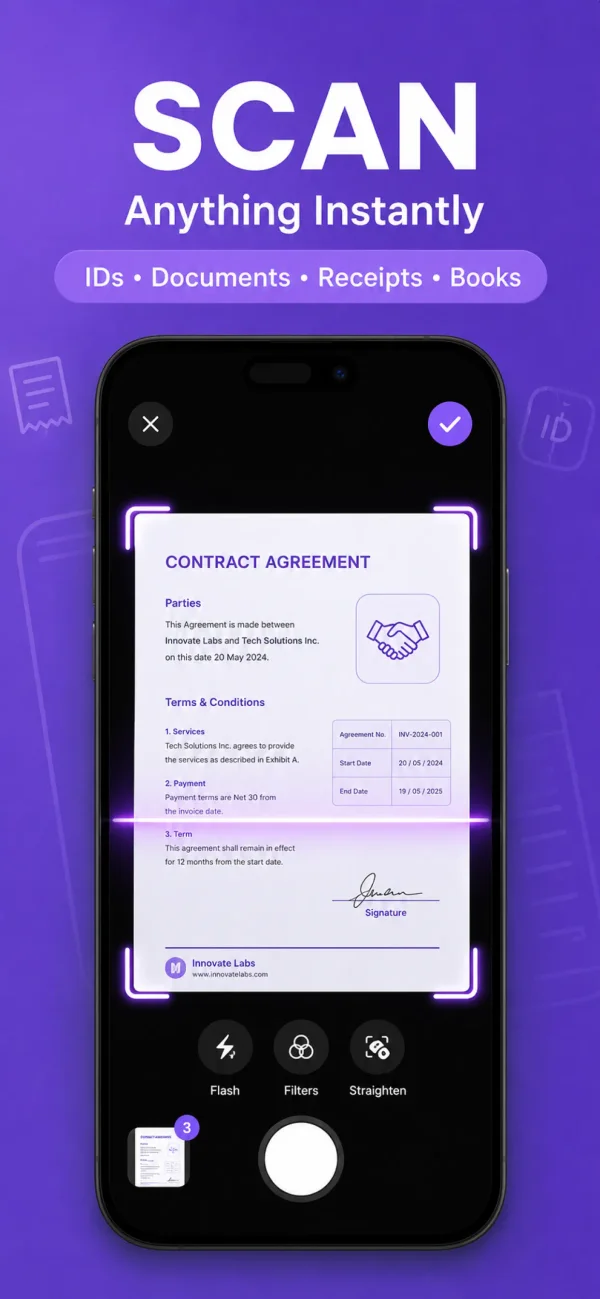
Scan Documents
Capture crystal-clear PDF scans with your camera.
• Scan documents instantly
• Auto-detect document edges
• Smart crop and perspective correction
• Enhance scan quality automatically
• Save scans as high-quality PDFs
• Scan receipts, invoices, notes, IDs, books, and contracts
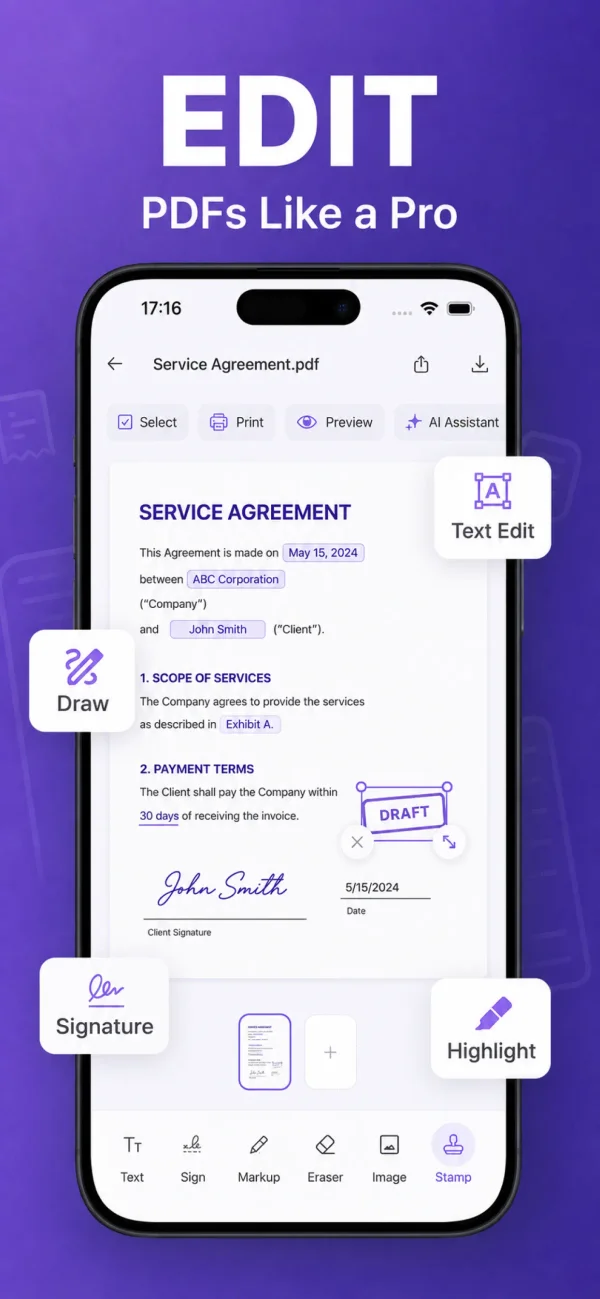
Edit PDF Documents
Modify your PDF files whenever you need.
• Add and edit text
• Highlight important information
• Annotate and mark up documents
• Fill out PDF forms
• Organize pages with ease
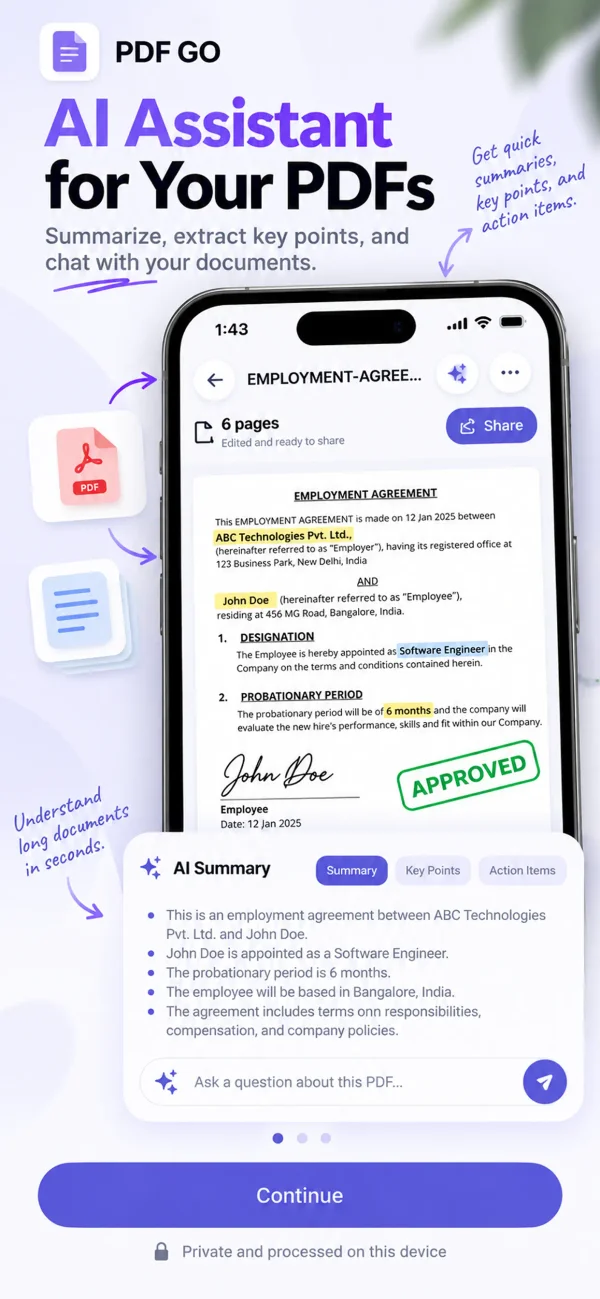
AI PDF Assistant
Save time with intelligent document analysis.
• AI-powered PDF summaries
• Extract key points instantly
• Generate meeting notes from PDFs
• Find important action items
• Understand long documents in seconds
• Perfect for reports, contracts, research papers, and study notes
Sign PDF Documents
Sign documents in seconds with a professional e-signature experience.
• Draw your signature with your finger
• Create elegant typed signatures
• Place signatures anywhere in a PDF
• Resize and reposition signatures
• Sign contracts, agreements, and forms
Convert Images to PDF
Create PDFs from your photos in just a few taps.
• Convert photos to PDF
• Combine multiple images into one PDF
• Create shareable documents instantly
More Powerful PDF Tools
• Rearrange document pages
• Share PDFs instantly
• Export high-quality PDF files
Why Choose PDF GO?
• Fast document scanner
• Powerful PDF editor
• AI document summaries
• AI key notes & highlights
• Easy electronic signatures
• Clean and intuitive interface
• Works offline for core PDF features
• High-quality PDF export
• Quick document sharing
• Simple, reliable, and efficient
Download PDF GO today and make scanning, editing, signing, and understanding PDFs easier than ever.
Privacy Policy:https://digitalhole.github.io/DHPrivacy.html
Terms of Use:https://www.apple.com/legal/internet-services/itunes/dev/stdeula/
What’s new
Version 1.2 · Oct 2, 2026
• iOS 27 Ready
• Performance improvement
• Improved User Experience
App privacy
What Arima Jain declares on the App Store about how this app handles data.
-
Data used to track you
May be used to track you across apps and websites owned by other companies.
- Usage data
-
Data not linked to you
May be collected but is not linked to your identity.
- Usage data
Privacy practices may vary, for example with the features you use or your age.
Information
- Seller
- Arima Jain
- Category
- Business
- Version
- 1.2
- Updated
- Oct 2, 2026
- Released
- Jul 2, 2026
- Size
- 13.8 MB
- Requires
- iOS 17.0 or later
- Age rating
- 4+
- Price
- Free
- In-app purchases
- Yes
- Languages
- English
- Copyright
- © Arima Jain
You might also like
-
 Recapio - Audio Video to TextTranscribe meetings on-device
-
 Vocal Notes - Speech to TextPrivate, 100% On-Device
-
 Klippy - Clipboard ManagerClipboard history, synced
-
 PST Viewer for OutlookOpen OST Files · Email Reader
-
 Copy History: ClipboardClip manager & paste keyboard
-
 Clipo - Clipboard & KeyboardCopy less. Paste smarter.
-
 Compound Interest & WithdrawalWealth planning, simplified
-
 Hourfall: Screen Time TrackerLive App Usage & Focus Timer
-
 ScanviteEvent check-in & QR scanning
-
 Auditext – Audio and TextAudio to Text, Instantly