
- 対象年齢4+
- カテゴリユーティリティ
- 開発元Hai-Chou Wang
- 言語英語ほか1言語
- サイズ3.1 MB
App Storeの公式ページにリンクしています
Download.orgはFlashCollageのファイルを一切ホストしていません。ボタンを押すと、Hai-Chou Wangが公開しているApp Storeのアプリページが開きます。ページの最終確認:2026/11/15。
スクリーンショット
概要
開発元はこのテキストをお使いの言語で提供していません。
Key Highlights
Intuitive drag-and-drop editing—easy for beginners
Direct AirPrint printing for instant physical sharing
Multi-format export: JPEG, PNG, PDF
Smart memory management for smooth high‑resolution editing
Main Features
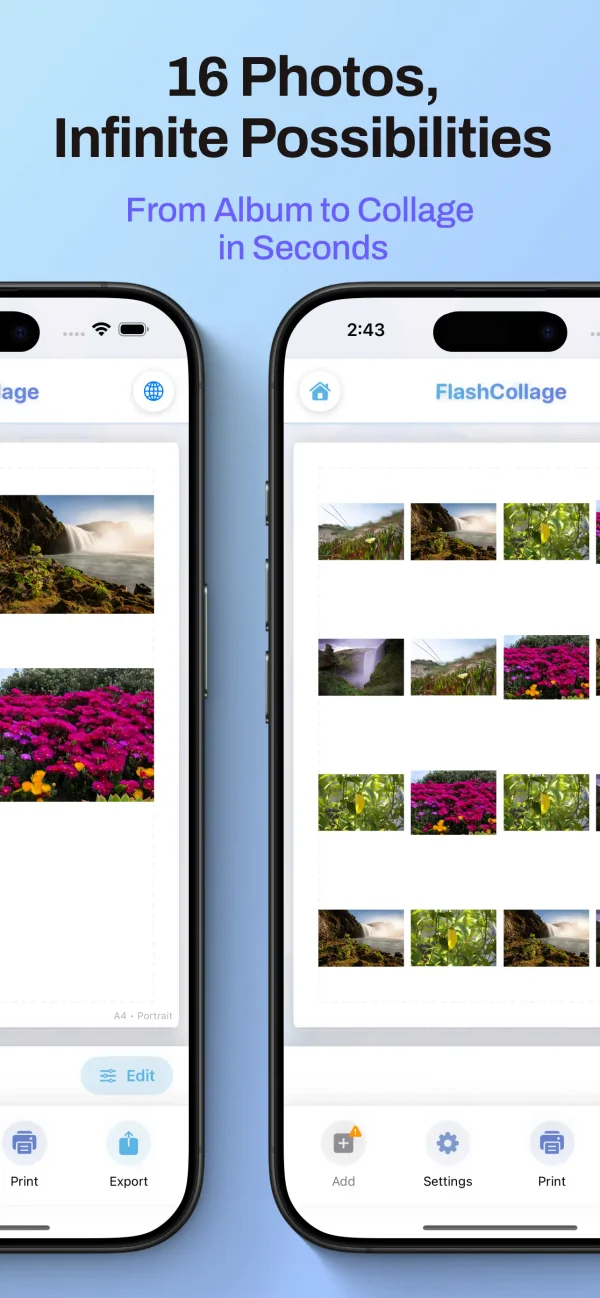
Select up to 16 photos and auto-generate a clean grid layout for a clear, organized look
Freely adjust position, size, and rotation to craft the perfect composition for any theme
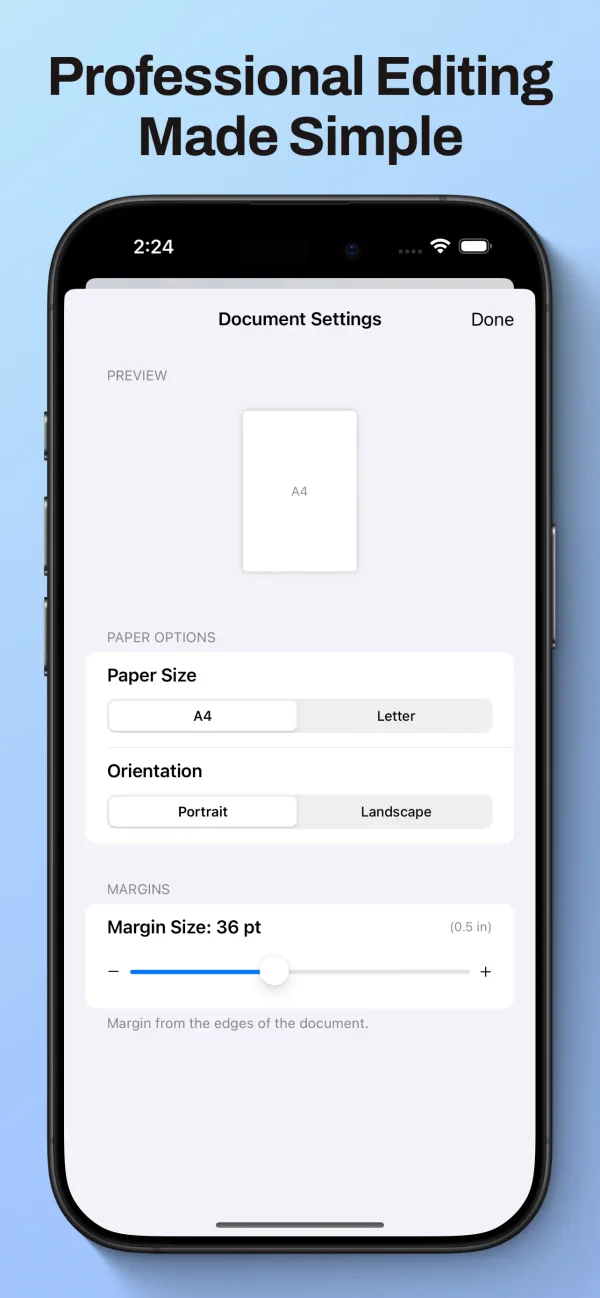
Supports A4 and Letter paper sizes—great for frames, scrapbooks, class projects, and work displays
Portrait and landscape orientations for different aspect ratios and scenarios
One-tap printing to AirPrint-compatible printers; or export as JPEG/PNG/PDF for easy saving, sharing, and cross-platform use
Low-memory preview mode: thumbnails during editing for smooth operation; full resolution for printing and export
Built-in localization: Traditional Chinese, Simplified Chinese, English, Japanese, and Korean—switch instantly
Secure photo access used only for collage creation and export; no data collection
What It Solves
Too many photos from trips, gatherings, graduations, or holidays? Showcase the highlights at a glance with a single grid collage.
Need a quick, printable mini poster or visual card? Output directly to A4/Letter—sharp and time‑saving.
Want to send a combined image to family or social media? Export JPEG/PNG to share everything in one image.
Need to submit a PDF for class or work? Export a high‑quality PDF in one step.
Design & Experience
Clear toolbar with large buttons—most actions are one‑hand friendly
Real-time, what‑you‑see‑is‑what‑you‑get preview for instant results
Optimized for high‑resolution photos—smooth panning and zooming
Centralized settings for paper size, orientation, and margins
Printing & Output Quality
Direct AirPrint to compatible printers—no extra drivers or computer needed
Calibrated for A4 and Letter to ensure accurate margins and proportions
High‑resolution output suitable for framing, scrapbooks, and handouts
Privacy & Permissions
Accesses your photo library only with permission, solely for collage creation and export
No photo uploads—processing is completed entirely on device
No tracking or user profiling
Get Started
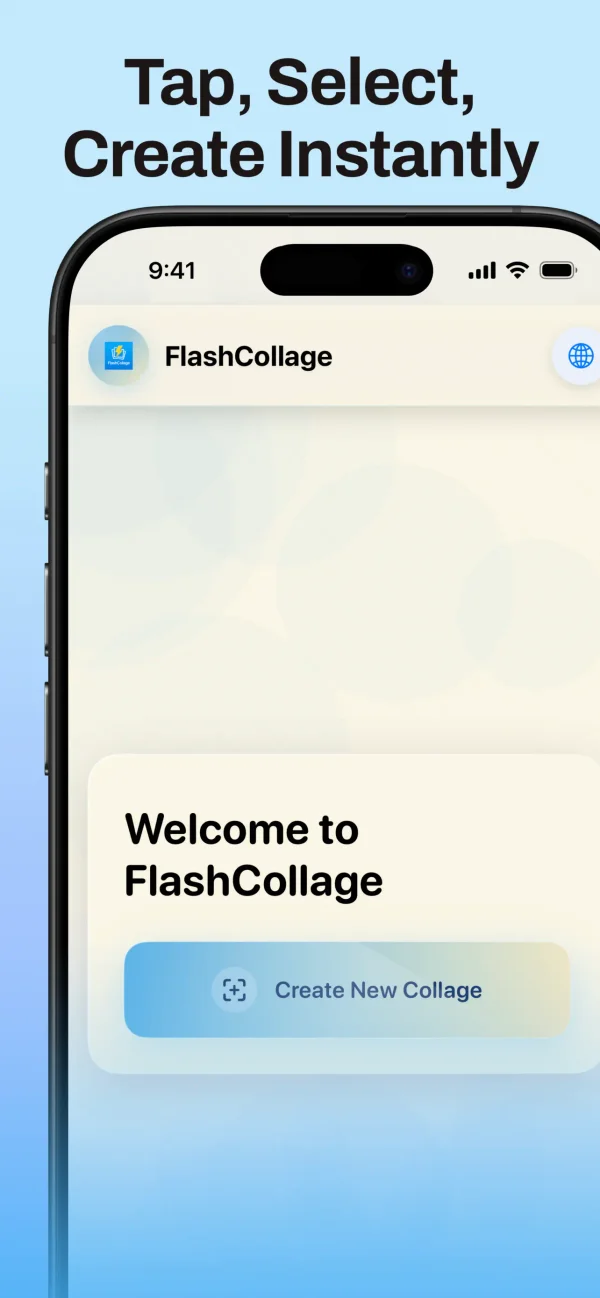
Open the app and tap “+” to select photos
Drag to adjust position, size, and angle
Choose paper size and orientation if printing
Print via AirPrint or export as JPEG/PNG/PDF
About
We’re dedicated to making visual creation simpler, more stable, and more reliable. Have suggestions or need help? Contact us via the support page and we’ll respond promptly.
アプリのプライバシー
このアプリのデータの取り扱いについて、Hai-Chou WangがApp Storeで申告している内容です。
-
データの収集なし
開発元はこのアプリからデータを収集しません。
プライバシーの取り扱いは、ご利用の機能やお客様の年齢などに応じて異なる場合があります。
情報
- 販売元
- Hai-Chou Wang
- カテゴリ
- ユーティリティ
- バージョン
- 1.0
- 更新日
- 2025/8/15
- リリース
- 2025/8/15
- サイズ
- 3.1 MB
- 必要条件
- iOS 16.0以降
- 対象年齢
- 4+
- 価格
- 無料
- 言語
- 英語, 繁体字中国語
- 著作権
- © FlashCollage
こちらもおすすめ
-
 MediaPurge: Delete Old Photosユーティリティ
-
 QRコード作成・読み取り:QRメーカーQRコードリーダー・スキャナー
-
 AGC ToolKitユーティリティ
-
 Swipee: 写真整理クリーナースワイプで削除、容量を空ける
-
 Subber - Store Your Bookmarksユーティリティ
-
 OCRForge:OCRスキャナーAIツールと文字認識・編集写真をスキャンしてテキストを抽出、編集・認識・保存・共有
-
 QRForge:AI QRコードスキャン・ジェネレーター ツAI高精度スキャン認識 高速作成と共有ができる多機能QRコー
-
 Live Speech to Text: iScribeユーティリティ
-
 解凍マスターPro - zip、rar、7z 圧縮・解凍最高のファイル圧縮ツール
-
 Text Workflow: Clean any Textユーティリティ