
- Độ tuổi4+
- Danh mụcTiện Ích
- Nhà phát triểnHai-Chou Wang
- Ngôn ngữTiếng Anh+ 1 ngôn ngữ khác
- Kích thước3,1 MB
Liên kết đến trang App Store chính thức
Download.org không lưu trữ tệp nào của FlashCollage. Nút này mở trang ứng dụng trên App Store, nơi Hai-Chou Wang phát hành ứng dụng. Trang được kiểm tra lần cuối: 15/11/2026.
Ảnh chụp màn hình
Giới thiệu
Nhà phát triển chưa cung cấp nội dung này bằng ngôn ngữ của bạn.
Key Highlights
Intuitive drag-and-drop editing—easy for beginners
Direct AirPrint printing for instant physical sharing
Multi-format export: JPEG, PNG, PDF
Smart memory management for smooth high‑resolution editing
Main Features
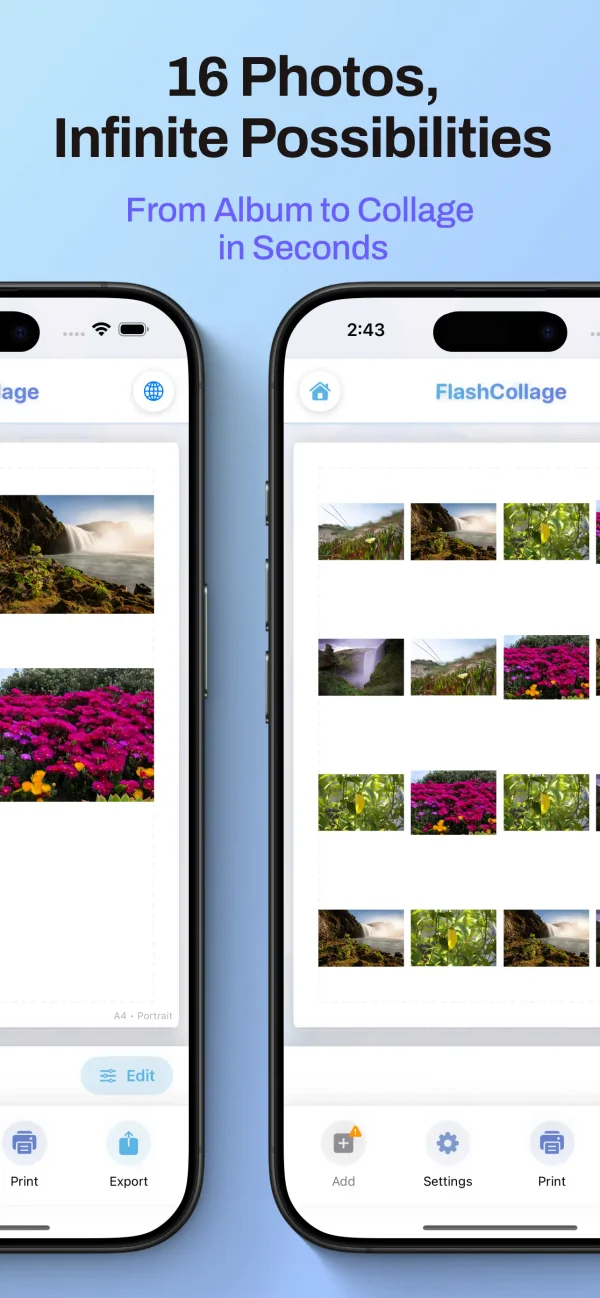
Select up to 16 photos and auto-generate a clean grid layout for a clear, organized look
Freely adjust position, size, and rotation to craft the perfect composition for any theme
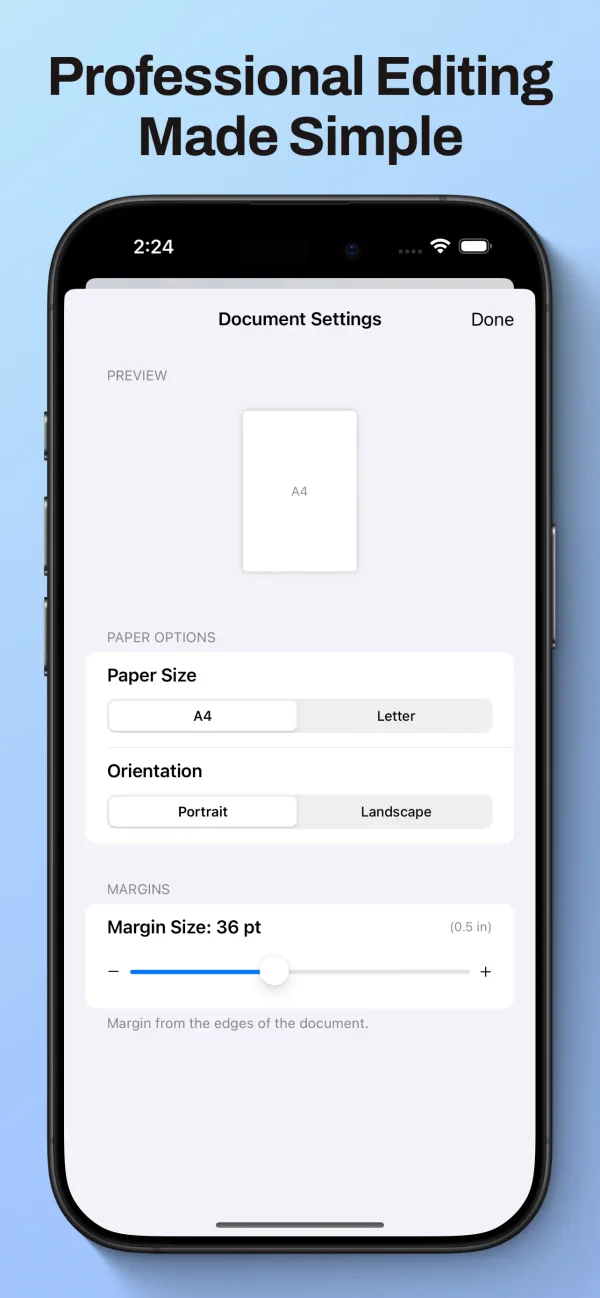
Supports A4 and Letter paper sizes—great for frames, scrapbooks, class projects, and work displays
Portrait and landscape orientations for different aspect ratios and scenarios
One-tap printing to AirPrint-compatible printers; or export as JPEG/PNG/PDF for easy saving, sharing, and cross-platform use
Low-memory preview mode: thumbnails during editing for smooth operation; full resolution for printing and export
Built-in localization: Traditional Chinese, Simplified Chinese, English, Japanese, and Korean—switch instantly
Secure photo access used only for collage creation and export; no data collection
What It Solves
Too many photos from trips, gatherings, graduations, or holidays? Showcase the highlights at a glance with a single grid collage.
Need a quick, printable mini poster or visual card? Output directly to A4/Letter—sharp and time‑saving.
Want to send a combined image to family or social media? Export JPEG/PNG to share everything in one image.
Need to submit a PDF for class or work? Export a high‑quality PDF in one step.
Design & Experience
Clear toolbar with large buttons—most actions are one‑hand friendly
Real-time, what‑you‑see‑is‑what‑you‑get preview for instant results
Optimized for high‑resolution photos—smooth panning and zooming
Centralized settings for paper size, orientation, and margins
Printing & Output Quality
Direct AirPrint to compatible printers—no extra drivers or computer needed
Calibrated for A4 and Letter to ensure accurate margins and proportions
High‑resolution output suitable for framing, scrapbooks, and handouts
Privacy & Permissions
Accesses your photo library only with permission, solely for collage creation and export
No photo uploads—processing is completed entirely on device
No tracking or user profiling
Get Started
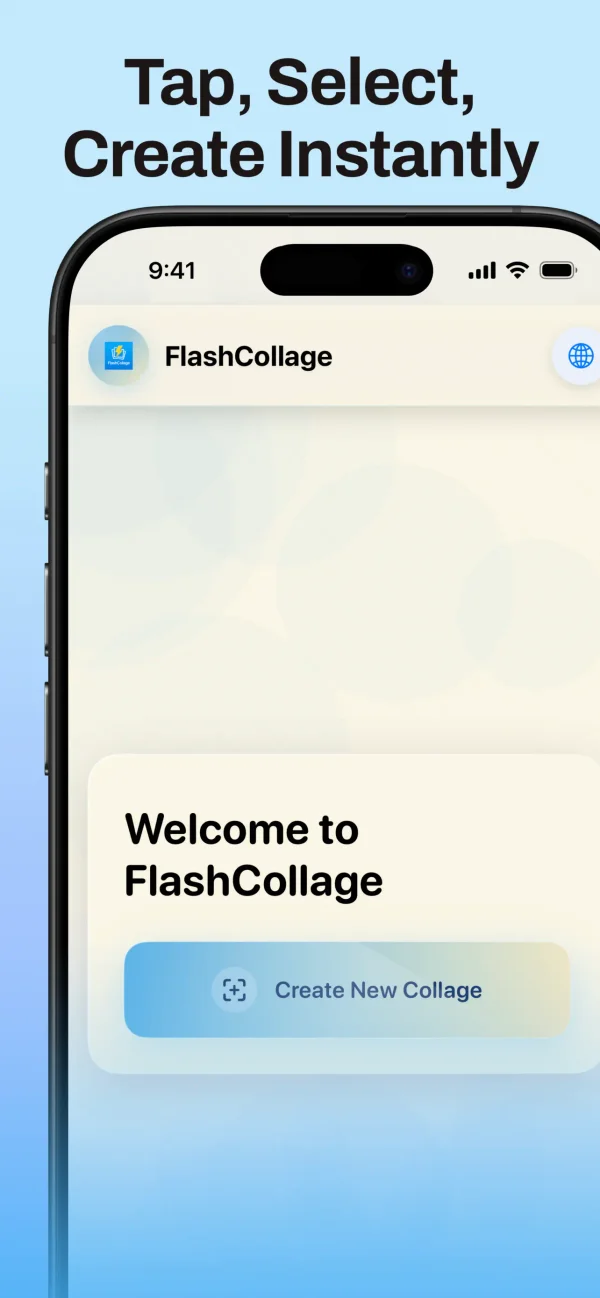
Open the app and tap “+” to select photos
Drag to adjust position, size, and angle
Choose paper size and orientation if printing
Print via AirPrint or export as JPEG/PNG/PDF
About
We’re dedicated to making visual creation simpler, more stable, and more reliable. Have suggestions or need help? Contact us via the support page and we’ll respond promptly.
Quyền riêng tư của ứng dụng
Những gì Hai-Chou Wang khai báo trên App Store về cách ứng dụng này xử lý dữ liệu.
-
Dữ liệu không được thu thập
Nhà phát triển không thu thập bất kỳ dữ liệu nào từ ứng dụng này.
Phương thức đảm bảo quyền riêng tư có thể khác nhau, chẳng hạn như tuỳ theo các tính năng bạn sử dụng hoặc độ tuổi của bạn.
Thông tin
- Người bán
- Hai-Chou Wang
- Danh mục
- Tiện Ích
- Phiên bản
- 1.0
- Cập nhật
- 15/08/2025
- Phát hành
- 15/08/2025
- Kích thước
- 3,1 MB
- Yêu cầu
- iOS 16.0 trở lên
- Độ tuổi
- 4+
- Giá
- Miễn phí
- Ngôn ngữ
- Tiếng Anh, Tiếng Trung Phồn thể
- Bản quyền
- © FlashCollage
Có thể bạn cũng thích
-
 MediaPurge: Delete Old PhotosTiện Ích
-
 QR Code Generator & QR MakerTiện Ích
-
 AGC ToolKitTiện Ích
-
 Swipee: Photo CleanerTiện Ích
-
 Subber - Store Your BookmarksTiện Ích
-
 OCRForge: Công cụ AI quét OCRQuét ảnh và trích xuất văn bản
-
 QRForge: Máy quét & Trình tạoQuét và tạo mã nhanh với AI ID
-
 Phụ Đề & Ghi Âm: iScribeChuyển giọng nói thành văn bản
-
 Trình Giải Nén ProNén và giải nén zip, rar, 7z
-
 Text Workflow: Clean any TextTiện Ích