
- 対象年齢4+
- カテゴリ仕事効率化
- 開発元LUCAS LONGUEIRA MARINO
- 言語英語ほか1言語
- サイズ1.5 MB
App Storeの公式ページにリンクしています
Download.orgは.html — HTML Readerのファイルを一切ホストしていません。ボタンを押すと、LUCAS LONGUEIRA MARINOが公開しているApp Storeのアプリページが開きます。ページの最終確認:2026/11/20。
スクリーンショット

概要
開発元はこのテキストをお使いの言語で提供していません。
.html is an HTML document viewer. It is not an editor: no code writing, no console, no syntax highlighting. It stores the HTML files you already have, keeps them organized, and opens them when you need them.
AI generates more HTML files than ever: reports, calculators, dashboards, interactive summaries. They come out of a chat, get opened once in a browser, and disappear among tabs and downloads. .html is the tool for handling them.
FREE AND PRO
.html is free: open and view any HTML with the full viewer, and save up to 3 documents.
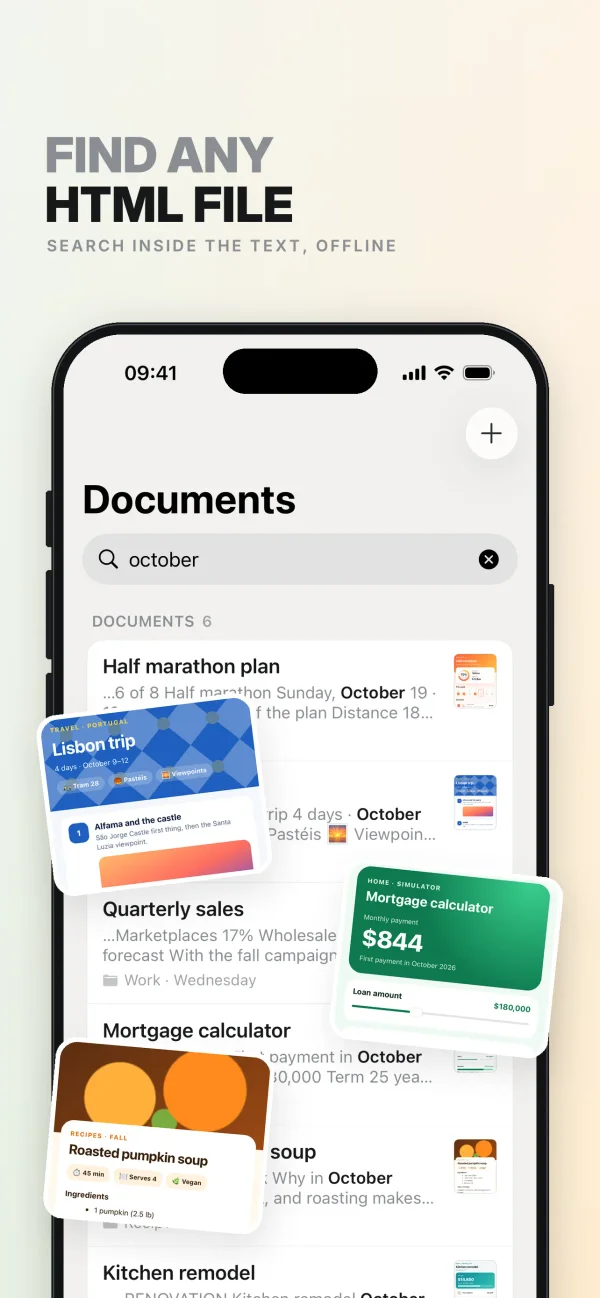
With .html Pro, as a yearly subscription or a one-time purchase, you get unlimited documents, versions, folders, search across the text of all your documents, PDF export and merging documents.
WHAT IT DOES
• Saves every HTML inside the app — its own copy, which opens offline.
• Shows it full screen, with no address bar and no tabs.
• Runs the document as it is: its scripts, styles and buttons all work.
• With Pro, organizes files into folders, with pinned documents on top and sorting by date, name, or your own order by dragging.
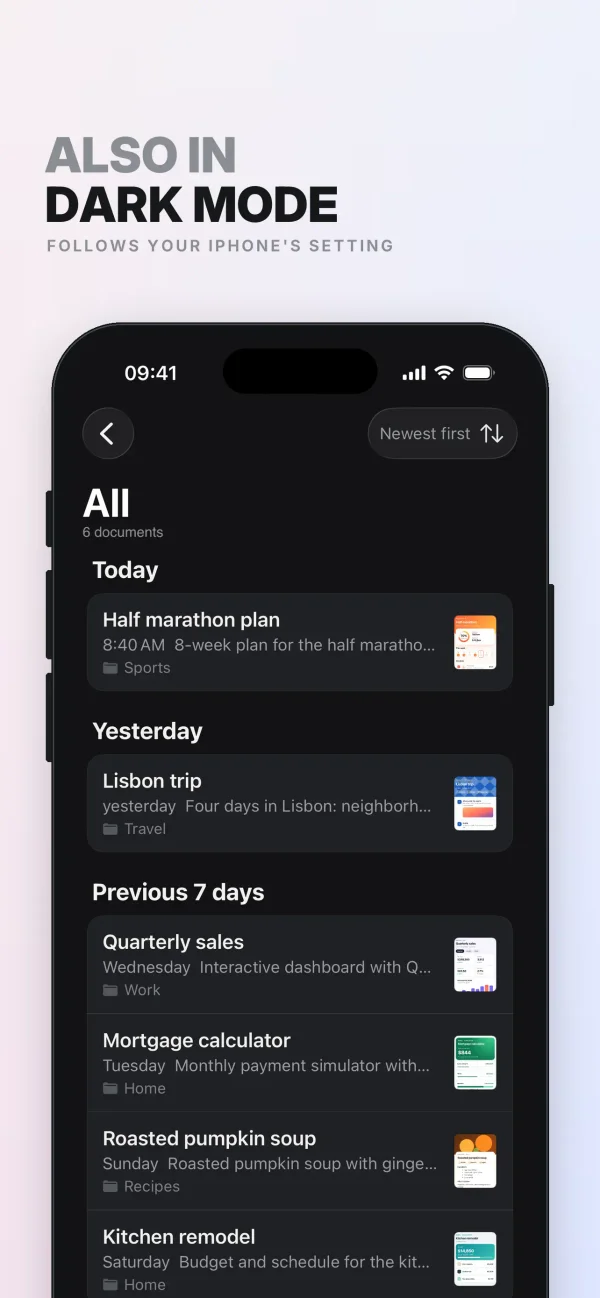
• Groups them by date automatically: today, yesterday, last 7 days, last 30 days.
• Shows each document with a real thumbnail.
• Follows your iPhone's light or dark appearance.
• Works on iPhone, iPad and iPhone Duo. On iPad, the list and the document are side by side.
PASTE HTML
Did the chat give you code instead of a file? Copy it, tap + and choose "Paste HTML". It's saved as a document instantly, even if it's just a snippet.
EXPORT AS PDF (PRO)
Share any document as a PDF, exactly as you see it on screen: with anything you checked or filled in, and with its colors. Ready to send, print or save to Files.
SEARCH
• Searches titles and folders; with Pro, also the text inside every document, ignoring case and accents.
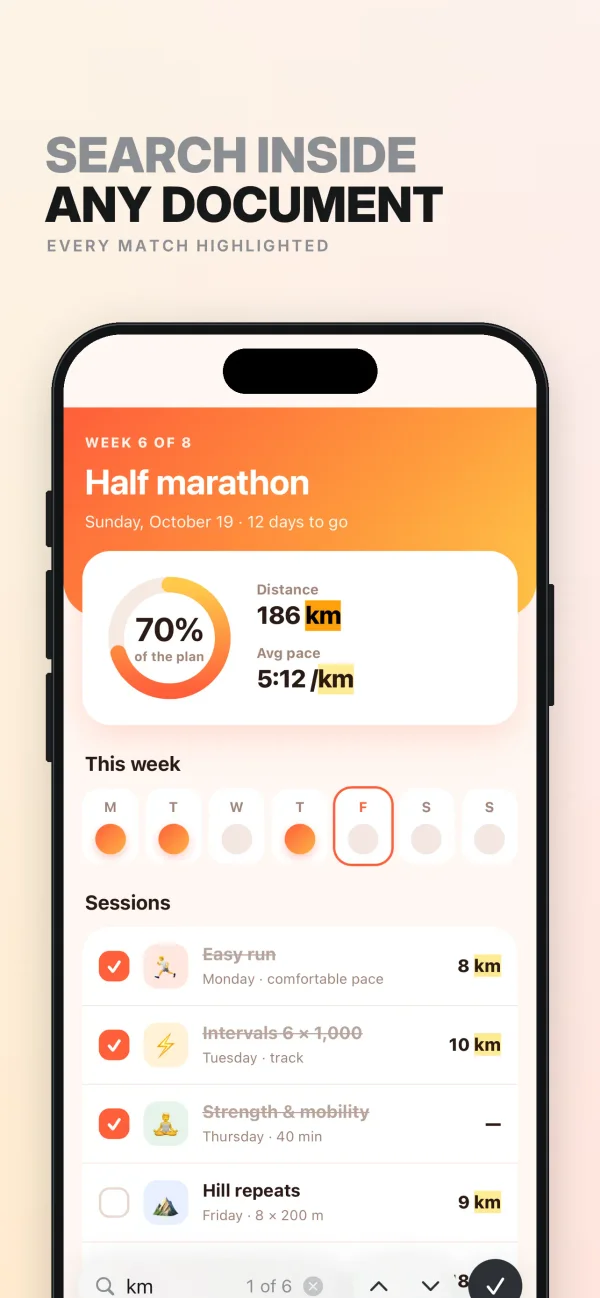
• Inside a document, the magnifying glass highlights every match and takes you from one to the next.
VERSIONS (PRO)
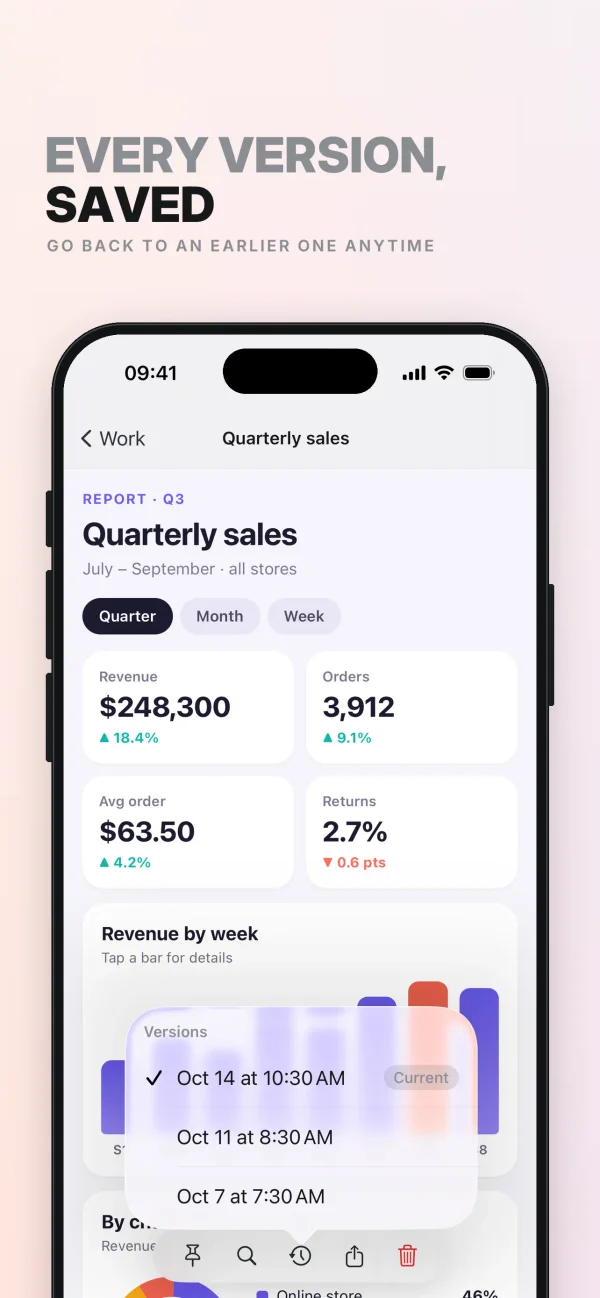
Import a file with the same name again and it isn't duplicated: it's saved as a new version of the same document, which moves to the top. Earlier versions stay there, with their dates, and you can open any of them.
MEMORY
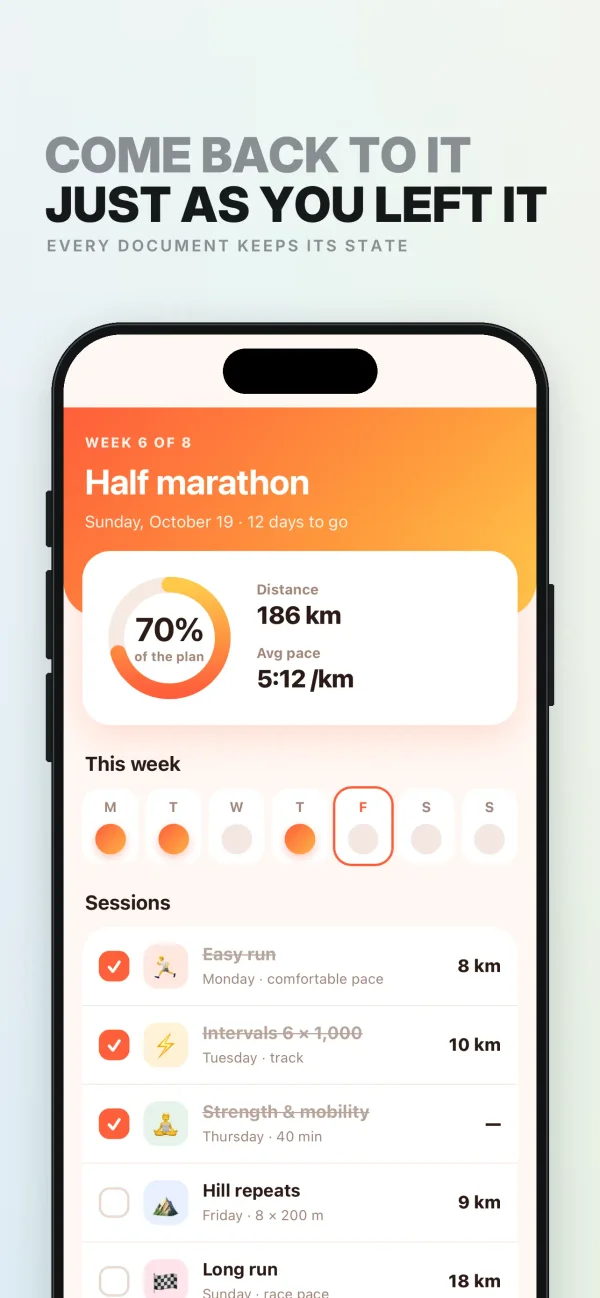
A document opened in Safari starts from scratch every time. Not here: whatever the document saves stays saved. Tick a checkbox in a list, fill in a form, switch a tab in a dashboard — close the app, come back days later, and it is exactly as you left it. Each document keeps its own state, and none can read another's.
PRIVACY
No account, no sign-up, no ads, no analytics. The app never connects to a server: your documents never leave your iPhone.
ADDING DOCUMENTS
Through the + button: pick a file from the Files app or paste the code you've copied. Also via "Open with" from Files, Safari or Mail.
Terms of Use: https://www.apple.com/legal/internet-services/itunes/dev/stdeula/
Privacy Policy: https://lightsidestudio.github.io/.html-web/privacy.html
新機能
バージョン 1.5.1 · 2026/11/18
• Tapping checkboxes, buttons or links in a document no longer shows or hides the top bar. Tap the text or background to show or hide it.
アプリのプライバシー
このアプリのデータの取り扱いについて、LUCAS LONGUEIRA MARINOがApp Storeで申告している内容です。
-
データの収集なし
開発元はこのアプリからデータを収集しません。
プライバシーの取り扱いは、ご利用の機能やお客様の年齢などに応じて異なる場合があります。
情報
- 販売元
- LUCAS LONGUEIRA MARINO
- カテゴリ
- 仕事効率化
- バージョン
- 1.5.1
- 更新日
- 2026/11/18
- リリース
- 2026/8/25
- サイズ
- 1.5 MB
- 必要条件
- iOS 18.0以降
- 対象年齢
- 4+
- 価格
- 無料
- アプリ内課金
- あり
- 言語
- 英語, スペイン語
- 著作権
- © 2026 LightSide Studio
こちらもおすすめ
-
 HTML Viewer - Comic Reader仕事効率化
-
 HTML Reader Offline仕事効率化
-
 Folio — Offline HTML Viewer仕事効率化
-
 HTML Viewer & Editor - Code仕事効率化
-
 HTML Editor - Local Files仕事効率化
-
 MD Preview: Markdownビューア閲覧・編集, 閲覧・テーマ・PDF/HTML出力
-
 All Doc Reader & PDF Converter仕事効率化
-
 All Document Reader仕事効率化
-
 Notebook LLM: 文字起こし・要約・メモAI文字起こし・要約・資料に質問
-
 zip、解凍、7z、rar、dzip、抽出効率的なZipファイルハンドラー