
.html — HTML Reader
Viewer to open and save files
Được thiết kế cho iPhone, iPad
Miễn phí · Mua hàng trong ứng dụng
- Độ tuổi4+
- Danh mụcHiệu Suất
- Nhà phát triểnLUCAS LONGUEIRA MARINO
- Ngôn ngữTiếng Anh+ 1 ngôn ngữ khác
- Kích thước1,5 MB
Liên kết đến trang App Store chính thức
Download.org không lưu trữ tệp nào của .html — HTML Reader. Nút này mở trang ứng dụng trên App Store, nơi LUCAS LONGUEIRA MARINO phát hành ứng dụng. Trang được kiểm tra lần cuối: 20/11/2026.
Ảnh chụp màn hình

Giới thiệu
Nhà phát triển chưa cung cấp nội dung này bằng ngôn ngữ của bạn.
.html is an HTML document viewer. It is not an editor: no code writing, no console, no syntax highlighting. It stores the HTML files you already have, keeps them organized, and opens them when you need them.
AI generates more HTML files than ever: reports, calculators, dashboards, interactive summaries. They come out of a chat, get opened once in a browser, and disappear among tabs and downloads. .html is the tool for handling them.
FREE AND PRO
.html is free: open and view any HTML with the full viewer, and save up to 3 documents.
With .html Pro, as a yearly subscription or a one-time purchase, you get unlimited documents, versions, folders, search across the text of all your documents, PDF export and merging documents.
WHAT IT DOES
• Saves every HTML inside the app — its own copy, which opens offline.
• Shows it full screen, with no address bar and no tabs.
• Runs the document as it is: its scripts, styles and buttons all work.
• With Pro, organizes files into folders, with pinned documents on top and sorting by date, name, or your own order by dragging.
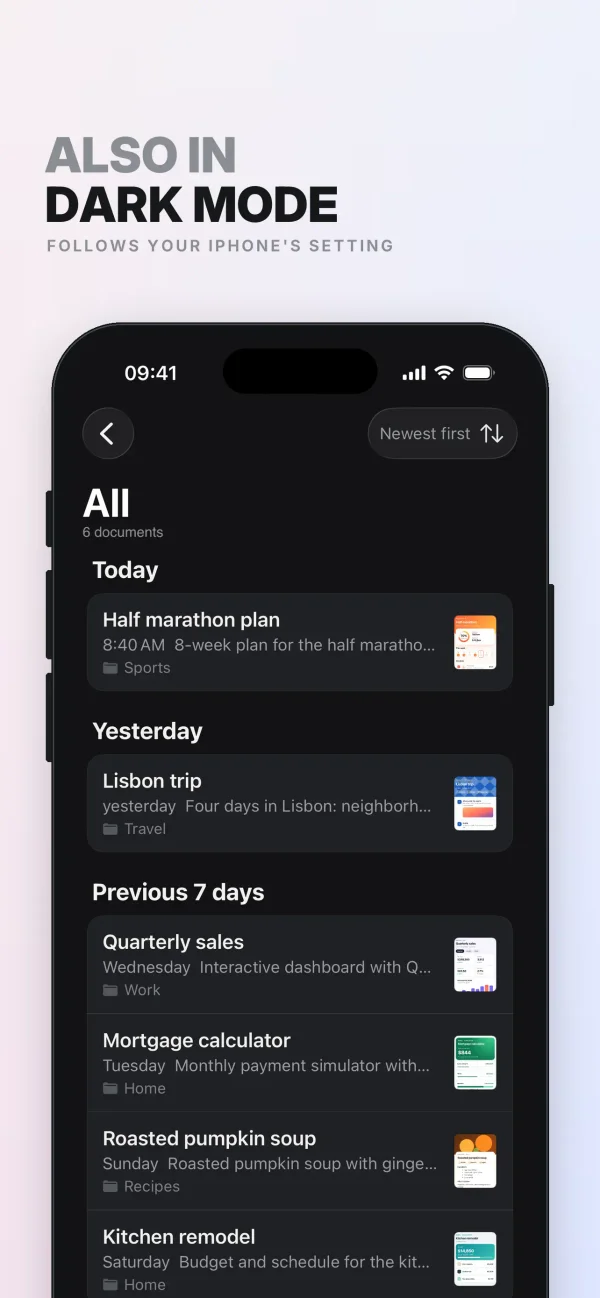
• Groups them by date automatically: today, yesterday, last 7 days, last 30 days.
• Shows each document with a real thumbnail.
• Follows your iPhone's light or dark appearance.
• Works on iPhone, iPad and iPhone Duo. On iPad, the list and the document are side by side.
PASTE HTML
Did the chat give you code instead of a file? Copy it, tap + and choose "Paste HTML". It's saved as a document instantly, even if it's just a snippet.
EXPORT AS PDF (PRO)
Share any document as a PDF, exactly as you see it on screen: with anything you checked or filled in, and with its colors. Ready to send, print or save to Files.
SEARCH
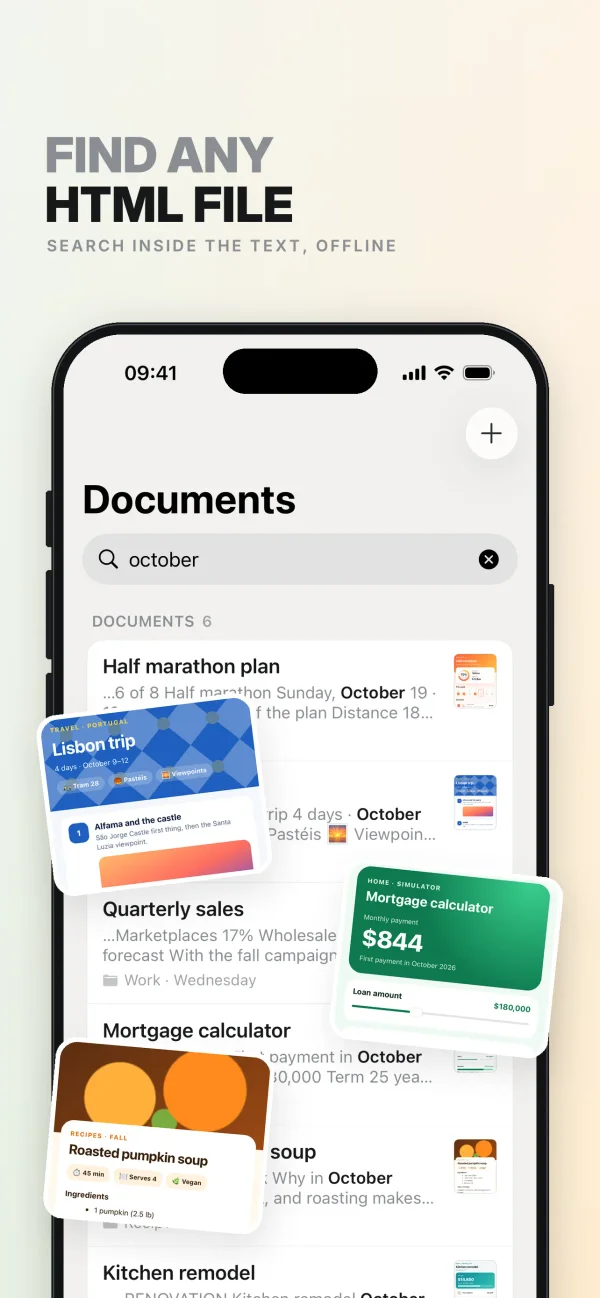
• Searches titles and folders; with Pro, also the text inside every document, ignoring case and accents.
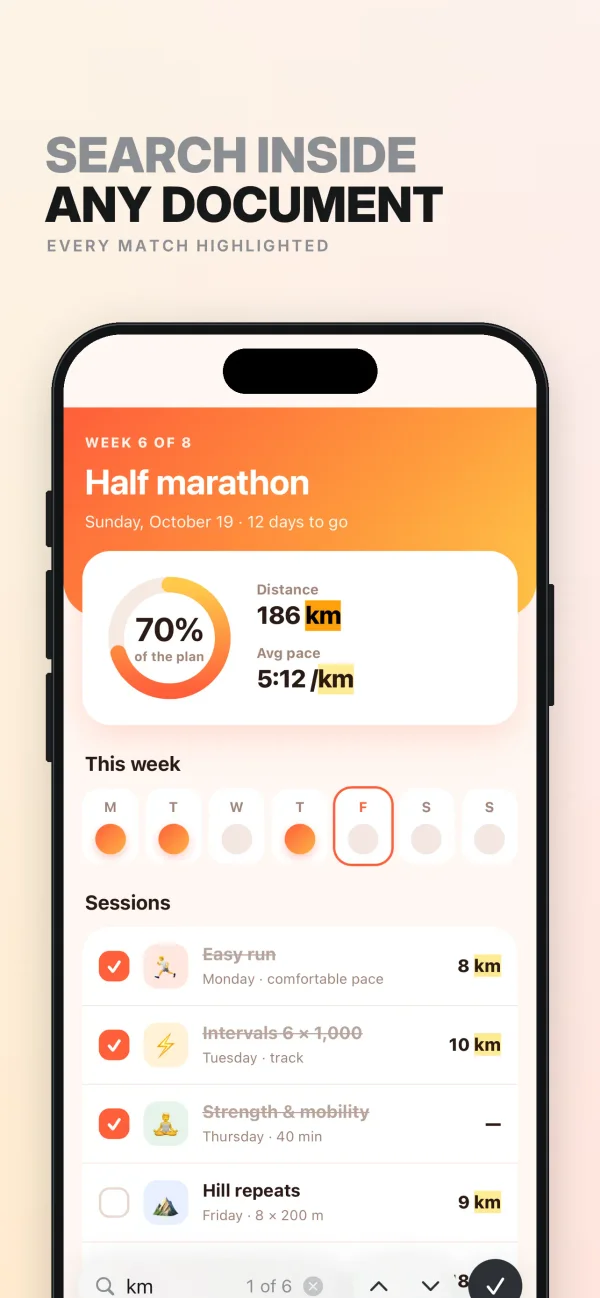
• Inside a document, the magnifying glass highlights every match and takes you from one to the next.
VERSIONS (PRO)
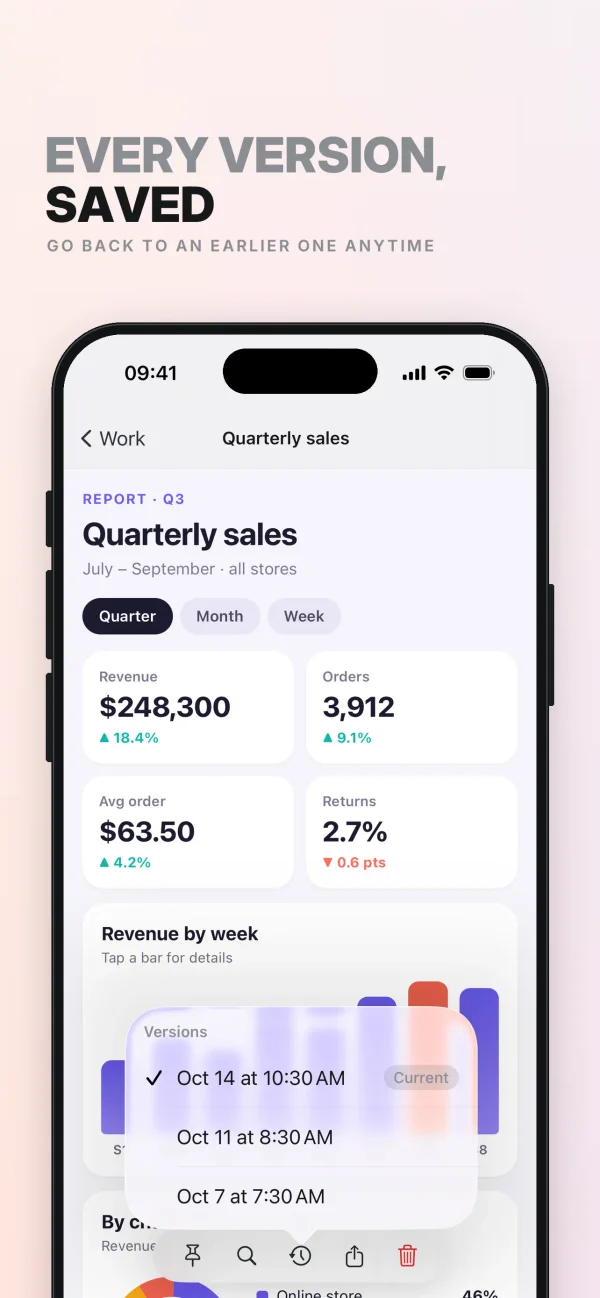
Import a file with the same name again and it isn't duplicated: it's saved as a new version of the same document, which moves to the top. Earlier versions stay there, with their dates, and you can open any of them.
MEMORY
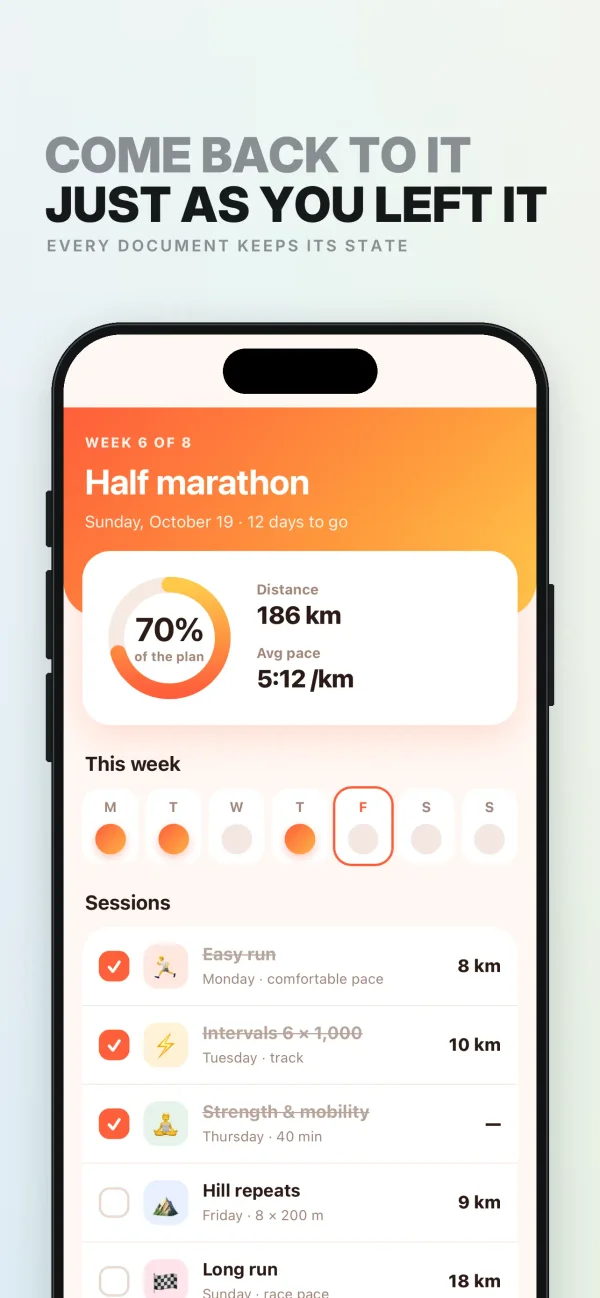
A document opened in Safari starts from scratch every time. Not here: whatever the document saves stays saved. Tick a checkbox in a list, fill in a form, switch a tab in a dashboard — close the app, come back days later, and it is exactly as you left it. Each document keeps its own state, and none can read another's.
PRIVACY
No account, no sign-up, no ads, no analytics. The app never connects to a server: your documents never leave your iPhone.
ADDING DOCUMENTS
Through the + button: pick a file from the Files app or paste the code you've copied. Also via "Open with" from Files, Safari or Mail.
Terms of Use: https://www.apple.com/legal/internet-services/itunes/dev/stdeula/
Privacy Policy: https://lightsidestudio.github.io/.html-web/privacy.html
Có gì mới
Phiên bản 1.5.1 · 18/11/2026
• Tapping checkboxes, buttons or links in a document no longer shows or hides the top bar. Tap the text or background to show or hide it.
Quyền riêng tư của ứng dụng
Những gì LUCAS LONGUEIRA MARINO khai báo trên App Store về cách ứng dụng này xử lý dữ liệu.
-
Dữ liệu không được thu thập
Nhà phát triển không thu thập bất kỳ dữ liệu nào từ ứng dụng này.
Phương thức đảm bảo quyền riêng tư có thể khác nhau, chẳng hạn như tuỳ theo các tính năng bạn sử dụng hoặc độ tuổi của bạn.
Thông tin
- Người bán
- LUCAS LONGUEIRA MARINO
- Danh mục
- Hiệu Suất
- Phiên bản
- 1.5.1
- Cập nhật
- 18/11/2026
- Phát hành
- 25/08/2026
- Kích thước
- 1,5 MB
- Yêu cầu
- iOS 18.0 trở lên
- Độ tuổi
- 4+
- Giá
- Miễn phí
- Mua hàng trong ứng dụng
- Có
- Ngôn ngữ
- Tiếng Anh, Tiếng Tây Ban Nha
- Bản quyền
- © 2026 LightSide Studio
Có thể bạn cũng thích
-
 HTML Viewer - Comic ReaderHiệu Suất
-
 HTML Reader OfflineHiệu Suất
-
 Folio — Offline HTML ViewerHiệu Suất
-
 HTML Viewer & Editor - CodeHiệu Suất
-
 HTML Editor - Local FilesHiệu Suất
-
 MD Preview: Đọc MarkdownXem, sửa & xuất PDF, HTML,DOCX
-
 All Doc Reader & PDF ConverterHiệu Suất
-
 All Document ReaderHiệu Suất
-
 Notebook LLM: Smart Note TakerAI Note Taker & AI Notes
-
 zip unzip 7z rar dzip extractTrình xử lý tệp Zip hiệu quả