
.html — HTML Reader
Viewer to open and save files
Designed for iPhone, iPad
Free · In-app purchases
- Age rating4+
- CategoryProductivity
- DeveloperLUCAS LONGUEIRA MARINO
- LanguagesEnglish+ 1 more
- Size1.5 MB
Links to the official App Store page
Download.org hosts no file of .html — HTML Reader. The button opens its official App Store page, published by LUCAS LONGUEIRA MARINO. Listing last checked on Nov 20, 2026.
Screenshots

About
.html is an HTML document viewer. It is not an editor: no code writing, no console, no syntax highlighting. It stores the HTML files you already have, keeps them organized, and opens them when you need them.
AI generates more HTML files than ever: reports, calculators, dashboards, interactive summaries. They come out of a chat, get opened once in a browser, and disappear among tabs and downloads. .html is the tool for handling them.
FREE AND PRO
.html is free: open and view any HTML with the full viewer, and save up to 3 documents.
With .html Pro, as a yearly subscription or a one-time purchase, you get unlimited documents, versions, folders, search across the text of all your documents, PDF export and merging documents.
WHAT IT DOES
• Saves every HTML inside the app — its own copy, which opens offline.
• Shows it full screen, with no address bar and no tabs.
• Runs the document as it is: its scripts, styles and buttons all work.
• With Pro, organizes files into folders, with pinned documents on top and sorting by date, name, or your own order by dragging.
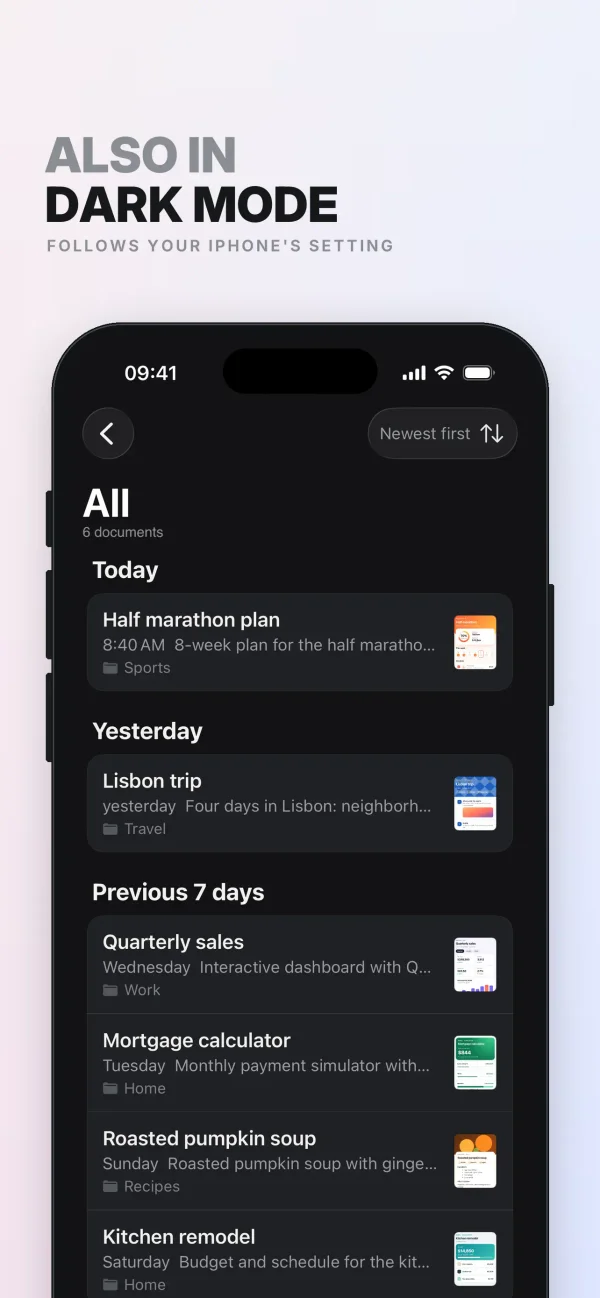
• Groups them by date automatically: today, yesterday, last 7 days, last 30 days.
• Shows each document with a real thumbnail.
• Follows your iPhone's light or dark appearance.
• Works on iPhone, iPad and iPhone Duo. On iPad, the list and the document are side by side.
PASTE HTML
Did the chat give you code instead of a file? Copy it, tap + and choose "Paste HTML". It's saved as a document instantly, even if it's just a snippet.
EXPORT AS PDF (PRO)
Share any document as a PDF, exactly as you see it on screen: with anything you checked or filled in, and with its colors. Ready to send, print or save to Files.
SEARCH
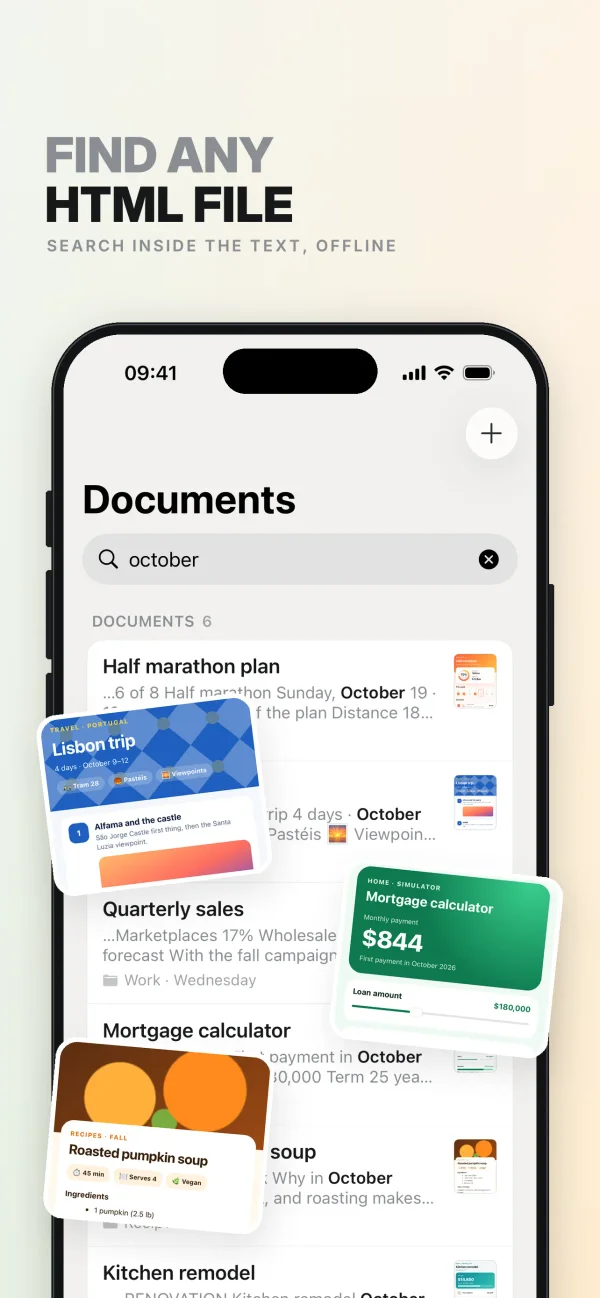
• Searches titles and folders; with Pro, also the text inside every document, ignoring case and accents.
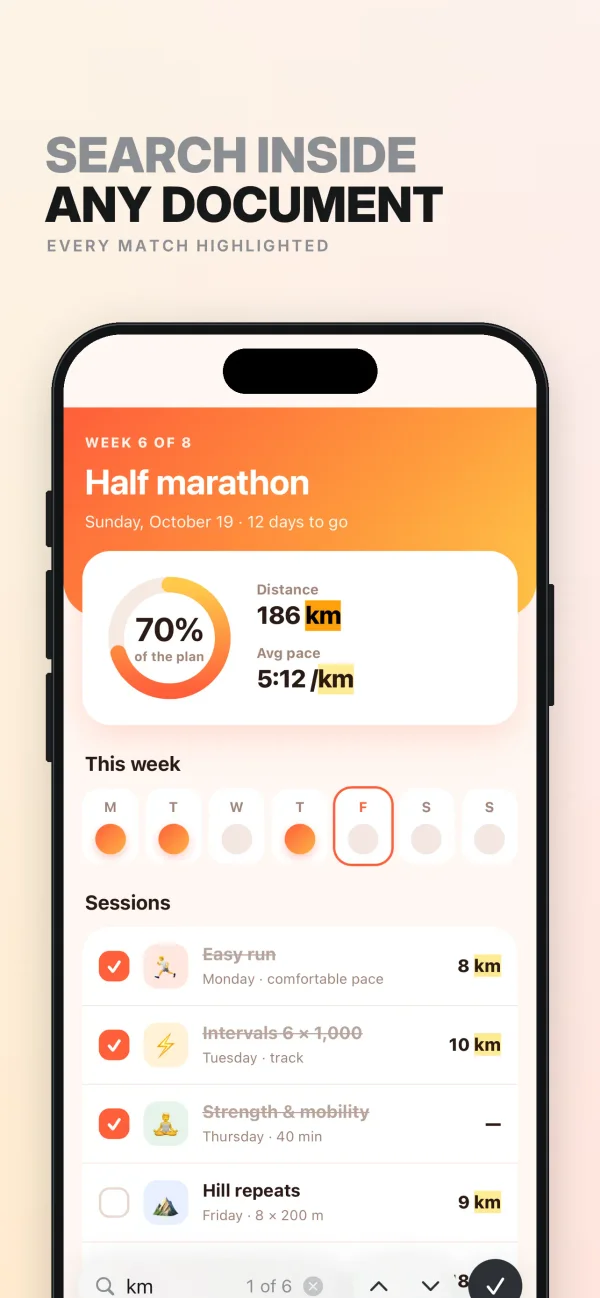
• Inside a document, the magnifying glass highlights every match and takes you from one to the next.
VERSIONS (PRO)
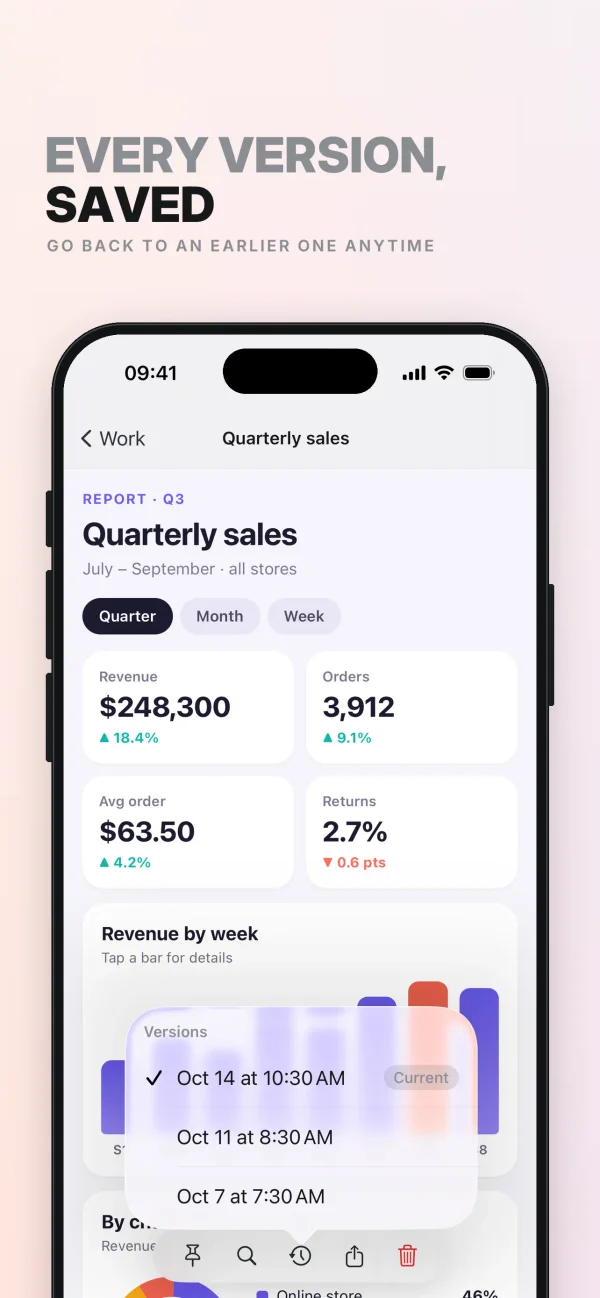
Import a file with the same name again and it isn't duplicated: it's saved as a new version of the same document, which moves to the top. Earlier versions stay there, with their dates, and you can open any of them.
MEMORY
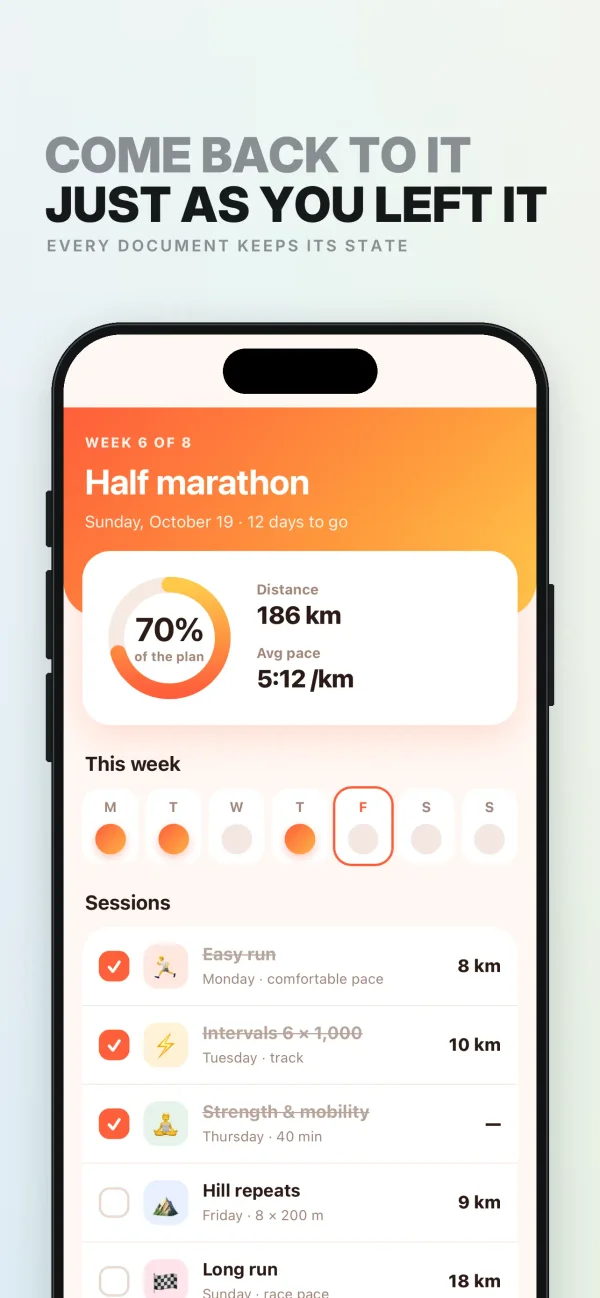
A document opened in Safari starts from scratch every time. Not here: whatever the document saves stays saved. Tick a checkbox in a list, fill in a form, switch a tab in a dashboard — close the app, come back days later, and it is exactly as you left it. Each document keeps its own state, and none can read another's.
PRIVACY
No account, no sign-up, no ads, no analytics. The app never connects to a server: your documents never leave your iPhone.
ADDING DOCUMENTS
Through the + button: pick a file from the Files app or paste the code you've copied. Also via "Open with" from Files, Safari or Mail.
Terms of Use: https://www.apple.com/legal/internet-services/itunes/dev/stdeula/
Privacy Policy: https://lightsidestudio.github.io/.html-web/privacy.html
What’s new
Version 1.5.1 · Nov 18, 2026
• Tapping checkboxes, buttons or links in a document no longer shows or hides the top bar. Tap the text or background to show or hide it.
App privacy
What LUCAS LONGUEIRA MARINO declares on the App Store about how this app handles data.
-
Data not collected
The developer does not collect any data from this app.
Privacy practices may vary, for example with the features you use or your age.
Information
- Seller
- LUCAS LONGUEIRA MARINO
- Category
- Productivity
- Version
- 1.5.1
- Updated
- Nov 18, 2026
- Released
- Aug 25, 2026
- Size
- 1.5 MB
- Requires
- iOS 18.0 or later
- Age rating
- 4+
- Price
- Free
- In-app purchases
- Yes
- Languages
- English, Spanish
- Copyright
- © 2026 LightSide Studio
You might also like
-
 HTML Viewer - Comic ReaderPagira: CBZ, CBR, EPUB, PDF
-
 HTML Reader OfflineRead HTML & ZIP Files Anywhere
-
 Folio — Offline HTML ViewerInteractive HTML, anywhere
-
 HTML Viewer & Editor - CodeWrite, Edit & Run HTML Code
-
 HTML Editor - Local FilesProductivity
-
 Markdown Editor & ReaderGitHub README, PDF HTML Export
-
 All Doc Reader & PDF ConverterAll-in-one reader & Converter
-
 All Document ReaderAll Document Editor and Viewer
-
 AI Notebook: Smart Note TakerRecord, Summarize & AI Chat
-
 zip unzip 7z rar dzip extractEfficient Zip File Handler