- 対象年齢4+
- カテゴリ写真/ビデオ
- 開発元Heng Jia Liang
- 言語英語
- サイズ1.3 MB
App Storeの公式ページにリンクしています
Download.orgはImages Crawlerのファイルを一切ホストしていません。ボタンを押すと、Heng Jia Liangが公開しているApp Storeのアプリページが開きます。ページの最終確認:2026/11/18。
スクリーンショット



概要
開発元はこのテキストをお使いの言語で提供していません。
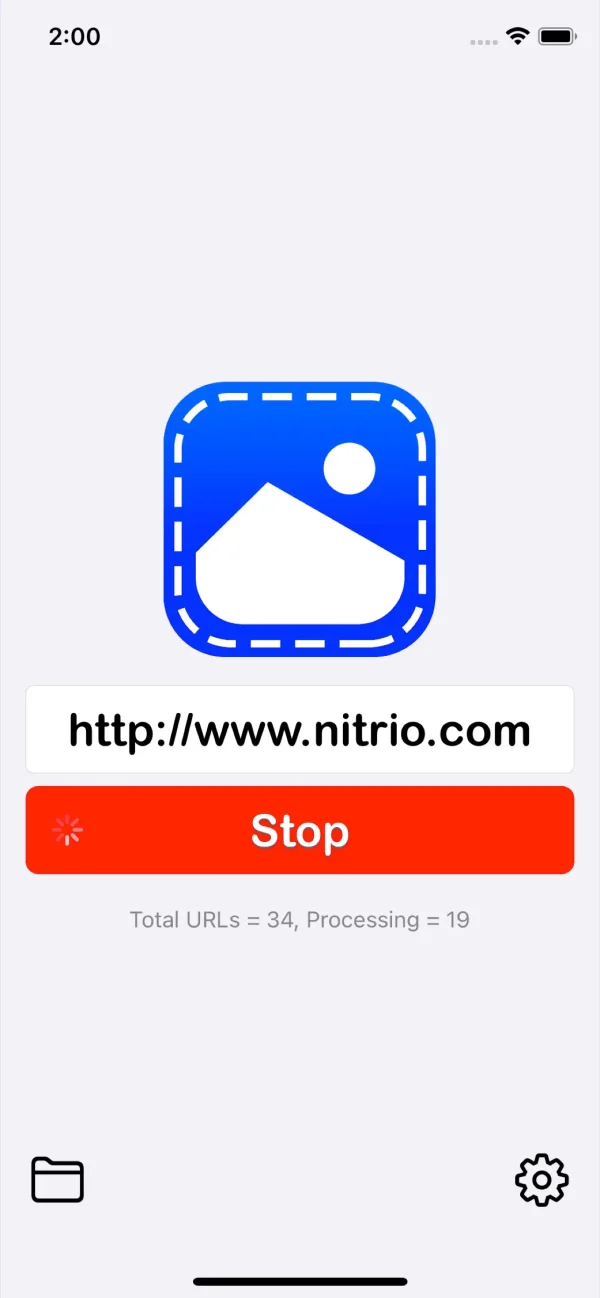
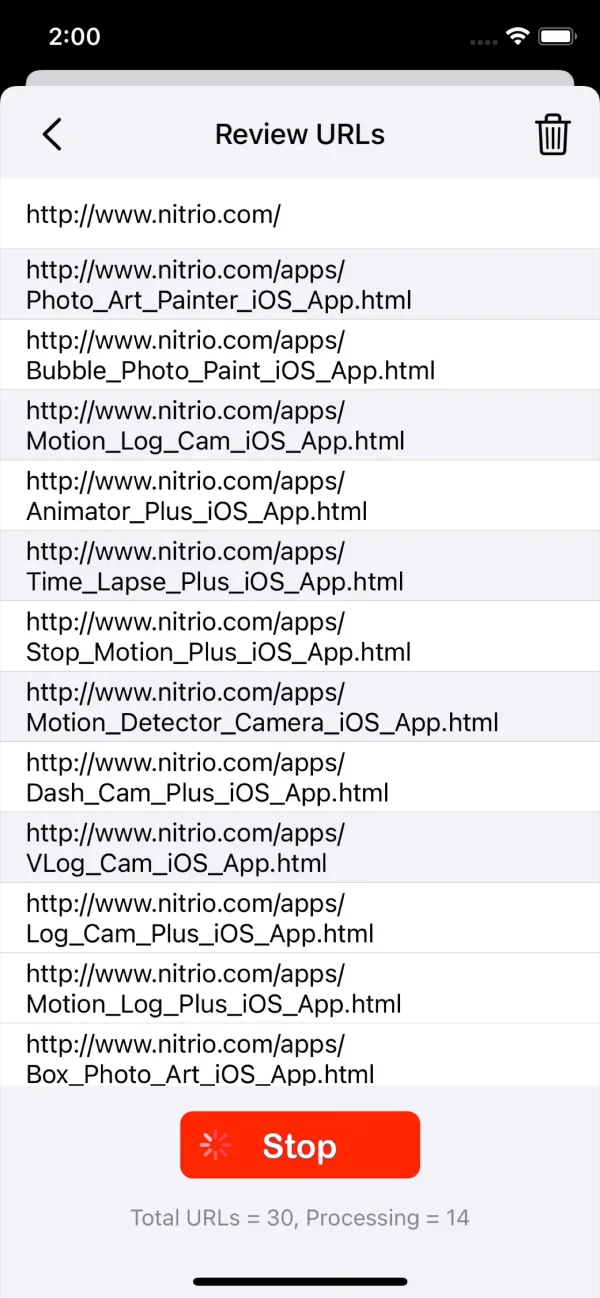
Images Crawler is a simple app that lets you capture all images on any website url given. Just input the website URL and tap on load will crawl the entire images within the website. You can review the URLs before deep crawl are set to grab all the images within the web page.
Features:
• All crawl images are stored on your device so you can access it offline.
• All images are stored in it's own domain folder for easy access.
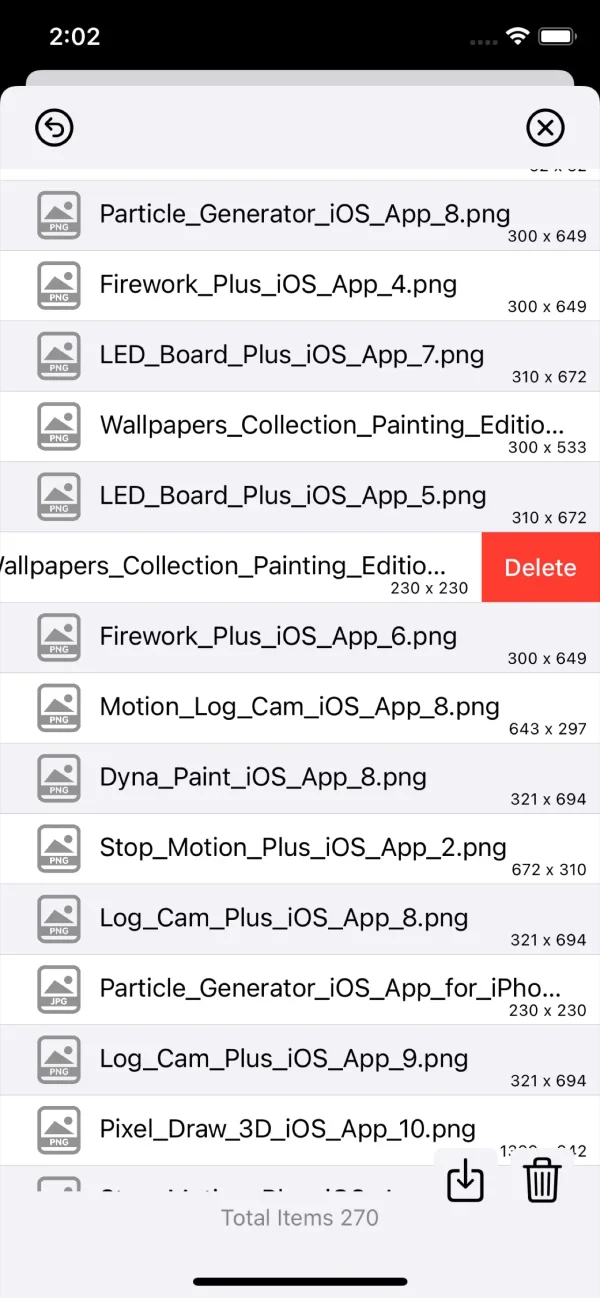
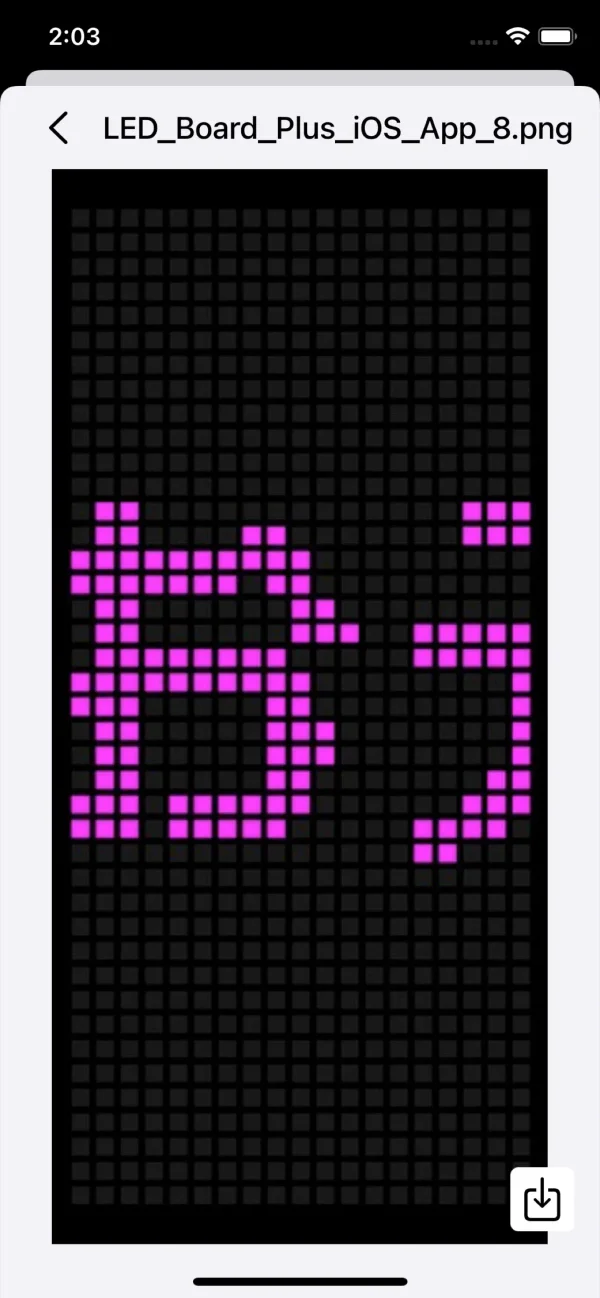
• You can preview the images on your device or export the image to the camera roll.
• You can also export the entire domain folder to the camera roll.
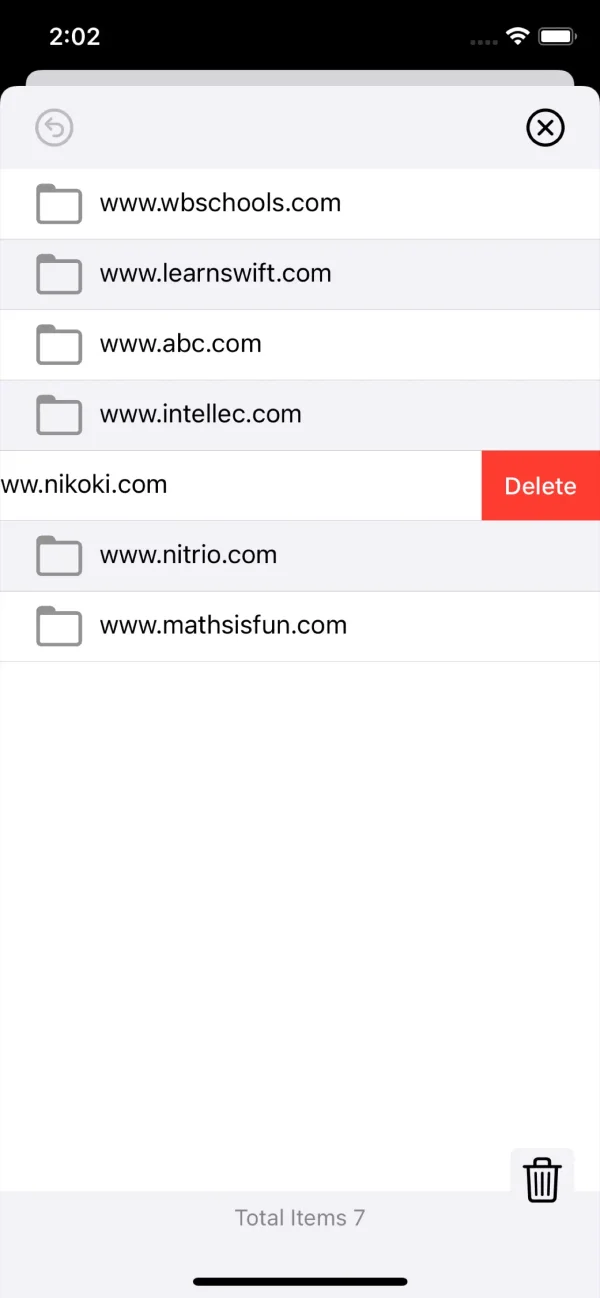
• Delete any image or folder in your device to save storage space.
• All crawl images can be accessed via Files App.
• Lightweight app with a small size, optimized for everyday use.
Setting:
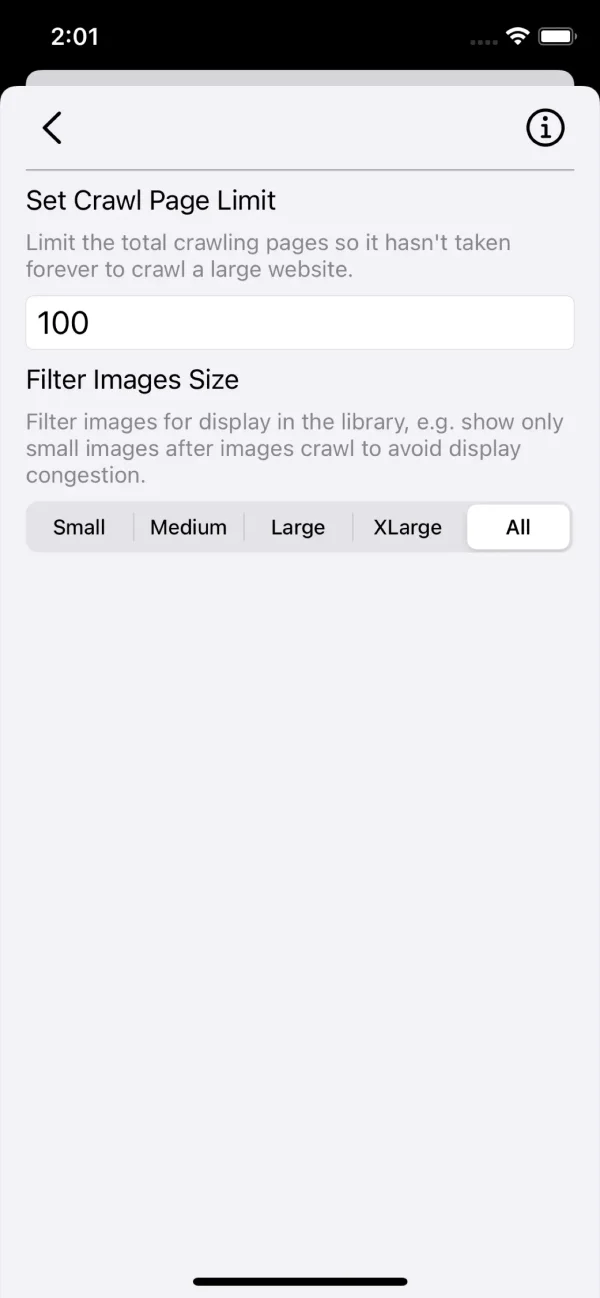
Able to set maximum crawl pages so it will stop at any given limit.
This will limit the total crawling pages so it hasn't taken forever to crawl a large website.
Filter image size by small, medium, large, X-large or All.
Filter images for display in the library, e.g. show only small images after images crawl to avoid display congestion.
Quick Guide:
1. Input website URL.
2. Tap on Load button and wait to finish.
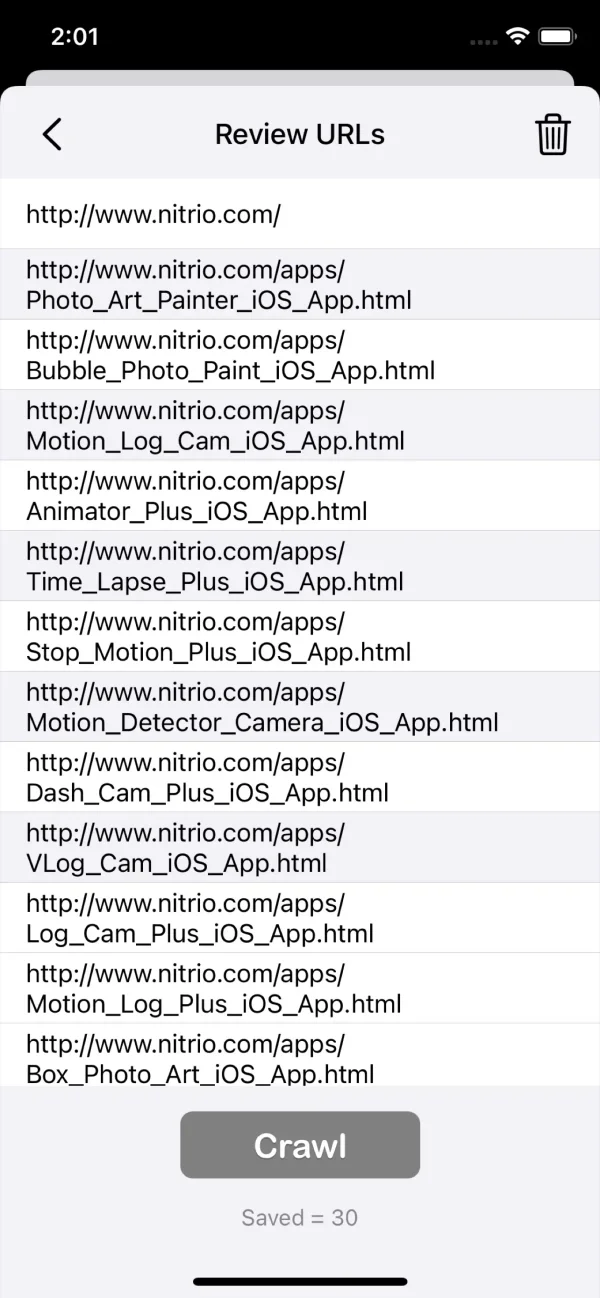
3. Next Step, Review URLs and remove unwanted URLs.
4. Start Crawl images by Tap on Crawl button.
5. After Finish, exist and go to the Library.
6. Tap on domain name and all images are listed.
7. All images can be saved to the camera roll.
Note: Not all webpages/images can be crawled; for example, webpage/images containing complete code or Ajax may not be successfully crawled.
Thanks for your support and do visit nitrio.com for more apps for your iOS devices.
新機能
バージョン 1.1 · 2026/1/26
- Updated for the newest devices.
- Minor bugs fixed.
アプリのプライバシー
このアプリのデータの取り扱いについて、Heng Jia LiangがApp Storeで申告している内容です。
-
データの収集なし
開発元はこのアプリからデータを収集しません。
プライバシーの取り扱いは、ご利用の機能やお客様の年齢などに応じて異なる場合があります。
情報
- 販売元
- Heng Jia Liang
- カテゴリ
- 写真/ビデオ
- バージョン
- 1.1
- 更新日
- 2026/1/26
- リリース
- 2022/7/27
- サイズ
- 1.3 MB
- 必要条件
- iOS 13以降
- 対象年齢
- 4+
- 価格
- ¥600
- 言語
- 英語
- 著作権
- © Heng Jia Liang