
Images Crawler
Easy Web Image Crawler
Conçue pour iPhone, iPad, iPod touch
3,99 €
- Classification d’âge4+
- CatégoriePhoto et vidéo
- DéveloppeurHeng Jia Liang
- LanguesAnglais
- Taille1,3 Mo
Renvoie vers la page App Store officielle
Download.org n’héberge aucun fichier de Images Crawler. Le bouton ouvre la page de l’application sur App Store, où Heng Jia Liang la publie. Fiche vérifiée pour la dernière fois le 18/11/2026.
Captures d’écran



À propos
Le développeur n’a pas fourni ce texte dans votre langue.
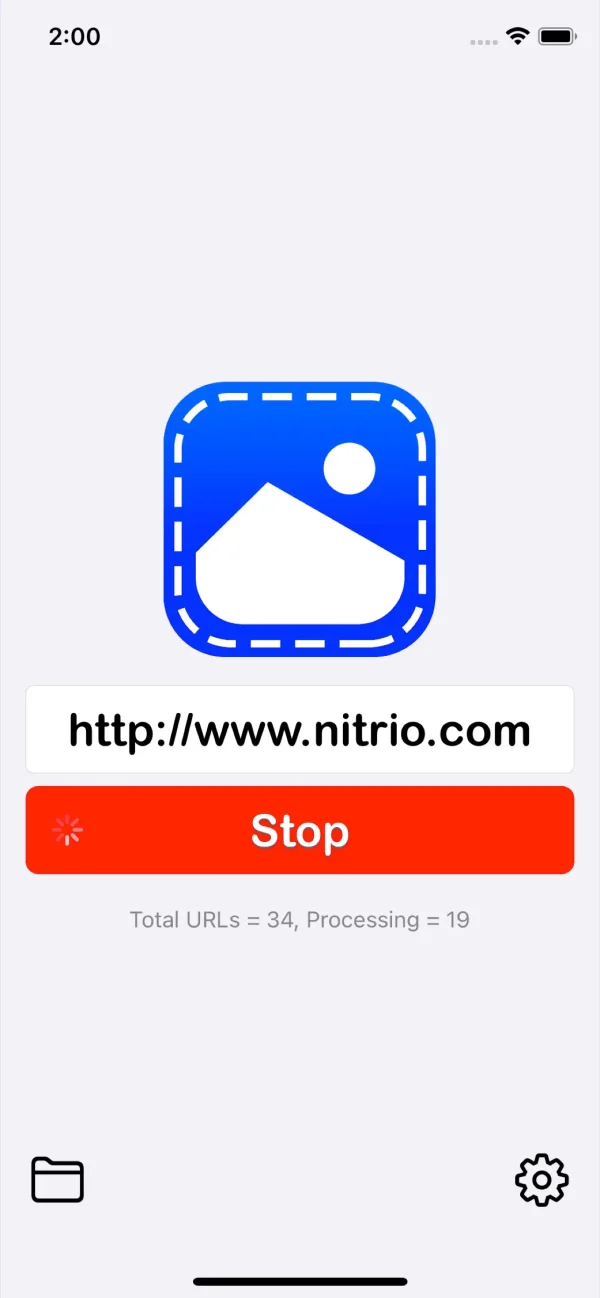
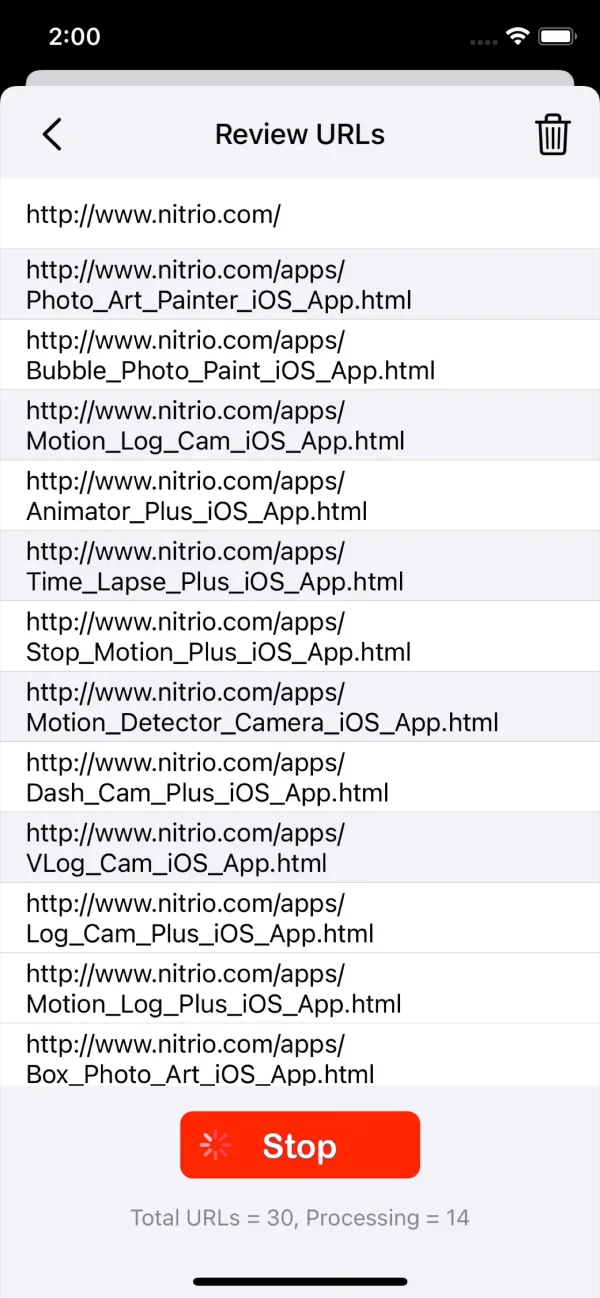
Images Crawler is a simple app that lets you capture all images on any website url given. Just input the website URL and tap on load will crawl the entire images within the website. You can review the URLs before deep crawl are set to grab all the images within the web page.
Features:
• All crawl images are stored on your device so you can access it offline.
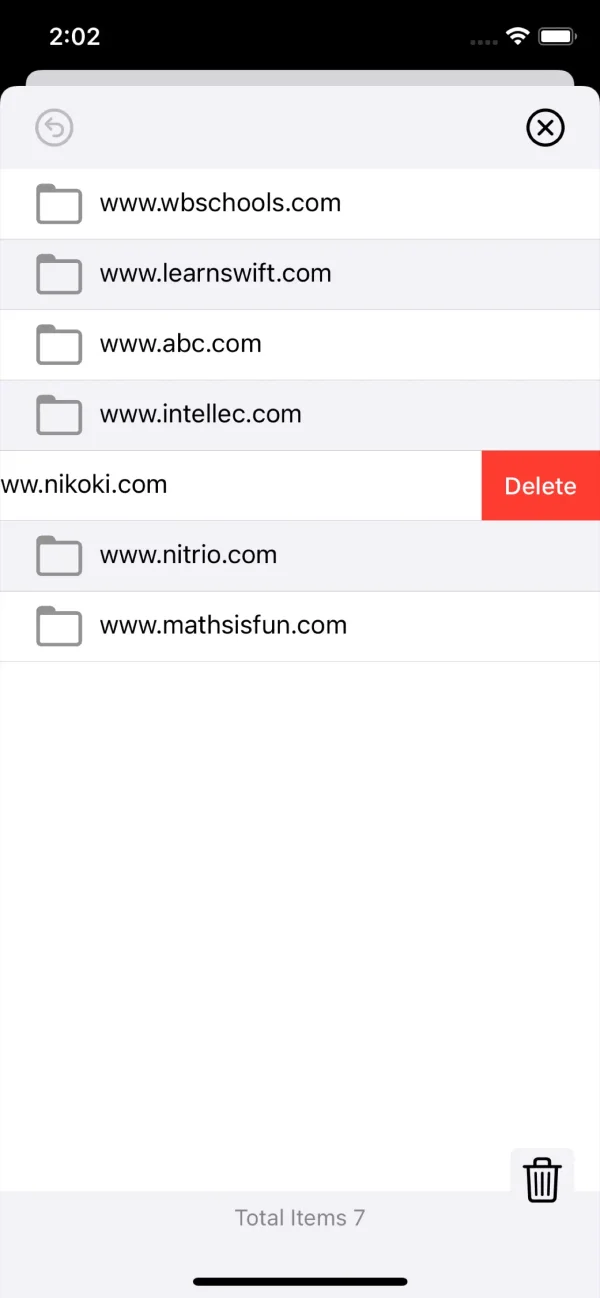
• All images are stored in it's own domain folder for easy access.
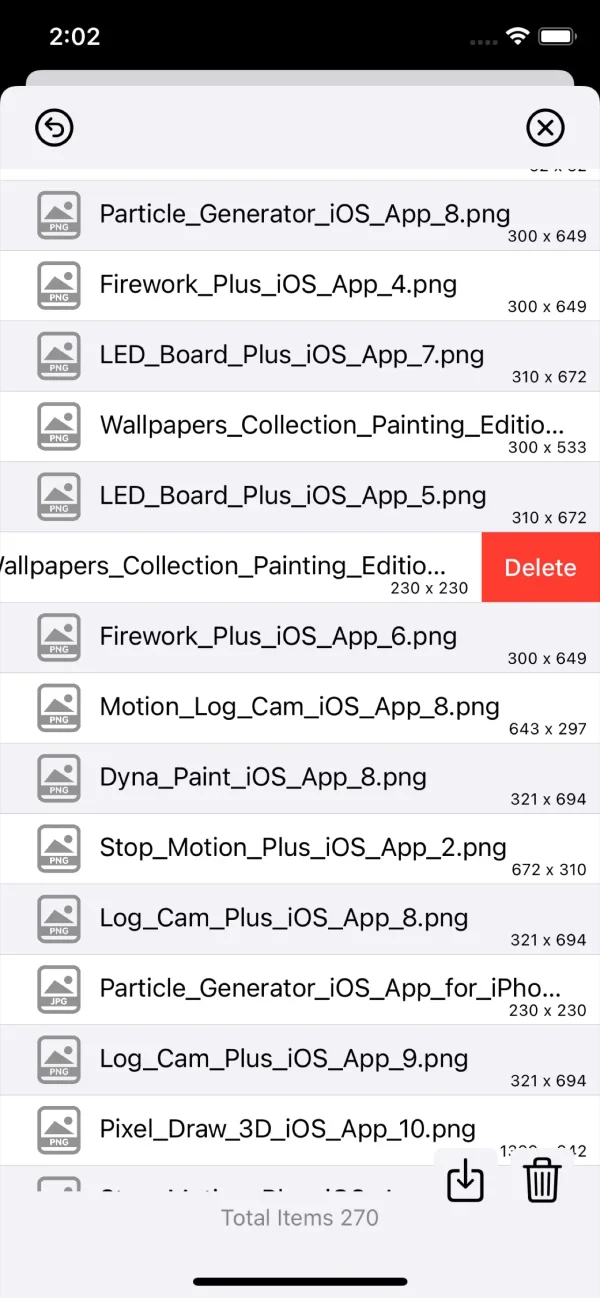
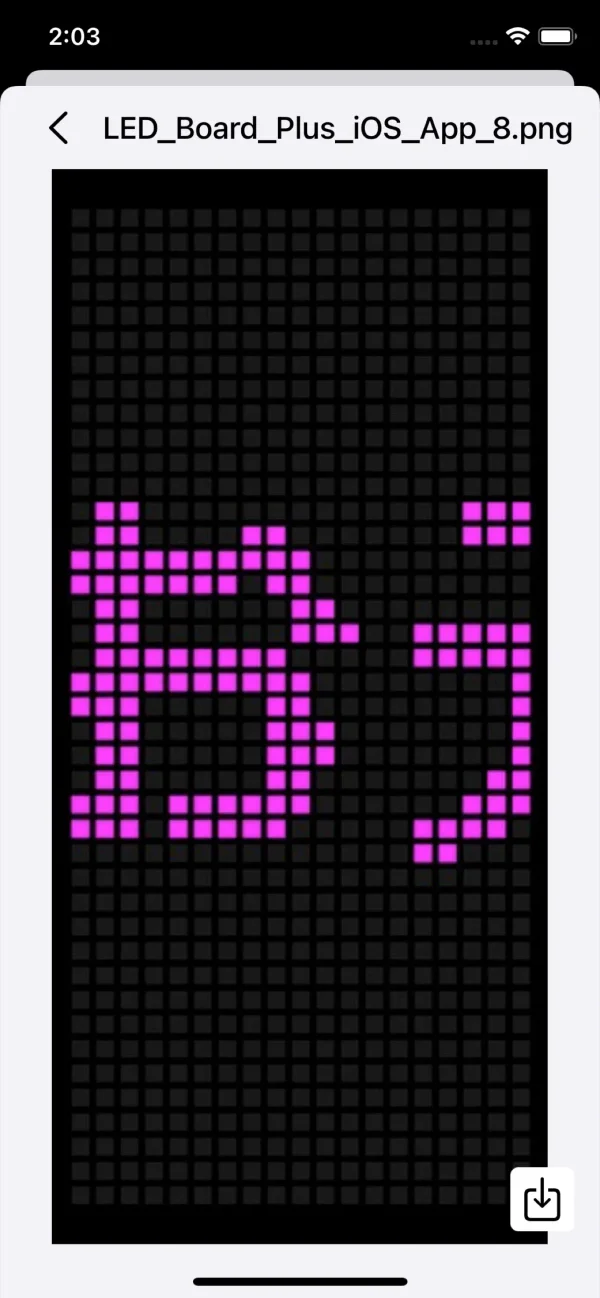
• You can preview the images on your device or export the image to the camera roll.
• You can also export the entire domain folder to the camera roll.
• Delete any image or folder in your device to save storage space.
• All crawl images can be accessed via Files App.
• Lightweight app with a small size, optimized for everyday use.
Setting:
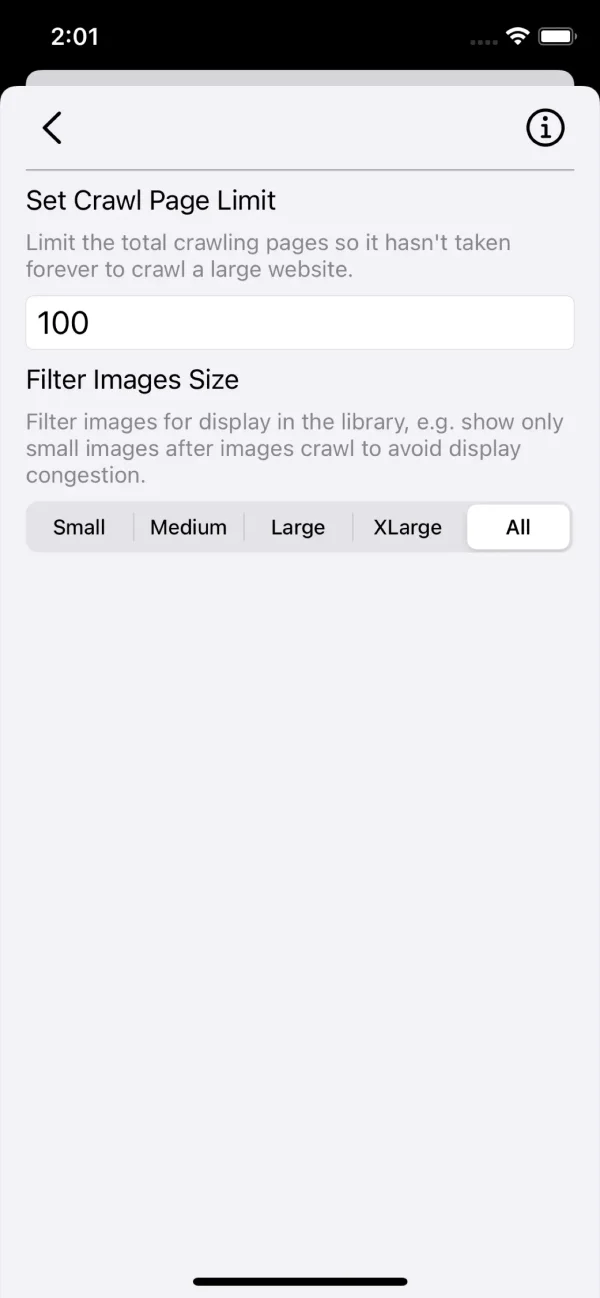
Able to set maximum crawl pages so it will stop at any given limit.
This will limit the total crawling pages so it hasn't taken forever to crawl a large website.
Filter image size by small, medium, large, X-large or All.
Filter images for display in the library, e.g. show only small images after images crawl to avoid display congestion.
Quick Guide:
1. Input website URL.
2. Tap on Load button and wait to finish.
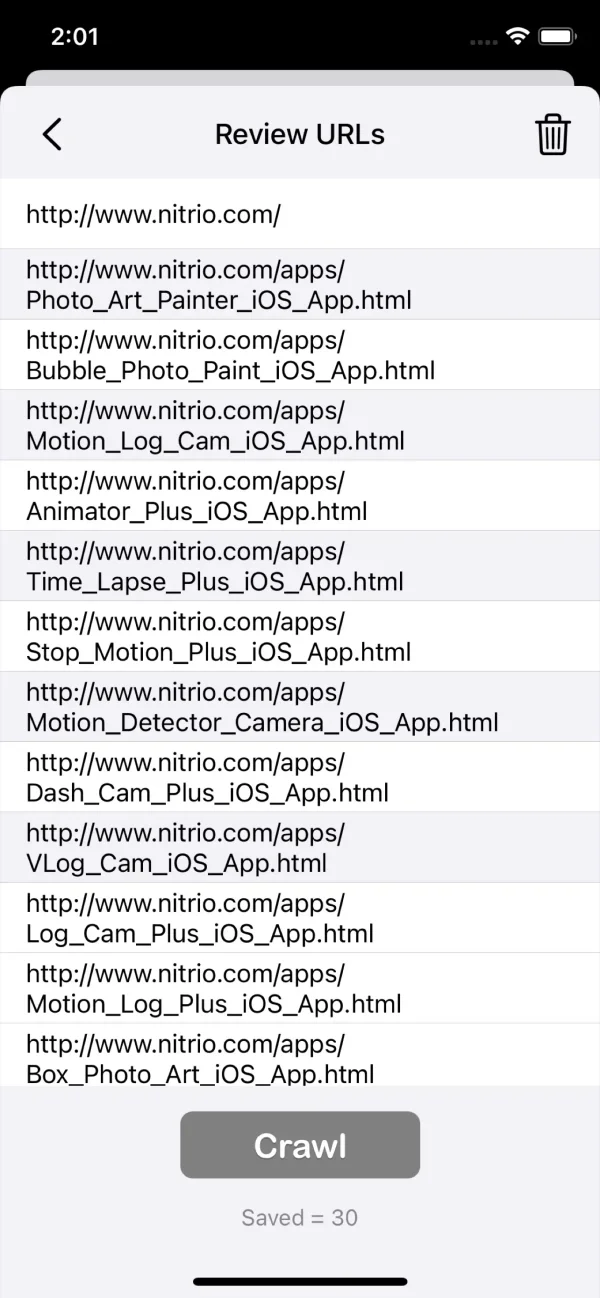
3. Next Step, Review URLs and remove unwanted URLs.
4. Start Crawl images by Tap on Crawl button.
5. After Finish, exist and go to the Library.
6. Tap on domain name and all images are listed.
7. All images can be saved to the camera roll.
Note: Not all webpages/images can be crawled; for example, webpage/images containing complete code or Ajax may not be successfully crawled.
Thanks for your support and do visit nitrio.com for more apps for your iOS devices.
Nouveautés
Version 1.1 · 26/01/2026
- Updated for the newest devices.
- Minor bugs fixed.
Confidentialité de l’application
Ce que Heng Jia Liang déclare sur l’App Store au sujet du traitement des données par cette application.
-
Données non collectées
Le développeur ne collecte aucune donnée à partir de cette application.
Les pratiques en matière de confidentialité peuvent varier, notamment en fonction des fonctionnalités que vous utilisez ou de votre âge.
Informations
- Vendeur
- Heng Jia Liang
- Catégorie
- Photo et vidéo
- Version
- 1.1
- Mis à jour
- 26/01/2026
- Publié
- 27/07/2022
- Taille
- 1,3 Mo
- Nécessite
- iOS 13 ou version ultérieure
- Classification d’âge
- 4+
- Prix
- 3,99 €
- Langues
- Anglais
- Copyright
- © Heng Jia Liang
Vous aimerez peut-être aussi
-
 Parallax LayersPhoto et vidéo
-
 Folders: Photo & VideoPhoto et vidéo
-
 PaintMee 2Photo et vidéo
-
 VidariumPhoto et vidéo
-
 Fotorist: Éditeur Photo d'ArtPhotos en art & filtres
-
 Mosaic & Blur - photo editorPhoto et vidéo
-
 Photo Search - AI Find ImagePhoto et vidéo
-
 Pictura Video: AI EnhancerPhoto et vidéo
-
 Kinney Drugs PhotoPhoto et vidéo
-
 Imgify: Batch Image ConverterJPG, PNG, PDF, HEIC, WEBP, GIF