
Images Crawler
Easy Web Image Crawler
Được thiết kế cho iPhone, iPad, iPod touch
119.000đ
- Độ tuổi4+
- Danh mụcẢnh & Video
- Nhà phát triểnHeng Jia Liang
- Ngôn ngữTiếng Anh
- Kích thước1,3 MB
Liên kết đến trang App Store chính thức
Download.org không lưu trữ tệp nào của Images Crawler. Nút này mở trang ứng dụng trên App Store, nơi Heng Jia Liang phát hành ứng dụng. Trang được kiểm tra lần cuối: 18/11/2026.
Ảnh chụp màn hình



Giới thiệu
Nhà phát triển chưa cung cấp nội dung này bằng ngôn ngữ của bạn.
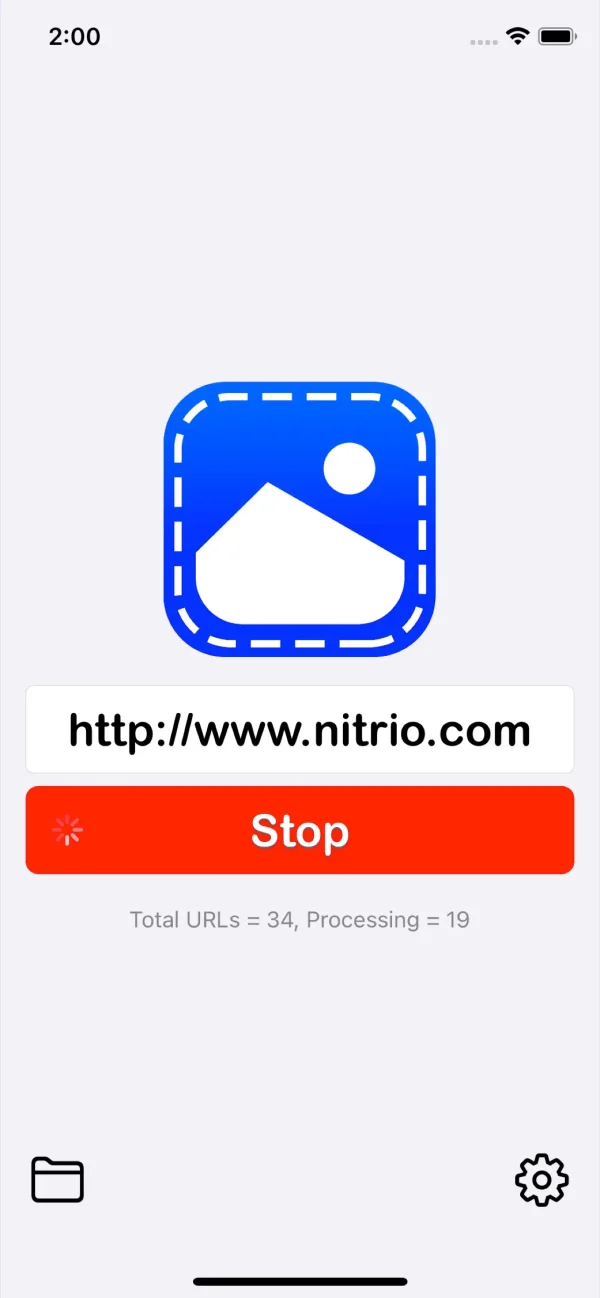
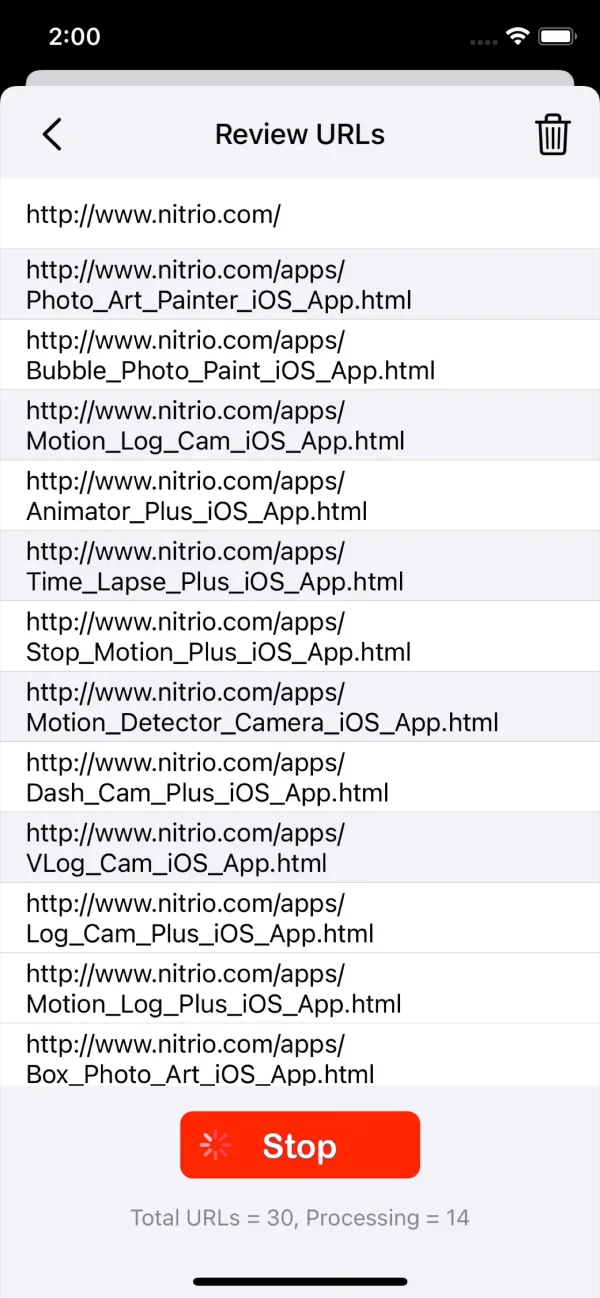
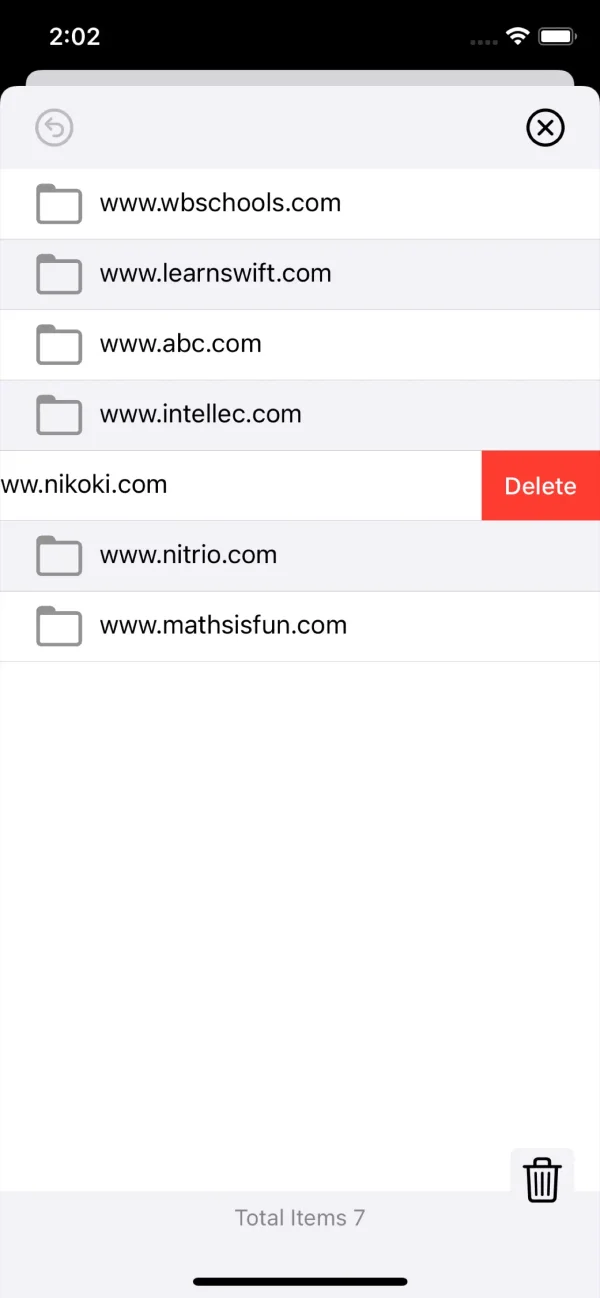
Images Crawler is a simple app that lets you capture all images on any website url given. Just input the website URL and tap on load will crawl the entire images within the website. You can review the URLs before deep crawl are set to grab all the images within the web page.
Features:
• All crawl images are stored on your device so you can access it offline.
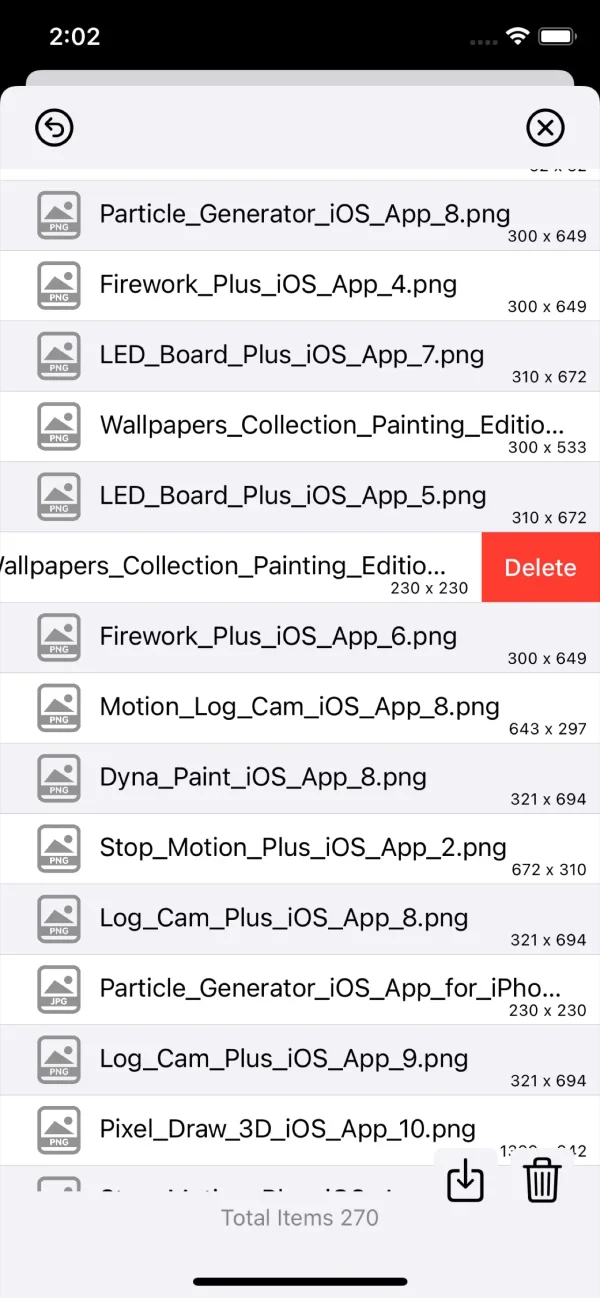
• All images are stored in it's own domain folder for easy access.
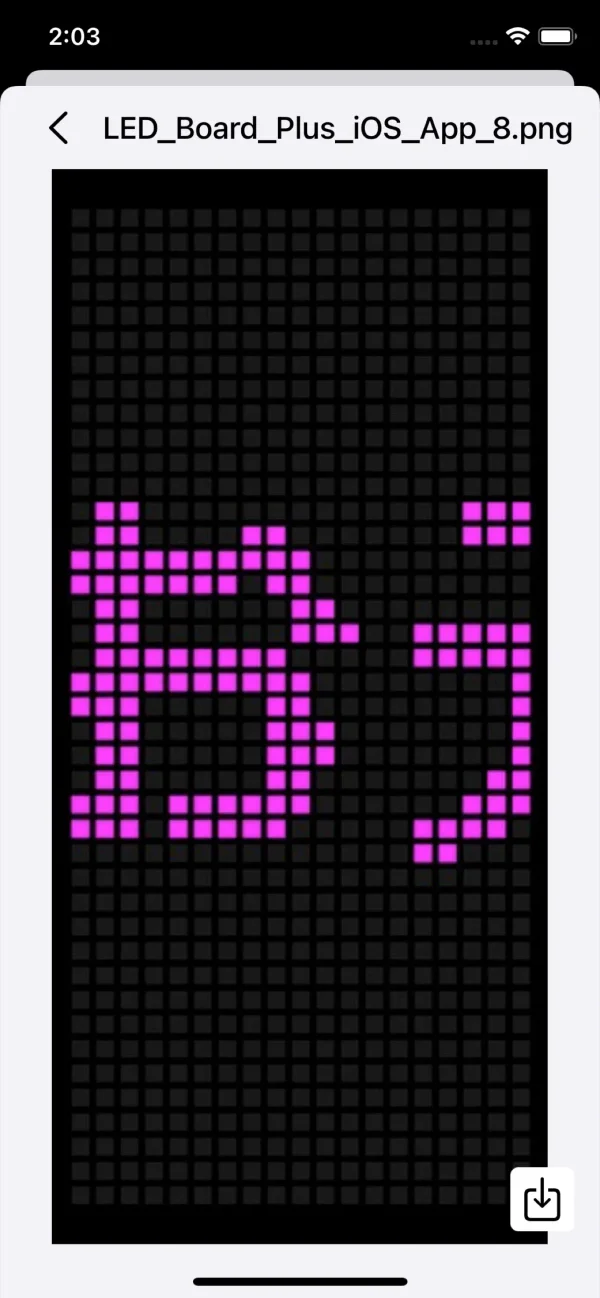
• You can preview the images on your device or export the image to the camera roll.
• You can also export the entire domain folder to the camera roll.
• Delete any image or folder in your device to save storage space.
• All crawl images can be accessed via Files App.
• Lightweight app with a small size, optimized for everyday use.
Setting:
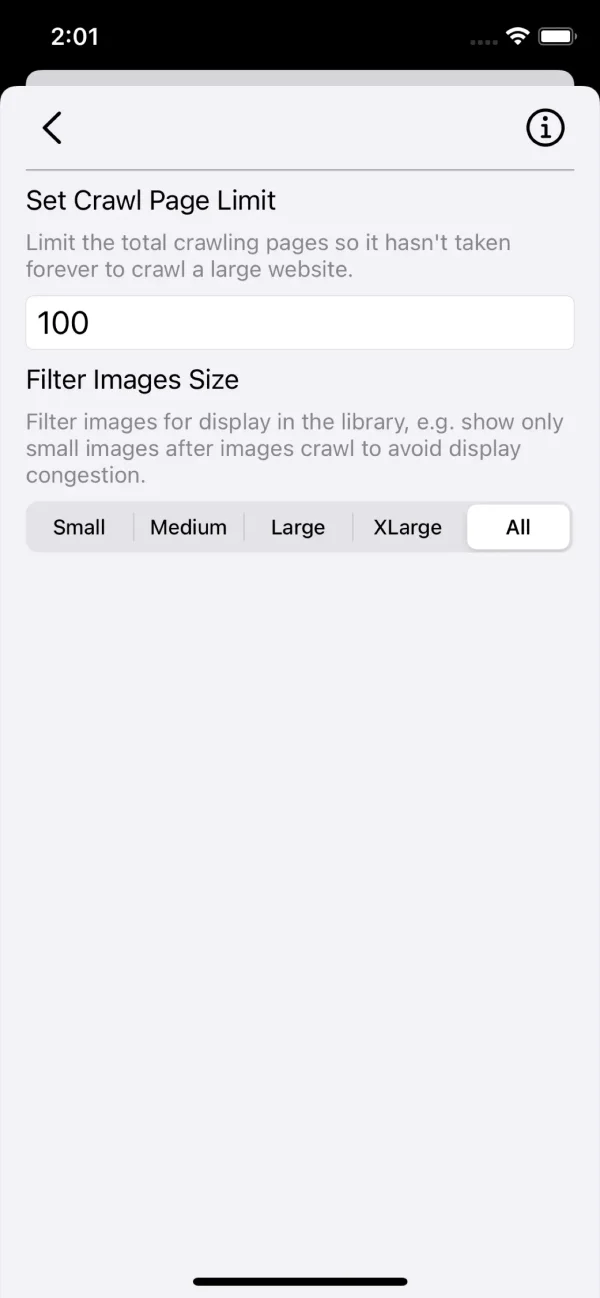
Able to set maximum crawl pages so it will stop at any given limit.
This will limit the total crawling pages so it hasn't taken forever to crawl a large website.
Filter image size by small, medium, large, X-large or All.
Filter images for display in the library, e.g. show only small images after images crawl to avoid display congestion.
Quick Guide:
1. Input website URL.
2. Tap on Load button and wait to finish.
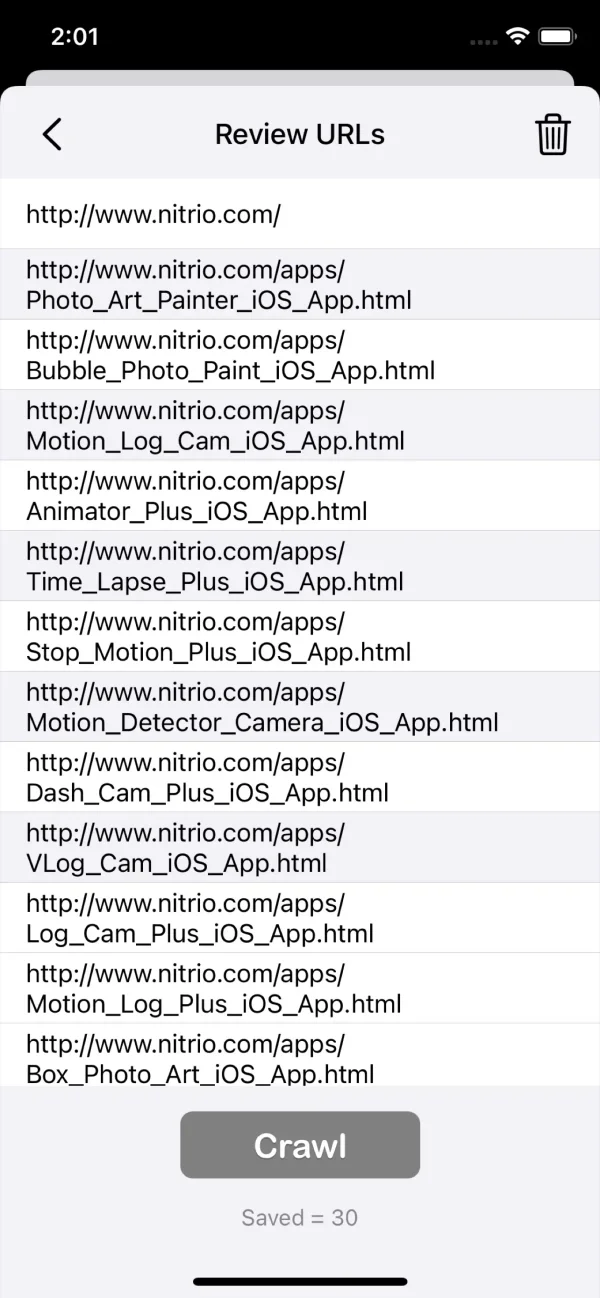
3. Next Step, Review URLs and remove unwanted URLs.
4. Start Crawl images by Tap on Crawl button.
5. After Finish, exist and go to the Library.
6. Tap on domain name and all images are listed.
7. All images can be saved to the camera roll.
Note: Not all webpages/images can be crawled; for example, webpage/images containing complete code or Ajax may not be successfully crawled.
Thanks for your support and do visit nitrio.com for more apps for your iOS devices.
Có gì mới
Phiên bản 1.1 · 26/01/2026
- Updated for the newest devices.
- Minor bugs fixed.
Quyền riêng tư của ứng dụng
Những gì Heng Jia Liang khai báo trên App Store về cách ứng dụng này xử lý dữ liệu.
-
Dữ liệu không được thu thập
Nhà phát triển không thu thập bất kỳ dữ liệu nào từ ứng dụng này.
Phương thức đảm bảo quyền riêng tư có thể khác nhau, chẳng hạn như tuỳ theo các tính năng bạn sử dụng hoặc độ tuổi của bạn.
Thông tin
- Người bán
- Heng Jia Liang
- Danh mục
- Ảnh & Video
- Phiên bản
- 1.1
- Cập nhật
- 26/01/2026
- Phát hành
- 27/07/2022
- Kích thước
- 1,3 MB
- Yêu cầu
- iOS 13 trở lên
- Độ tuổi
- 4+
- Giá
- 119.000đ
- Ngôn ngữ
- Tiếng Anh
- Bản quyền
- © Heng Jia Liang
Có thể bạn cũng thích
-
 Parallax LayersẢnh & Video
-
 Folders: Photo & VideoẢnh & Video
-
 PaintMee 2Ảnh & Video
-
 VidariumẢnh & Video
-
 Fotorist: Sửa ảnh nghệ thuậtTạo ảnh nghệ thuật & bộ lọc
-
 Mosaic & Blur - photo editorẢnh & Video
-
 Photo Search - AI Find ImageẢnh & Video
-
 Pictura Video: AI EnhancerẢnh & Video
-
 Kinney Drugs PhotoẢnh & Video
-
 Imgify: Batch Image ConverterJPG, PNG, PDF, HEIC, WEBP, GIF