- 対象年齢4+
- カテゴリ写真/ビデオ
- 開発元Greg Anderson
- 言語英語
- サイズ655.0 KB
App Storeの公式ページにリンクしています
Download.orgはLab Channelsのファイルを一切ホストしていません。ボタンを押すと、Greg Andersonが公開しているApp Storeのアプリページが開きます。ページの最終確認:2026/11/18。
スクリーンショット

概要
開発元はこのテキストをお使いの言語で提供していません。
ab Channels converts your photograph into CIE L*a*b* and lets you work the three channels separately.
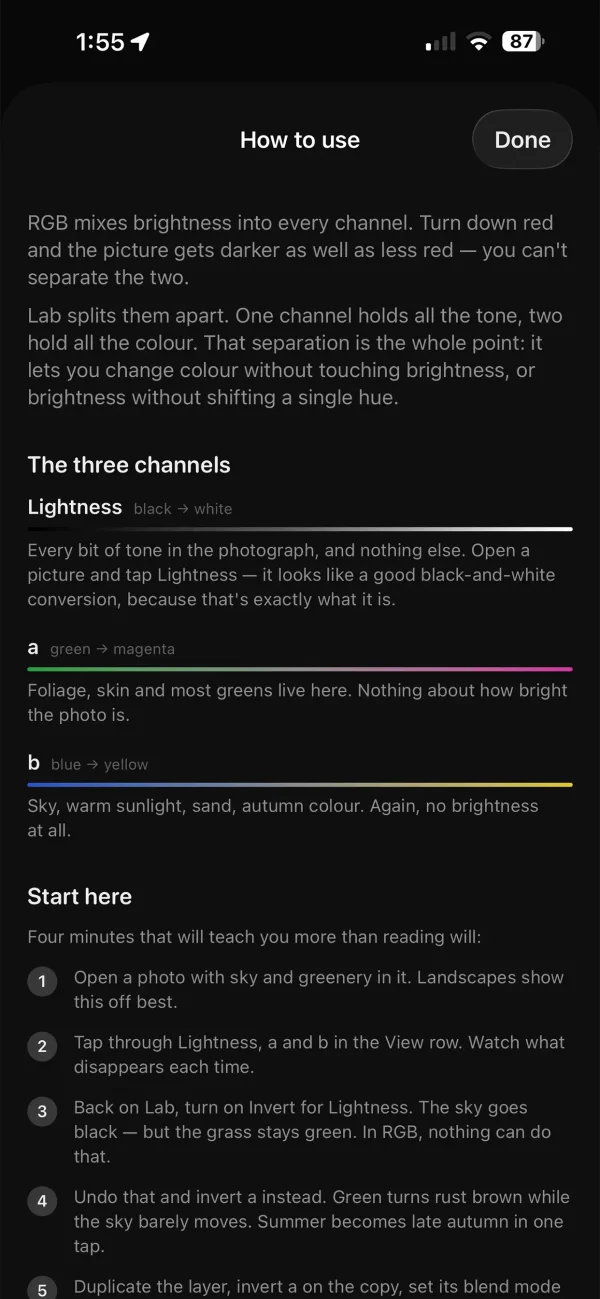
In RGB, brightness is baked into every channel. Turn down red and the picture gets darker as well as less red — the two cannot be separated. Lab splits them apart. One channel carries all the tone. Two carry all the colour: one running green to magenta, the other blue to yellow. That separation is the point. It lets you change colour without touching brightness, or brightness without shifting a single hue.
WHAT YOU CAN DO
• View any channel on its own as greyscale
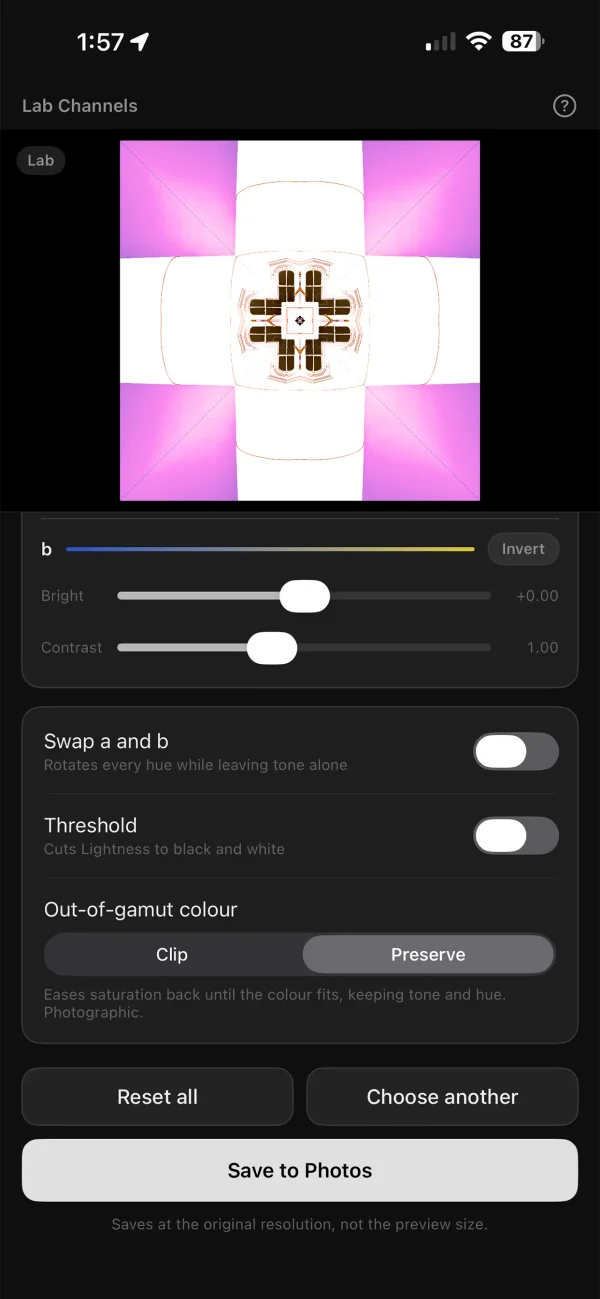
• Invert, brighten, or add contrast to each channel independently
• Swap the two colour channels to rotate every hue at once
• Threshold the tone channel down to pure black and white
• Stack copies of the photo and blend them together
• Choose how colour that falls outside your screen's range is handled
WORKING WITH CHANNELS
Invert the tone channel and light and dark flip while hue stays put — clouds go black, grass stays green. Invert the green–magenta channel and summer foliage turns rust brown while a blue sky barely moves, because sky lives on the other axis. Knowing which channel a colour sits on is most of the skill, and the built-in help page walks through it with real before-and-after swatches.
LAYERS AND BLENDING
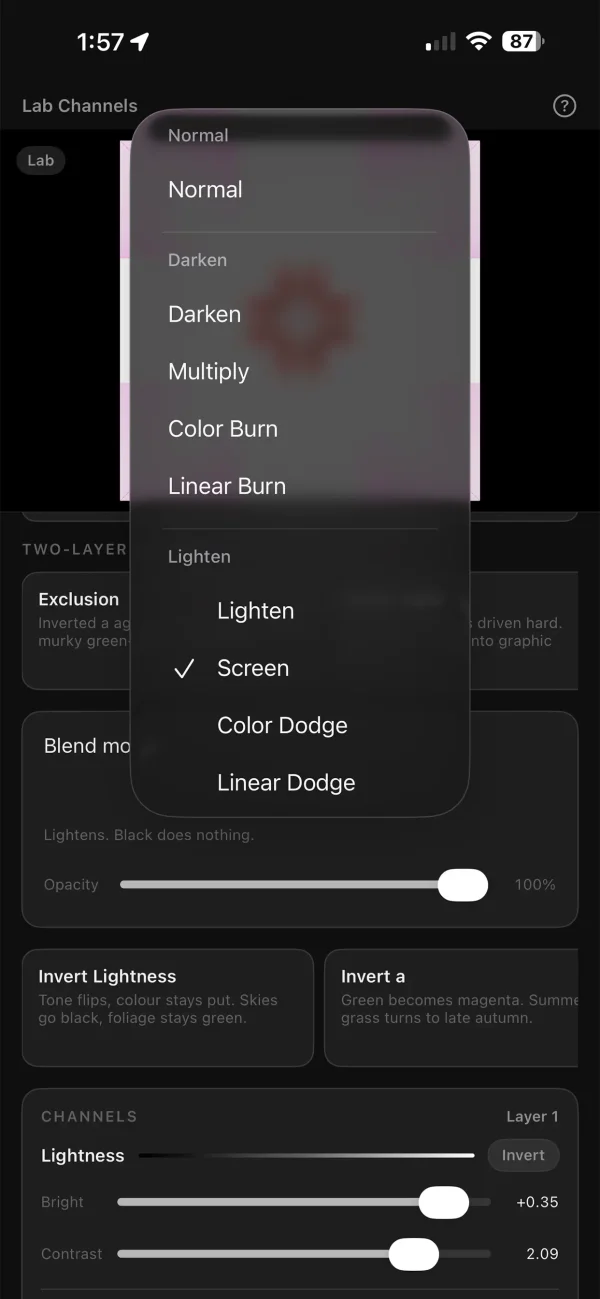
Duplicate the photo, edit the copy's channels, then choose how the two meet. All 24 blend modes are here, from Multiply and Screen through the contrast group to Luminosity and Colour. Luminosity takes tone from one layer and colour from the other, which is the cleanest way to change contrast without shifting a hue anywhere in the frame.
COLOUR THAT FALLS OUT OF RANGE
The colour channels have no limits but your screen does, so pushing one sends many colours outside what can be displayed. What happens to them is a real choice, so it is yours to make. Preserve eases saturation back toward neutral until the colour fits, holding its brightness and hue, which keeps gradation in skies and foliage. Clip cuts at the boundary instead, which flattens detail into solid blocks and is the right answer when you want that.
BUILT TO BE ACCURATE
Conversion uses the D50 white point, so channel values line up with what other professional tools report for the same pixel. Editing happens on a downscaled preview so adjustments stay immediate, and saving re-runs everything against your original full-size photo.
PRIVACY
No account, no sign-in, no network access of any kind. Your photos are read when you pick them and written back only when you ask. Nothing is collected, and nothing leaves your device.
アプリのプライバシー
このアプリのデータの取り扱いについて、Greg AndersonがApp Storeで申告している内容です。
-
データの収集なし
開発元はこのアプリからデータを収集しません。
プライバシーの取り扱いは、ご利用の機能やお客様の年齢などに応じて異なる場合があります。
情報
- 販売元
- Greg Anderson
- カテゴリ
- 写真/ビデオ
- バージョン
- 1.0
- 更新日
- 2026/9/2
- リリース
- 2026/9/1
- サイズ
- 655.0 KB
- 必要条件
- iOS 17.0以降
- 対象年齢
- 4+
- 価格
- ¥150
- 言語
- 英語
- 著作権
- © Greg Anderson
こちらもおすすめ
-
 Vaiya: 製品デモ動画製品をいちばん魅力的に見せる
-
 Edit Text on Photos: Glyphswap写真/ビデオ
-
 EchoSense-AI写真/ビデオ
-
 Clipstack: Video Editor写真/ビデオ
-
 BlackCam - Black&White Camera写真/ビデオ
-
 デジカメ: Y2K レトロカメラ · Flashpixフラッシュ 日付 カメラアプリ 2000年代
-
 Relive Photo Stories - Phomus写真/ビデオ
-
 iCPainter: 写真を絵画風に加工油絵と水彩画のリアルな筆致
-
 OneShot Record · Studio · Ship写真/ビデオ