- 対象年齢4+
- カテゴリユーティリティ
- 開発元Parker Vaughey
- 言語英語
- サイズ6.9 MB
Label Butcherは現在App Storeで入手できない可能性があります
前回の確認時、ストアのページにアクセスできませんでした。リンク先は引き続きApp Storeの公式ページです。
スクリーンショット


概要
開発元はこのテキストをお使いの言語で提供していません。
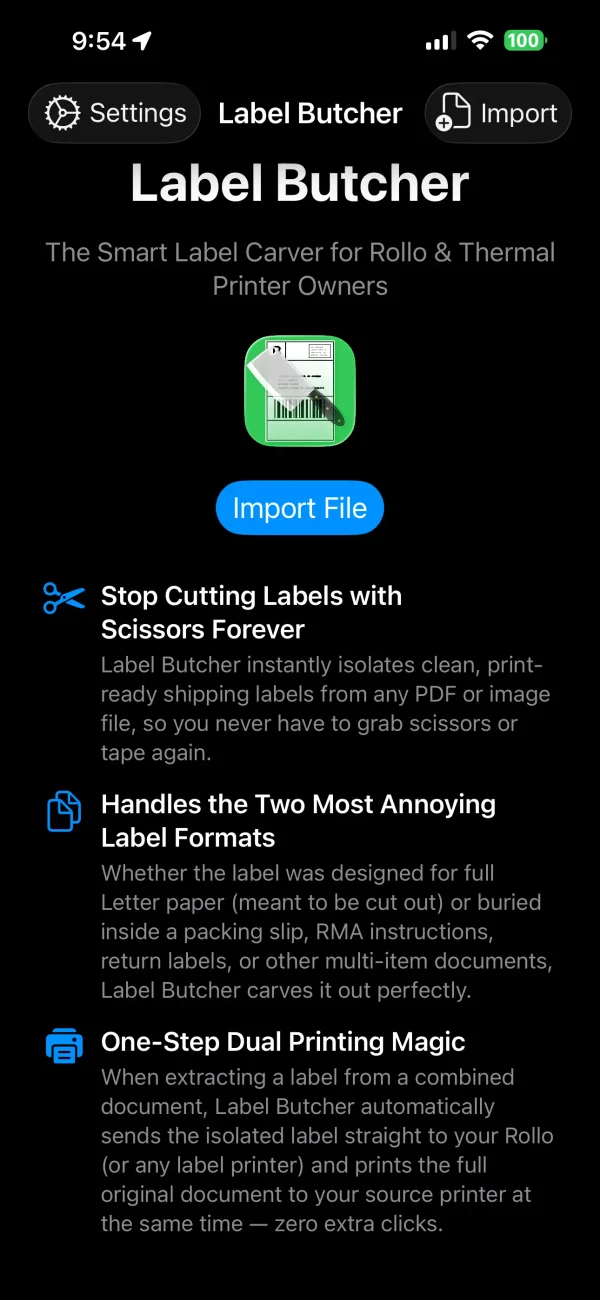
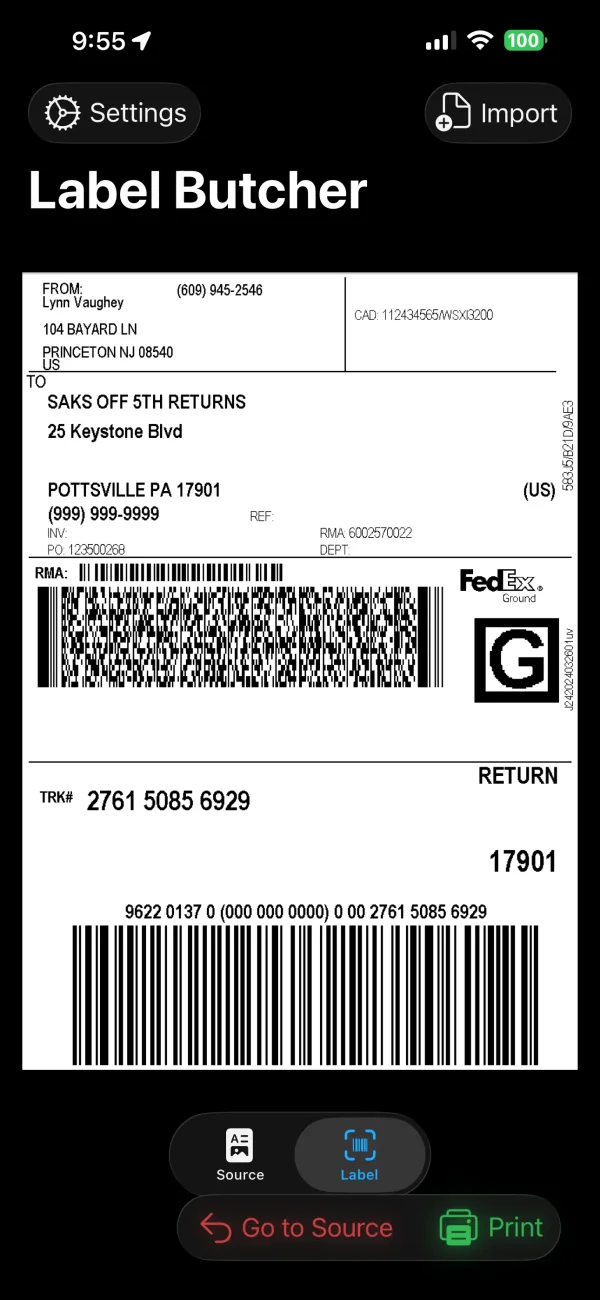
Label Butcher: The Smart Label Carver for Rollo & Thermal Printer Owners
Stop Cutting Labels with Scissors Forever
Butcher instantly isolates clean, print-ready shipping labels from any PDF or image file, so you never have to grab scissors or tape again. Just import, confirm, and print.
Handles the Two Most Annoying Label Formats
Whether the label was designed for full Letter paper (meant to be cut out) or buried inside a packing slip, RMA instructions, return labels, or other multi-item documents, Label Butcher carves it out perfectly every time.
One-Step Dual Printing
When extracting a label from a combined document, Label Butcher automatically sends the isolated 4×6 label straight to your Rollo (or any thermal label printer) and prints the full original document to your regular page printer at the same time — zero extra clicks.
HOW IT WORKS
1. Import a shipping label PDF or photo (or use "Open In" from any app)
2. Label Butcher auto-detects the label using barcode and text recognition
3. Adjust the boundary if needed, then tap OK to crop
4. Hit Print — label goes to your thermal printer, pages go to your page printer
FEATURES
• Auto-detects shipping labels using advanced Vision AI (barcode + text recognition)
• Adjustable bounding box with drag handles for manual fine-tuning
• Auto-rotates and scales labels to fit 4×6" thermal printers perfectly
• Dual-printer workflow: thermal label + full-page printer simultaneously
• Supports PDF, PNG, JPEG, HEIC, and TIFF files
• Open files via Import or the Share sheet from Mail, Safari, Files, and more
• Works with Rollo, DYMO, Brother, and any AirPrint-compatible printer
• Direct printing on Mac — no print dialog, labels go straight to the printer
• Diagnostic overlays to see exactly what the detection engine finds
• Progressive onboarding tips guide you through the workflow
PRIVACY FIRST
Label Butcher processes everything on your device. No accounts, no cloud uploads, no tracking, no ads. Your documents never leave your phone or Mac.
BUILT FOR
• eBay, Amazon, and Mercari sellers processing returns
• Small business owners handling RMA and return shipping
• Anyone tired of cutting labels out of full-page PDFs with scissors
• Rollo, DYMO, and thermal printer owners who want a faster workflow
Works on iPhone, iPad, and Mac.
新機能
バージョン 1.2.2 · 2026/7/19
Fixes a bug in PDFs with more than two(2) pages.
アプリのプライバシー
このアプリのデータの取り扱いについて、Parker VaugheyがApp Storeで申告している内容です。
-
データの収集なし
開発元はこのアプリからデータを収集しません。
プライバシーの取り扱いは、ご利用の機能やお客様の年齢などに応じて異なる場合があります。
情報
- 販売元
- Parker Vaughey
- カテゴリ
- ユーティリティ
- バージョン
- 1.2.2
- 更新日
- 2026/7/19
- リリース
- 2026/5/28
- サイズ
- 6.9 MB
- 必要条件
- iOS 26.5以降
- 対象年齢
- 4+
- アプリ内課金
- あり
- 言語
- 英語
- 著作権
- © 2026 Parker E. Vaughey