Label Butcher
The Smart Mailing Label Carver
Được thiết kế cho iPhone, iPad, Mac
Mua hàng trong ứng dụng
- Độ tuổi4+
- Danh mụcTiện Ích
- Nhà phát triểnParker Vaughey
- Ngôn ngữTiếng Anh
- Kích thước6,9 MB
Label Butcher hiện có thể không có trên App Store
Ở lần kiểm tra gần nhất, chúng tôi không truy cập được trang trên cửa hàng. Liên kết vẫn dẫn đến trang App Store chính thức.
Ảnh chụp màn hình


Giới thiệu
Nhà phát triển chưa cung cấp nội dung này bằng ngôn ngữ của bạn.
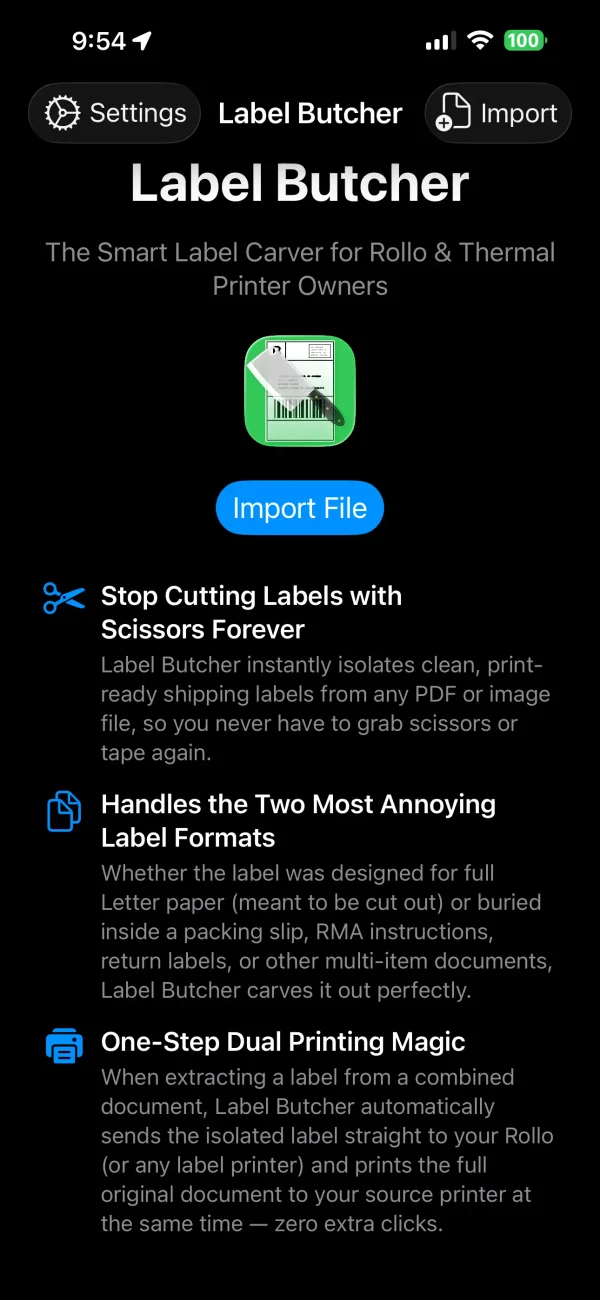
Label Butcher: The Smart Label Carver for Rollo & Thermal Printer Owners
Stop Cutting Labels with Scissors Forever
Butcher instantly isolates clean, print-ready shipping labels from any PDF or image file, so you never have to grab scissors or tape again. Just import, confirm, and print.
Handles the Two Most Annoying Label Formats
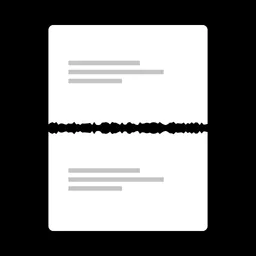
Whether the label was designed for full Letter paper (meant to be cut out) or buried inside a packing slip, RMA instructions, return labels, or other multi-item documents, Label Butcher carves it out perfectly every time.
One-Step Dual Printing
When extracting a label from a combined document, Label Butcher automatically sends the isolated 4×6 label straight to your Rollo (or any thermal label printer) and prints the full original document to your regular page printer at the same time — zero extra clicks.
HOW IT WORKS
1. Import a shipping label PDF or photo (or use "Open In" from any app)
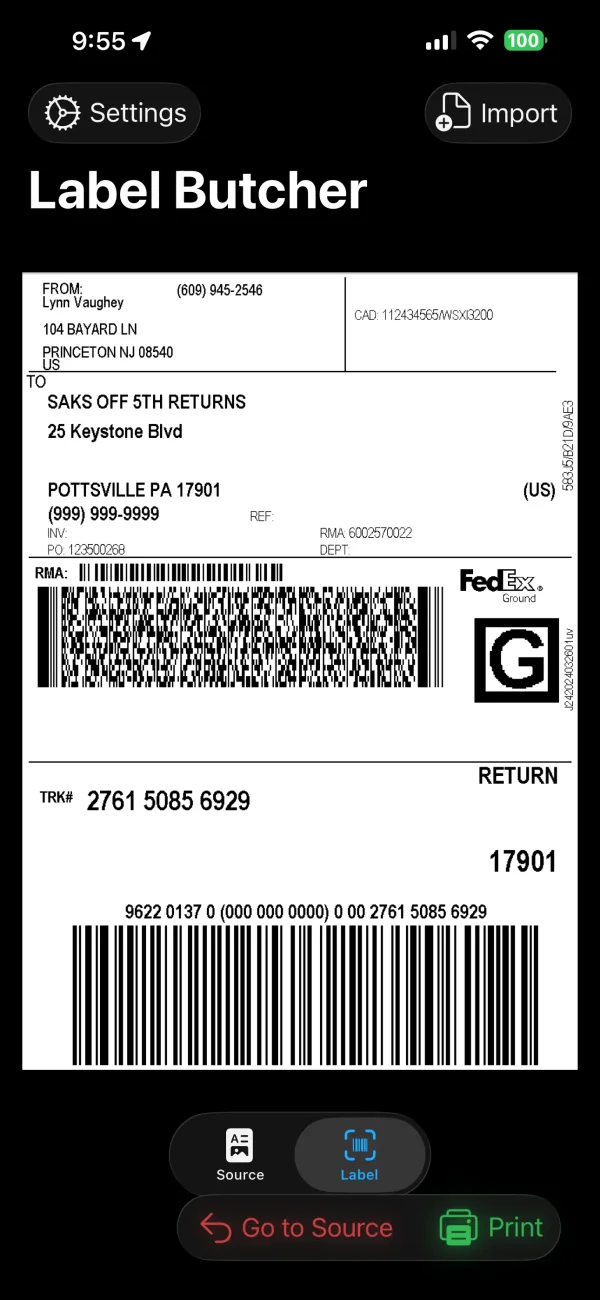
2. Label Butcher auto-detects the label using barcode and text recognition
3. Adjust the boundary if needed, then tap OK to crop
4. Hit Print — label goes to your thermal printer, pages go to your page printer
FEATURES
• Auto-detects shipping labels using advanced Vision AI (barcode + text recognition)
• Adjustable bounding box with drag handles for manual fine-tuning
• Auto-rotates and scales labels to fit 4×6" thermal printers perfectly
• Dual-printer workflow: thermal label + full-page printer simultaneously
• Supports PDF, PNG, JPEG, HEIC, and TIFF files
• Open files via Import or the Share sheet from Mail, Safari, Files, and more
• Works with Rollo, DYMO, Brother, and any AirPrint-compatible printer
• Direct printing on Mac — no print dialog, labels go straight to the printer
• Diagnostic overlays to see exactly what the detection engine finds
• Progressive onboarding tips guide you through the workflow
PRIVACY FIRST
Label Butcher processes everything on your device. No accounts, no cloud uploads, no tracking, no ads. Your documents never leave your phone or Mac.
BUILT FOR
• eBay, Amazon, and Mercari sellers processing returns
• Small business owners handling RMA and return shipping
• Anyone tired of cutting labels out of full-page PDFs with scissors
• Rollo, DYMO, and thermal printer owners who want a faster workflow
Works on iPhone, iPad, and Mac.
Có gì mới
Phiên bản 1.2.2 · 19/07/2026
Fixes a bug in PDFs with more than two(2) pages.
Quyền riêng tư của ứng dụng
Những gì Parker Vaughey khai báo trên App Store về cách ứng dụng này xử lý dữ liệu.
-
Dữ liệu không được thu thập
Nhà phát triển không thu thập bất kỳ dữ liệu nào từ ứng dụng này.
Phương thức đảm bảo quyền riêng tư có thể khác nhau, chẳng hạn như tuỳ theo các tính năng bạn sử dụng hoặc độ tuổi của bạn.
Thông tin
- Người bán
- Parker Vaughey
- Danh mục
- Tiện Ích
- Phiên bản
- 1.2.2
- Cập nhật
- 19/07/2026
- Phát hành
- 28/05/2026
- Kích thước
- 6,9 MB
- Yêu cầu
- iOS 26.5 trở lên
- Độ tuổi
- 4+
- Mua hàng trong ứng dụng
- Có
- Ngôn ngữ
- Tiếng Anh
- Bản quyền
- © 2026 Parker E. Vaughey