Light mapping - Projection
Projection mapping
iPhone, iPad, iPod touch向けに設計
無料 · アプリ内課金
- 対象年齢4+
- カテゴリエンターテインメント
- 開発元Marius Le Nedic
- 言語英語
- サイズ51.2 MB
App Storeの公式ページにリンクしています
Download.orgはLight mapping - Projectionのファイルを一切ホストしていません。ボタンを押すと、Marius Le Nedicが公開しているApp Storeのアプリページが開きます。ページの最終確認:2026/11/16。
スクリーンショット

概要
開発元はこのテキストをお使いの言語で提供していません。
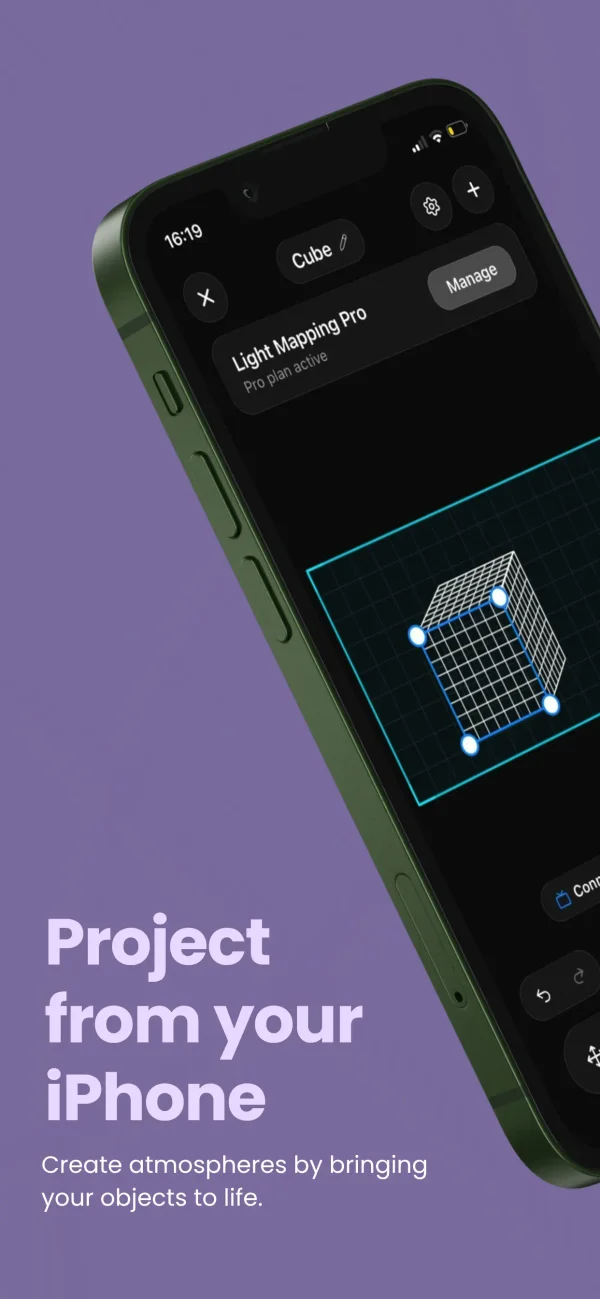
Light Mapping turns your iPhone into a real-time projection mapping studio. Point, drop the corners, project. No laptop, no After Effects, no three-hour setup.
Whether you're prepping a party in your living room, building a light installation for an event, dressing a club, mapping a façade for a concert, or just casting visuals that dance on your wall everything happens from your phone in a few taps.
▸REAL-TIME MAPPING
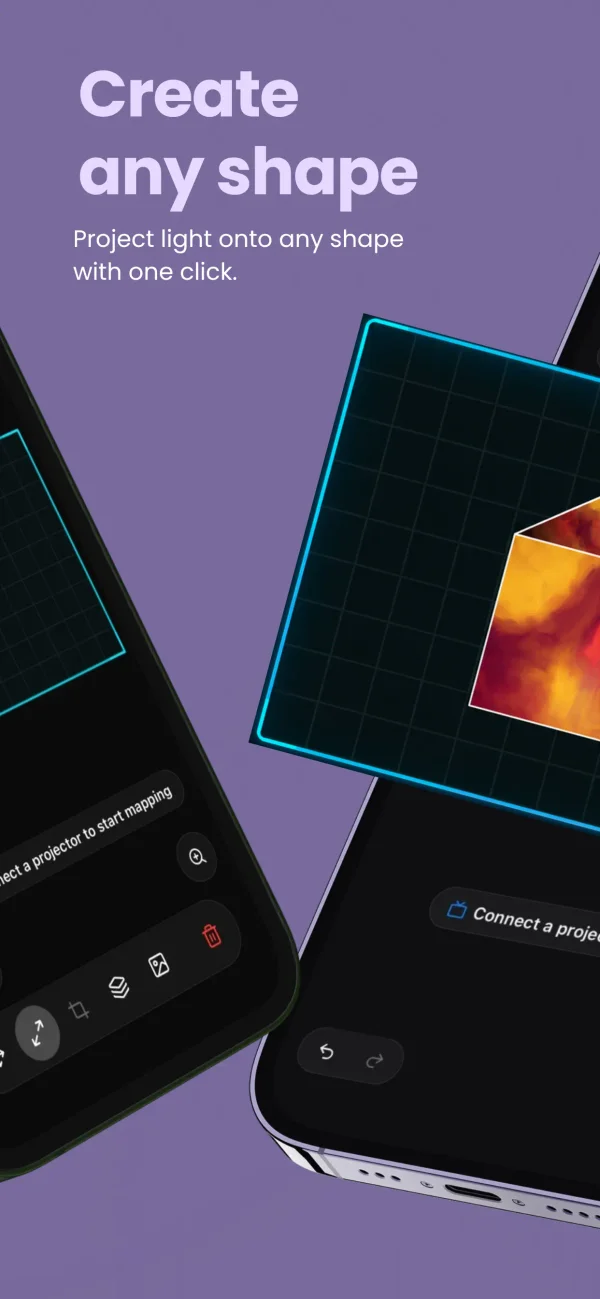
Add as many shapes as you want (rectangles, triangles, circles, or contours auto-traced from an image). Adjust every corner pixel-perfect so it hugs the surface you're projecting on. What you see in the editor is what lands on the wall, live.
▸ VISUALS WITH NO LIMITS
Fill your shapes with photos from your library, videos, built-in animated effects, or solid colours. Each shape can carry its own media — or share a single visual stretched across several shapes ("Across Layers") for continuous mapping across a triptych, façade, or wall run.
▸ CONNECTS TO ANYTHING
Works with:
• AirPlay (Apple TV, compatible TVs)
• HDMI via USB-C or Lightning adapter
• Any standard HDMI video projector
▸ FLEXIBLE ORIENTATION
Projector mounted sideways? Mapping onto a door, column, or arch? Rotate the projection frame 90° and compose directly in portrait.
▸ USE CASES
• Content creators — reuse the same setup for TikTok, Reels, YouTube Shorts
• DJs & VJs — real-time visuals across club walls and ceilings without pro gear
• Visual artists — mock up an installation before setting it up for real
• Weddings & events — decorative projections on walls, ceilings, floral arches
• Interior design — turn your bedroom into a cinema, aquarium, or starlit sky
▸ SIMPLE WORKFLOW
1. Open a project, add a shape
2. Drag the corners onto your surface
3. Pick a visual (your photo library, a video, an effect)
4. Connect to your projector (AirPlay or HDMI)
5. Project and save the project for next time
▸ NO HEAVY SETUP
No computer, no pro software, no endless cables. Your iPhone plus a projector is enough.
LIGHT MAPPING PRO SUBSCRIPTION
Unlock every feature with a monthly, annual, or one-time lifetime purchase. The 3-day free trial lets you try before you pay.
Payment will be charged to your Apple ID account at confirmation. Subscriptions auto-renew unless cancelled at least 24 hours before the end of the current period. Manage your subscription in Settings > Apple ID > Subscriptions.
Privacy Policy: https://lightmapping.notion.site/Privacy-Policy-Light-Mapping-3a5bf613eb41803c9801c083c346f94c
Terms of Use: https://lightmapping.notion.site/Terms-of-Use-Light-Mapping-3a5bf613eb4180639bf4d24b3bf9ffcc
アプリのプライバシー
このアプリのデータの取り扱いについて、Marius Le NedicがApp Storeで申告している内容です。
-
ユーザーに関連付けられないデータ
収集される場合がありますが、ユーザーの識別情報には関連付けられません。
- 使用状況データ
- 診断
プライバシーの取り扱いは、ご利用の機能やお客様の年齢などに応じて異なる場合があります。
情報
- 販売元
- Marius Le Nedic
- カテゴリ
- エンターテインメント
- バージョン
- 1.0.0
- 更新日
- 2026/8/10
- リリース
- 2026/8/10
- サイズ
- 51.2 MB
- 必要条件
- iOS 15.1以降
- 対象年齢
- 4+
- 価格
- 無料
- アプリ内課金
- あり
- 言語
- 英語
- 著作権
- © 2026 Marius Le Nedic