Light mapping - Projection
Projection mapping
Được thiết kế cho iPhone, iPad, iPod touch
Miễn phí · Mua hàng trong ứng dụng
- Độ tuổi4+
- Danh mụcGiải Trí
- Nhà phát triểnMarius Le Nedic
- Ngôn ngữTiếng Anh
- Kích thước51,2 MB
Liên kết đến trang App Store chính thức
Download.org không lưu trữ tệp nào của Light mapping - Projection. Nút này mở trang ứng dụng trên App Store, nơi Marius Le Nedic phát hành ứng dụng. Trang được kiểm tra lần cuối: 16/11/2026.
Ảnh chụp màn hình

Giới thiệu
Nhà phát triển chưa cung cấp nội dung này bằng ngôn ngữ của bạn.
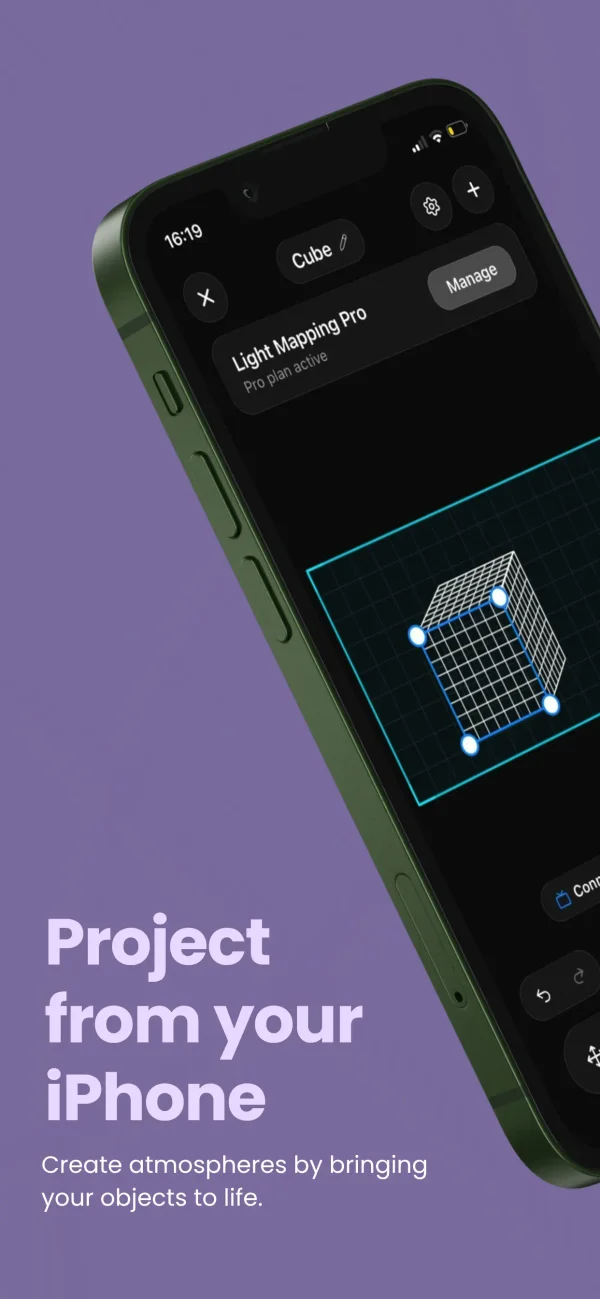
Light Mapping turns your iPhone into a real-time projection mapping studio. Point, drop the corners, project. No laptop, no After Effects, no three-hour setup.
Whether you're prepping a party in your living room, building a light installation for an event, dressing a club, mapping a façade for a concert, or just casting visuals that dance on your wall everything happens from your phone in a few taps.
▸REAL-TIME MAPPING
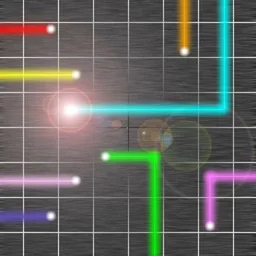
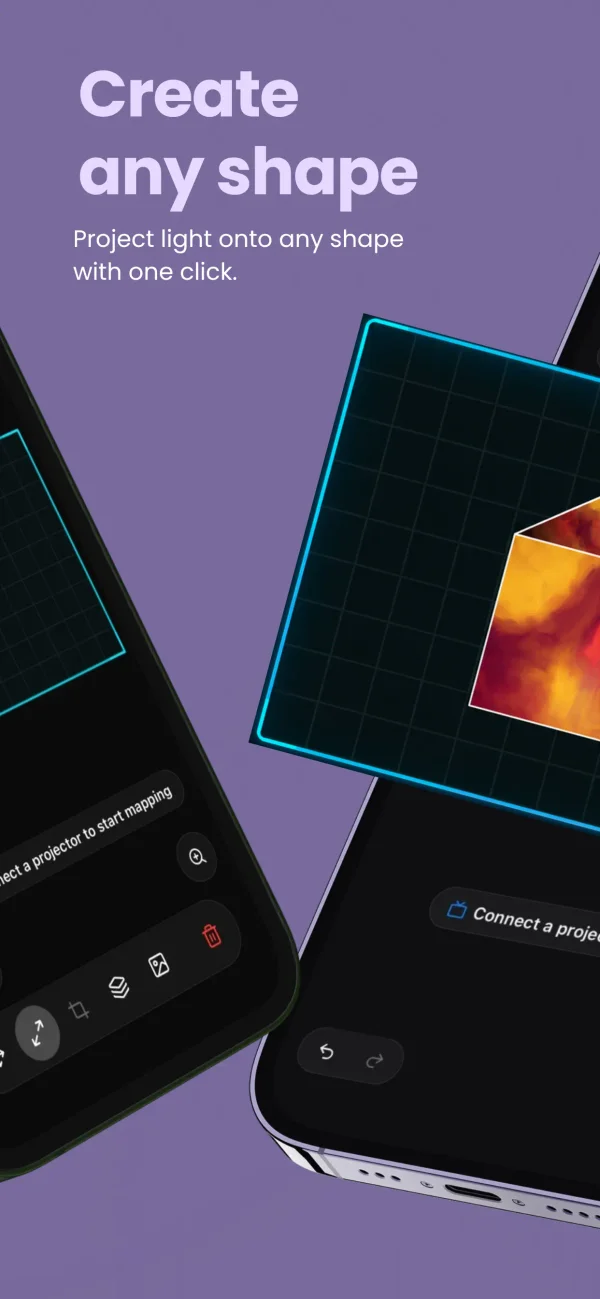
Add as many shapes as you want (rectangles, triangles, circles, or contours auto-traced from an image). Adjust every corner pixel-perfect so it hugs the surface you're projecting on. What you see in the editor is what lands on the wall, live.
▸ VISUALS WITH NO LIMITS
Fill your shapes with photos from your library, videos, built-in animated effects, or solid colours. Each shape can carry its own media — or share a single visual stretched across several shapes ("Across Layers") for continuous mapping across a triptych, façade, or wall run.
▸ CONNECTS TO ANYTHING
Works with:
• AirPlay (Apple TV, compatible TVs)
• HDMI via USB-C or Lightning adapter
• Any standard HDMI video projector
▸ FLEXIBLE ORIENTATION
Projector mounted sideways? Mapping onto a door, column, or arch? Rotate the projection frame 90° and compose directly in portrait.
▸ USE CASES
• Content creators — reuse the same setup for TikTok, Reels, YouTube Shorts
• DJs & VJs — real-time visuals across club walls and ceilings without pro gear
• Visual artists — mock up an installation before setting it up for real
• Weddings & events — decorative projections on walls, ceilings, floral arches
• Interior design — turn your bedroom into a cinema, aquarium, or starlit sky
▸ SIMPLE WORKFLOW
1. Open a project, add a shape
2. Drag the corners onto your surface
3. Pick a visual (your photo library, a video, an effect)
4. Connect to your projector (AirPlay or HDMI)
5. Project and save the project for next time
▸ NO HEAVY SETUP
No computer, no pro software, no endless cables. Your iPhone plus a projector is enough.
LIGHT MAPPING PRO SUBSCRIPTION
Unlock every feature with a monthly, annual, or one-time lifetime purchase. The 3-day free trial lets you try before you pay.
Payment will be charged to your Apple ID account at confirmation. Subscriptions auto-renew unless cancelled at least 24 hours before the end of the current period. Manage your subscription in Settings > Apple ID > Subscriptions.
Privacy Policy: https://lightmapping.notion.site/Privacy-Policy-Light-Mapping-3a5bf613eb41803c9801c083c346f94c
Terms of Use: https://lightmapping.notion.site/Terms-of-Use-Light-Mapping-3a5bf613eb4180639bf4d24b3bf9ffcc
Quyền riêng tư của ứng dụng
Những gì Marius Le Nedic khai báo trên App Store về cách ứng dụng này xử lý dữ liệu.
-
Dữ liệu không liên kết với bạn
Có thể được thu thập nhưng không liên kết với danh tính của bạn.
- Dữ liệu sử dụng
- Chẩn đoán
Phương thức đảm bảo quyền riêng tư có thể khác nhau, chẳng hạn như tuỳ theo các tính năng bạn sử dụng hoặc độ tuổi của bạn.
Thông tin
- Người bán
- Marius Le Nedic
- Danh mục
- Giải Trí
- Phiên bản
- 1.0.0
- Cập nhật
- 10/08/2026
- Phát hành
- 10/08/2026
- Kích thước
- 51,2 MB
- Yêu cầu
- iOS 15.1 trở lên
- Độ tuổi
- 4+
- Giá
- Miễn phí
- Mua hàng trong ứng dụng
- Có
- Ngôn ngữ
- Tiếng Anh
- Bản quyền
- © 2026 Marius Le Nedic