
- 対象年齢4+
- カテゴリ仕事効率化
- 開発元Expert Chase, Inc.
- 言語英語
- サイズ66.8 MB
App Storeの公式ページにリンクしています
Download.orgはMAP & GO!のファイルを一切ホストしていません。ボタンを押すと、Expert Chase, Inc.が公開しているApp Storeのアプリページが開きます。ページの最終確認:2026/11/23。
スクリーンショット





概要
開発元はこのテキストをお使いの言語で提供していません。
You wake up and the day is already there.
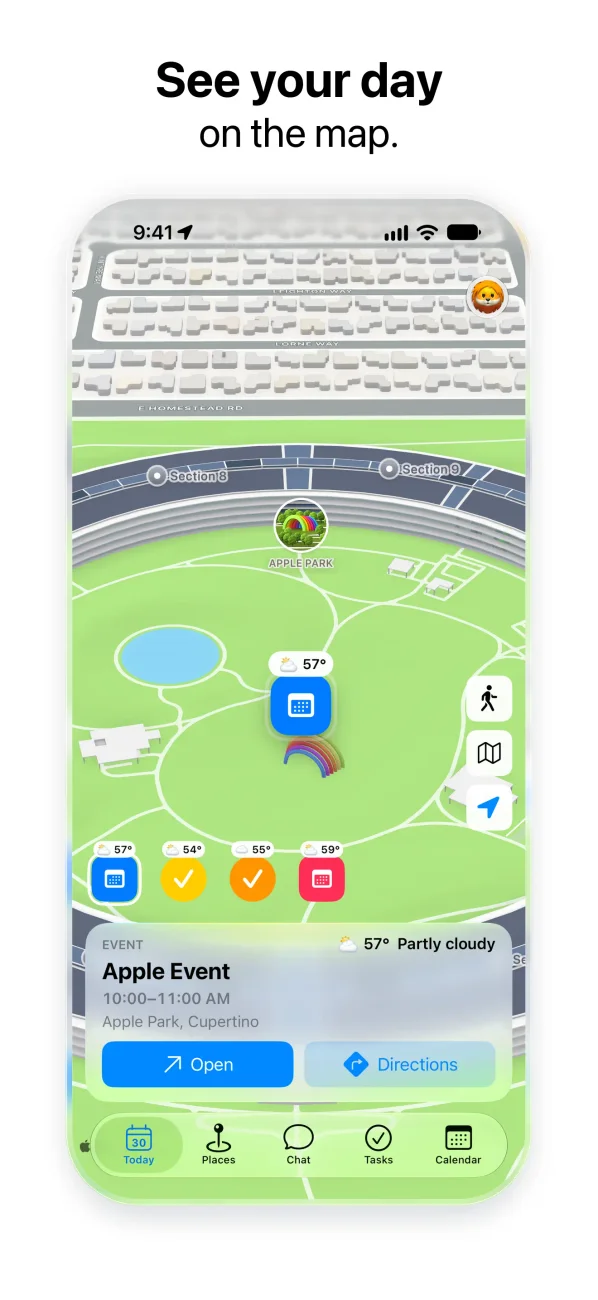
Not a list. A map. What you keep putting off sits where it actually is. Look at the pin and you can see the weather waiting for you. When it is time, you do not switch apps. The turn is already in your hand.
That is MAP & GO!
The day moves with you. What is happening now. What is next. How long you have. A task you meant to do, dropped on a real street. An event with a place, so you are not guessing where to stand.
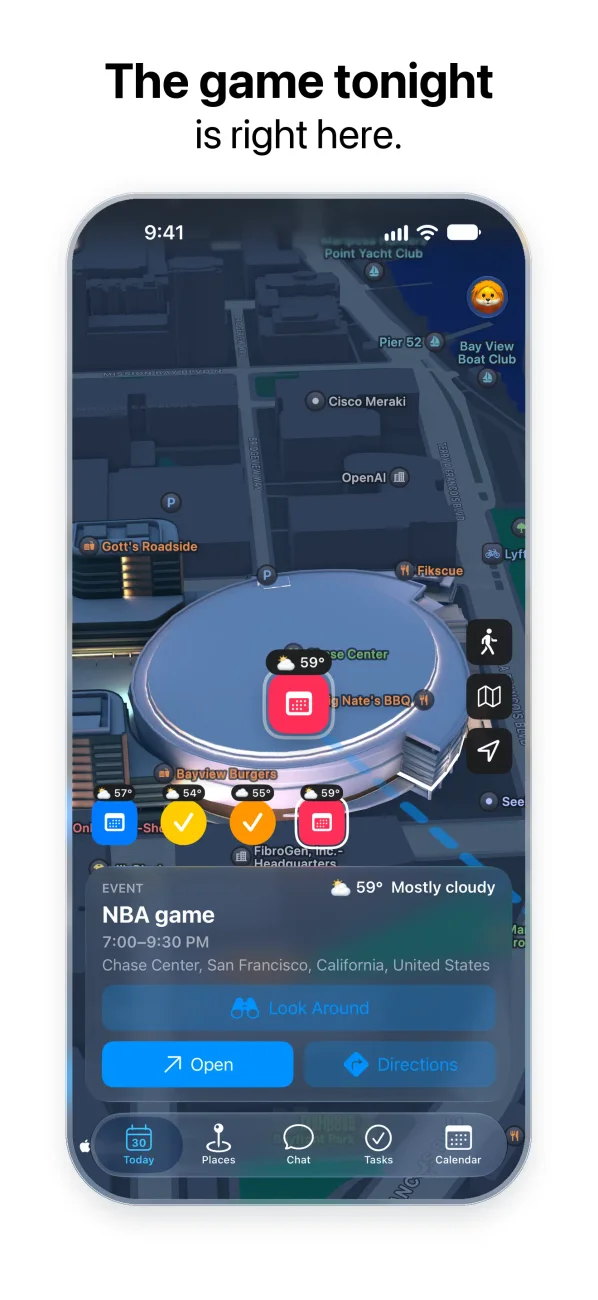
TODAY ON THE MAP Open Today and the city is under your day. A task with a place and an event with a place sit on the map as tokens. Tap one and you see the name, the time, and where it is. Anything without a place stays in Tasks or Calendar. It is just not on the map yet.
Today asks for a place so it can land on the map. Tasks and Calendar can skip the place if you only need the time.
WEATHER ON THE PIN Each located pin can show the weather for that place. Before you leave for an event, you can see the sky there. Ask for the weather now and you get where you are standing.
NOW AND WHAT IS NEXT The day shows what is happening now and what comes after. A live countdown tells you how long until it starts, or how long until it ends. Up Next keeps the next few in order: time, name, and a color so you can tell them apart at a glance.
DIRECTIONS IN THE APP Leave from the pin. Choose Drive or Walk, then Go. Turn by turn stays inside MAP & GO!. The next instruction, the distance, and the time to arrive update while you move. On the Lock Screen, On the Way keeps the trip in view when the phone is down.
CAR PLAY Take the day into the car. Places from Today show on the car screen. Tap one and the drive starts. The next turn stays in front of you.
TASKS A task can have a title, a time, a priority, and a place. Mark it done when it is finished. A repeating reminder is still a task: every day, every week, or every few hours, until you stop it.
CALENDAR An event has a start, an end, and a place when you give it one. All day events stay all day. Put a place on it and it can sit on Today's map with the weather for that hour.
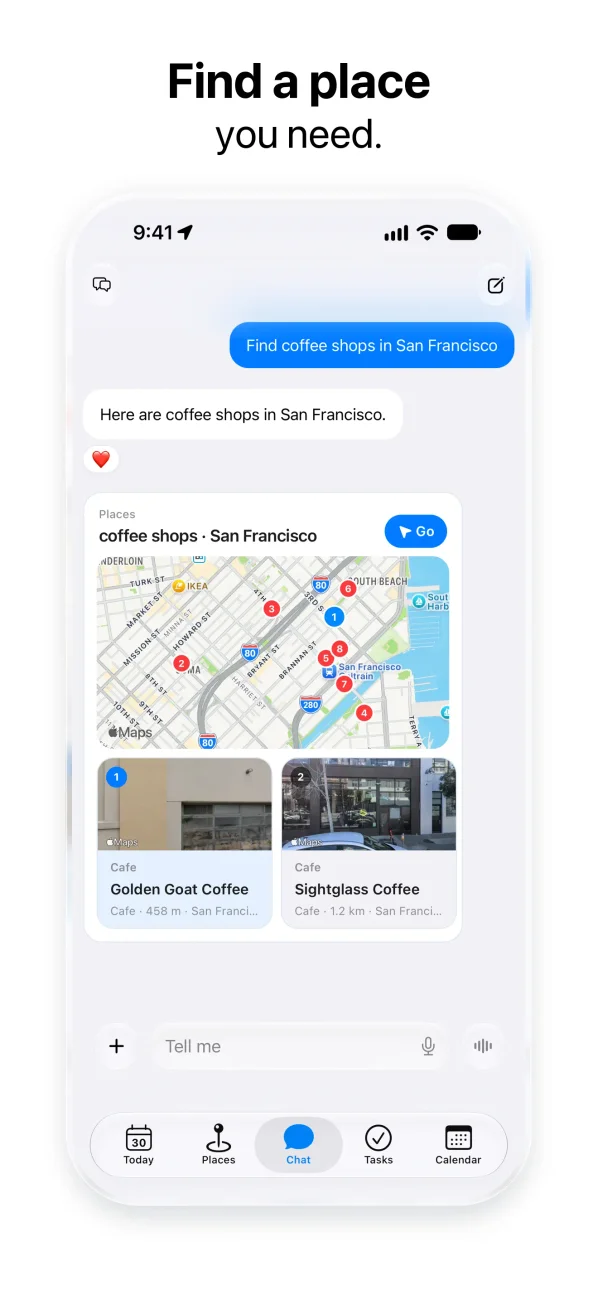
PLACES Search for a place, or look near where you are. Coffee, food, a shop, an address you type. Save it on a task or an event. The name and the point on the map stay with that item.
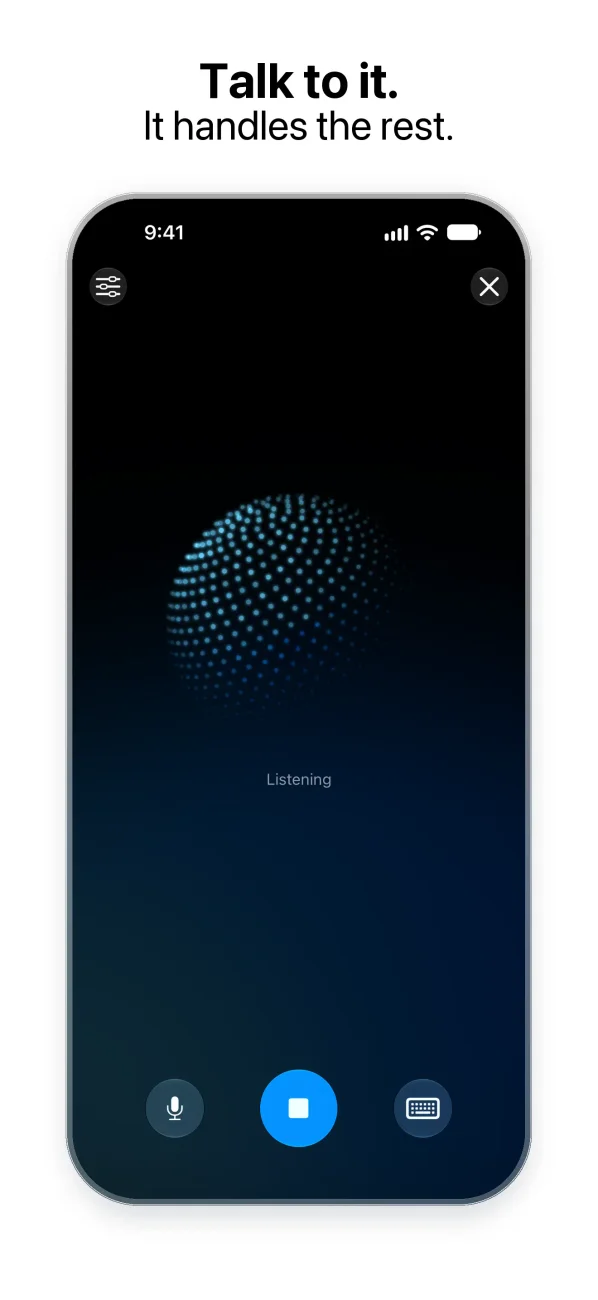
AI Talk or type. Ask the AI to add a task, set a reminder, put something on the calendar, find a place, or get directions. It can change or remove a task or event you already have.
WIDGETS Today Map, Up Next, Tasks, and Talk or Type on the Home Screen. Up Next and Tasks on the Lock Screen. They show your titles, times, places, weather, and countdowns.
LIVE ACTIVITIES One while you are talking with the AI. One while a trip is in progress, with the next instruction on the Lock Screen.
APPLE WATCH Today on the wrist, and a live map. Mark a task done, delete an event, and tap Go for directions on the watch. The iPhone needs to be nearby to sync.
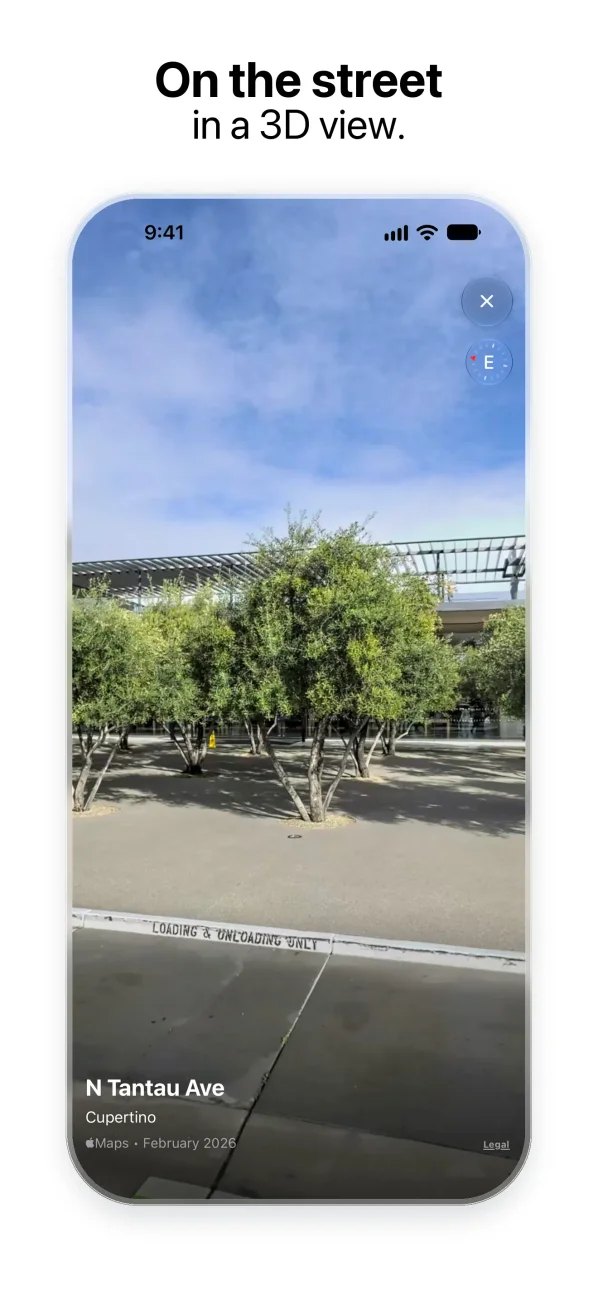
APPLE VISION PRO Put the day in the room. Sign in with the same Apple account and Today is there: tasks and events that have a place, as tokens on a map you can walk around. Tap one and Look Around opens when Apple has a scene for that spot. Explore searches for places nearby and drops them on the same map. The phone still holds the trip, the widgets, and the conversation. Vision holds the city in front of you.
MESSAGES In iMessage, you can send a card of today’s tasks and events. You can also send an answer the AI already gave.
SIRI AND SHORTCUTS Add a task or hear what is on today without opening MAP & GO!.
CALENDAR AND TASKS YOU ALREADY USE Bring in Apple Calendar and Apple Reminders. Located events from the calendar can show on the map.
HEALTH Connect Apple Health and workouts and sleep can show in the day. Today's steps show on Apple Watch.
Look away. The day is still there. You wake up, and the day is already there.
Terms of service & privacy policy:
https://mapgo.app/terms
https://mapgo.app/privacy
© 2026 Expert Chase, Inc.
新機能
バージョン 5.2 · 2026/11/20
Family & Friends. Invite someone and see where they are on the map while MAP & GO! is open.
アプリのプライバシー
このアプリのデータの取り扱いについて、Expert Chase, Inc.がApp Storeで申告している内容です。
-
ユーザーに関連付けられたデータ
収集され、ユーザーの識別情報に関連付けられる場合があります。
- ヘルスケアとフィットネス
- 購入
- 位置情報
- 連絡先情報
- ユーザーコンテンツ
- ID
- 使用状況データ
- 診断
プライバシーの取り扱いは、ご利用の機能やお客様の年齢などに応じて異なる場合があります。
情報
- 販売元
- Expert Chase, Inc.
- カテゴリ
- 仕事効率化
- バージョン
- 5.2
- 更新日
- 2026/11/20
- リリース
- 2026/7/8
- サイズ
- 66.8 MB
- 必要条件
- iOS 17.0以降
- 対象年齢
- 4+
- 価格
- 無料
- アプリ内課金
- あり
- 言語
- 英語
- 著作権
- © 2026 Expert Chase, Inc.
こちらもおすすめ
-
 Psst: 共有リストとタスク管理夫婦・家族で共有、前回の値段が分かる買い物リスト
-
 Jotivo: AI Todo & Reminders仕事効率化
-
 Flowline: AI Day Planner仕事効率化
-
 Zorik仕事効率化
-
 Conquer - Block Apps仕事効率化
-
 Estratum: Second Brain仕事効率化
-
 Yattayo やったよボード:ToDoリストスライドで完了!本物みたいな3D付箋ボード
-
 LastWhen: Chores Tracker仕事効率化
-
 Ditto: Meeting Notes仕事効率化
-
 Tasky: Chore Chart & Cleaning仕事効率化