- 対象年齢4+
- カテゴリ仕事効率化
- 開発元Volodymyr Sichka
- 言語英語
- サイズ4.6 MB
App Storeの公式ページにリンクしています
Download.orgはMarkdown Masterのファイルを一切ホストしていません。ボタンを押すと、Volodymyr Sichkaが公開しているApp Storeのアプリページが開きます。ページの最終確認:2026/11/17。
スクリーンショット

概要
開発元はこのテキストをお使いの言語で提供していません。
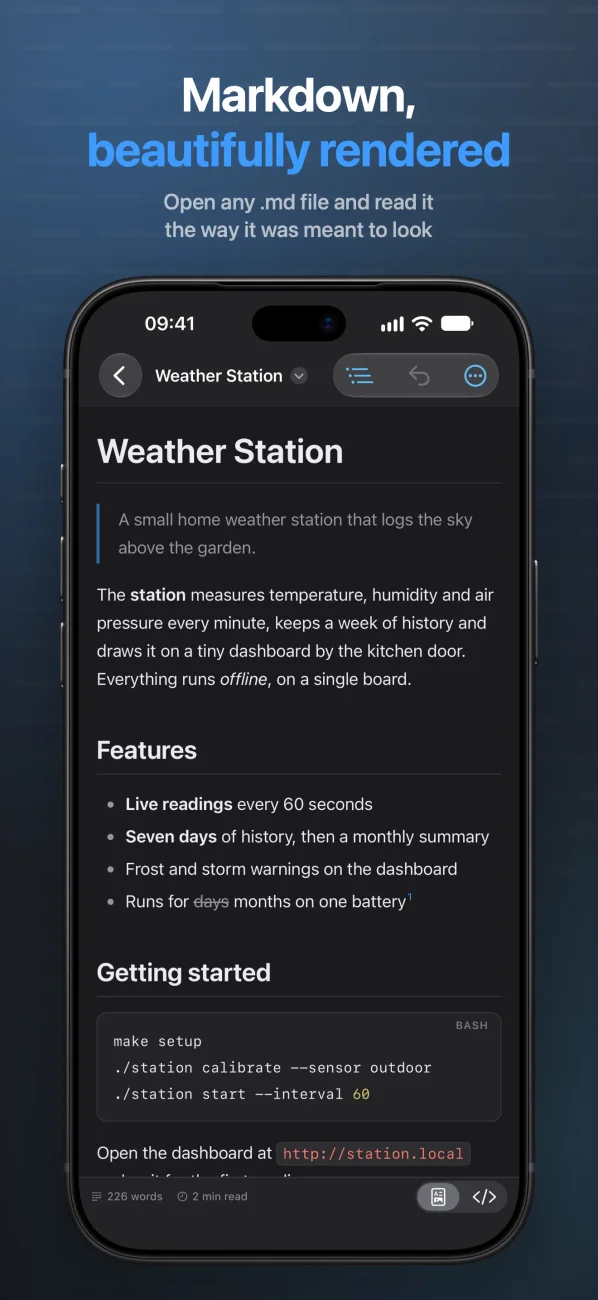
Markdown Master opens any .md file and shows it the way it was meant to look: headings, tables, task lists, code and callouts, neatly formatted. Switch to the source to fix a typo, or put source and preview side by side and write. When the text has to leave the device, export a clean PDF.
READ
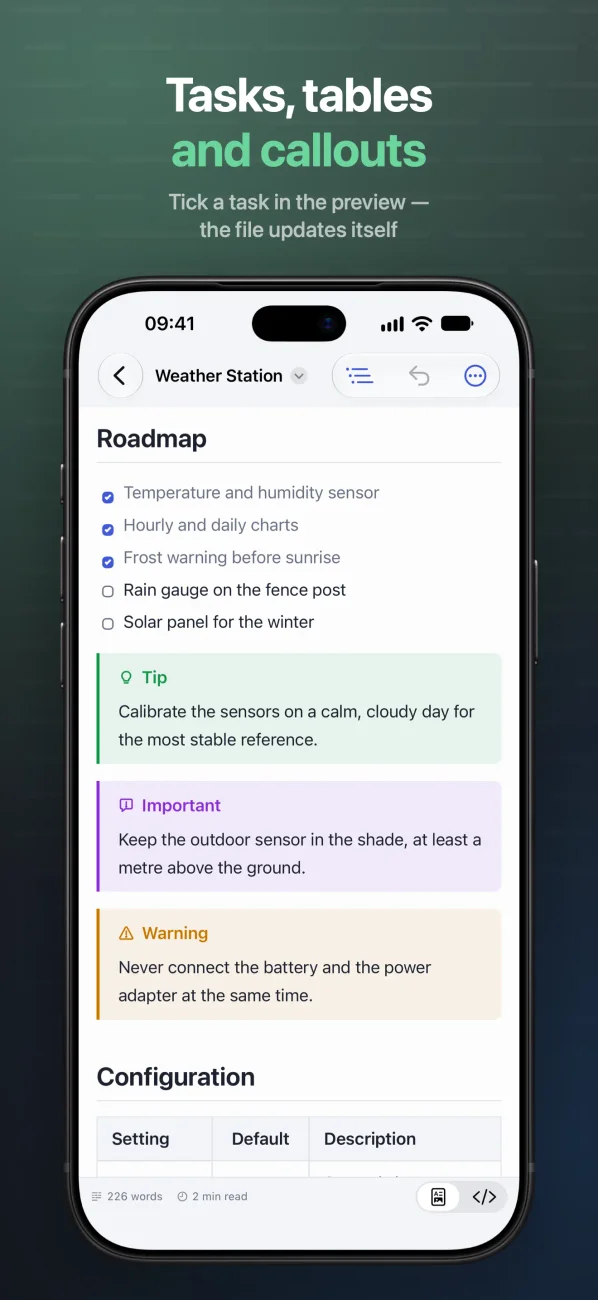
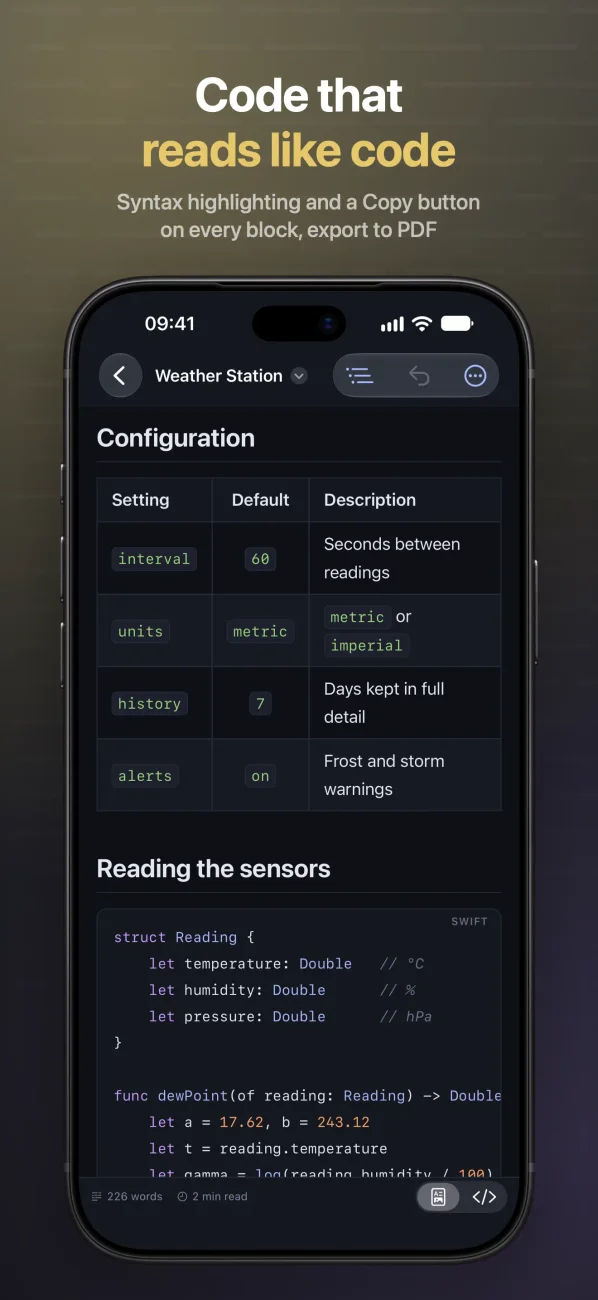
• Formatted preview of Markdown with the popular extensions: tables with alignment, task lists, strikethrough, footnotes, callouts (note, tip, important, warning, caution), front matter and inline HTML
• Syntax highlighting in code blocks for more than twenty programming languages, with a Copy button on every block
• An outline of the document with the current section highlighted — tap a heading to jump there
• Links that work: in-page anchors scroll within the document, others open in your browser
• Word count, character count and reading time
• Typeface, text size and line width to your taste
• Images stored next to the document appear once you give access to their folder
• Scripts inside a document never run: the preview is a document, not a web page
WRITE
• Source editor with Markdown highlighting
• Source and preview side by side on iPad and Mac, the preview following the source as you scroll
• Lists continue themselves: Return starts the next item, Tab nests it
• Formatting commands with keyboard shortcuts, and a formatting bar above the keyboard on iPhone and iPad
• Tick a task in the preview and the file updates itself
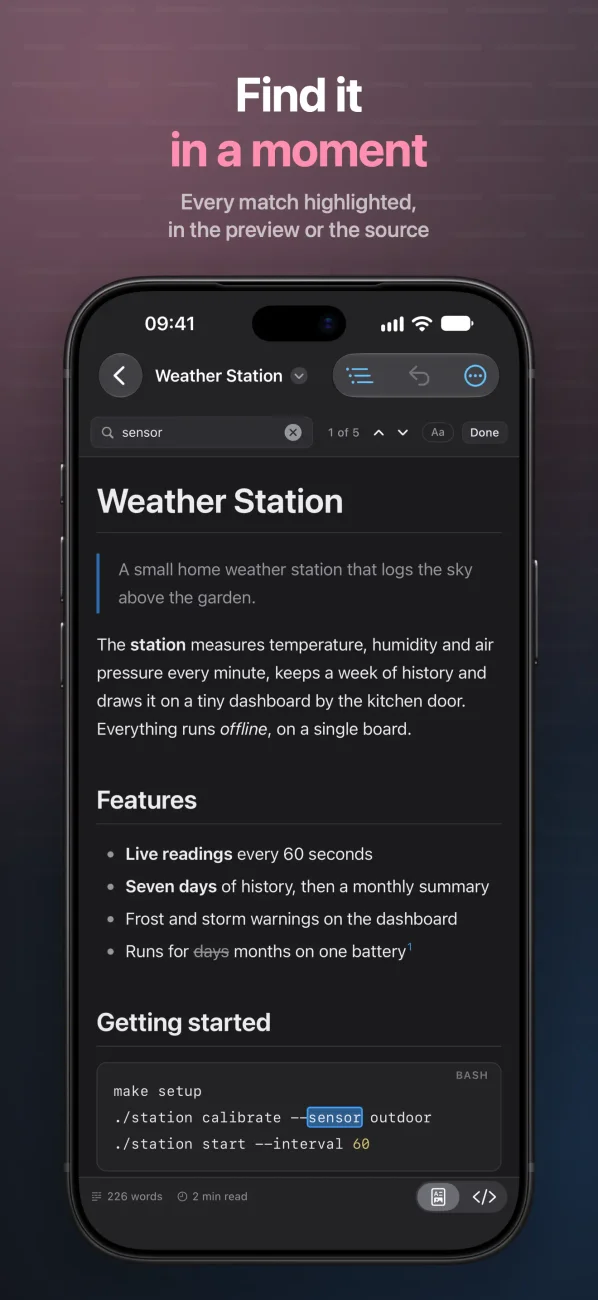
• Find and replace with every match highlighted, in the preview or in the source
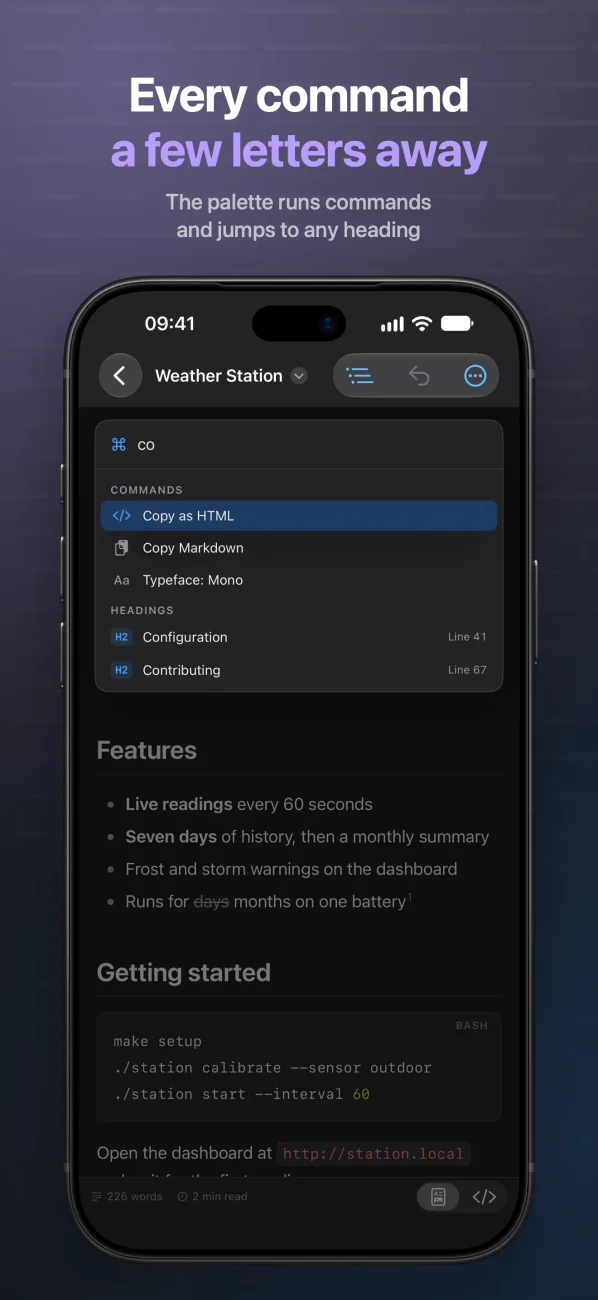
• Command palette: run any command by name or jump to any heading in a few keystrokes
EXPORT
• PDF with page breaks that never cut a line of text or a table row, page numbers, A4 or US Letter, and links that still work
• A single self-contained HTML file
• Print, Copy as HTML, Copy Markdown
AT HOME ON YOUR DEVICES
• Quick Look previews Markdown files in Finder and Files with the same rendering
• On Mac, one click makes Markdown Master the default app for .md files
• Opens files in UTF-8, UTF-16 and older encodings
• Four themes: Graphite, Midnight, Amber CRT and Daylight
• Seven languages: English, German, French, Ukrainian, Spanish, Japanese and Portuguese
• A built-in Markdown guide showing every construct with its result
No account, no ads, no tracking. Your documents stay in your own folders.
アプリのプライバシー
このアプリのデータの取り扱いについて、Volodymyr SichkaがApp Storeで申告している内容です。
-
データの収集なし
開発元はこのアプリからデータを収集しません。
プライバシーの取り扱いは、ご利用の機能やお客様の年齢などに応じて異なる場合があります。
情報
- 販売元
- Volodymyr Sichka
- カテゴリ
- 仕事効率化
- バージョン
- 1.0
- 更新日
- 2026/10/31
- リリース
- 2026/10/31
- サイズ
- 4.6 MB
- 必要条件
- iOS 18.0以降
- 対象年齢
- 4+
- 価格
- ¥800
- 言語
- 英語
- 著作権
- © 2026 Volodymyr Sichka