
- 対象年齢4+
- カテゴリユーティリティ
- 開発元友娥 尹
- 言語英語ほか2言語
- サイズ12.0 MB
App Storeの公式ページにリンクしています
Download.orgはMarkFlow: AI Format Engineのファイルを一切ホストしていません。ボタンを押すと、友娥 尹が公開しているApp Storeのアプリページが開きます。ページの最終確認:2026/11/12。
スクリーンショット


概要
開発元はこのテキストをお使いの言語で提供していません。
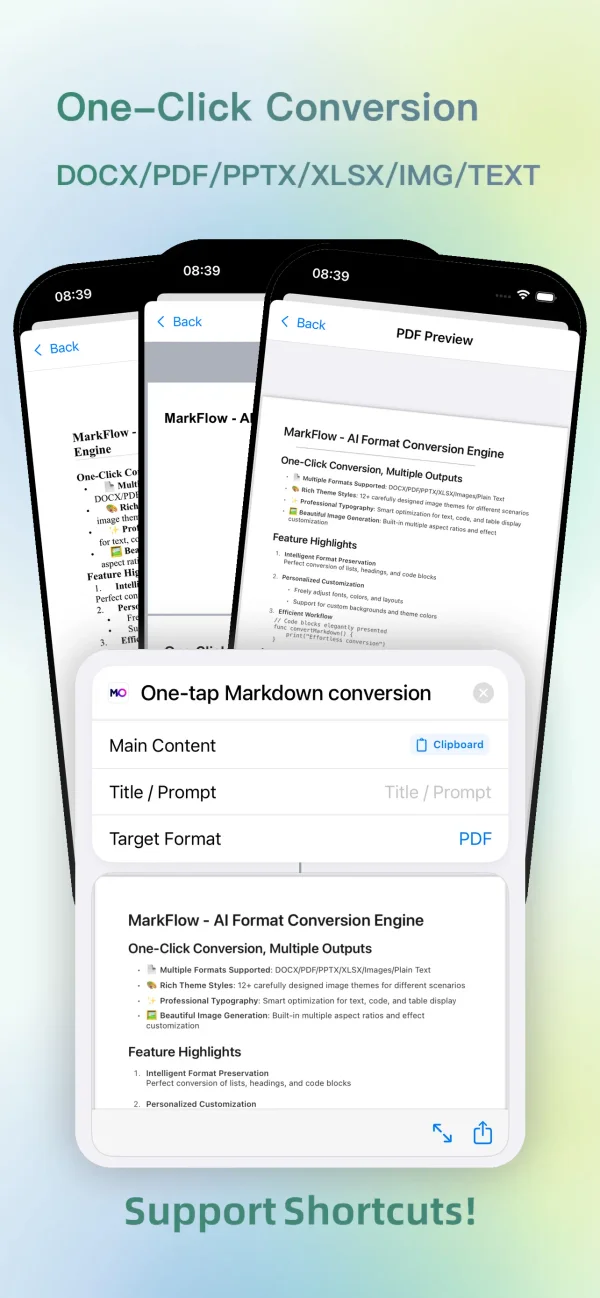
Say Goodbye to Markdown Symbols, Create Beautiful Documents with One Click
Convert Markdown from AI outputs to DOCX, PDF, PPTX, images, XLSX, TXT with one click. 12 beautiful image themes, offline processing, customizable image styles.
MarkFlow is a format conversion tool specially designed for processing AI output content, helping you easily convert Markdown text into various professional document formats. No internet required, local processing, protecting your privacy and security.
【Multiple Format Conversion】
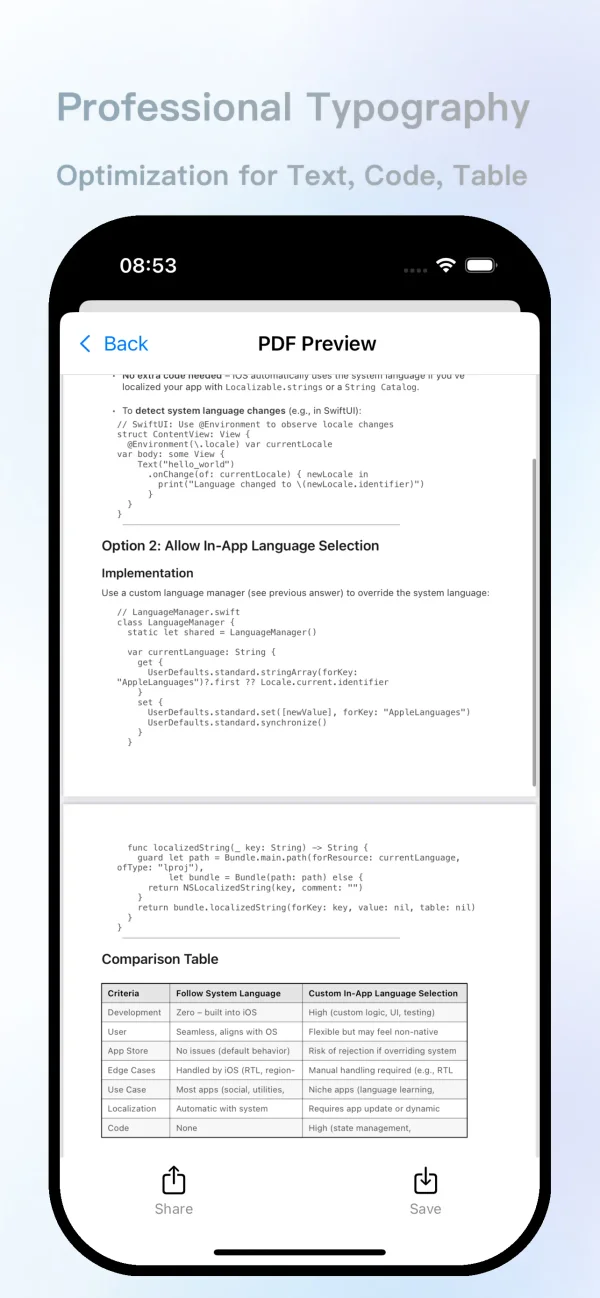
• Convert to documents (.docx), PDF files, presentations (.pptx), spreadsheets (.xlsx), beautiful images, and plain text with one click
• Preserve original formatting and layout, making AI output content instantly professional and beautiful
• Quick conversion interface, start converting with a simple click, no complex operations needed
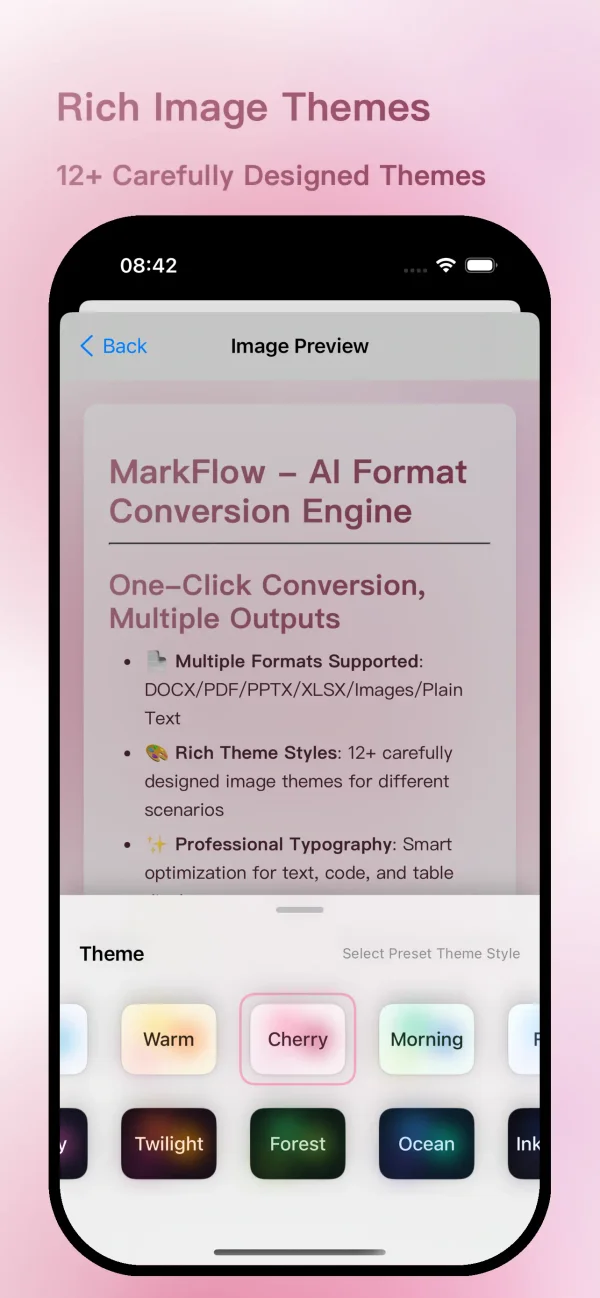
【Beautiful Image Themes】
• 12 carefully designed image themes: Clear Sky, Starry Night, Warm Sun, Forest, Ocean, Dusk, Cherry Blossom, Morning Dew, Frost, Ink Night, Green Field, and Purple Glow
• Each theme has matching background, text, and accent colors, presenting a harmonious and beautiful visual effect
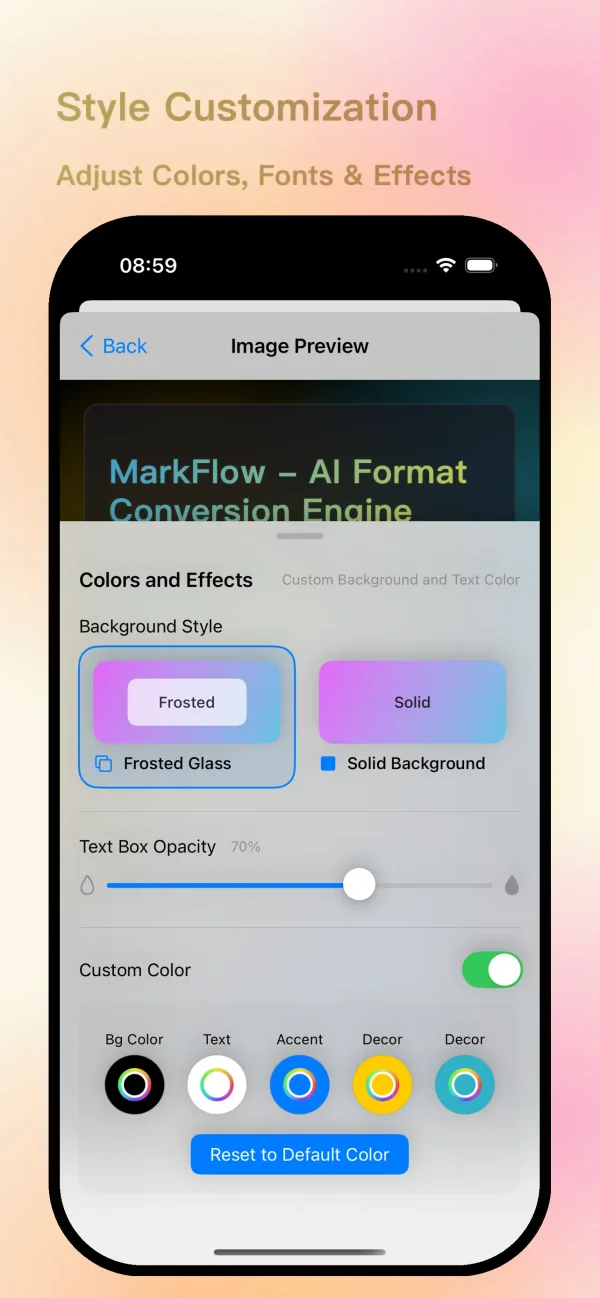
• Support for custom theme colors to meet personalized needs
【iOS Shortcuts Support】
• Convert Markdown to various document formats with a single tap via iOS Shortcuts
• Transform Markdown into beautiful images and preview them directly within Shortcuts
• Complete conversions without opening the app, enhancing your productivity
【Rich Style Options】
• Multiple image size presets: Square (1:1), Portrait (3:4), Standard (4:3), Vertical Screen (9:16), Horizontal Screen (16:9), and custom sizes
• Various font schemes: System Default, Medium Black, Light, Happy Black, Good Body, Sugar Round, and more
• Support for frosted glass and solid color background text box styles
• Adjustable content padding and container padding to optimize layout effects
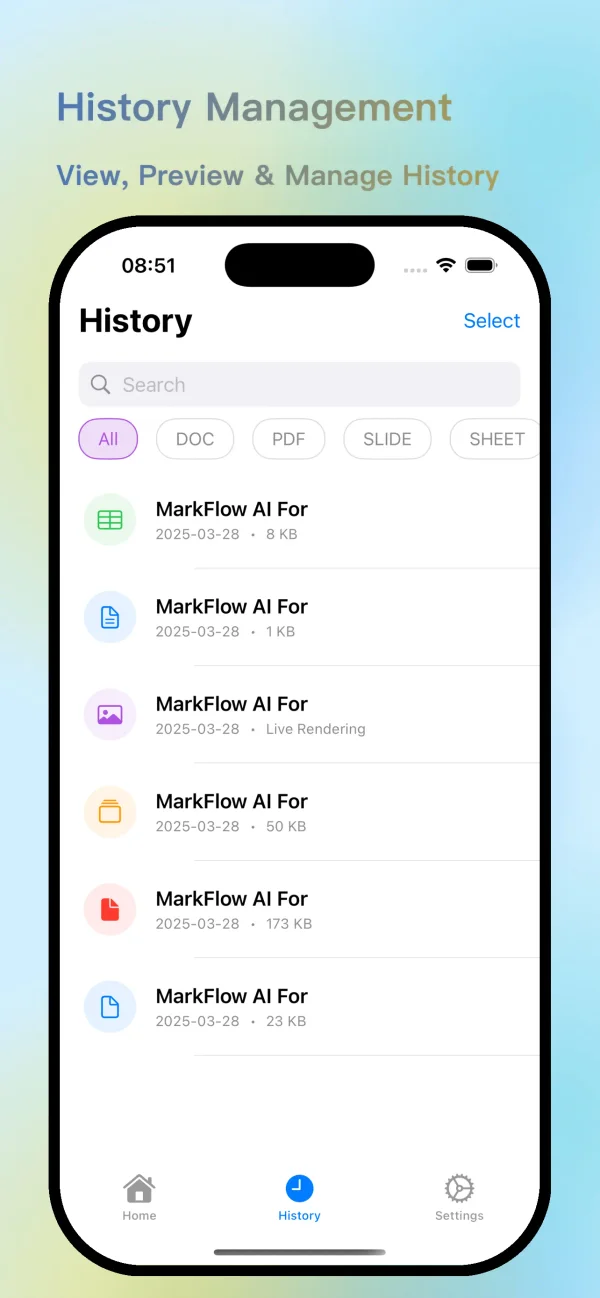
【Convenient History Records】
• Automatically save all conversion records for viewing and reuse anytime
• Filter history records by document type
• Batch selection and deletion functions for easy history management
【Simple and Efficient Operation】
• Intuitive user interface with clear function layout
• Support for one-click pasting of AI output content
• No internet required, local processing, protecting your privacy
MarkFlow is a powerful assistant for processing AI output content, helping you say goodbye to Markdown symbol troubles and easily create professional and beautiful documents. Whether for study notes, work reports, presentations, or data analysis, MarkFlow can help you quickly complete format conversions and improve work efficiency.
Download MarkFlow and turn AI output into beautiful documents instantly!
新機能
バージョン 1.0.6 · 2025/4/9
- Minor bug fix
アプリのプライバシー
このアプリのデータの取り扱いについて、友娥 尹がApp Storeで申告している内容です。
-
データの収集なし
開発元はこのアプリからデータを収集しません。
プライバシーの取り扱いは、ご利用の機能やお客様の年齢などに応じて異なる場合があります。
情報
- 販売元
- 友娥 尹
- カテゴリ
- ユーティリティ
- バージョン
- 1.0.6
- 更新日
- 2025/4/9
- リリース
- 2025/3/30
- サイズ
- 12.0 MB
- 必要条件
- iOS 16.6以降
- 対象年齢
- 4+
- 価格
- ¥150
- 言語
- 英語, 簡体字中国語, 繁体字中国語
- 著作権
- © Yin Youe
こちらもおすすめ
-
 WiFiガーディアン–侵入者を阻止Wi-Fiを保護し使用状況を監視
-
 MDconvert - to pdf/word/imageユーティリティ
-
 ScreenPickユーティリティ
-
 LogViewer - App Log Viewerユーティリティ
-
 奇妙搜索 - 聚合全网资源搜索ユーティリティ
-
 DS随心转 - AI对话导出Wordユーティリティ
-
 鲸鱼AI助手 - AI导出Wordユーティリティ
-
 MarkFlow:Markdown ファイルを読むAI の回答を、美しく読みやすく.
-
 Markdown PDF高速変換ツール.mdエディタ/オフライン出力・印刷・共有
-
 WordGlean:Kindleハイライト本の引用を毎日ホーム画面に表示