- 対象年齢4+
- カテゴリ仕事効率化
- 開発元Santiago Alonso Alexandre
- 言語英語
- サイズ6.5 MB
App Storeの公式ページにリンクしています
Download.orgはMarkflow — Markdown Readerのファイルを一切ホストしていません。ボタンを押すと、Santiago Alonso Alexandreが公開しているApp Storeのアプリページが開きます。ページの最終確認:2026/11/15。
スクリーンショット

概要
開発元はこのテキストをお使いの言語で提供していません。
The markdown reader you've been missing.
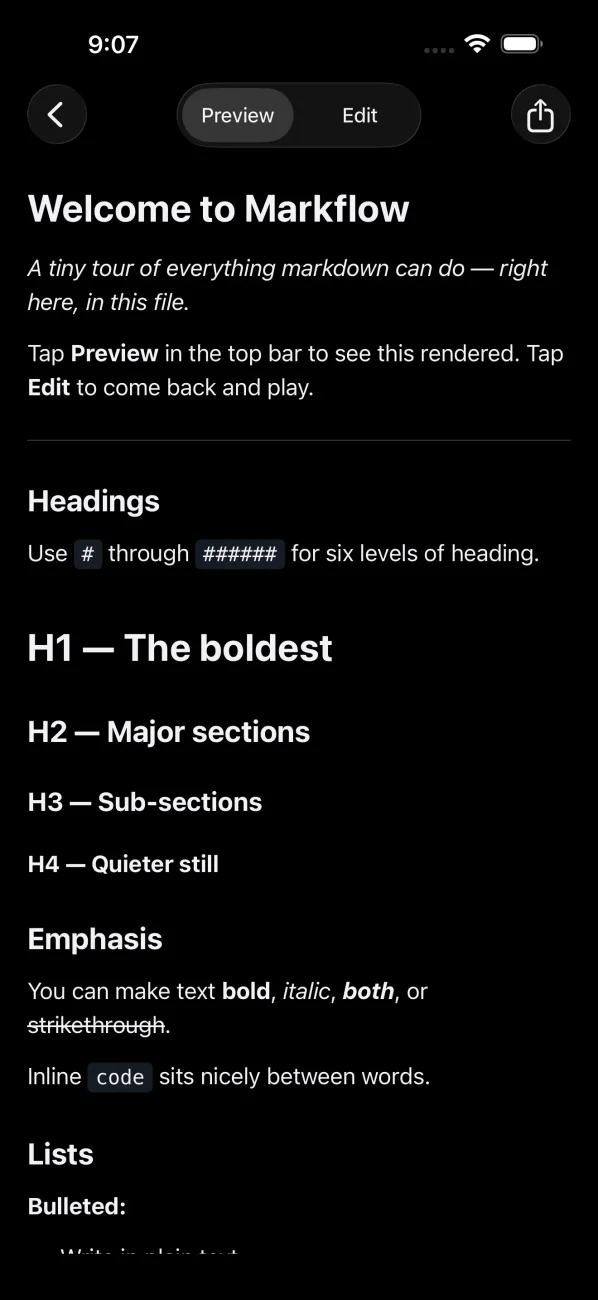
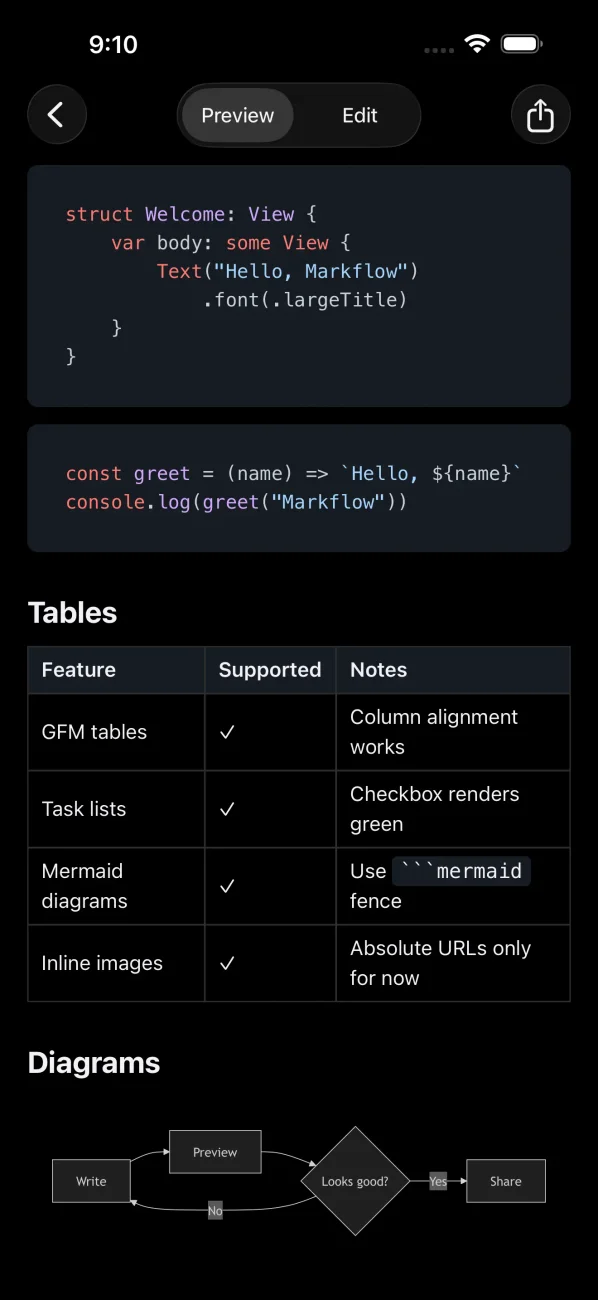
Markflow opens .md files from Files, Mail, Safari downloads, or the share sheet and renders them properly. GitHub-flavored markdown, syntax-highlighted
code, mermaid diagrams, tables, task lists, and more.
Originals are never touched. Edits live in memory until you explicitly Save, Save as New File, or Share a copy.
WHAT YOU CAN DO
• Open any .md, .markdown, or .mdown file from any app
• Read with a clean, native preview
• Edit with a markdown toolbar above the keyboard. Bold, italic, headings, lists, links, images, code, quotes, all one tap away.
• Pinch to zoom in both Preview and Edit
• Export an edited copy via the system share sheet
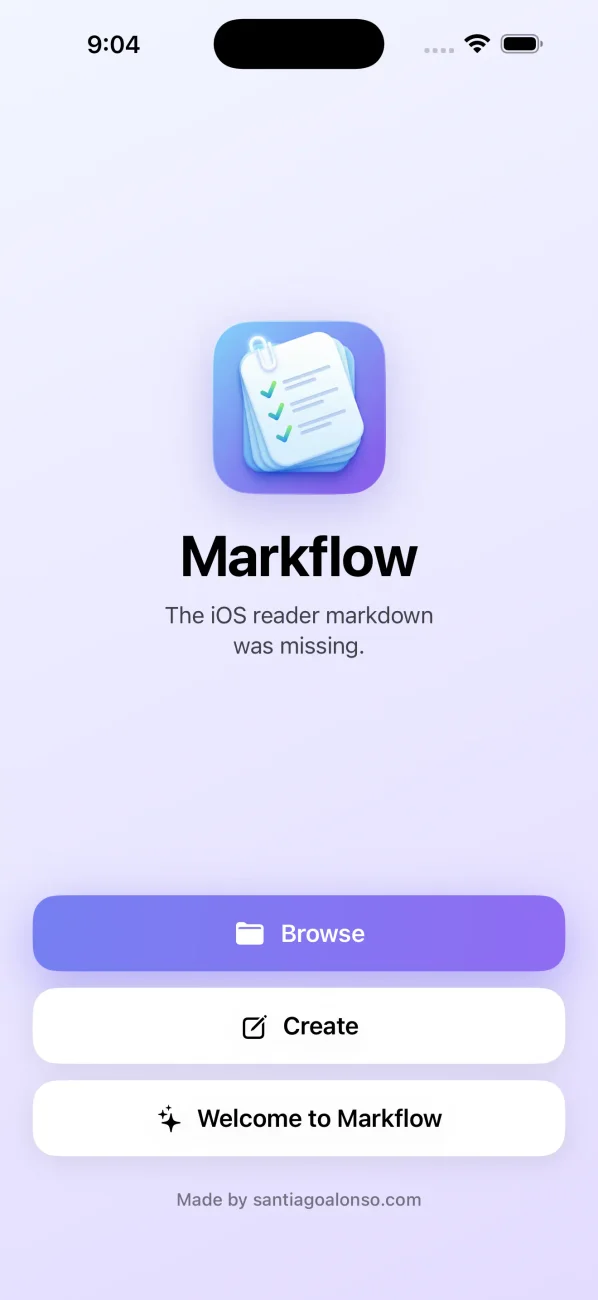
• Tap Create to start a new blank file, or "Welcome to Markflow" for a full feature tour
WHAT IT RENDERS
• Headings, lists, blockquotes, links, images
• Syntax-highlighted code blocks
• Mermaid flowcharts and diagrams
• GitHub-flavored markdown tables
• Task lists with checkboxes
• Inline images (absolute URLs)
PRIVACY
Markflow makes zero network requests and collects zero data. No accounts. No login. No analytics. No tracking. No ads. The renderer is a sandboxed local
file with a Content Security Policy that blocks all remote resources.
Your files stay on your device.
DESIGN
Built native with SwiftUI and the Liquid Glass nav bar. Light and dark mode. Adaptive home screen. Stock Apple Human Interface Guidelines throughout.
WHO IT'S FOR
• Writers who keep notes in markdown
• Developers reading READMEs and docs on the go
• Anyone who's been emailed a .md and had nowhere to open it
• People who want a markdown reader that does one thing well
Open source. MIT licensed. github.com/madebysan/markflow
新機能
バージョン 0.2.0 · 2026/5/12
v0.2.0 — Themes, fonts, and a lot more
NEW
• Pick from 5 color themes (Indigo, Forest, Sunset, Ocean, Graphite). Each is tuned for both light and dark mode.
• Switch between System, Light, and Dark from Settings.
• Choose your reading font: System, Rounded, Charter, Monospace, iA Writer, or JetBrains Mono.
• Editor and Preview font sizes are independently adjustable.
• Recent files appear on the Home screen.
• Insert images directly into your markdown via the photo picker. On Save, images are copied next to your .md file so they render in any other markdown app too.
• Export any document as a PDF.
• Filename shows in the nav bar. Tap the menu to rename in place.
POLISHED
• Floating glass toolbar in the editor with larger touch targets and a working hide-keyboard button.
• Single-icon mode toggle: tap the eye to read, pencil to write.
• Swipe from the left edge to dismiss any open document.
• Settings shortcut from inside any document's menu.
• Softer light/dark home palette.
PRIVACY
Markflow continues to make zero network requests and collect no data. This release ships with the App Store privacy manifest.
アプリのプライバシー
このアプリのデータの取り扱いについて、Santiago Alonso AlexandreがApp Storeで申告している内容です。
-
データの収集なし
開発元はこのアプリからデータを収集しません。
プライバシーの取り扱いは、ご利用の機能やお客様の年齢などに応じて異なる場合があります。
情報
- 販売元
- Santiago Alonso Alexandre
- カテゴリ
- 仕事効率化
- バージョン
- 0.2.0
- 更新日
- 2026/5/12
- リリース
- 2026/4/26
- サイズ
- 6.5 MB
- 必要条件
- iOS 26.0以降
- 対象年齢
- 4+
- 価格
- 無料
- 言語
- 英語
- 著作権
- © 2026 Santiago Alonso