- 対象年齢4+
- カテゴリ教育
- 開発元Harpo
- 言語英語ほか12言語
- サイズ8.4 MB
App Storeの公式ページにリンクしています
Download.orgはMBMimicのファイルを一切ホストしていません。ボタンを押すと、Harpoが公開しているApp Storeのアプリページが開きます。ページの最終確認:2026/11/23。
スクリーンショット

概要
開発元はこのテキストをお使いの言語で提供していません。
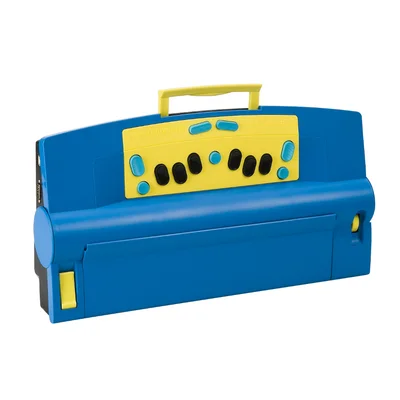
The MBMimic is a program to use with the new Mountbatten Brailler devices that are Bluetooth enabled.
The MBMimic serves the teachers, parents or blind users that want to:
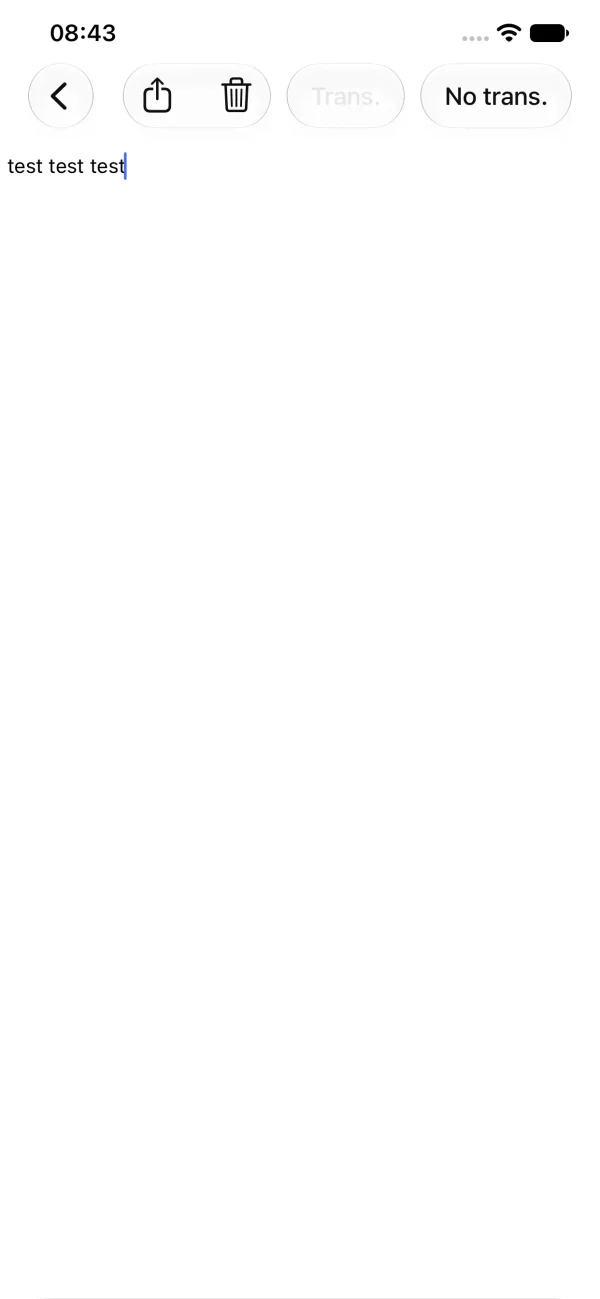
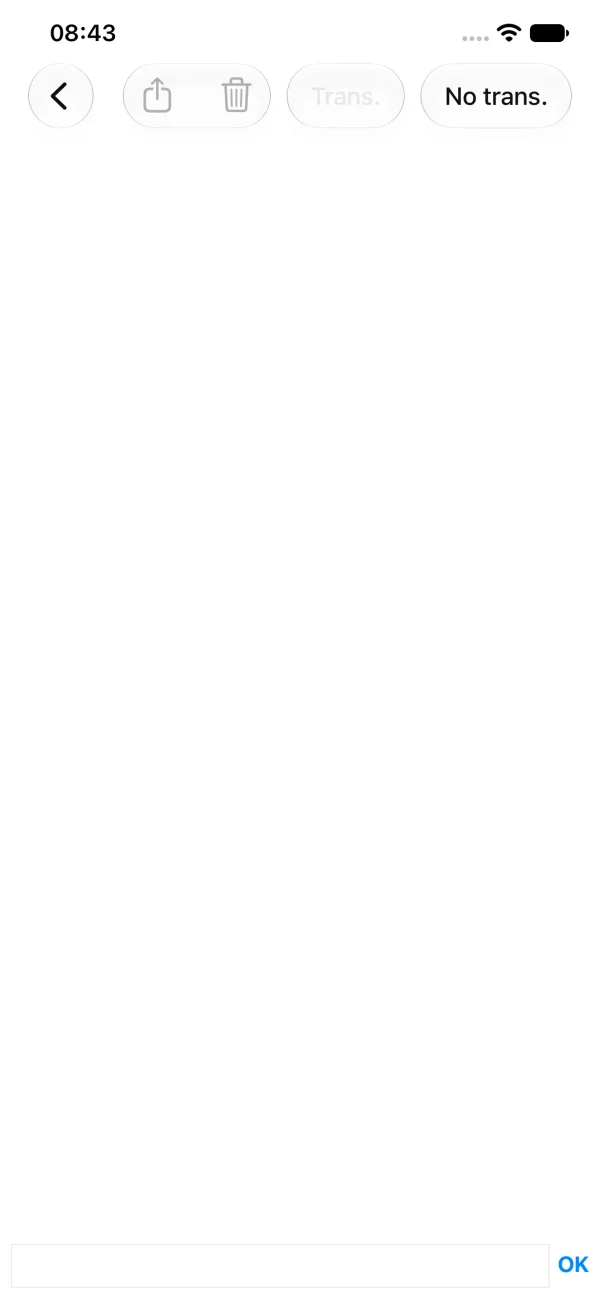
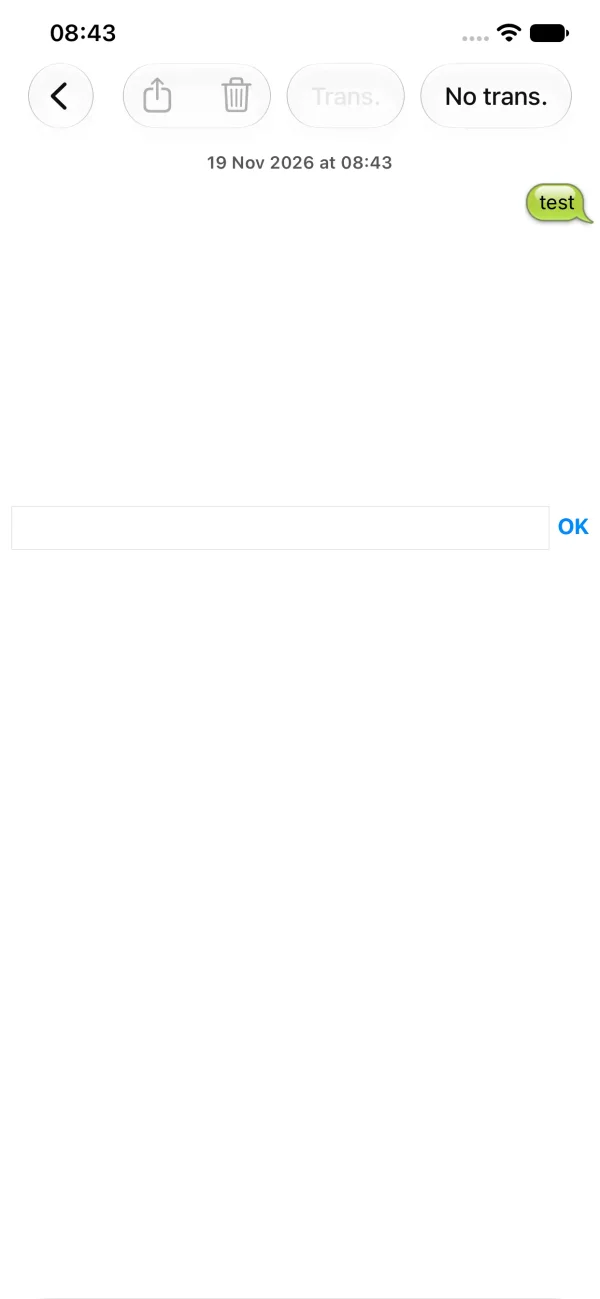
- chat with a Mountbatten Brailler user using his/her iOS device,
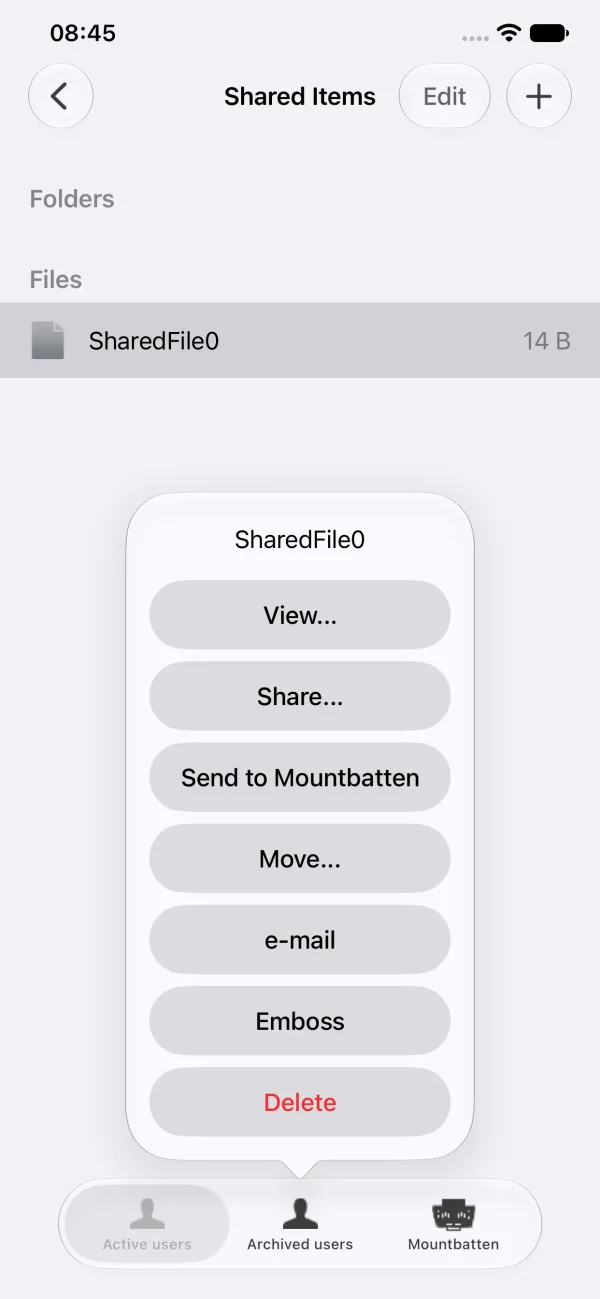
- collect files from Mountbatten Brailler memory for reviewing or editing,
- emboss files using the Mountbatten Brailler,
- upload files to the Mountbatten Brailler.
The app is designed to be accessible for visually impaired users.
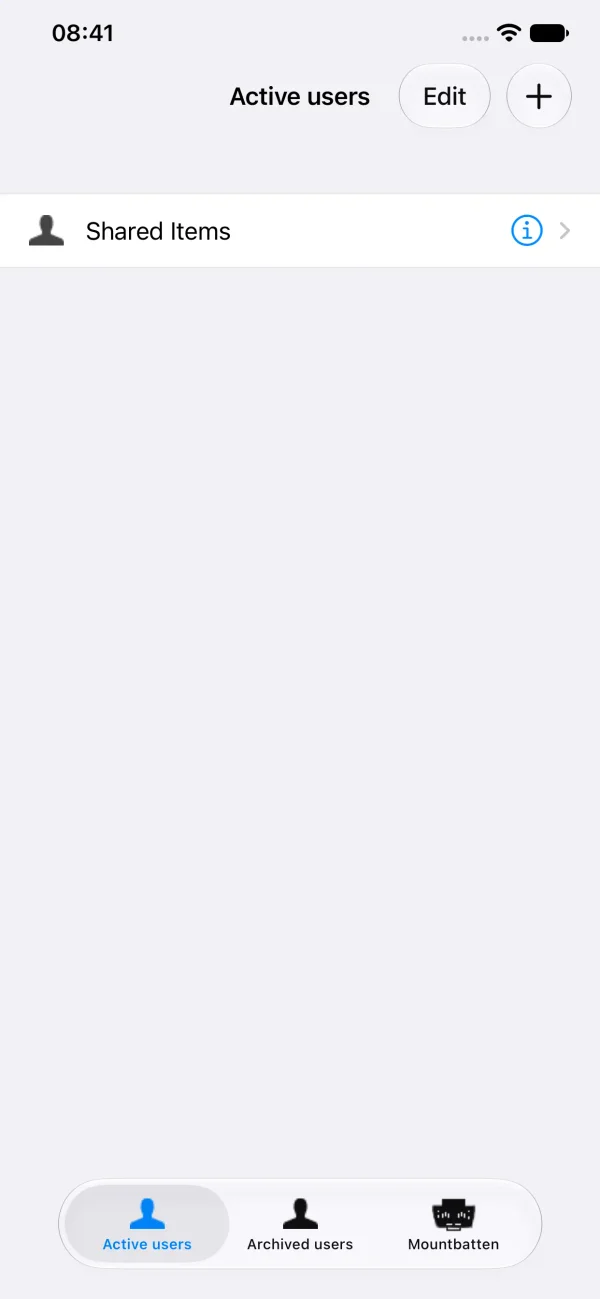
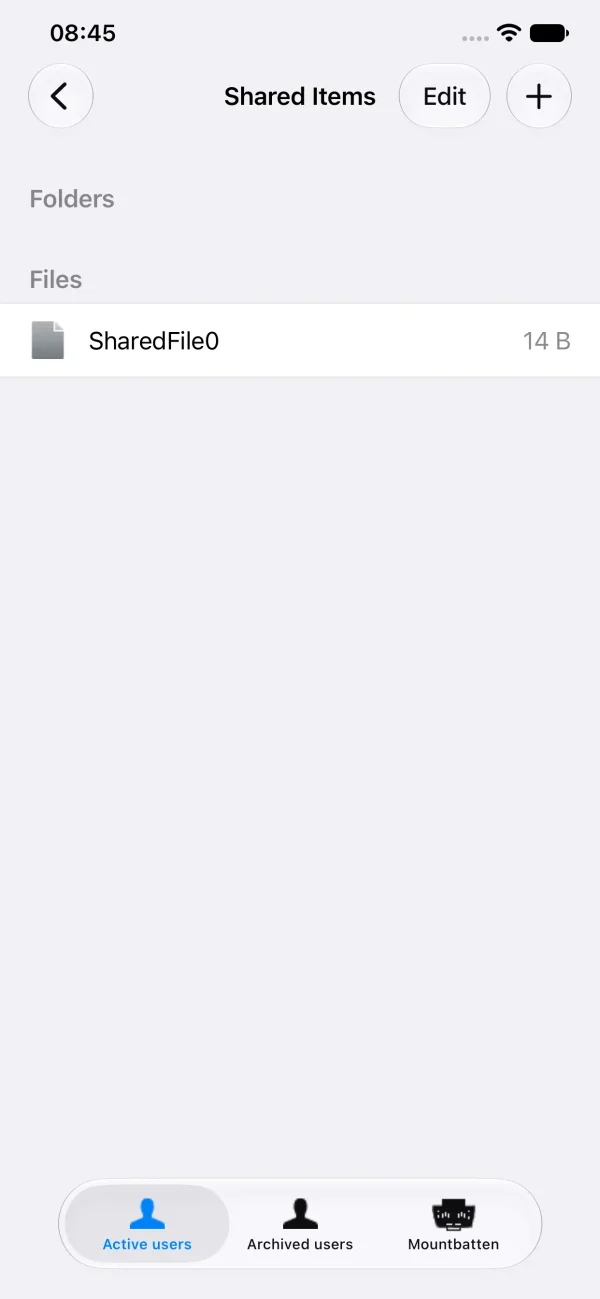
The MBMimic connects to one of Mountbatten Braillers available near your iOS device. List of users with subfolders allows for organizing the files in a school situation. Users can be archived to a separate list.
The files imported from a connected Mountbatten Brailler can be moved between user folders, viewed, edited and shared.
Requirements:
- new Bluetooth enabled Mountbatten Brailler Plus, Mountbatten Brailler Pro and Mountbatten Brailler Learning System.
- low-power Bluetooth 4 that can be found in iPhone 4S, 3rd generation iPad, iPad Mini and iPod 4th generation or newer devices.
Important information for new users:
Connecting MBMimic to Mountbatten Brailler
Before you beginning connecting MBMimic to a Mountbatten Brailler, please make sure that the Brailler is turned on and paper is loaded.
1. When you turn the Mountbatten on, the Bluetooth® Smart module gets automatically activated. After two seconds the BT module sends a serial number request to the Mountbatten.
2. NO pairing is necessary. Your Mountbatten will not be listed in the Bluetooth Settings on your iDevice.
3. Run MBMimic on your iDevice.
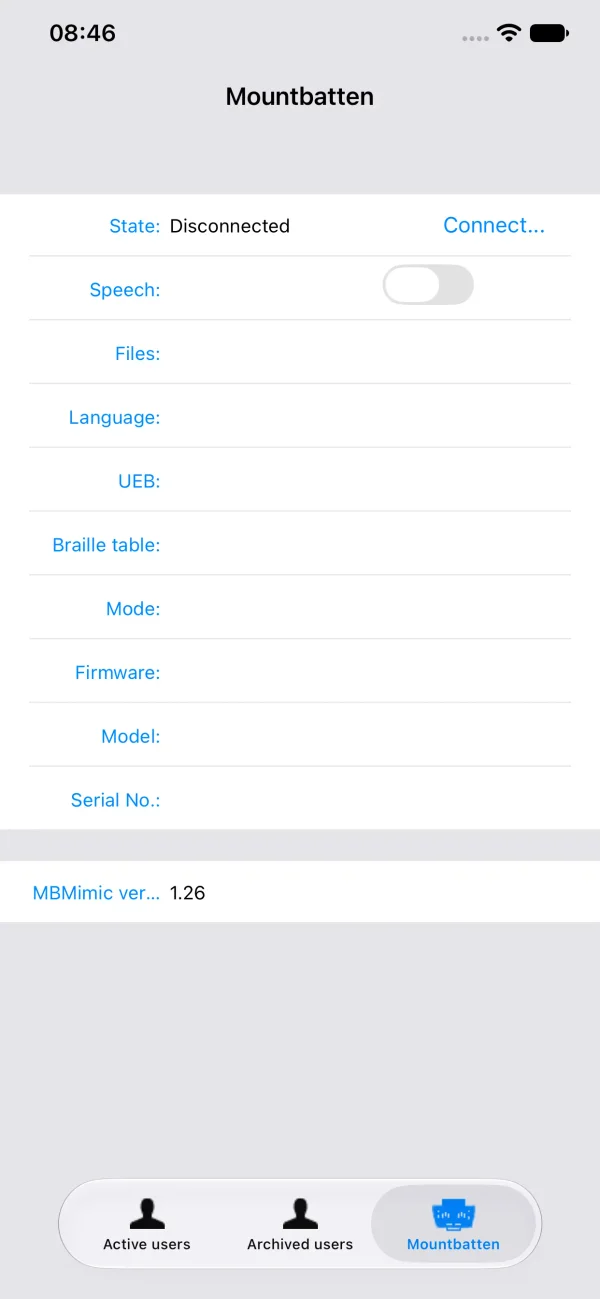
4. In MBMimic tap on the Mountbatten tab at the bottom of the screen of your iOS device. The program will be looking for any active Mountbatten in the vicinity. After a list appears, select the unit you want to connect to. A connection screen will show up saying "Connecting to Mountbatten"
5. You should hear the Mountbatten beep several times and after a few seconds, your MBMimic will connect with the brailler. Tap Done and you will be taken to the home screen
新機能
バージョン 1.26 · 2026/11/20
- Corrected sending longer texts to the device in some languages where wrong characters where being sent.
- Corrected an application error when trying to send file via email on the device with no e-mail account configured.
アプリのプライバシー
このアプリのデータの取り扱いについて、HarpoがApp Storeで申告している内容です。
-
データの収集なし
開発元はこのアプリからデータを収集しません。
プライバシーの取り扱いは、ご利用の機能やお客様の年齢などに応じて異なる場合があります。
情報
- 販売元
- IBARiM Sp. z o. o.
- カテゴリ
- 教育
- バージョン
- 1.26
- 更新日
- 2026/11/20
- リリース
- 2013/8/5
- サイズ
- 8.4 MB
- 必要条件
- iOS 15.6以降
- 対象年齢
- 4+
- 価格
- 無料
- 言語
- 英語, チェコ語, オランダ語, フランス語, ドイツ語, ギリシャ語, イタリア語, ノルウェー語 (ブークモール), ポーランド語, ポルトガル語, ロシア語, スペイン語 ほか1言語
- 著作権
- © 2013 Harpo Sp. z o.o.