- Độ tuổi4+
- Danh mụcGiáo Dục
- Nhà phát triểnHarpo
- Ngôn ngữTiếng Anh+ 12 ngôn ngữ khác
- Kích thước8,4 MB
Liên kết đến trang App Store chính thức
Download.org không lưu trữ tệp nào của MBMimic. Nút này mở trang ứng dụng trên App Store, nơi Harpo phát hành ứng dụng. Trang được kiểm tra lần cuối: 23/11/2026.
Ảnh chụp màn hình

Giới thiệu
Nhà phát triển chưa cung cấp nội dung này bằng ngôn ngữ của bạn.
The MBMimic is a program to use with the new Mountbatten Brailler devices that are Bluetooth enabled.
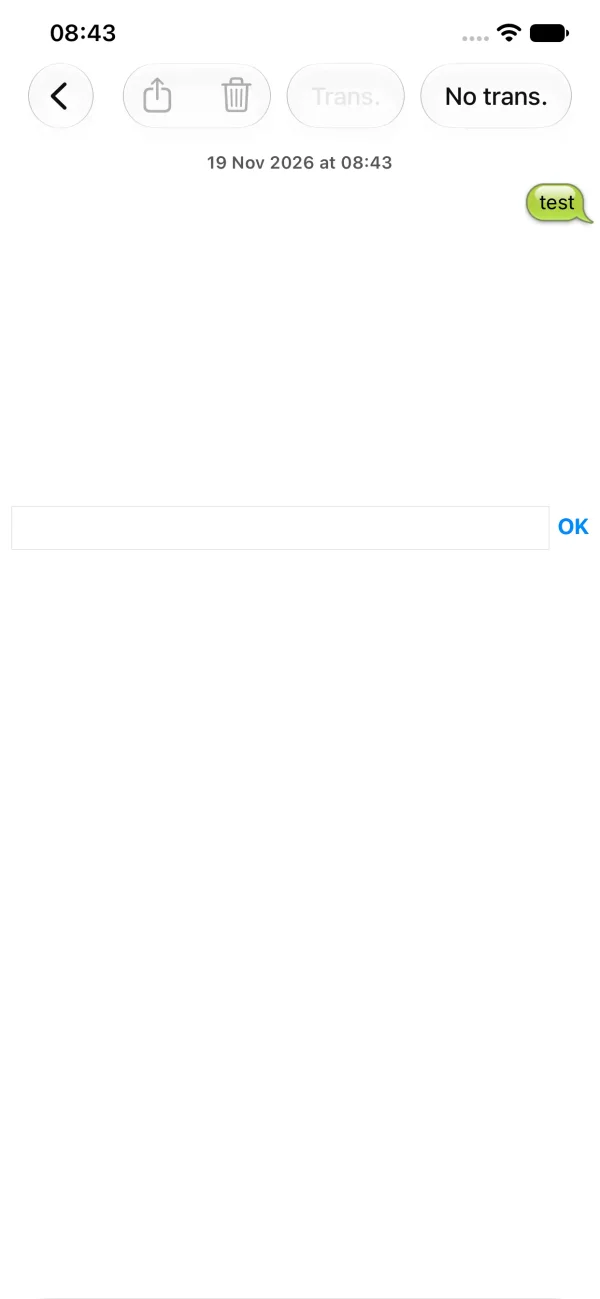
The MBMimic serves the teachers, parents or blind users that want to:
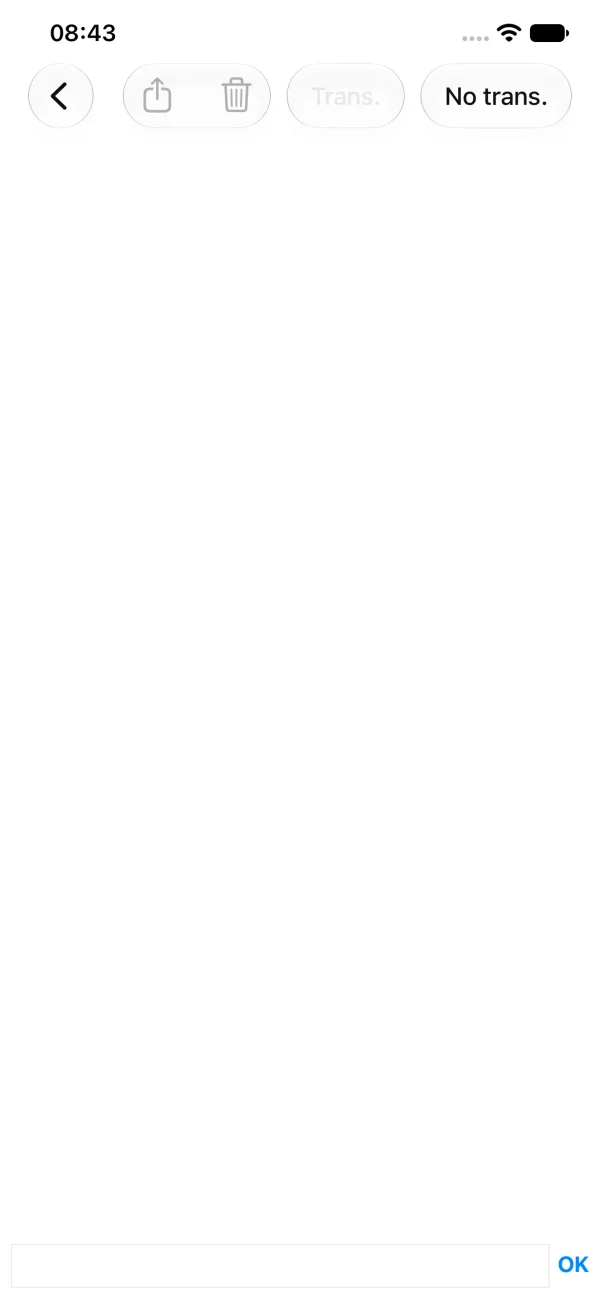
- chat with a Mountbatten Brailler user using his/her iOS device,
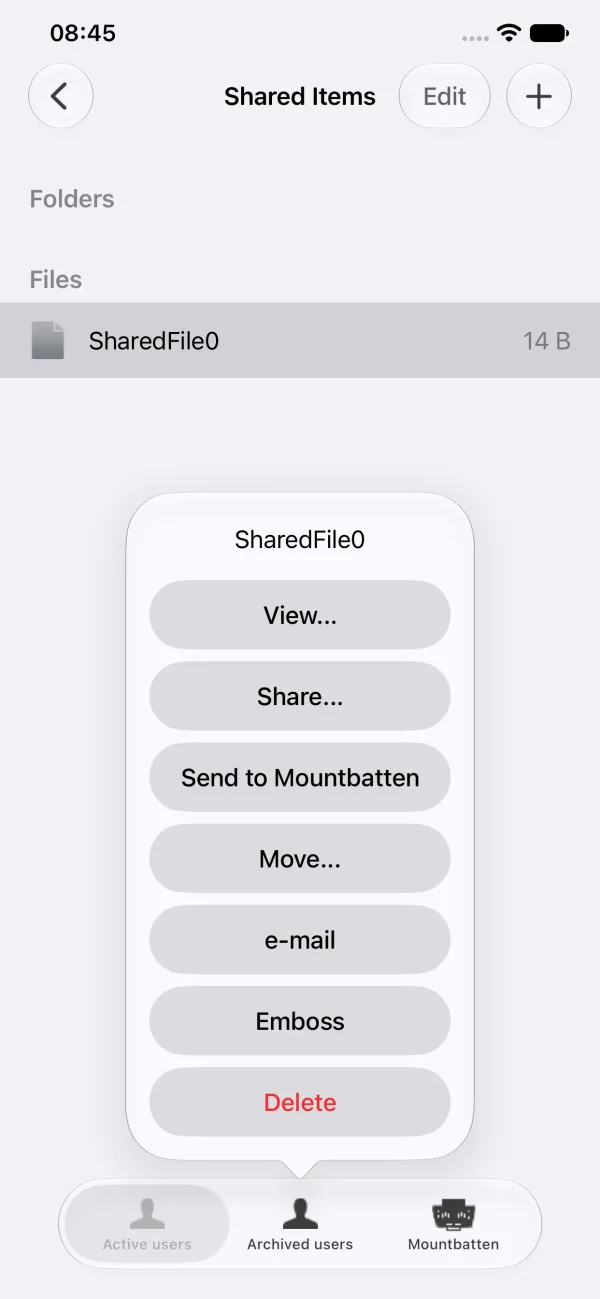
- collect files from Mountbatten Brailler memory for reviewing or editing,
- emboss files using the Mountbatten Brailler,
- upload files to the Mountbatten Brailler.
The app is designed to be accessible for visually impaired users.
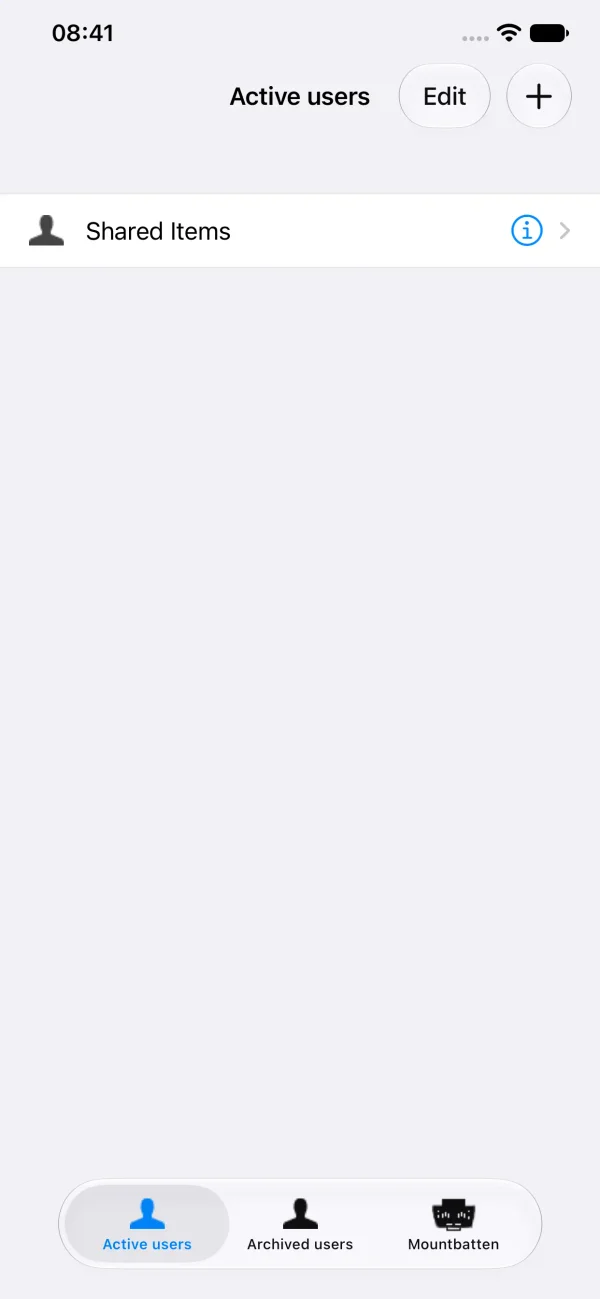
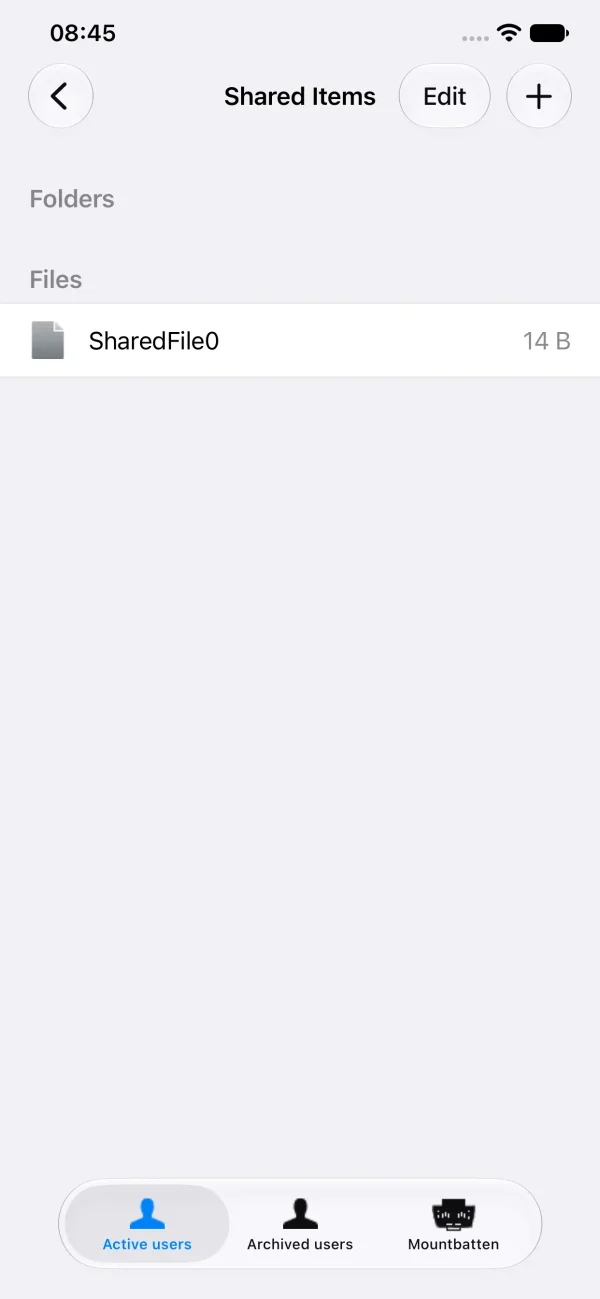
The MBMimic connects to one of Mountbatten Braillers available near your iOS device. List of users with subfolders allows for organizing the files in a school situation. Users can be archived to a separate list.
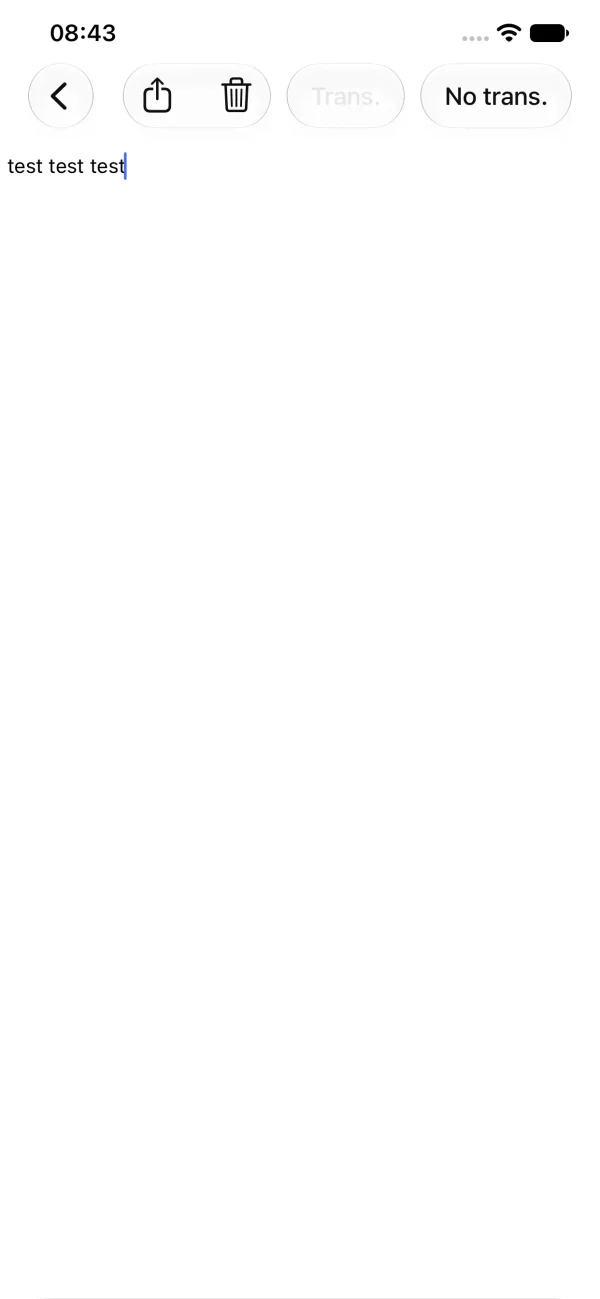
The files imported from a connected Mountbatten Brailler can be moved between user folders, viewed, edited and shared.
Requirements:
- new Bluetooth enabled Mountbatten Brailler Plus, Mountbatten Brailler Pro and Mountbatten Brailler Learning System.
- low-power Bluetooth 4 that can be found in iPhone 4S, 3rd generation iPad, iPad Mini and iPod 4th generation or newer devices.
Important information for new users:
Connecting MBMimic to Mountbatten Brailler
Before you beginning connecting MBMimic to a Mountbatten Brailler, please make sure that the Brailler is turned on and paper is loaded.
1. When you turn the Mountbatten on, the Bluetooth® Smart module gets automatically activated. After two seconds the BT module sends a serial number request to the Mountbatten.
2. NO pairing is necessary. Your Mountbatten will not be listed in the Bluetooth Settings on your iDevice.
3. Run MBMimic on your iDevice.
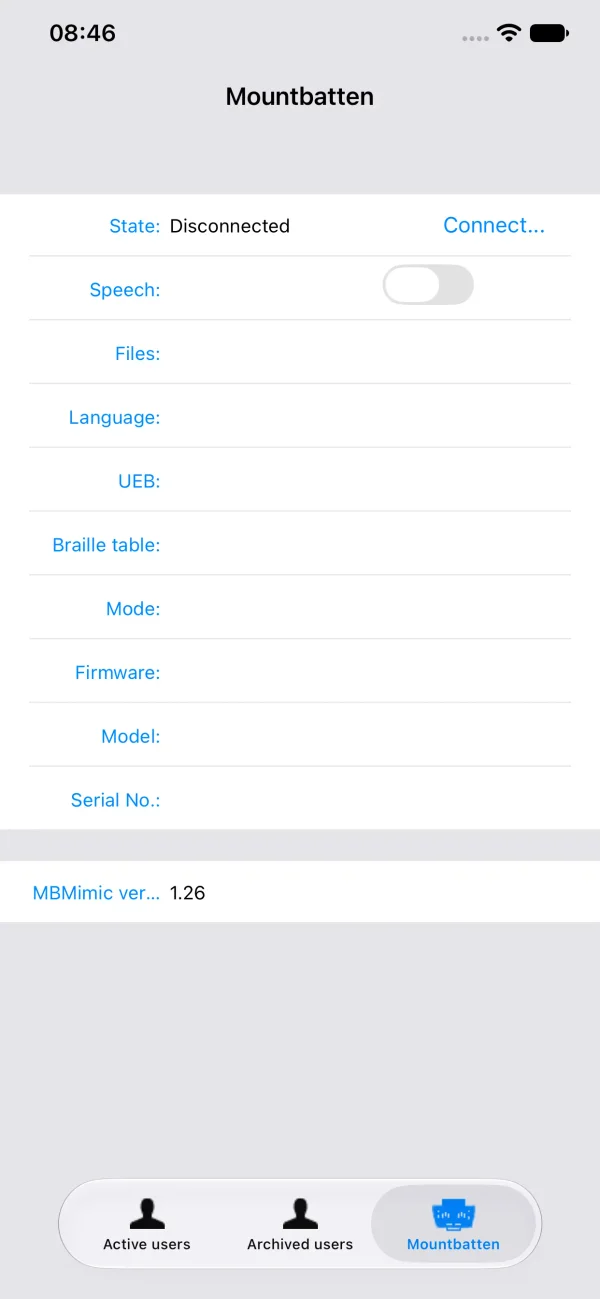
4. In MBMimic tap on the Mountbatten tab at the bottom of the screen of your iOS device. The program will be looking for any active Mountbatten in the vicinity. After a list appears, select the unit you want to connect to. A connection screen will show up saying "Connecting to Mountbatten"
5. You should hear the Mountbatten beep several times and after a few seconds, your MBMimic will connect with the brailler. Tap Done and you will be taken to the home screen
Có gì mới
Phiên bản 1.26 · 20/11/2026
- Corrected sending longer texts to the device in some languages where wrong characters where being sent.
- Corrected an application error when trying to send file via email on the device with no e-mail account configured.
Quyền riêng tư của ứng dụng
Những gì Harpo khai báo trên App Store về cách ứng dụng này xử lý dữ liệu.
-
Dữ liệu không được thu thập
Nhà phát triển không thu thập bất kỳ dữ liệu nào từ ứng dụng này.
Phương thức đảm bảo quyền riêng tư có thể khác nhau, chẳng hạn như tuỳ theo các tính năng bạn sử dụng hoặc độ tuổi của bạn.
Thông tin
- Người bán
- IBARiM Sp. z o. o.
- Danh mục
- Giáo Dục
- Phiên bản
- 1.26
- Cập nhật
- 20/11/2026
- Phát hành
- 05/08/2013
- Kích thước
- 8,4 MB
- Yêu cầu
- iOS 15.6 trở lên
- Độ tuổi
- 4+
- Giá
- Miễn phí
- Ngôn ngữ
- Tiếng Anh, Tiếng Séc, Tiếng Hà Lan, Tiếng Pháp, Tiếng Đức, Tiếng Hy Lạp, Tiếng Ý, Tiếng Bokmål Na Uy, Tiếng Ba Lan, Tiếng Bồ Đào Nha, Tiếng Nga, Tiếng Tây Ban Nha + 1 ngôn ngữ khác
- Bản quyền
- © 2013 Harpo Sp. z o.o.