- Batasan usia4+
- KategoriPendidikan
- PengembangHarpo
- BahasaInggris+ 12 lainnya
- Ukuran8,4 MB
Tertaut ke halaman resmi App Store
Download.org tidak menyimpan file MBMimic apa pun. Tombol ini membuka halaman aplikasi di App Store, tempat Harpo menerbitkannya. Halaman terakhir diperiksa pada 23/11/2026.
Tangkapan layar

Tentang
Pengembang belum menyediakan teks ini dalam bahasa Anda.
The MBMimic is a program to use with the new Mountbatten Brailler devices that are Bluetooth enabled.
The MBMimic serves the teachers, parents or blind users that want to:
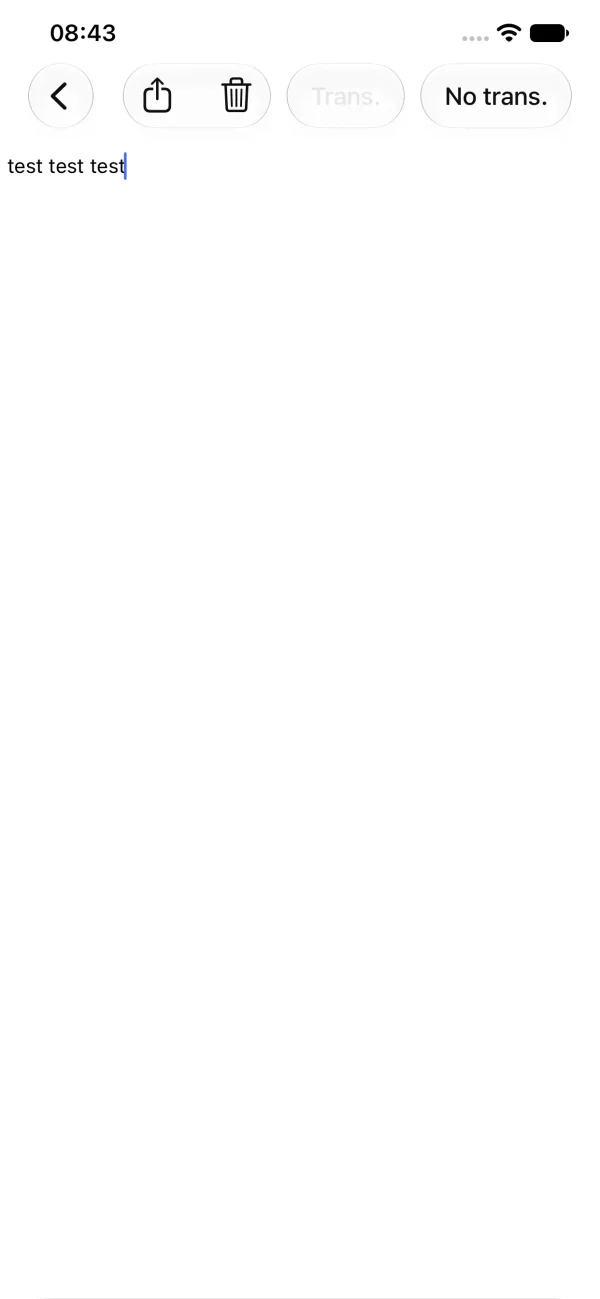
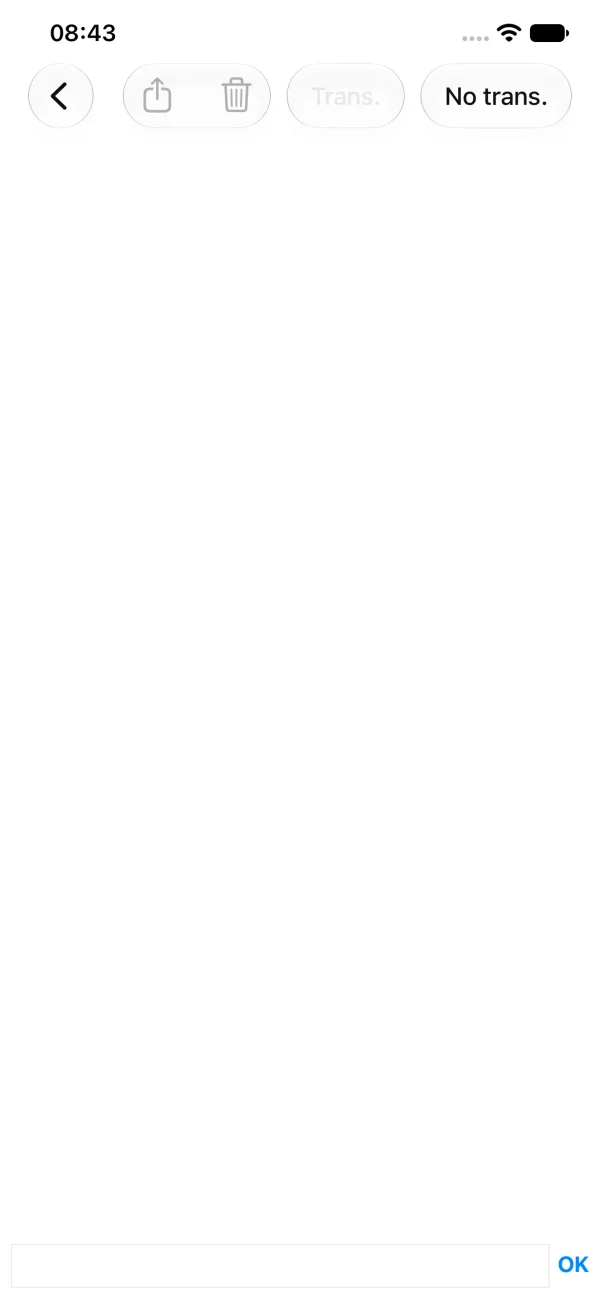
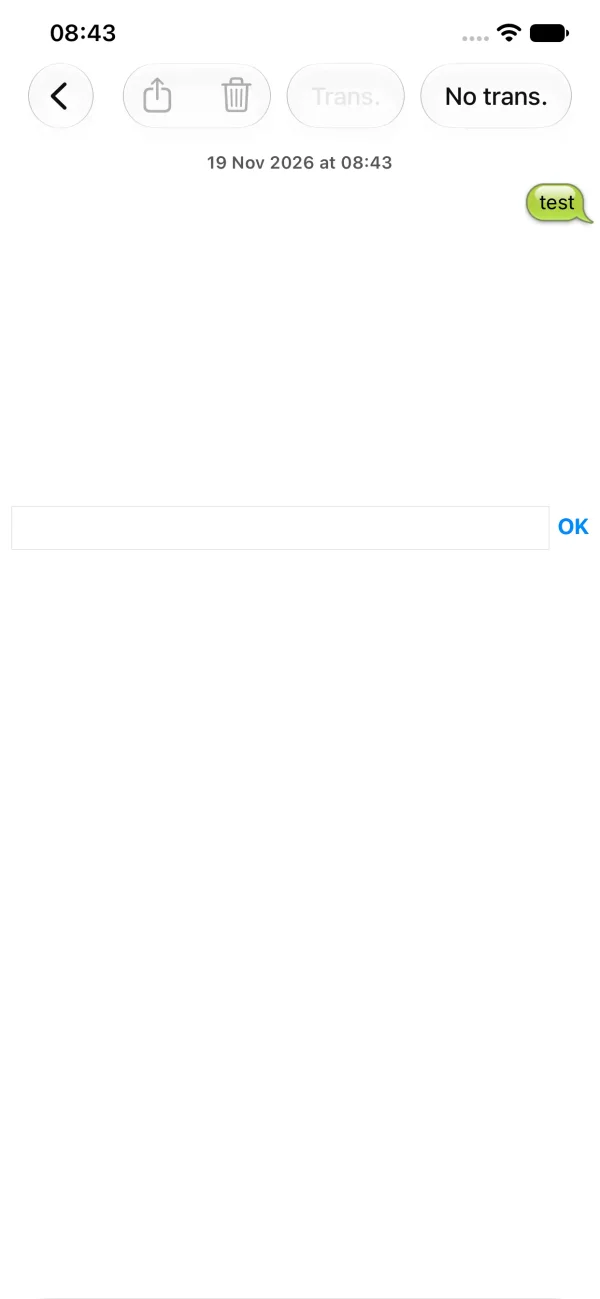
- chat with a Mountbatten Brailler user using his/her iOS device,
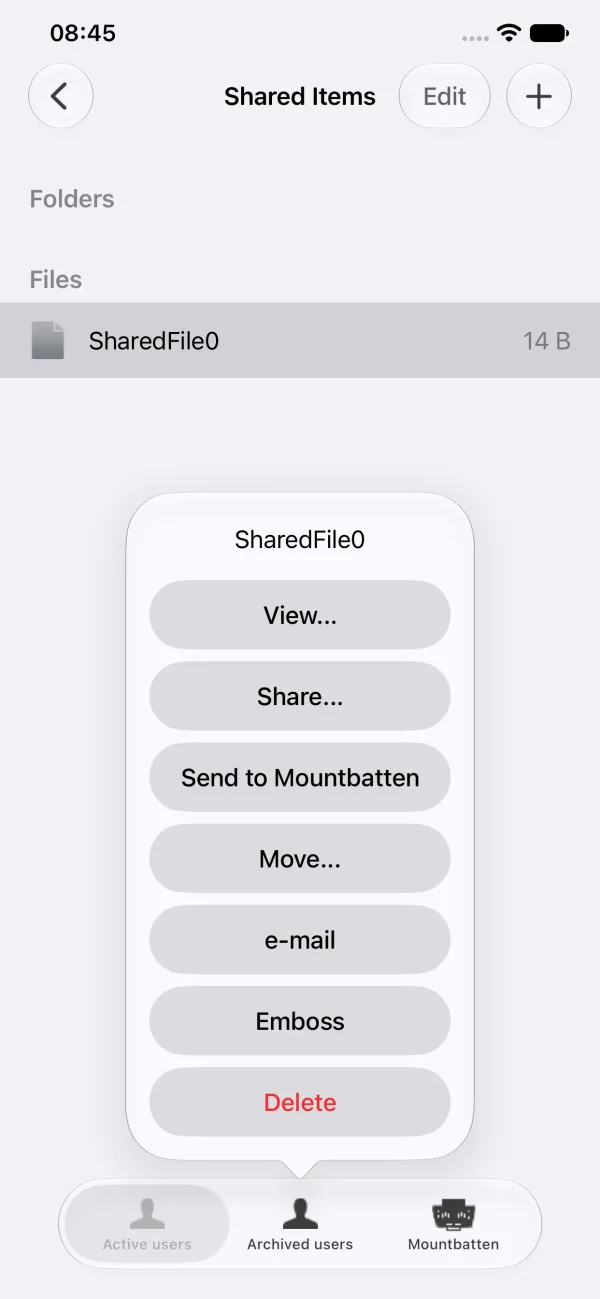
- collect files from Mountbatten Brailler memory for reviewing or editing,
- emboss files using the Mountbatten Brailler,
- upload files to the Mountbatten Brailler.
The app is designed to be accessible for visually impaired users.
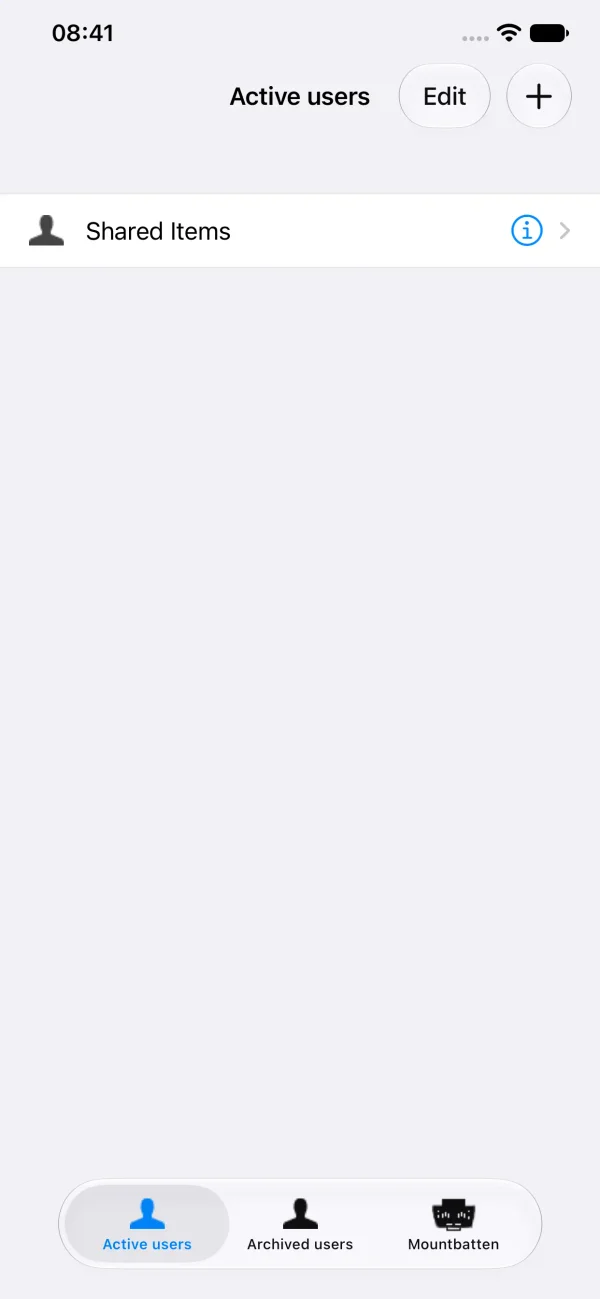
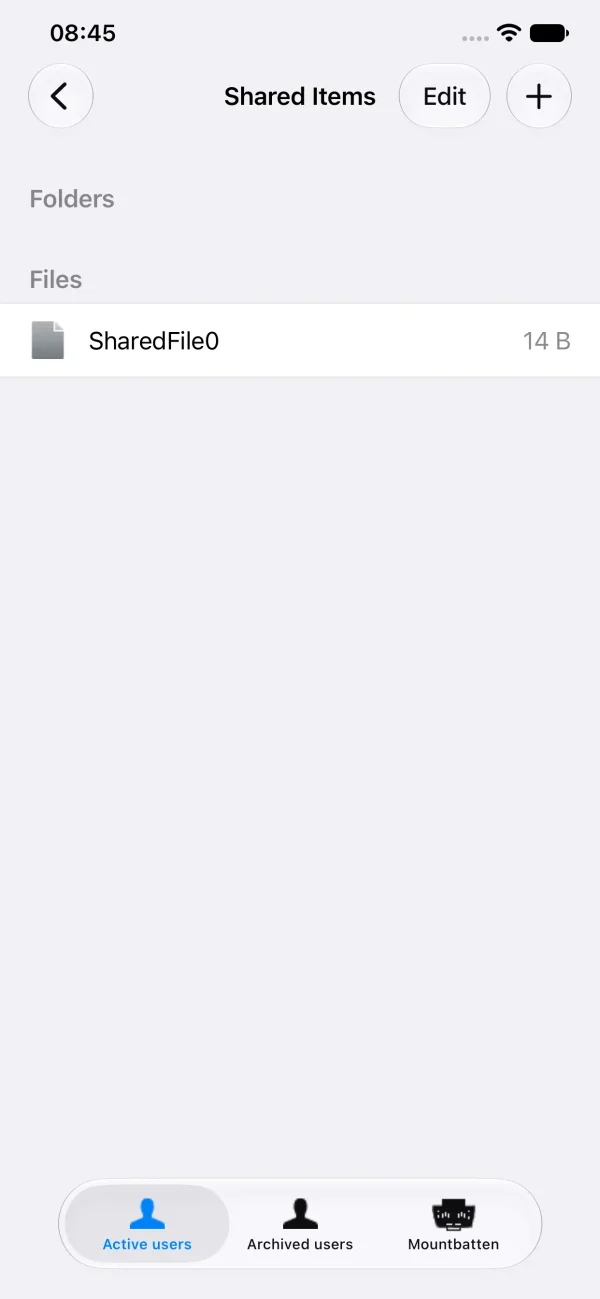
The MBMimic connects to one of Mountbatten Braillers available near your iOS device. List of users with subfolders allows for organizing the files in a school situation. Users can be archived to a separate list.
The files imported from a connected Mountbatten Brailler can be moved between user folders, viewed, edited and shared.
Requirements:
- new Bluetooth enabled Mountbatten Brailler Plus, Mountbatten Brailler Pro and Mountbatten Brailler Learning System.
- low-power Bluetooth 4 that can be found in iPhone 4S, 3rd generation iPad, iPad Mini and iPod 4th generation or newer devices.
Important information for new users:
Connecting MBMimic to Mountbatten Brailler
Before you beginning connecting MBMimic to a Mountbatten Brailler, please make sure that the Brailler is turned on and paper is loaded.
1. When you turn the Mountbatten on, the Bluetooth® Smart module gets automatically activated. After two seconds the BT module sends a serial number request to the Mountbatten.
2. NO pairing is necessary. Your Mountbatten will not be listed in the Bluetooth Settings on your iDevice.
3. Run MBMimic on your iDevice.
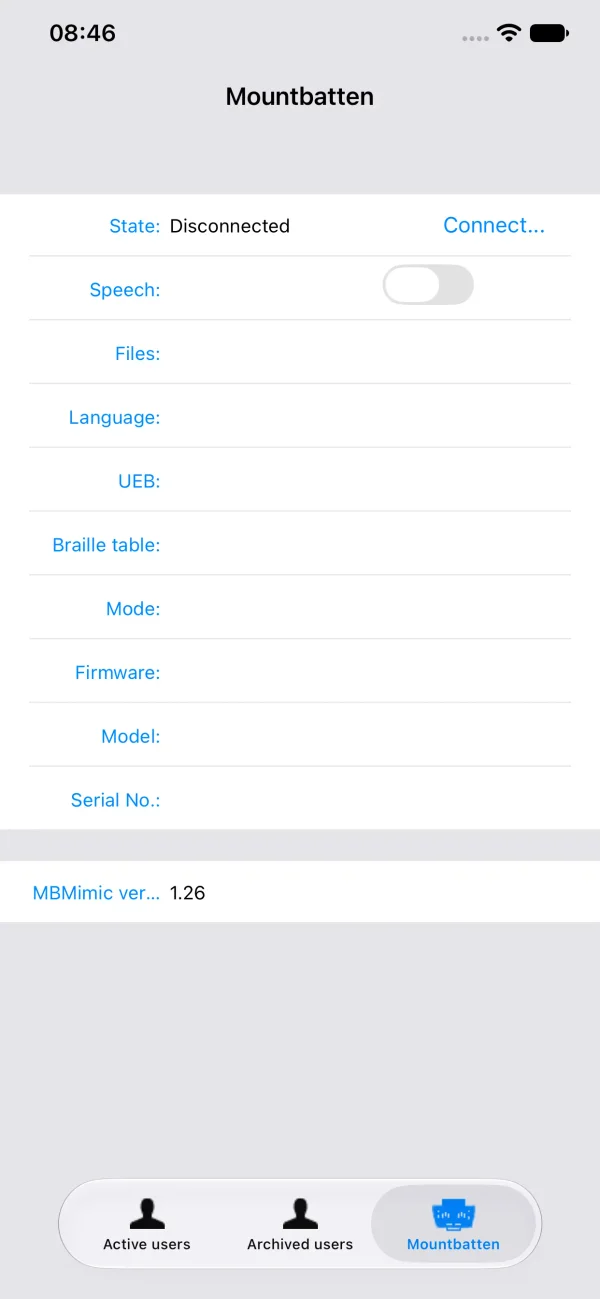
4. In MBMimic tap on the Mountbatten tab at the bottom of the screen of your iOS device. The program will be looking for any active Mountbatten in the vicinity. After a list appears, select the unit you want to connect to. A connection screen will show up saying "Connecting to Mountbatten"
5. You should hear the Mountbatten beep several times and after a few seconds, your MBMimic will connect with the brailler. Tap Done and you will be taken to the home screen
Yang baru
Versi 1.26 · 20/11/2026
- Corrected sending longer texts to the device in some languages where wrong characters where being sent.
- Corrected an application error when trying to send file via email on the device with no e-mail account configured.
Privasi aplikasi
Yang dinyatakan Harpo di App Store tentang cara aplikasi ini menangani data.
-
Data tidak dikumpulkan
Pengembang tidak mengumpulkan data apa pun dari aplikasi ini.
Praktik privasi dapat bervariasi, misalnya berdasarkan fitur yang Anda gunakan atau usia Anda.
Informasi
- Penjual
- IBARiM Sp. z o. o.
- Kategori
- Pendidikan
- Versi
- 1.26
- Diperbarui
- 20/11/2026
- Dirilis
- 5/8/2013
- Ukuran
- 8,4 MB
- Memerlukan
- iOS 15.6 atau yang lebih baru
- Batasan usia
- 4+
- Harga
- Gratis
- Bahasa
- Inggris, Cheska (Republik Cheska), Belanda, Prancis, Jerman, Yunani, Italia, Bokmål Norsk, Polski (Polandia), Portugis, Rusia, Spanyol + 1 lainnya
- Hak cipta
- © 2013 Harpo Sp. z o.o.