
- 対象年齢4+
- カテゴリ写真/ビデオ
- 開発元Thomas Coomer
- 言語英語
- サイズ5.4 MB
App Storeの公式ページにリンクしています
Download.orgはMetadataのファイルを一切ホストしていません。ボタンを押すと、Thomas Coomerが公開しているApp Storeのアプリページが開きます。ページの最終確認:2026/11/15。
スクリーンショット

概要
開発元はこのテキストをお使いの言語で提供していません。
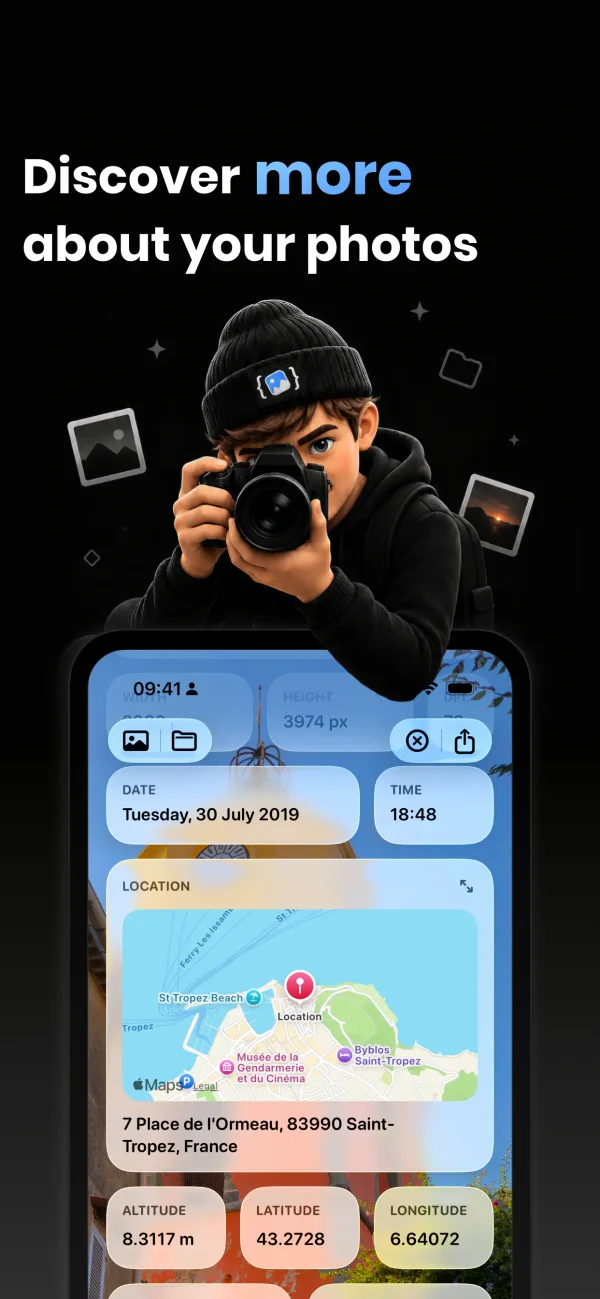
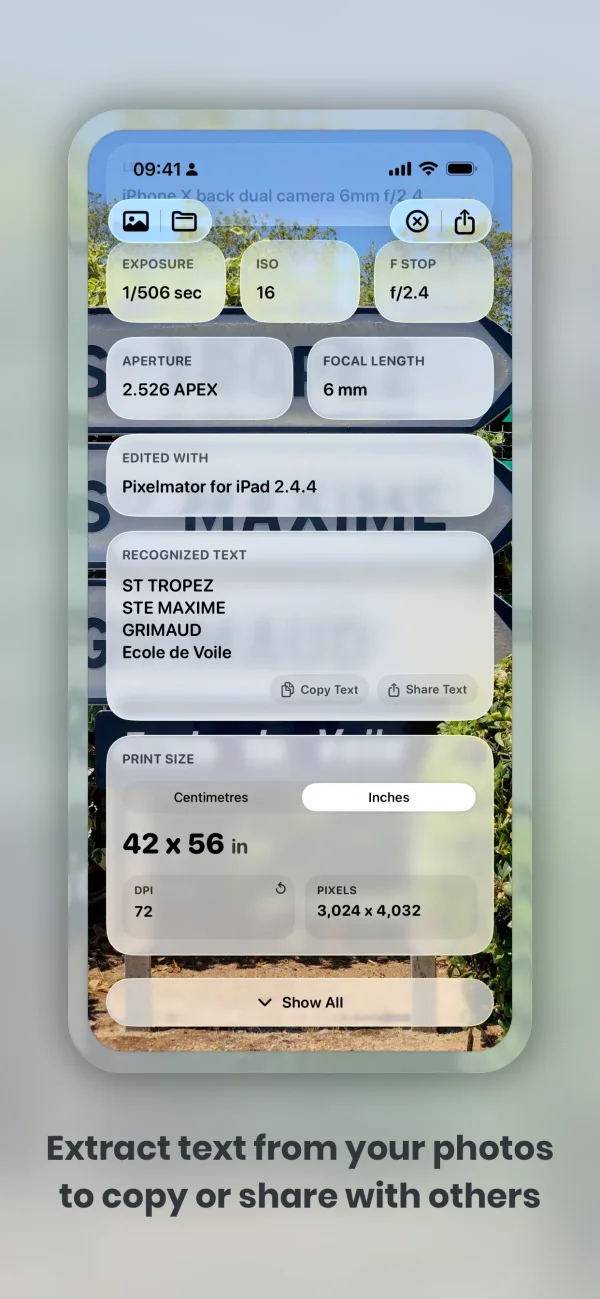
Metadata is the modern photo metadata viewer for photographers, creators and visual professionals.
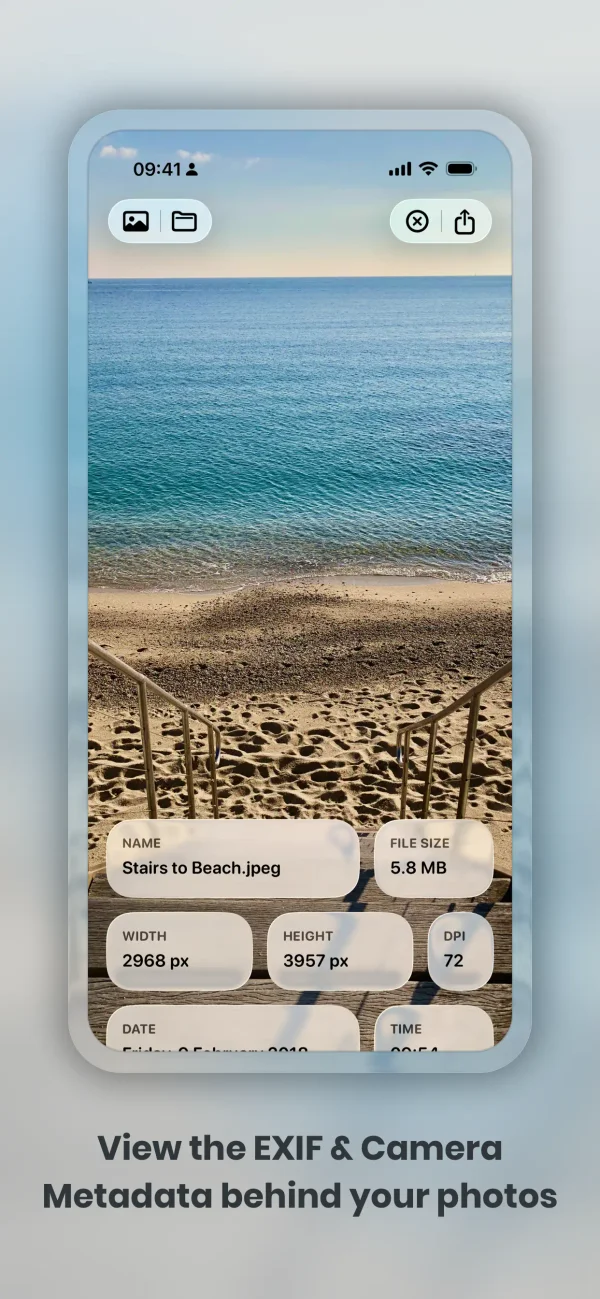
Import an image from Photos or Files and instantly discover the hidden information behind your photos. Explore detailed EXIF data, camera settings, image dimensions, DPI, file size, lens details, location information and more — all displayed in a beautiful interface designed for creative workflows.
Whether you shoot on iPhone, DSLR, mirrorless cameras or create artwork in professional editing apps, Metadata helps you inspect, analyse and better understand your images.
Perfect for:
• Photographers
• Designers
• Content creators
• Social media professionals
• Digital artists
• Print studios
• Creative agencies
FEATURES
• View detailed photo metadata and EXIF information
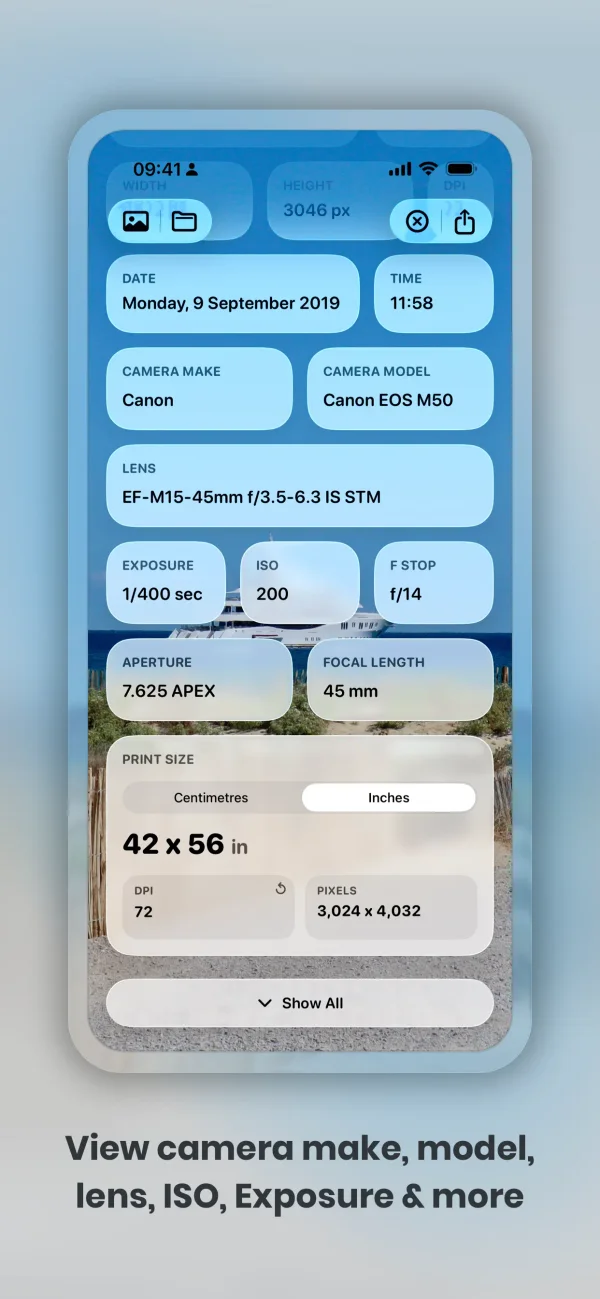
• Inspect ISO, aperture, exposure, focal length and lens details
• See image dimensions, DPI, colour profile and file size
• View device and location information stored in photos
• Import images from Photos, Files and other apps
• Drag and Drop support for fast professional workflows
• Fast, elegant and modern design
• Optimised for creators and creative professionals
METADATA PRO
Unlock advanced creative tools with Metadata Pro:
• Extract text directly from photos using on-device text recognition
• Copy and share recognised text instantly
• Access advanced photography metadata and camera information
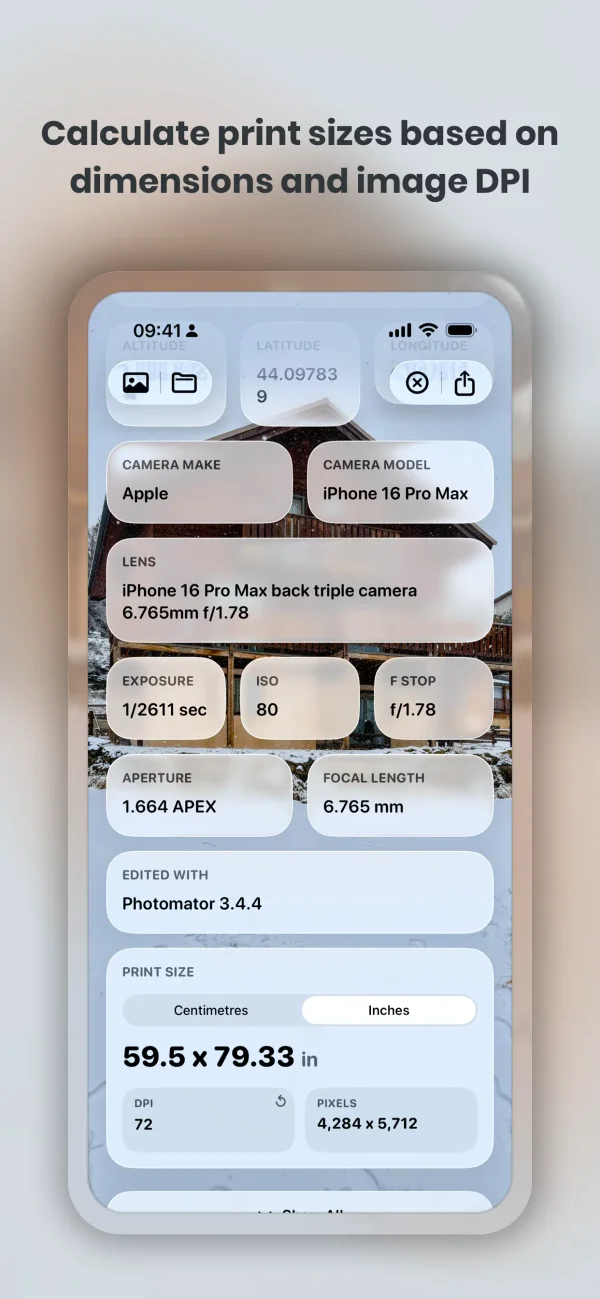
• Calculate print sizes with the built-in DPI calculator
• Check image dimensions for print and production workflows
From analysing exported artwork to checking professional camera settings before print, Metadata gives creators a powerful way to inspect and understand their images anywhere.
- Subscription Details -
Subscriptions will be charged to your iTunes account at confirmation of purchase. Your subscription will automatically renew unless automatic renewal is turned off at least 24 hours before the end of the current period. Your account will be charged for renewal within 24 hours prior to the end of the current period. You can manage your subscriptions and automatic renewal status in Account Settings after purchase. Price may vary by location.
Privacy Policy: https://smudge.app/privacy
Terms and Conditions: https://smudge.app/app-terms
新機能
バージョン 2.0 · 2026/5/26
This update includes a brand new design, with simplified and improved navigation, more data from each image and improved support for Liquid Glass.
アプリのプライバシー
このアプリのデータの取り扱いについて、Thomas CoomerがApp Storeで申告している内容です。
-
データの収集なし
開発元はこのアプリからデータを収集しません。
プライバシーの取り扱いは、ご利用の機能やお客様の年齢などに応じて異なる場合があります。
情報
- 販売元
- Thomas Coomer
- カテゴリ
- 写真/ビデオ
- バージョン
- 2.0
- 更新日
- 2026/5/26
- リリース
- 2017/3/14
- サイズ
- 5.4 MB
- 必要条件
- iOS 26.4以降
- 対象年齢
- 4+
- 価格
- 無料
- アプリ内課金
- あり
- 言語
- 英語
- 著作権
- © 2017 - 2026 Thomas Coomer
こちらもおすすめ
-
 EXIF Metadata +写真/ビデオ
-
 Exif Metadata Editor - Images写真/ビデオ
-
 Camera Angle水準器付きカメラ
-
 EXIF MetadataーMetadata RemoverExif photo detailsーExif viewer
-
 xMeta - 写真とビデオのメタデータメタデータの表示、編集、削除
-
 Exif写真メタデータ 位置 日付一括編集GPS位置削除 撮影日変更 ビューア
-
 EXIF写真メタデータ編集DNG・GPS・日付を変更
-
 EXIF確認:写真のメタデータビューア位置情報・カメラ・撮影日時を表示
-
 Textograph - 美しいタイポグラフィのためにPicture Quotes with Cool Fonts
-
 backAR Green Screen写真/ビデオ