
Metadata
Photo EXIF Metadata Viewer
Designed for iPhone, iPad
Free · In-app purchases
- Age rating4+
- CategoryPhoto & Video
- DeveloperThomas Coomer
- LanguagesEnglish
- Size5.4 MB
Links to the official App Store page
Download.org hosts no file of Metadata. The button opens its official App Store page, published by Thomas Coomer. Listing last checked on Nov 15, 2026.
Screenshots

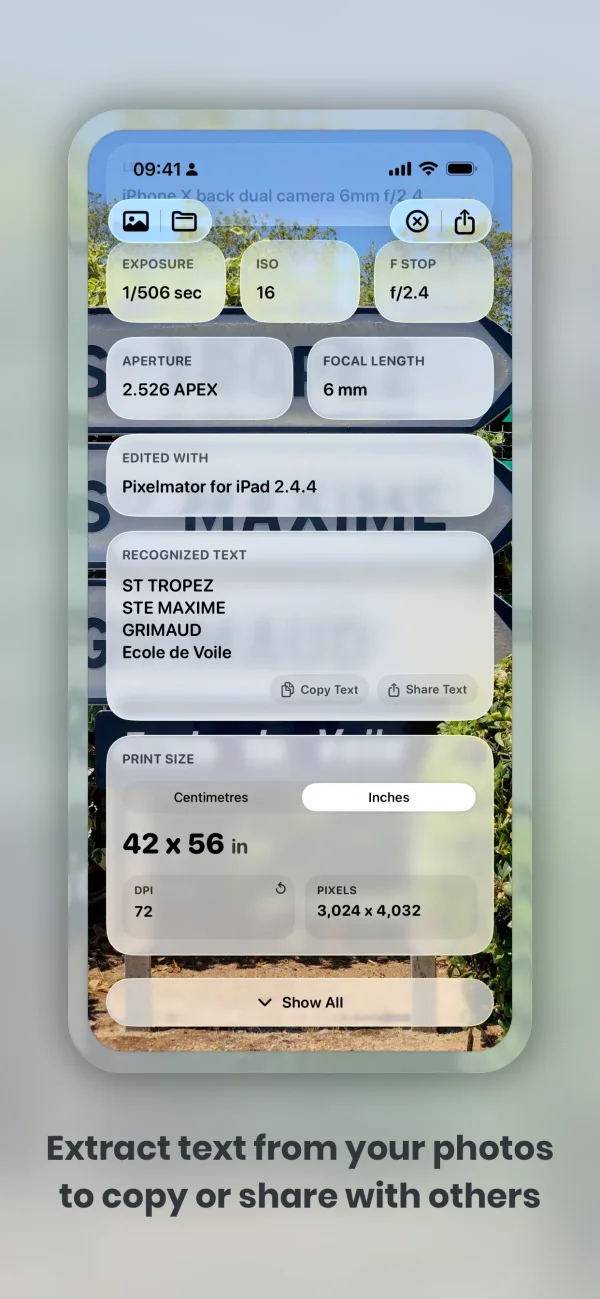
About
Metadata is the modern photo metadata viewer for photographers, creators and visual professionals.
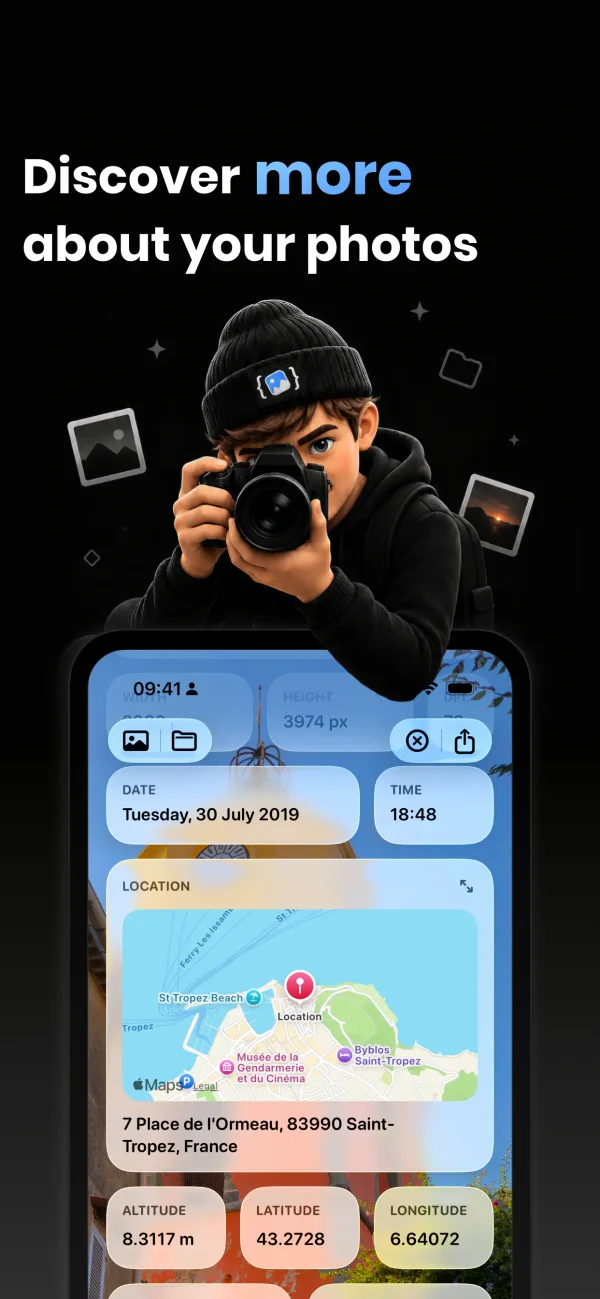
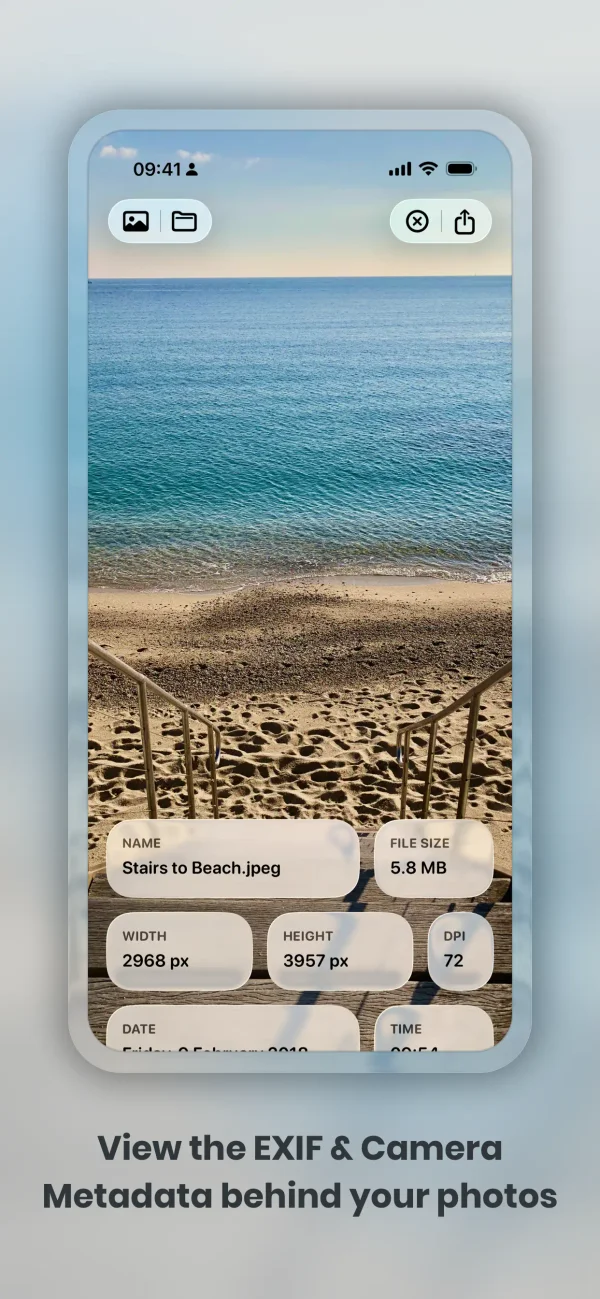
Import an image from Photos or Files and instantly discover the hidden information behind your photos. Explore detailed EXIF data, camera settings, image dimensions, DPI, file size, lens details, location information and more — all displayed in a beautiful interface designed for creative workflows.
Whether you shoot on iPhone, DSLR, mirrorless cameras or create artwork in professional editing apps, Metadata helps you inspect, analyse and better understand your images.
Perfect for:
• Photographers
• Designers
• Content creators
• Social media professionals
• Digital artists
• Print studios
• Creative agencies
FEATURES
• View detailed photo metadata and EXIF information
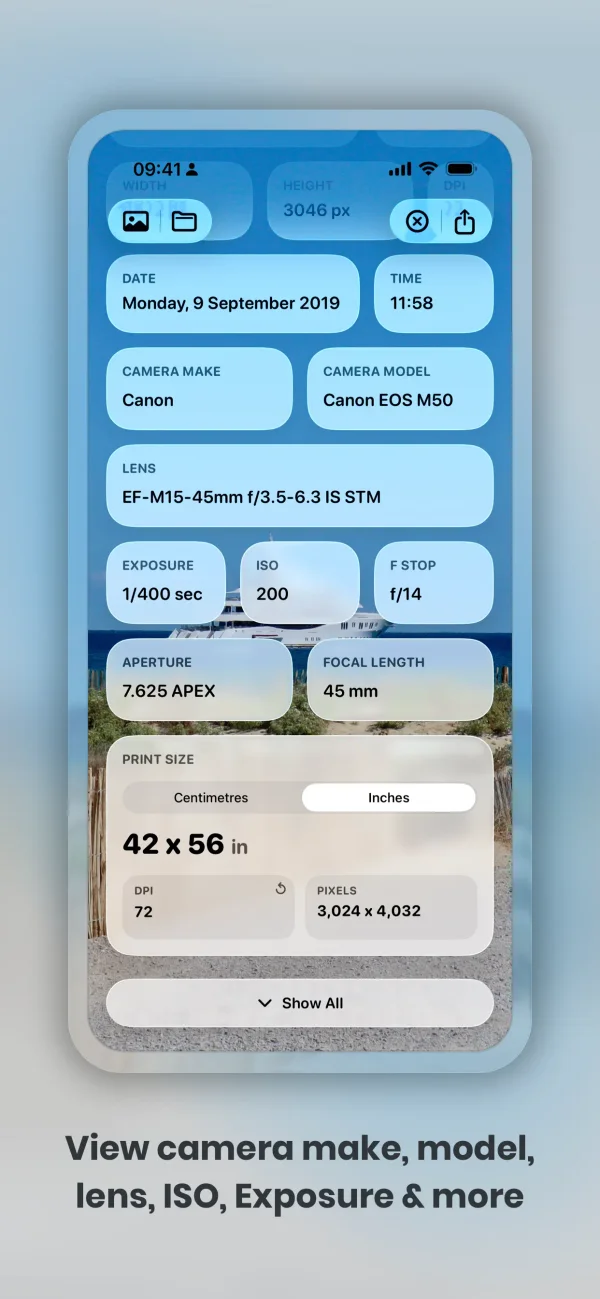
• Inspect ISO, aperture, exposure, focal length and lens details
• See image dimensions, DPI, colour profile and file size
• View device and location information stored in photos
• Import images from Photos, Files and other apps
• Drag and Drop support for fast professional workflows
• Fast, elegant and modern design
• Optimised for creators and creative professionals
METADATA PRO
Unlock advanced creative tools with Metadata Pro:
• Extract text directly from photos using on-device text recognition
• Copy and share recognised text instantly
• Access advanced photography metadata and camera information
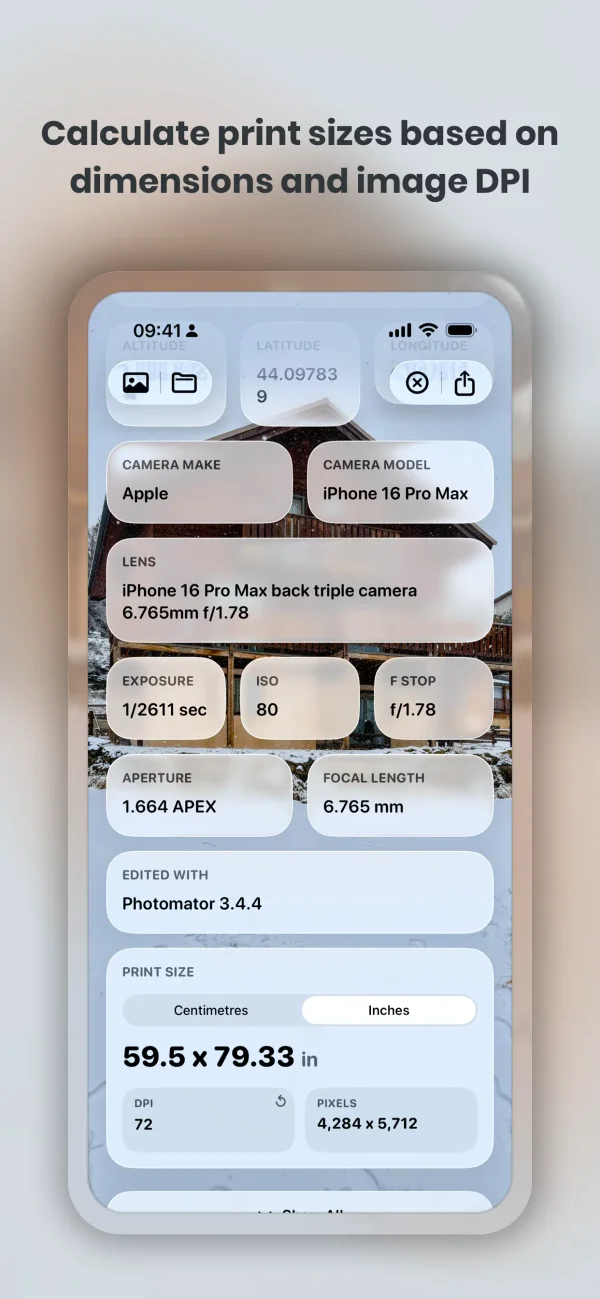
• Calculate print sizes with the built-in DPI calculator
• Check image dimensions for print and production workflows
From analysing exported artwork to checking professional camera settings before print, Metadata gives creators a powerful way to inspect and understand their images anywhere.
- Subscription Details -
Subscriptions will be charged to your iTunes account at confirmation of purchase. Your subscription will automatically renew unless automatic renewal is turned off at least 24 hours before the end of the current period. Your account will be charged for renewal within 24 hours prior to the end of the current period. You can manage your subscriptions and automatic renewal status in Account Settings after purchase. Price may vary by location.
Privacy Policy: https://smudge.app/privacy
Terms and Conditions: https://smudge.app/app-terms
What’s new
Version 2.0 · May 26, 2026
This update includes a brand new design, with simplified and improved navigation, more data from each image and improved support for Liquid Glass.
App privacy
What Thomas Coomer declares on the App Store about how this app handles data.
-
Data not collected
The developer does not collect any data from this app.
Privacy practices may vary, for example with the features you use or your age.
Information
- Seller
- Thomas Coomer
- Category
- Photo & Video
- Version
- 2.0
- Updated
- May 26, 2026
- Released
- Mar 14, 2017
- Size
- 5.4 MB
- Requires
- iOS 26.4 or later
- Age rating
- 4+
- Price
- Free
- In-app purchases
- Yes
- Languages
- English
- Copyright
- © 2017 - 2026 Thomas Coomer
You might also like
-
 EXIF Metadata +View, edit photo GPS location
-
 Exif Metadata Editor - ImagesView, edit, remove metadata
-
 Camera Anglecamera with level
-
 EXIF MetadataーMetadata RemoverExif photo detailsーExif viewer
-
 xMeta - Photo & Video MetadataView, Edit, Delete Metadata
-
 Exif Metadata Remover ViewerBatch Edit Photo Info Editor
-
 Exif Editor - DNG MetadataEdit GPS, Date & Photo Data
-
 Photo Metadata EXIF ViewerSee GPS, camera & date info
-
 Textograph: Add Text on PhotoPractical Photo Quotes Maker
-
 backAR Green Screen3D Virtual Backgrounds