- 対象年齢4+
- カテゴリユーティリティ
- 開発元ACCU-SCOPE INC.
- 言語英語ほか8言語
- サイズ59.8 MB
App Storeの公式ページにリンクしています
Download.orgはMicroSNAPのファイルを一切ホストしていません。ボタンを押すと、ACCU-SCOPE INC.が公開しているApp Storeのアプリページが開きます。ページの最終確認:2026/11/12。
スクリーンショット

概要
開発元はこのテキストをお使いの言語で提供していません。
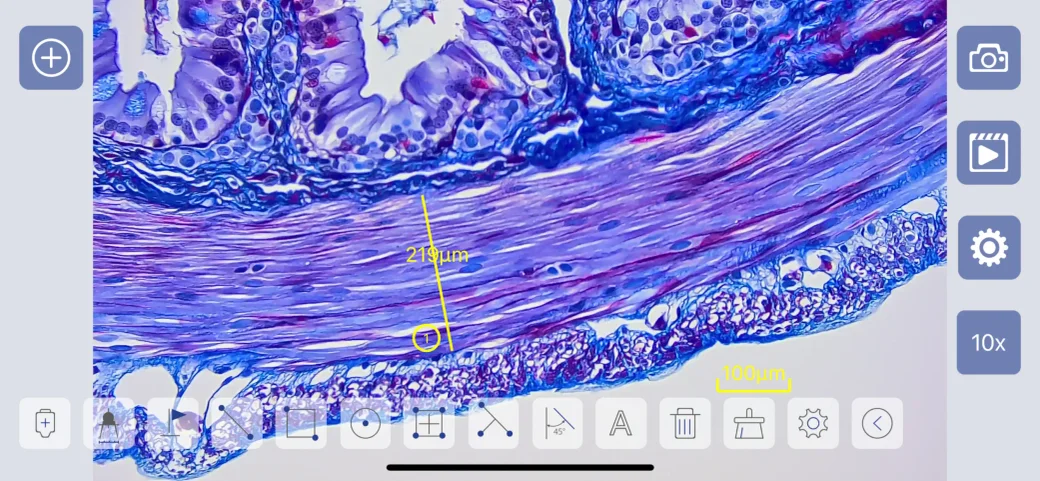
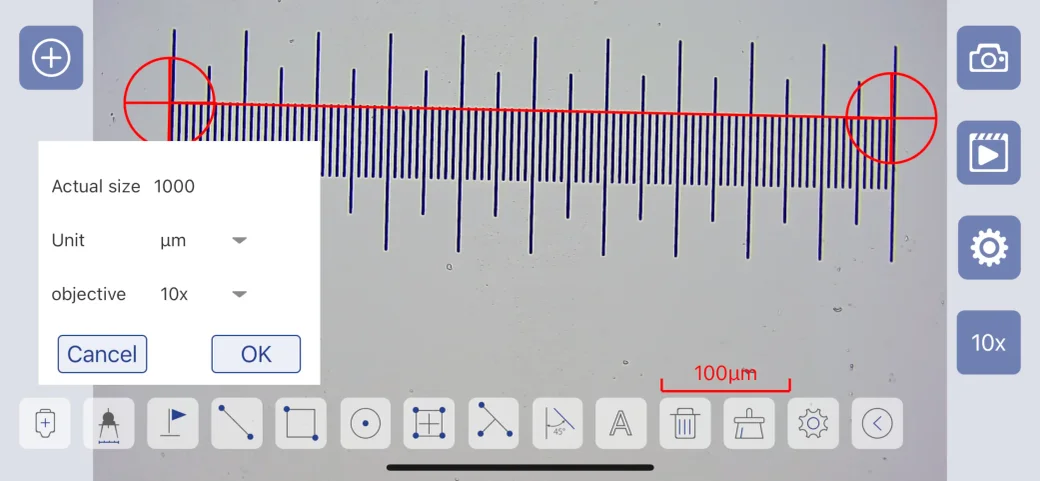
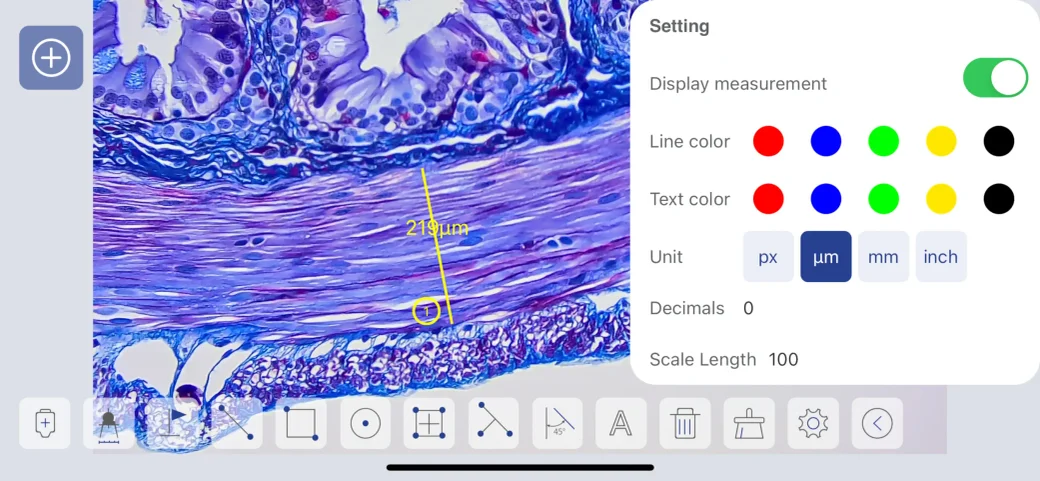
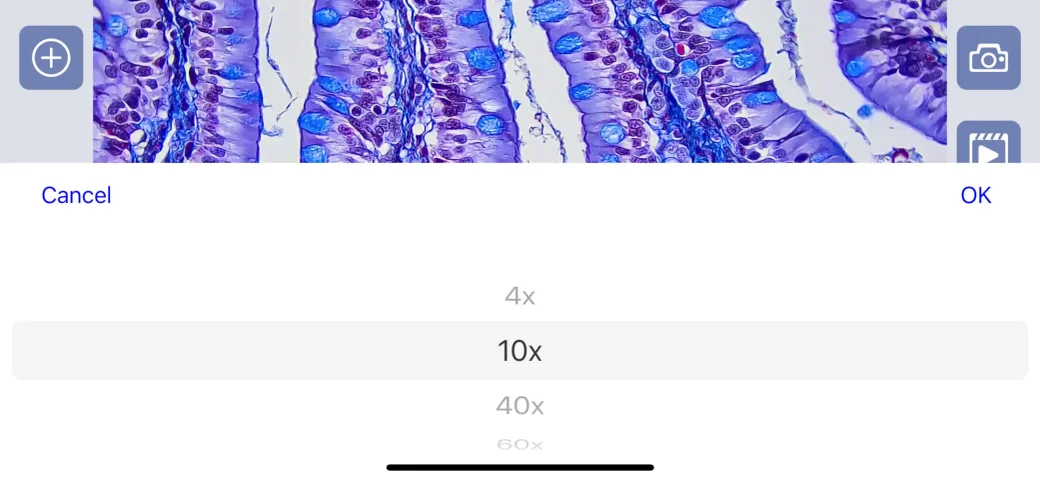
MicroSNAP is a mobile app specifically developed for use with the EXC-100 WiFi-enabled microscopes (required) from ACCU-SCOPE Inc. MicroSNAP allows the user to use their mobile device to view live images, capture images, or capture video from the EXC-100 WiFi-enabled microscopes (the mobile device connects to the built-in WiFi camera of the microscope via IEEE 802.11ac signal). MicroSNAP offers a selection of measurement tools and, after calibrating the camera using the app and a stage micrometer (purchased separately), accurate measurements of features in the sample image can be made.
MicroSNAP and EXC-100 WiFi-enabled microscopes only allow one mobile device connection at a time. When multiple people want to use the same microscope, please disconnect from the camera’s WiFi signal before the next user can operate the camera.
Using MicroSNAP is a “snap”! Plug-in the microscope – the camera gets its power directly from the microscope. Turn the microscope light on by rotating the light intensity control knob – you will hear a click and then see light coming up from the bottom of the microscope. To connect to the microscope, launch the MicroSNAP app, press the [-] button and use the camera on your phone or tablet to scan the QR code on the microscope. Alternatively, you can open the WiFi settings on your mobile device and choose the “MicroSNAP-xxx” network. You may see a message about no internet connection – this is OK as your mobile device is connected to the WiFi camera and not the internet. Next, tap the MicroSNAP icon on your mobile device and you are ready to start using the camera. Even if someone wants to view the sample using the eyepieces of the microscope, you will still see what they see on your mobile device.
IMPORTANT: Always unplug the microscope when not in use.
For more detailed information about the MicroSNAP app for mobile devices and the MicroSNAP app for Windows PC, please visit our Support page https://accu-scope.com/support/instruction-manuals, and scroll down to Manuals – Current Cameras.
新機能
バージョン 1.0.2 · 2024/4/8
Version 1.0.2 adds QR code scanning from withing the app to connect to the microscope. As an alternative, you can still connect via your phone or tablet's network settings and choosing the MicroSNAP-xxx network. The microscope is not connected to the internet, so you will see a message that there is no internet connection. This is normal and your phone or tablet will be connected to the microscope and you can view live images on the MicroSNAP app.
アプリのプライバシー
このアプリのデータの取り扱いについて、ACCU-SCOPE INC.がApp Storeで申告している内容です。
-
データの収集なし
開発元はこのアプリからデータを収集しません。
プライバシーの取り扱いは、ご利用の機能やお客様の年齢などに応じて異なる場合があります。
情報
- 販売元
- ACCU-SCOPE Inc.
- カテゴリ
- ユーティリティ
- バージョン
- 1.0.2
- 更新日
- 2024/4/8
- リリース
- 2024/1/25
- サイズ
- 59.8 MB
- 必要条件
- iOS 11.0以降
- 対象年齢
- 4+
- 価格
- 無料
- 言語
- 英語, アラビア語, フランス語, 日本語, 韓国語, ロシア語, 簡体字中国語, スペイン語, 繁体字中国語
- 著作権
- © 2024 ACCU-SCOPE, Inc.