- Yaş sınırı4+
- KategoriYardımcılar
- GeliştiriciACCU-SCOPE INC.
- Dillerİngilizce+ 8 dil daha
- Boyut59,8 MB
Resmi App Store sayfasına bağlanır
Download.org, MicroSNAP için hiçbir dosya barındırmaz. Düğme, uygulamanın App Store üzerindeki sayfasını açar; uygulamayı orada ACCU-SCOPE INC. yayınlar. Sayfanın son kontrolü: 12.11.2026.
Ekran görüntüleri

Hakkında
Geliştirici bu metni dilinizde sunmamış.
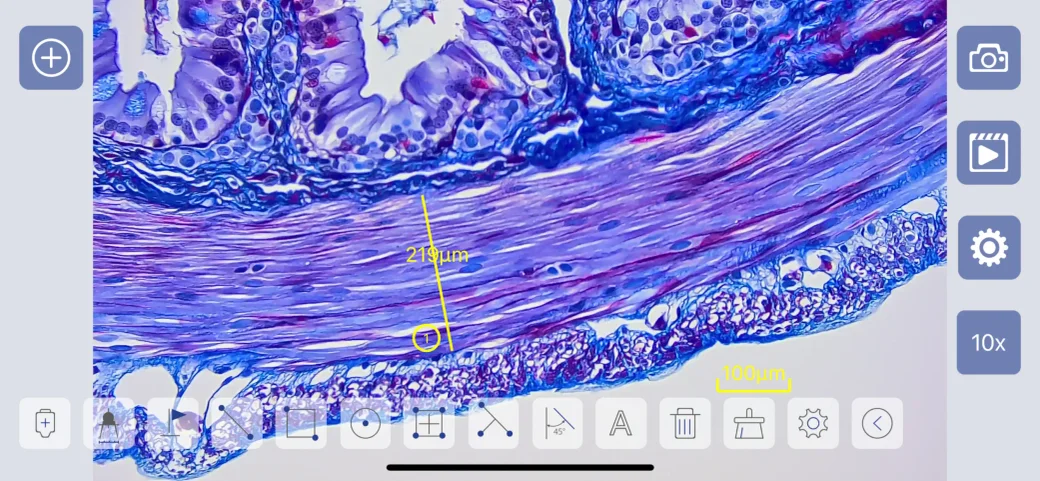
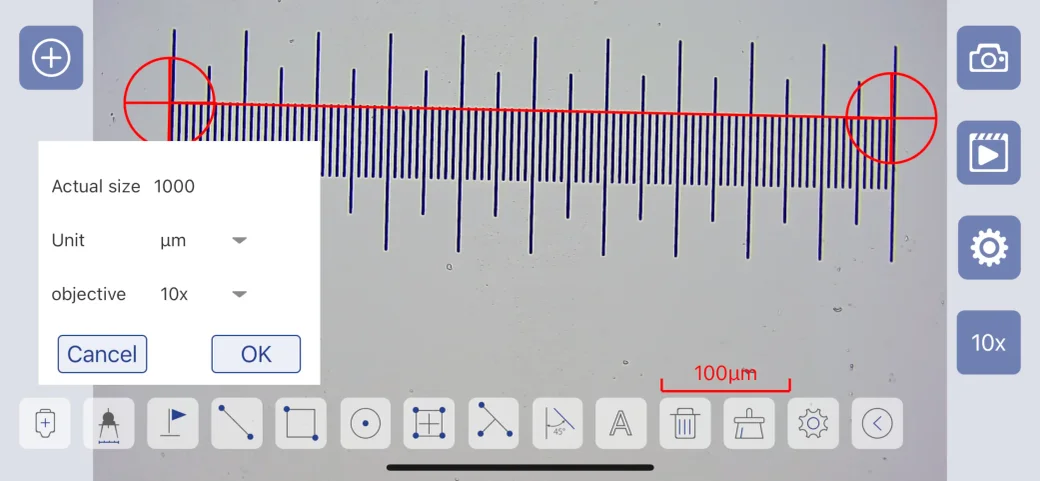
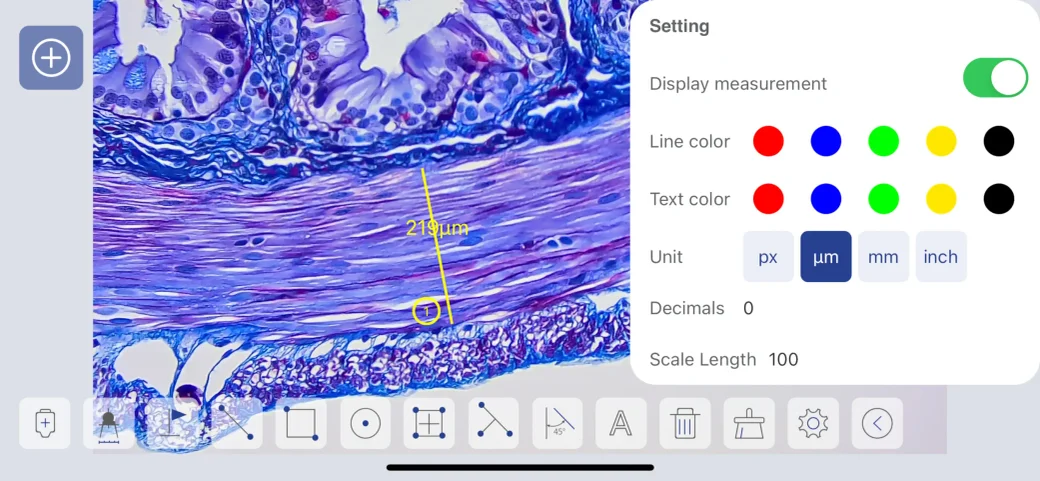
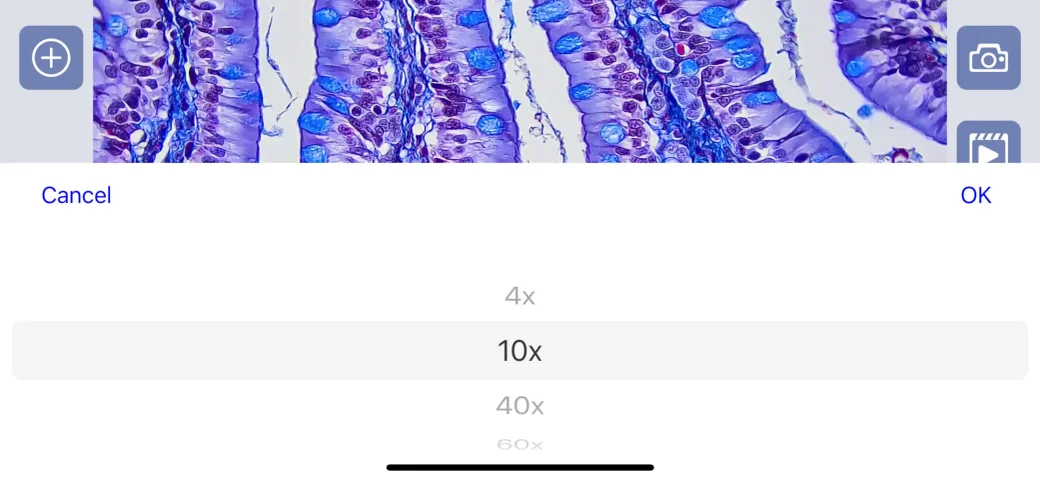
MicroSNAP is a mobile app specifically developed for use with the EXC-100 WiFi-enabled microscopes (required) from ACCU-SCOPE Inc. MicroSNAP allows the user to use their mobile device to view live images, capture images, or capture video from the EXC-100 WiFi-enabled microscopes (the mobile device connects to the built-in WiFi camera of the microscope via IEEE 802.11ac signal). MicroSNAP offers a selection of measurement tools and, after calibrating the camera using the app and a stage micrometer (purchased separately), accurate measurements of features in the sample image can be made.
MicroSNAP and EXC-100 WiFi-enabled microscopes only allow one mobile device connection at a time. When multiple people want to use the same microscope, please disconnect from the camera’s WiFi signal before the next user can operate the camera.
Using MicroSNAP is a “snap”! Plug-in the microscope – the camera gets its power directly from the microscope. Turn the microscope light on by rotating the light intensity control knob – you will hear a click and then see light coming up from the bottom of the microscope. To connect to the microscope, launch the MicroSNAP app, press the [-] button and use the camera on your phone or tablet to scan the QR code on the microscope. Alternatively, you can open the WiFi settings on your mobile device and choose the “MicroSNAP-xxx” network. You may see a message about no internet connection – this is OK as your mobile device is connected to the WiFi camera and not the internet. Next, tap the MicroSNAP icon on your mobile device and you are ready to start using the camera. Even if someone wants to view the sample using the eyepieces of the microscope, you will still see what they see on your mobile device.
IMPORTANT: Always unplug the microscope when not in use.
For more detailed information about the MicroSNAP app for mobile devices and the MicroSNAP app for Windows PC, please visit our Support page https://accu-scope.com/support/instruction-manuals, and scroll down to Manuals – Current Cameras.
Yenilikler
Sürüm 1.0.2 · 08.04.2024
Version 1.0.2 adds QR code scanning from withing the app to connect to the microscope. As an alternative, you can still connect via your phone or tablet's network settings and choosing the MicroSNAP-xxx network. The microscope is not connected to the internet, so you will see a message that there is no internet connection. This is normal and your phone or tablet will be connected to the microscope and you can view live images on the MicroSNAP app.
Uygulama gizliliği
Bu uygulamanın verileri nasıl işlediği hakkında ACCU-SCOPE INC. tarafından App Store üzerinde yapılan beyan.
-
Veri toplanmıyor
Geliştirici bu uygulamadan hiçbir veri toplamıyor.
Gizlilik uygulamaları, örneğin kullandığınız özelliklere veya yaşınıza göre değişiklik gösterebilir.
Bilgiler
- Satıcı
- ACCU-SCOPE Inc.
- Kategori
- Yardımcılar
- Sürüm
- 1.0.2
- Güncellendi
- 08.04.2024
- Yayın tarihi
- 25.01.2024
- Boyut
- 59,8 MB
- Gereksinim
- iOS 11.0 veya sonrası
- Yaş sınırı
- 4+
- Fiyat
- Ücretsiz
- Diller
- İngilizce, Arapça, Fransızca, Japonca, Korece, Rusça, Basitleştirilmiş Çince, İspanyolca, Geleneksel Çince
- Telif hakkı
- © 2024 ACCU-SCOPE, Inc.