- 対象年齢4+
- カテゴリユーティリティ
- 開発元David Liao
- サイズ4.2 MB
App Storeの公式ページにリンクしています
Download.orgはNewMotionのファイルを一切ホストしていません。ボタンを押すと、David Liaoが公開しているApp Storeのアプリページが開きます。ページの最終確認:2026/11/12。
スクリーンショット

概要
開発元はこのテキストをお使いの言語で提供していません。
NewMotion turns your iPhone into a trackpad, keyboard, and dictation mic for your Mac. The two talk over Bluetooth. Nothing goes over the internet, and there is no account to make.
You need the free Mac companion app, or this app has nothing to connect to. Get it at github.com/ItFeelsLikeMagic/NewMotion.
PAIR ONCE
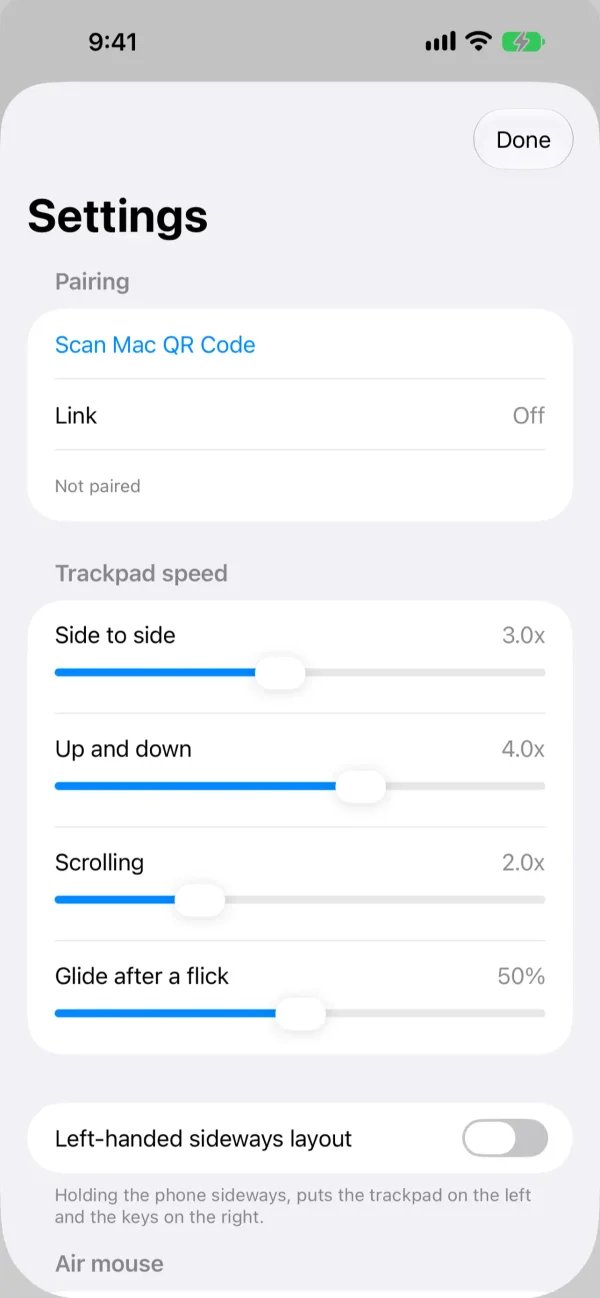
Scan the QR code the Mac shows. After that the phone finds your Mac on its own whenever both are nearby.
POINT AND SCROLL
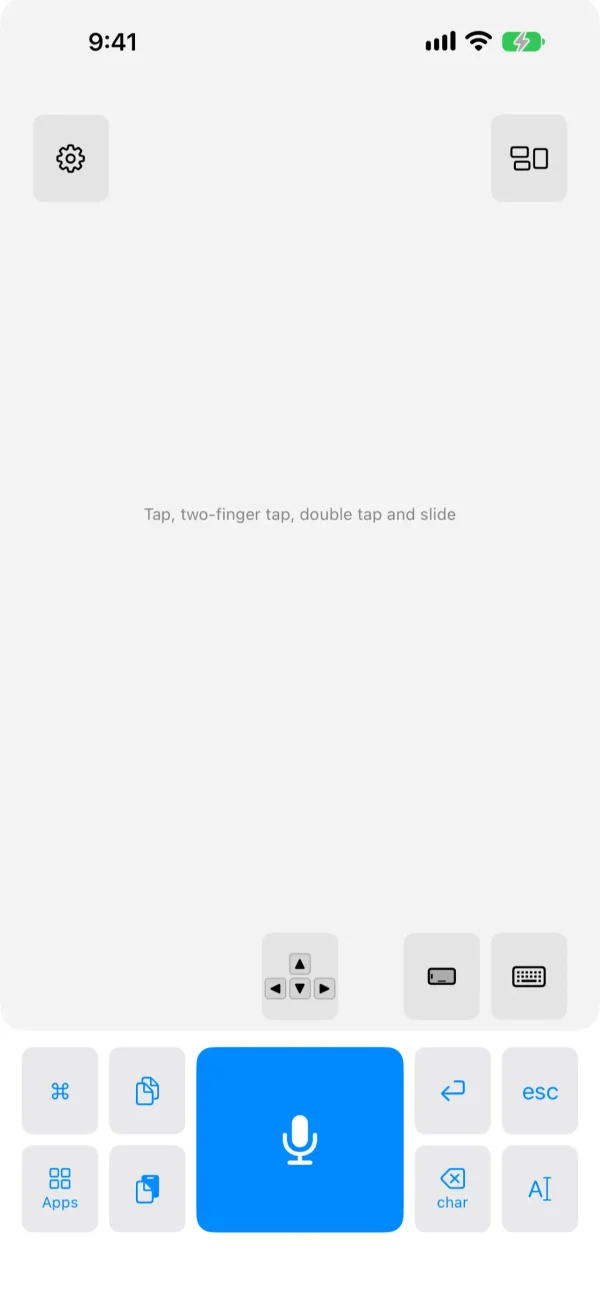
Tilt the phone to move the pointer. Swipe to scroll. Tap to click.
TYPE
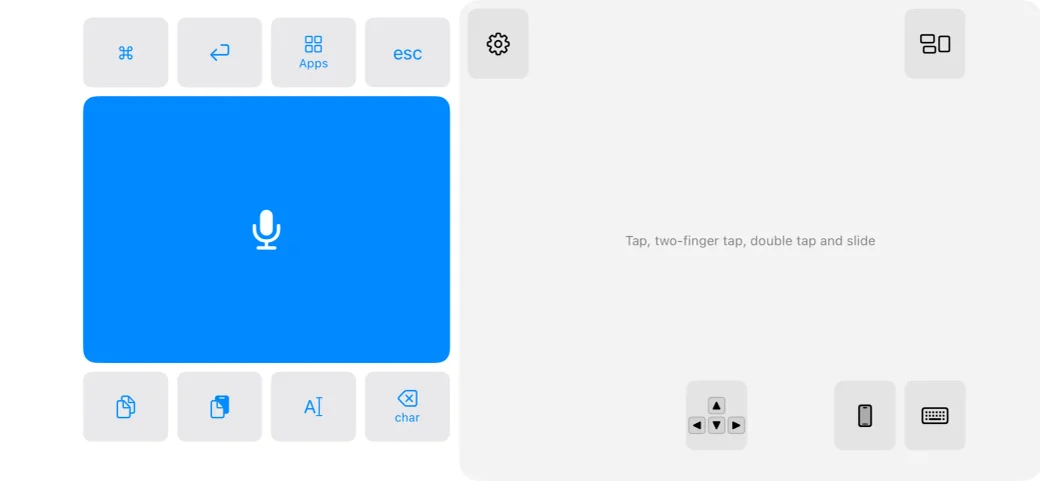
Use the phone keyboard, or hold a key and slide to fire a shortcut. Hold the Command key and a card of shortcuts appears on the Mac screen. Slide to the one you want and lift.
DICTATE
Hold the talk button and speak. The words appear on the Mac as you say them, and are typed when you let go. Slide up to send with Return, or down to throw them away. Speech is transcribed on the phone by Apple's on-device engine. Audio never leaves the phone.
PRIVATE BY DESIGN
No accounts. No analytics. No servers. Typed text, transcripts, and audio are never stored or logged. The Mac refuses to type into a password field.
REQUIRES
A Mac with Apple silicon on macOS 15 or later, running the NewMotion companion app. Dictation needs iOS 26 or later.
アプリのプライバシー
このアプリのデータの取り扱いについて、David LiaoがApp Storeで申告している内容です。
-
データの収集なし
開発元はこのアプリからデータを収集しません。
プライバシーの取り扱いは、ご利用の機能やお客様の年齢などに応じて異なる場合があります。
情報
- 販売元
- David Liao|8191719693|1
- カテゴリ
- ユーティリティ
- バージョン
- 0.4.0
- 更新日
- 2026/9/22
- リリース
- 2026/9/22
- サイズ
- 4.2 MB
- 必要条件
- iOS 18.0以降
- 対象年齢
- 4+
- 価格
- 無料
- 著作権
- © 2026 David Liao