- 対象年齢4+
- カテゴリユーティリティ
- 開発元JUNSEO CHOI
- 言語英語
- サイズ5.6 MB
App Storeの公式ページにリンクしています
Download.orgはPadKeysのファイルを一切ホストしていません。ボタンを押すと、JUNSEO CHOIが公開しているApp Storeのアプリページが開きます。ページの最終確認:2026/11/12。
スクリーンショット
概要
開発元はこのテキストをお使いの言語で提供していません。
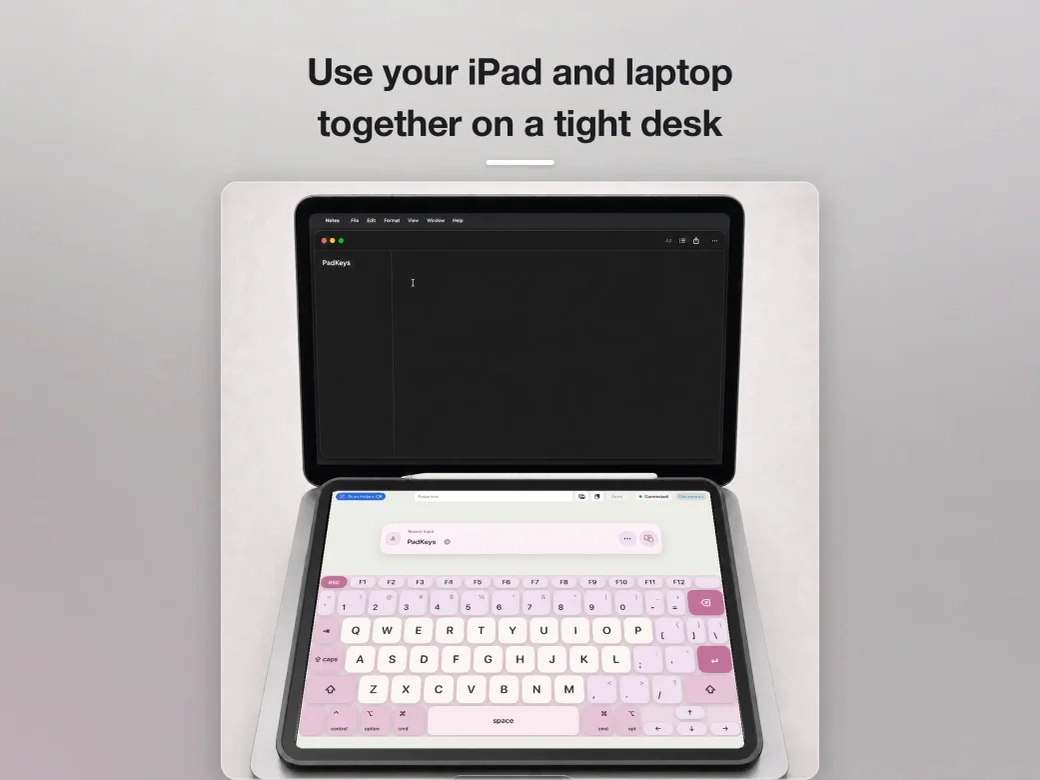
PadKeys provides a full-screen keyboard and lightweight trackpad for laptop input.
Designed for iPad in landscape orientation, PadKeys is useful on small desks, during travel, or whenever you want a large, focused typing surface. Open PadKeys, run PadKeys Helper on your Mac or Windows PC, scan the Helper QR code, and start typing.
Key features:
• Full-screen keyboard designed for landscape use
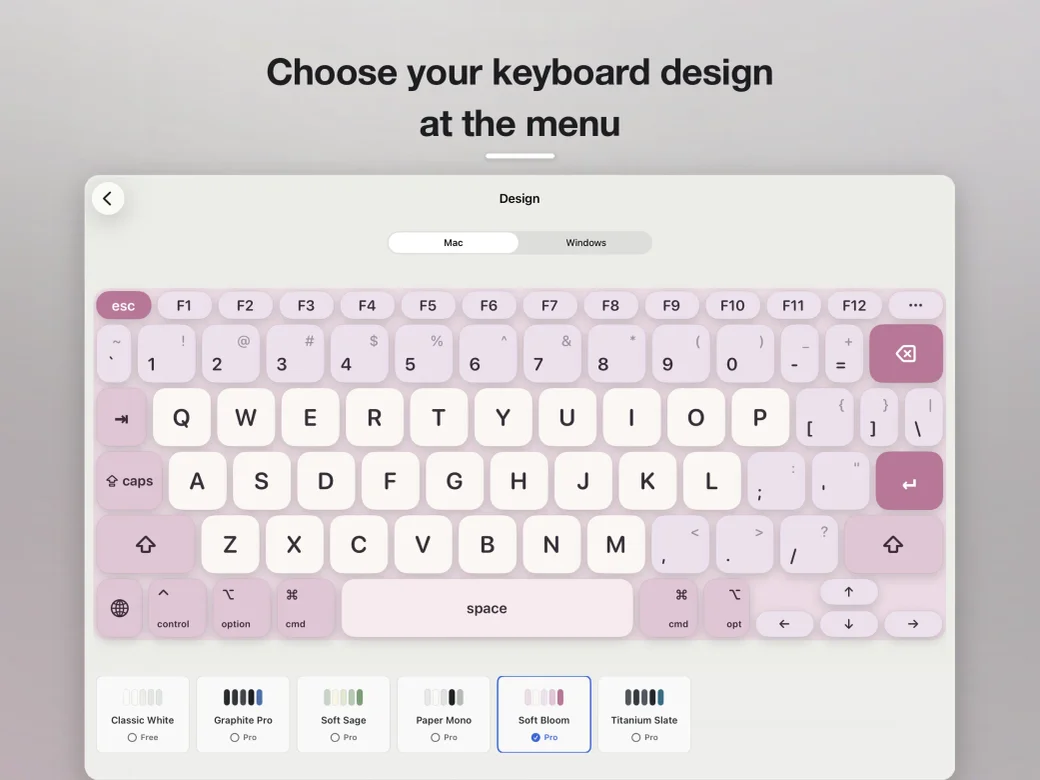
• Keyboard layouts for Mac and Windows
• English QWERTY and Korean keyboard support
• Function keys, arrow keys, modifiers, Space, Enter, Backspace, and more
• Lightweight trackpad for pointer movement
• Tap to left-click, dedicated left/right click buttons, and two-finger scroll
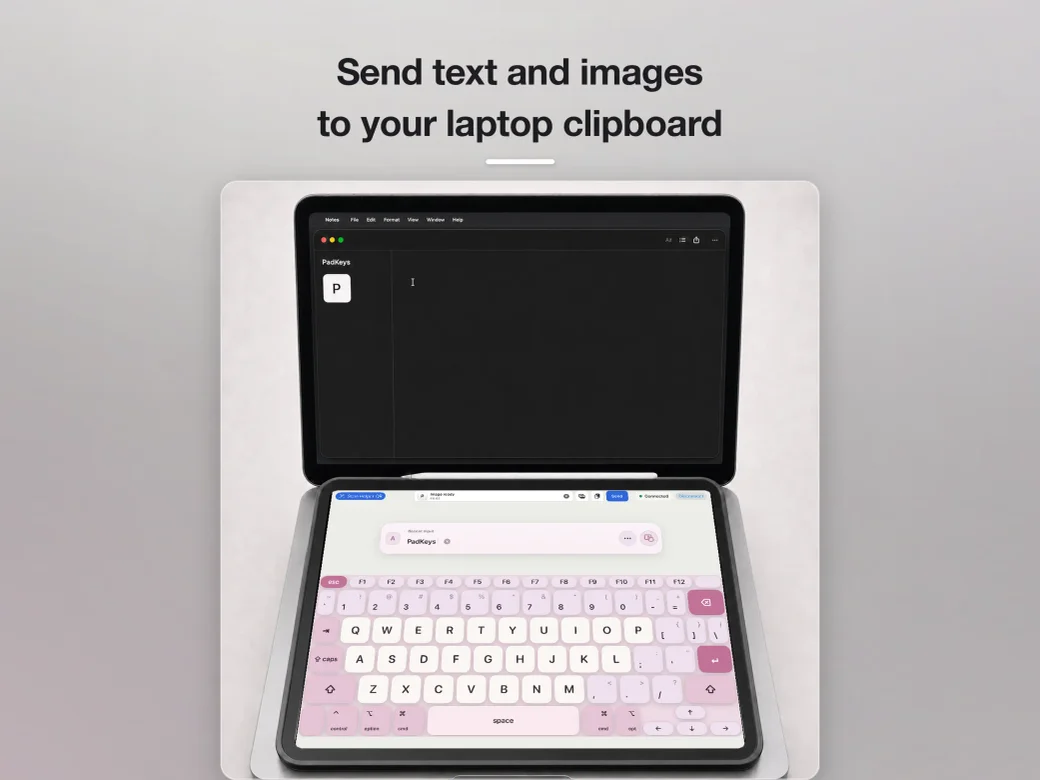
• Text sending to your computer clipboard
• QR-based local network pairing
• No PadKeys account required
PadKeys is keyboard-first. It is not a generic remote-control app. The screen stays focused on typing, pointer control, and quick laptop input.
How it works:
1. Install PadKeys Helper on your Mac or Windows PC.
2. Allow the required input or network permission.
3. Open PadKeys and scan the Helper QR code.
4. Type and control the pointer from PadKeys.
PadKeys connects directly to your computer over your local network. Both devices should be on the same Wi-Fi network, and the helper must be running while you use the app.
PadKeys includes a 14-day free trial that starts after the first successful connection. After the trial, a one-time PadKeys Pro purchase unlocks continued use. No subscription.
新機能
バージョン 1.5 · 2026/10/13
PadKeys 1.5 makes typing and scrolling alongside your work easier.
• Switch between pointer movement and scrolling with the trackpad mode button or Apple Pencil double-tap.
• Scroll with one finger or Apple Pencil, with improved scrolling responsiveness on Mac.
• Pinch to zoom in supported Mac apps.
• Enjoy a refined compact layout with quick access to Space and arrow keys.
• Get started with clearer setup guidance, new feature videos, and a dedicated Slide Over walkthrough.
Update your PadKeys Mac Helper to use the latest Mac features.
アプリのプライバシー
このアプリのデータの取り扱いについて、JUNSEO CHOIがApp Storeで申告している内容です。
-
データの収集なし
開発元はこのアプリからデータを収集しません。
プライバシーの取り扱いは、ご利用の機能やお客様の年齢などに応じて異なる場合があります。
情報
- 販売元
- JUNSEO CHOI
- カテゴリ
- ユーティリティ
- バージョン
- 1.5
- 更新日
- 2026/10/13
- リリース
- 2026/8/4
- サイズ
- 5.6 MB
- 必要条件
- iOS 17.0以降
- 対象年齢
- 4+
- 価格
- 無料
- アプリ内課金
- あり
- 言語
- 英語
- 著作権
- © 2026 PadKeys