
PadKeys
Laptop Keyboard & Trackpad
Được thiết kế cho iPad
Miễn phí · Mua hàng trong ứng dụng
- Độ tuổi4+
- Danh mụcTiện Ích
- Nhà phát triểnJUNSEO CHOI
- Ngôn ngữTiếng Anh
- Kích thước5,6 MB
Liên kết đến trang App Store chính thức
Download.org không lưu trữ tệp nào của PadKeys. Nút này mở trang ứng dụng trên App Store, nơi JUNSEO CHOI phát hành ứng dụng. Trang được kiểm tra lần cuối: 12/11/2026.
Ảnh chụp màn hình
Giới thiệu
Nhà phát triển chưa cung cấp nội dung này bằng ngôn ngữ của bạn.
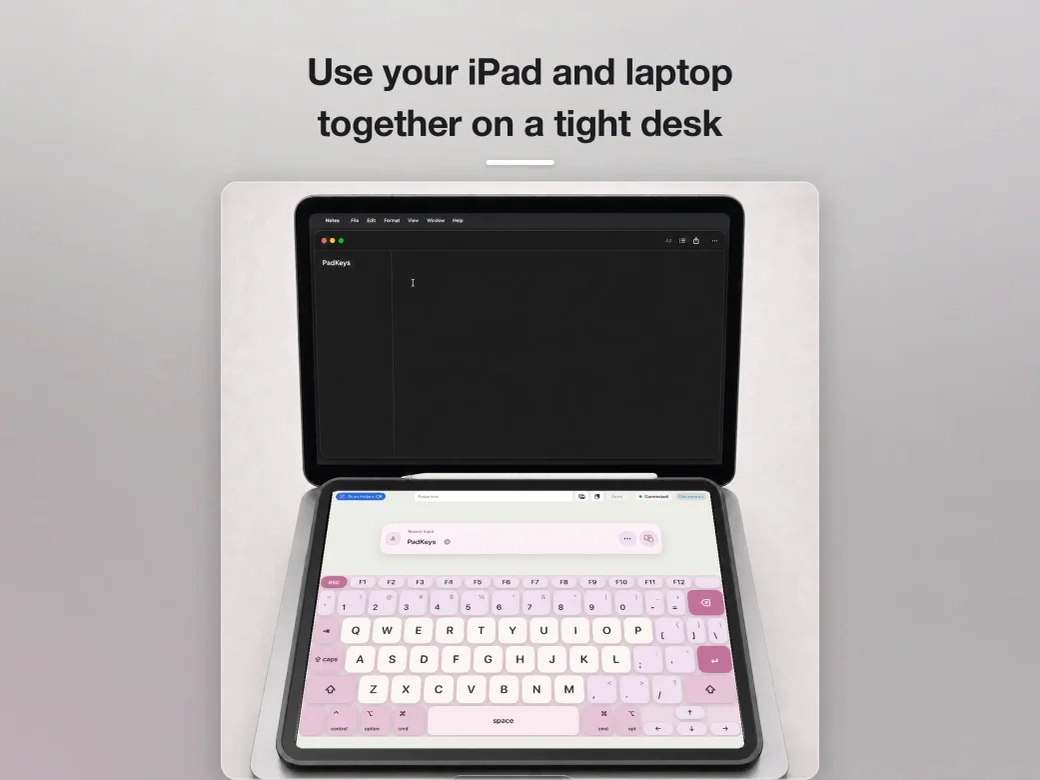
PadKeys provides a full-screen keyboard and lightweight trackpad for laptop input.
Designed for iPad in landscape orientation, PadKeys is useful on small desks, during travel, or whenever you want a large, focused typing surface. Open PadKeys, run PadKeys Helper on your Mac or Windows PC, scan the Helper QR code, and start typing.
Key features:
• Full-screen keyboard designed for landscape use
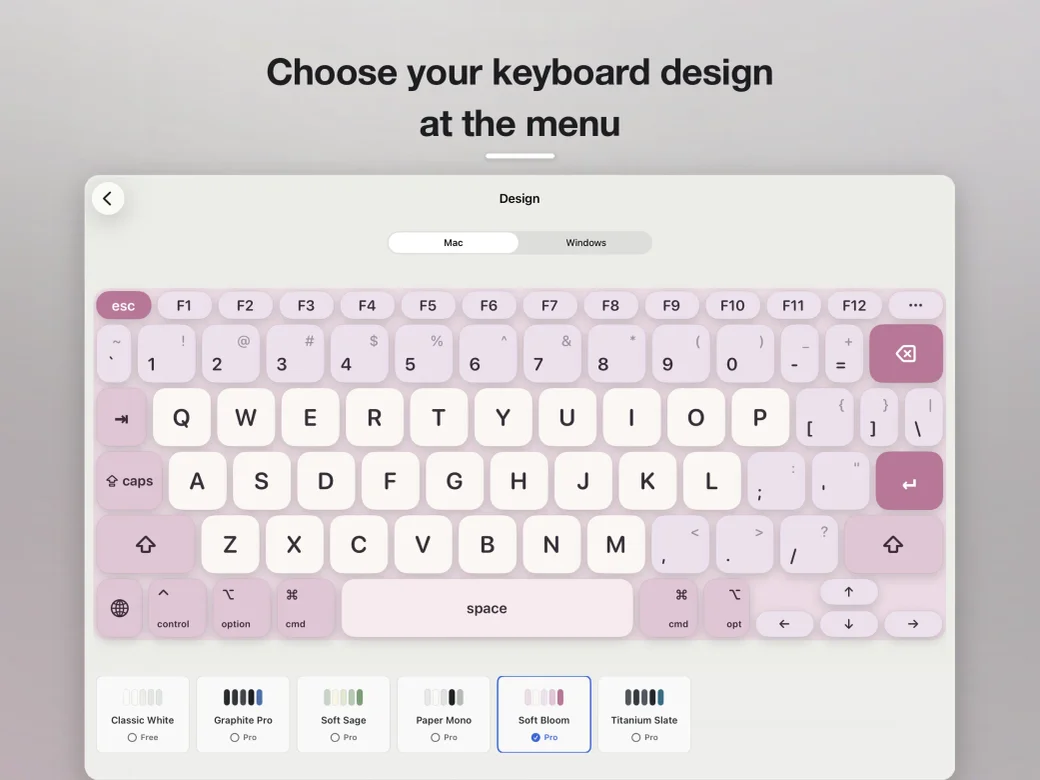
• Keyboard layouts for Mac and Windows
• English QWERTY and Korean keyboard support
• Function keys, arrow keys, modifiers, Space, Enter, Backspace, and more
• Lightweight trackpad for pointer movement
• Tap to left-click, dedicated left/right click buttons, and two-finger scroll
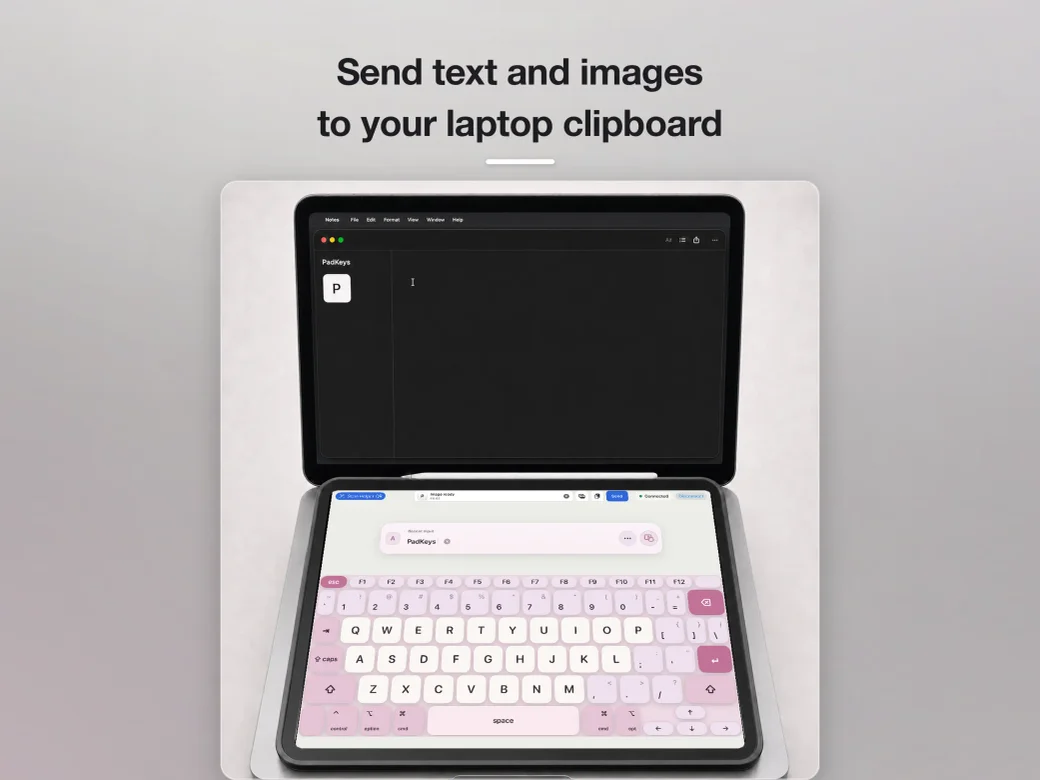
• Text sending to your computer clipboard
• QR-based local network pairing
• No PadKeys account required
PadKeys is keyboard-first. It is not a generic remote-control app. The screen stays focused on typing, pointer control, and quick laptop input.
How it works:
1. Install PadKeys Helper on your Mac or Windows PC.
2. Allow the required input or network permission.
3. Open PadKeys and scan the Helper QR code.
4. Type and control the pointer from PadKeys.
PadKeys connects directly to your computer over your local network. Both devices should be on the same Wi-Fi network, and the helper must be running while you use the app.
PadKeys includes a 14-day free trial that starts after the first successful connection. After the trial, a one-time PadKeys Pro purchase unlocks continued use. No subscription.
Có gì mới
Phiên bản 1.5 · 13/10/2026
PadKeys 1.5 makes typing and scrolling alongside your work easier.
• Switch between pointer movement and scrolling with the trackpad mode button or Apple Pencil double-tap.
• Scroll with one finger or Apple Pencil, with improved scrolling responsiveness on Mac.
• Pinch to zoom in supported Mac apps.
• Enjoy a refined compact layout with quick access to Space and arrow keys.
• Get started with clearer setup guidance, new feature videos, and a dedicated Slide Over walkthrough.
Update your PadKeys Mac Helper to use the latest Mac features.
Quyền riêng tư của ứng dụng
Những gì JUNSEO CHOI khai báo trên App Store về cách ứng dụng này xử lý dữ liệu.
-
Dữ liệu không được thu thập
Nhà phát triển không thu thập bất kỳ dữ liệu nào từ ứng dụng này.
Phương thức đảm bảo quyền riêng tư có thể khác nhau, chẳng hạn như tuỳ theo các tính năng bạn sử dụng hoặc độ tuổi của bạn.
Thông tin
- Người bán
- JUNSEO CHOI
- Danh mục
- Tiện Ích
- Phiên bản
- 1.5
- Cập nhật
- 13/10/2026
- Phát hành
- 04/08/2026
- Kích thước
- 5,6 MB
- Yêu cầu
- iOS 17.0 trở lên
- Độ tuổi
- 4+
- Giá
- Miễn phí
- Mua hàng trong ứng dụng
- Có
- Ngôn ngữ
- Tiếng Anh
- Bản quyền
- © 2026 PadKeys