- 対象年齢4+
- カテゴリ仕事効率化
- 開発元Enthoosa AI
- 言語英語
- サイズ7.0 MB
Palpable AIは現在App Storeで入手できない可能性があります
前回の確認時、ストアのページにアクセスできませんでした。リンク先は引き続きApp Storeの公式ページです。
スクリーンショット
概要
開発元はこのテキストをお使いの言語で提供していません。
--- AI Personal Assistant ---
Palpable AI is a personal assistant in your pocket
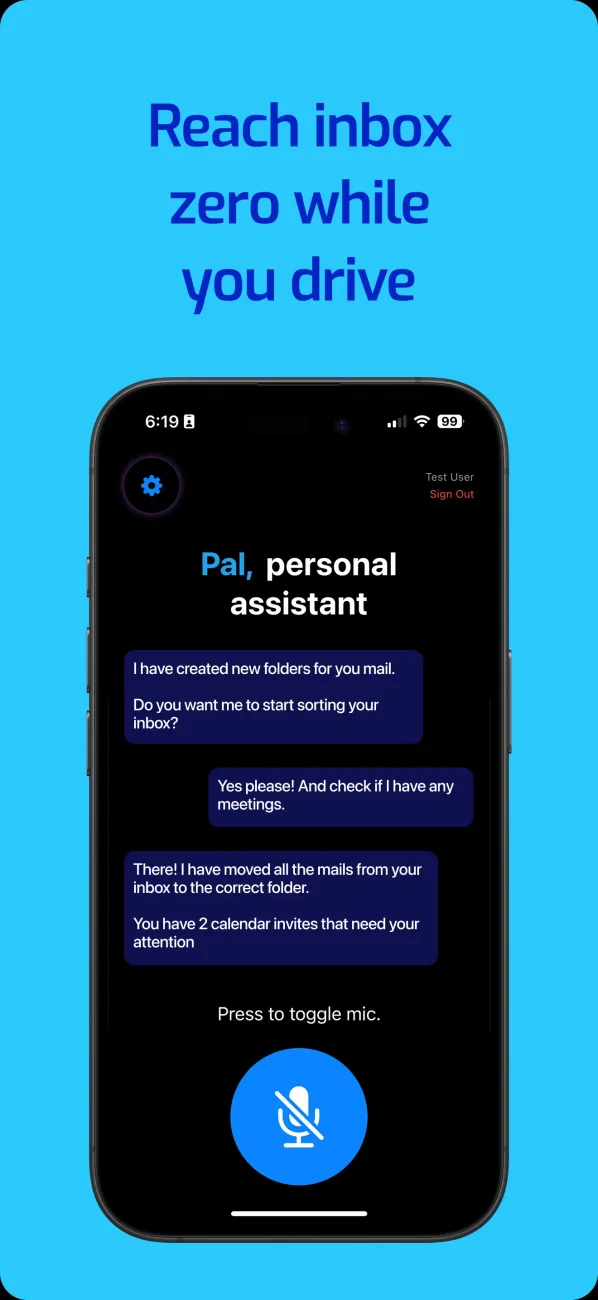
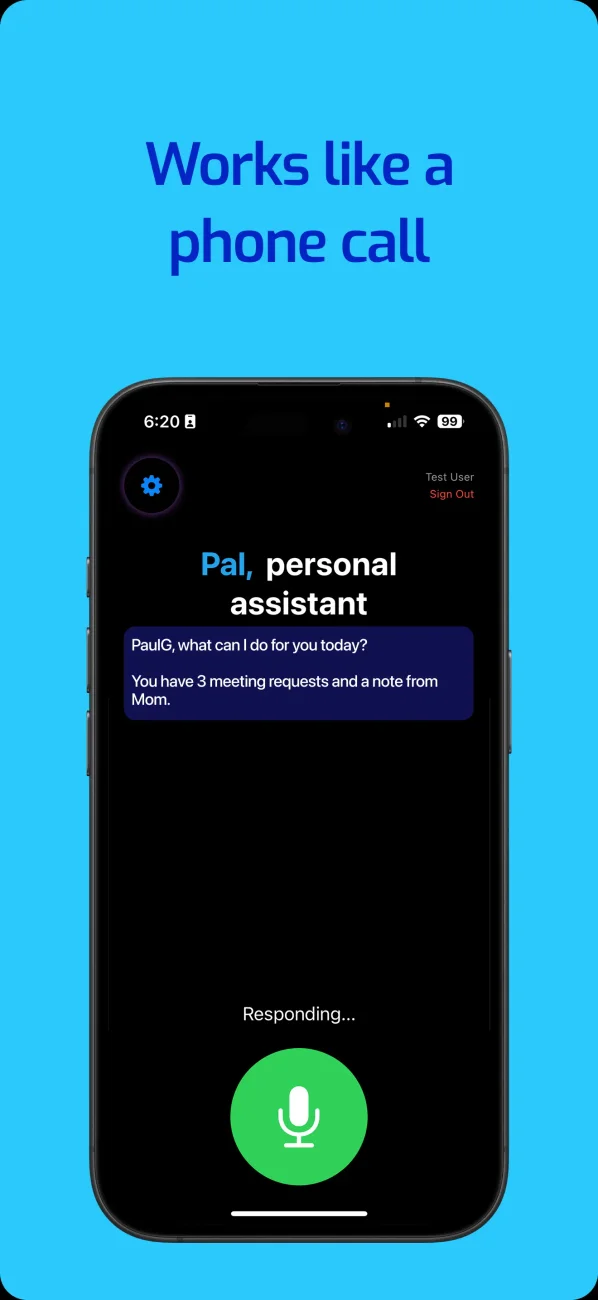
Your AI Pal manages emails, meetings and files, with your voice, just like a phone call.
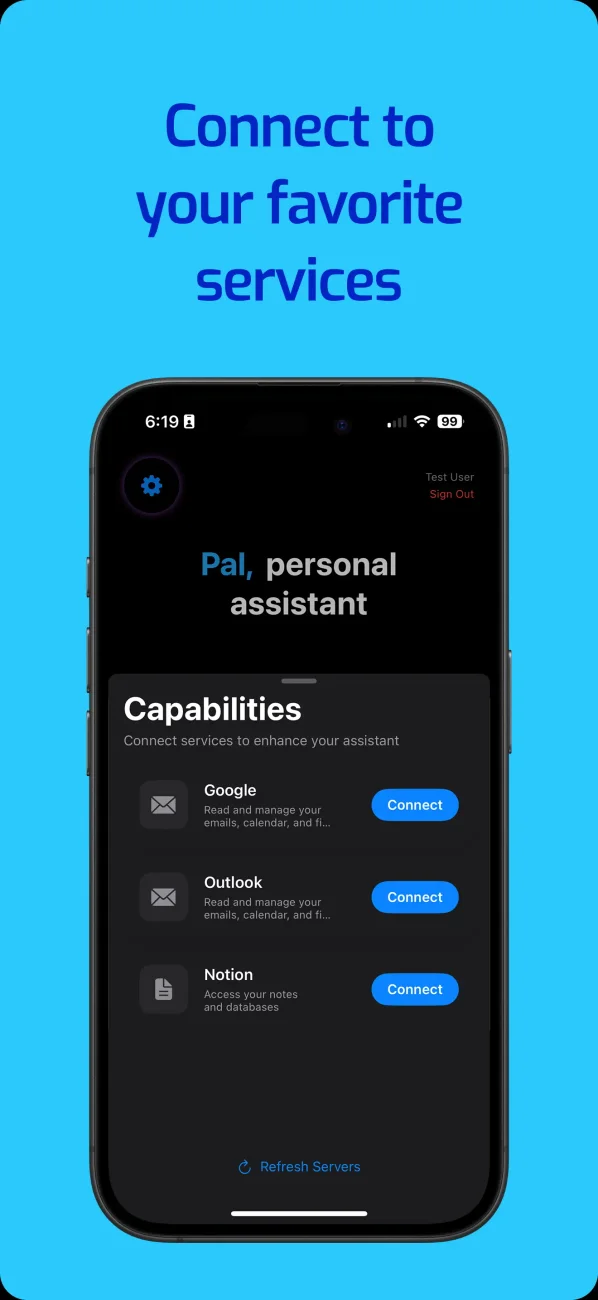
Your Pal can connect to popular services like Google, Outlook, and Notion.
Save Hundreds of Hours Each Year
- AI Pal that can process email and calendar items in seconds
- Work your todo list while in the car or taking a walk
- Write mails and send invites hands-free
Unique AI technology Feels More Human
- New technology upgrades existing AIs to work like a human
- Your AI Pal improves the more you work together
- Guide your Pal to work the way you want
Works with Growing Library of Tools
- Microsoft 365 - Outlook email, calendar, contacts, SharePoint files
- Google Workspace - Gmail, Calendar, Contacts, Drive
- Notion - Notes, documents, databases
- New tools added daily
Example Queries
- "Get me to inbox zero"
- "Respond to all meeting requests"
- "Write an email to Mom wishing her Happy Birthday"
- "Save attachments to my invoices folder"
- "Look at updates to my main Notion page"
Your Data Security Is Our Top Priority
- Palpable limits the amount of data it stores
- All data is stored with enterprise-grade encryption
- Users can delete all their account info instantly
Setup is easy
1. Download Palpable AI from the App Store
2. Choose a subscription with Apple
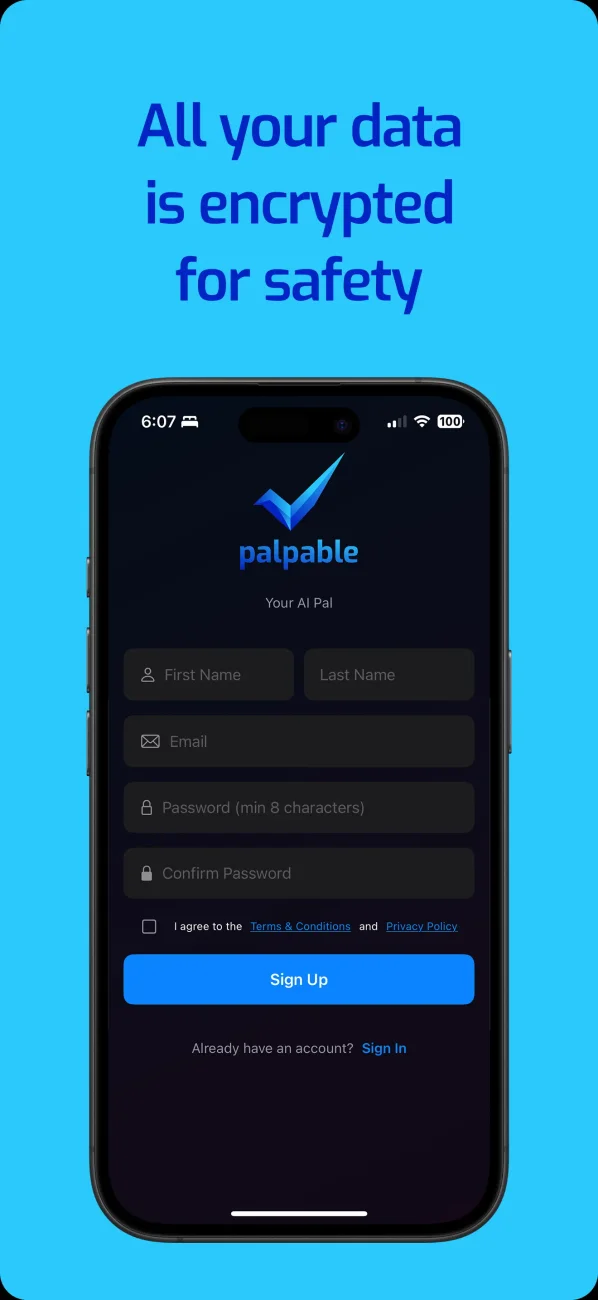
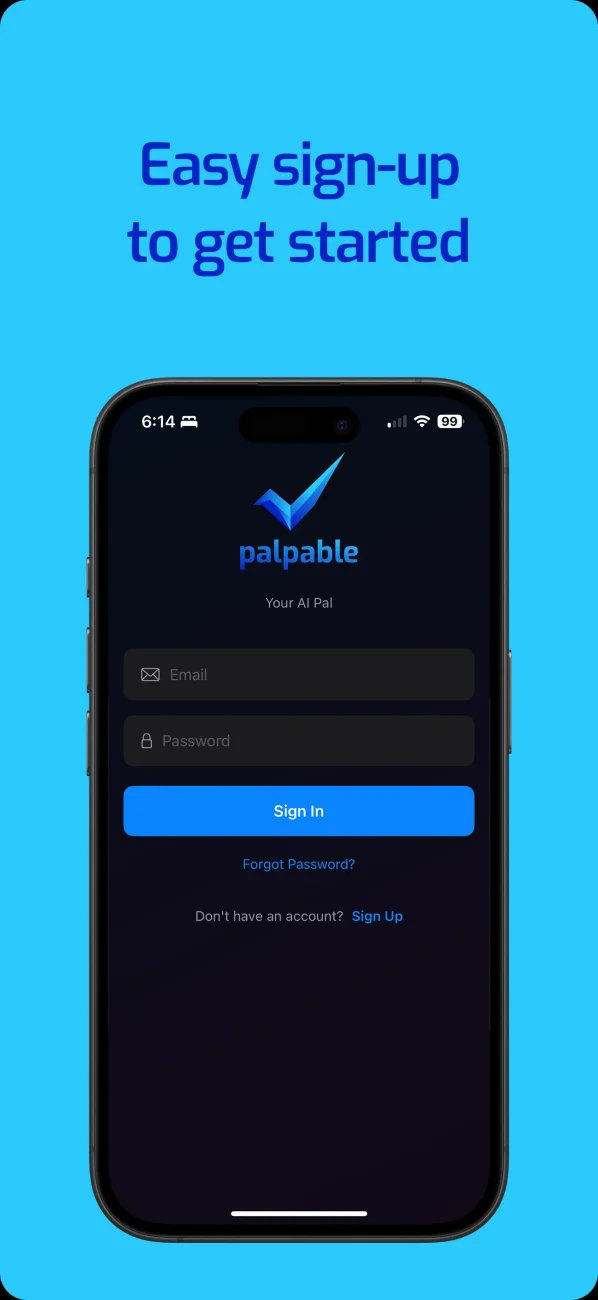
3. Sign up for a Palpable account
4. Log into your favorite services
5. Unmute the mic and start organizing your life
** --- FAQ --- **
How do I get started?
- Set up your account and subscribe
- Once you get the mic icon, tap it to unmute
- Say "hello" and let your Pal guide you
My Pal said it could not access my services:
- You might need to connect to your service
- Tap the gear icon in the top left
- Tap a "Connect" button to enable one of your services
- Follow the log-in prompts
Pal has access to my services, but tells me it is having trouble performing certain actions:
- You might not have given full permissions to the service when you logged in
- Ask Pal how to reset permissions or "scopes" for that service
- With most services, like Google, you will have to log into your account in a web browser and find settings for "3rd party apps"
- The exact steps will vary by service
- Contact Palpable support if you need help
My Pal tells me it is starting a task but nothing happens:
- This is usually due to an issue with downstream services like Google or Outlook
- Contact Palpable support to help reset the service
Privacy Policy: https://palpable.io/policies/privacy-and-policy
Terms of Use: https://palpable.io/policies/terms-and-conditions
新機能
バージョン 1.09 · 2025/11/25
Features and bug fixes:
- Introductory tooltips will now guide new users
- Changed buttons to make user actions more clear
- Fixed bug that would cause app to hang when interrupted by a phone call
アプリのプライバシー
このアプリのデータの取り扱いについて、Enthoosa AIがApp Storeで申告している内容です。
-
ユーザーに関連付けられたデータ
収集され、ユーザーの識別情報に関連付けられる場合があります。
- 位置情報
- 連絡先情報
- ユーザーコンテンツ
- ID
- 診断
プライバシーの取り扱いは、ご利用の機能やお客様の年齢などに応じて異なる場合があります。
情報
- 販売元
- WYLD HILL PTY LTD
- カテゴリ
- 仕事効率化
- バージョン
- 1.09
- 更新日
- 2025/11/25
- リリース
- 2025/10/12
- サイズ
- 7.0 MB
- 必要条件
- iOS 18.5以降
- 対象年齢
- 4+
- アプリ内課金
- あり
- 言語
- 英語
- 著作権
- © 2025 Wyld Hill Pty Ltd