
Palpable AI
AI Pal that Gets. Stuff. Done.
Designed for iPhone
Free · In-app purchases
- Age rating4+
- CategoryProductivity
- DeveloperEnthoosa AI
- LanguagesEnglish
- Size7.0 MB
Links to the official App Store page
Download.org hosts no file of Palpable AI. The button opens its official App Store page, published by Enthoosa AI. Listing last checked on Nov 18, 2026.
Screenshots


About
--- AI Personal Assistant ---
Palpable AI is a personal assistant in your pocket
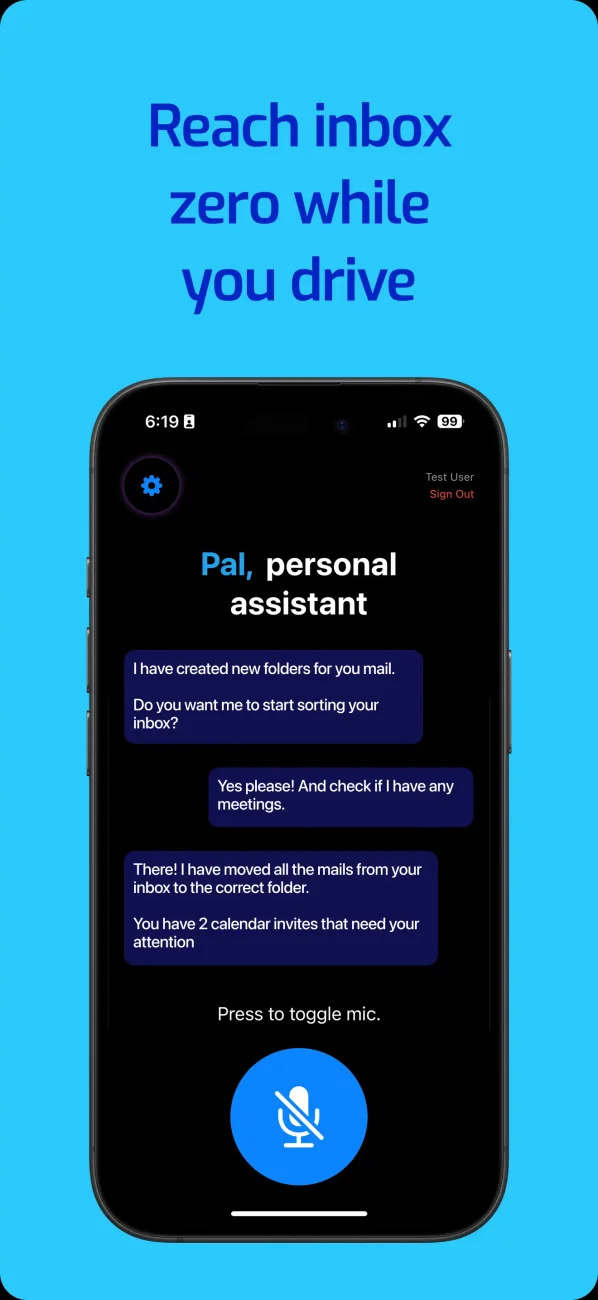
Your AI Pal manages emails, meetings and files, with your voice, just like a phone call.
Your Pal can connect to popular services like Google, Outlook, and Notion.
Save Hundreds of Hours Each Year
- AI Pal that can process email and calendar items in seconds
- Work your todo list while in the car or taking a walk
- Write mails and send invites hands-free
Unique AI technology Feels More Human
- New technology upgrades existing AIs to work like a human
- Your AI Pal improves the more you work together
- Guide your Pal to work the way you want
Works with Growing Library of Tools
- Microsoft 365 - Outlook email, calendar, contacts, SharePoint files
- Google Workspace - Gmail, Calendar, Contacts, Drive
- Notion - Notes, documents, databases
- New tools added daily
Example Queries
- "Get me to inbox zero"
- "Respond to all meeting requests"
- "Write an email to Mom wishing her Happy Birthday"
- "Save attachments to my invoices folder"
- "Look at updates to my main Notion page"
Your Data Security Is Our Top Priority
- Palpable limits the amount of data it stores
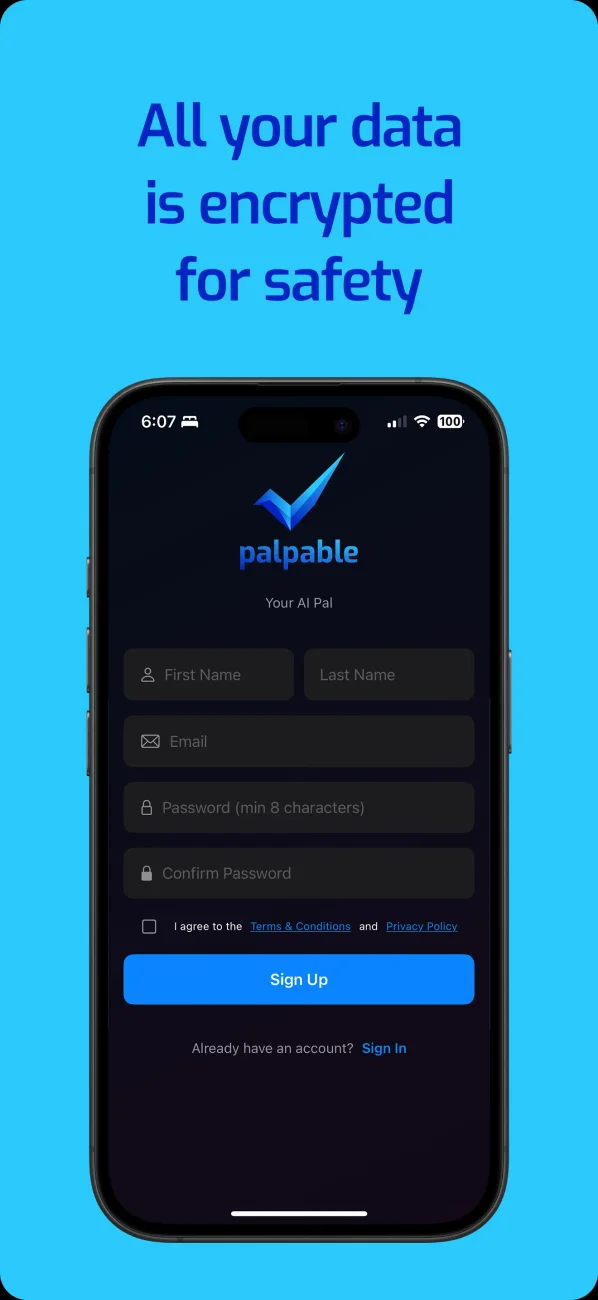
- All data is stored with enterprise-grade encryption
- Users can delete all their account info instantly
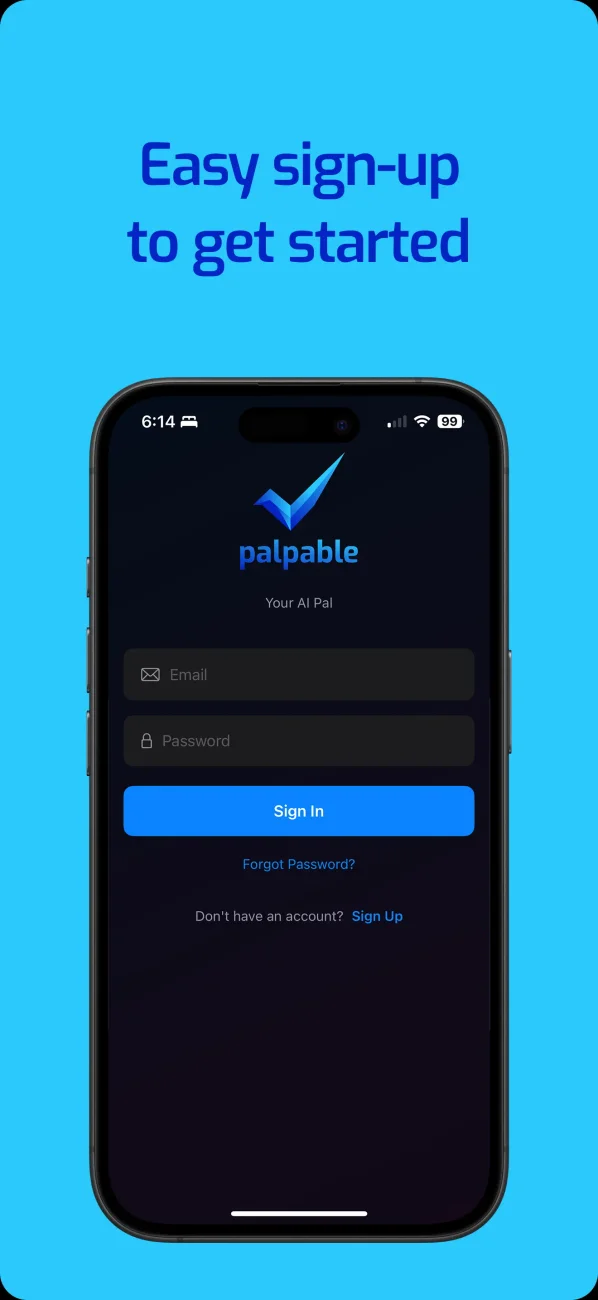
Setup is easy
1. Download Palpable AI from the App Store
2. Choose a subscription with Apple
3. Sign up for a Palpable account
4. Log into your favorite services
5. Unmute the mic and start organizing your life
** --- FAQ --- **
How do I get started?
- Set up your account and subscribe
- Once you get the mic icon, tap it to unmute
- Say "hello" and let your Pal guide you
My Pal said it could not access my services:
- You might need to connect to your service
- Tap the gear icon in the top left
- Tap a "Connect" button to enable one of your services
- Follow the log-in prompts
Pal has access to my services, but tells me it is having trouble performing certain actions:
- You might not have given full permissions to the service when you logged in
- Ask Pal how to reset permissions or "scopes" for that service
- With most services, like Google, you will have to log into your account in a web browser and find settings for "3rd party apps"
- The exact steps will vary by service
- Contact Palpable support if you need help
My Pal tells me it is starting a task but nothing happens:
- This is usually due to an issue with downstream services like Google or Outlook
- Contact Palpable support to help reset the service
Privacy Policy: https://palpable.io/policies/privacy-and-policy
Terms of Use: https://palpable.io/policies/terms-and-conditions
What’s new
Version 1.09 · Nov 25, 2025
Features and bug fixes:
- Introductory tooltips will now guide new users
- Changed buttons to make user actions more clear
- Fixed bug that would cause app to hang when interrupted by a phone call
App privacy
What Enthoosa AI declares on the App Store about how this app handles data.
-
Data linked to you
May be collected and linked to your identity.
- Location
- Contact info
- User content
- Identifiers
- Diagnostics
Privacy practices may vary, for example with the features you use or your age.
Information
- Seller
- WYLD HILL PTY LTD
- Category
- Productivity
- Version
- 1.09
- Updated
- Nov 25, 2025
- Released
- Oct 12, 2025
- Size
- 7.0 MB
- Requires
- iOS 18.5 or later
- Age rating
- 4+
- Price
- Free
- In-app purchases
- Yes
- Languages
- English
- Copyright
- © 2025 Wyld Hill Pty Ltd
You might also like
-
 ElberProductivity
-
 PostFluency: AI Caption WriterBrand DNA & Product Copy AI
-
 Ryokai: AI Calendar AssistantAI powered unified calendar
-
 Echo • Thinks like youMeGPT
-
 OWL AlertsProductivity
-
 Ramble: AI Thought PartnerA voice-based thinking partner
-
 dfCalProductivity
-
 LaterPile: Mail & BillsScan mail, never miss a bill
-
 Photo to Calendar: CalensnapScan image to your schedule
-
 Shared Calendar - CalenmateSync Family, Work & Friends